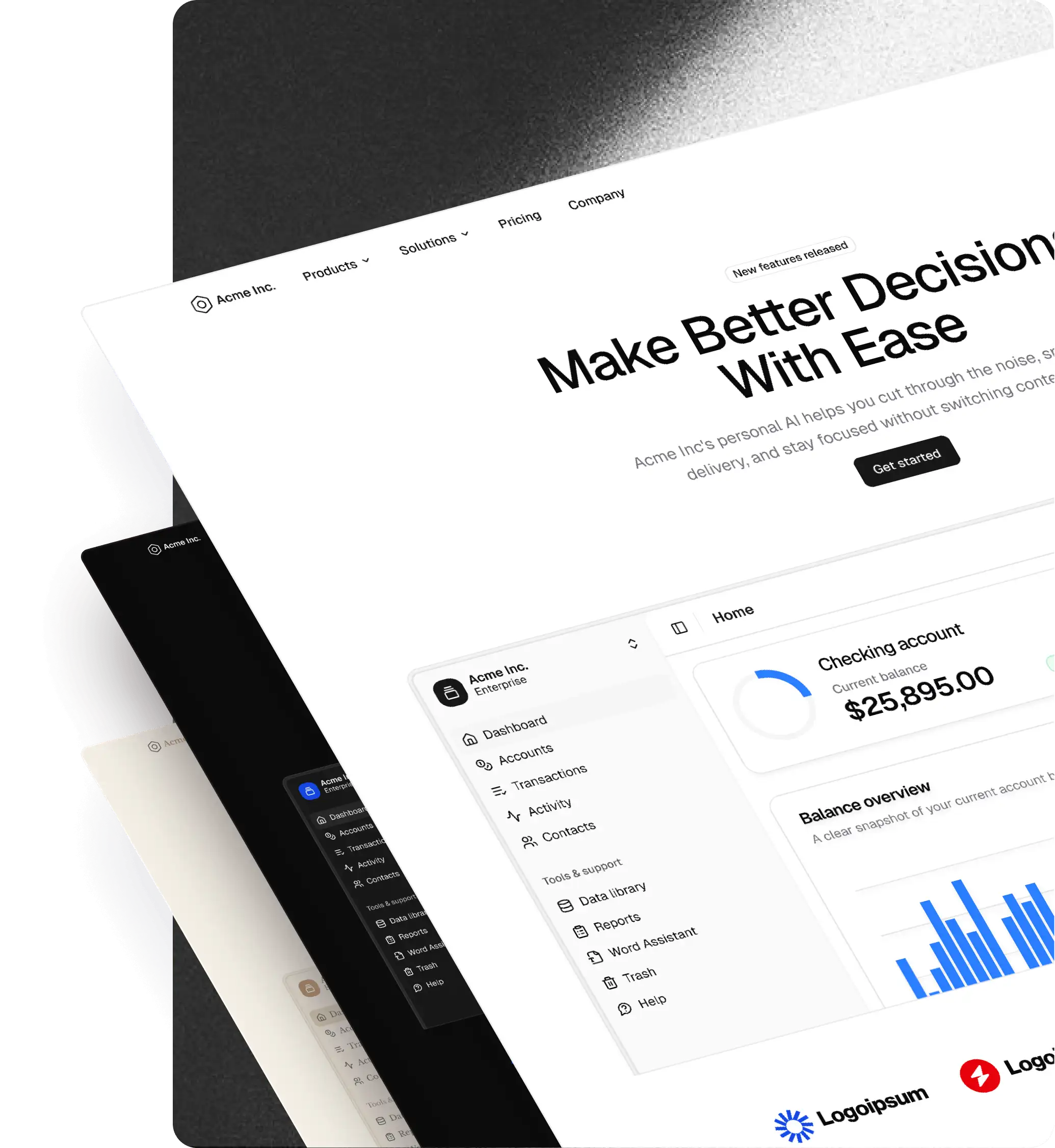
The shadcn/ui design systems blog
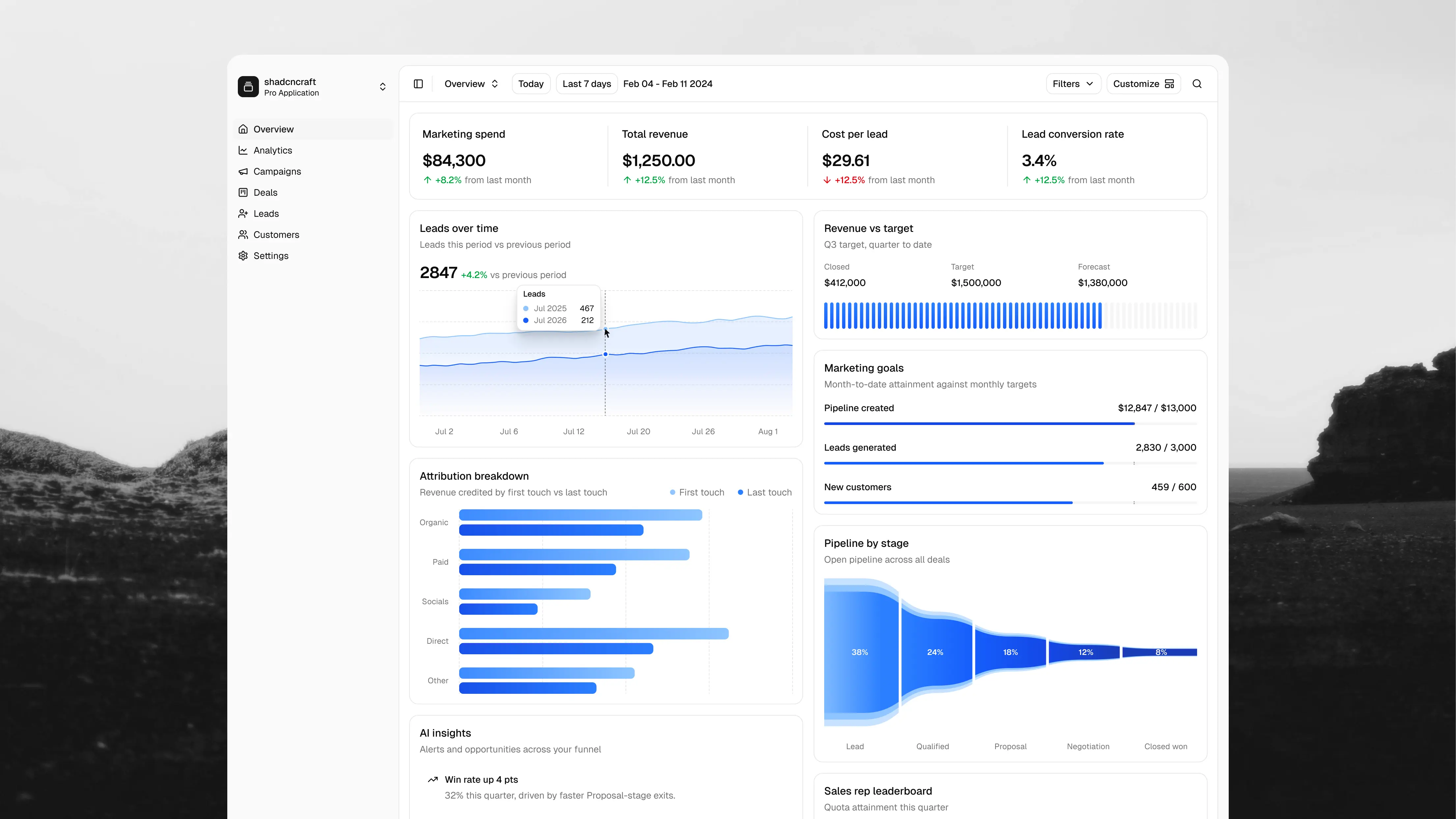
A shadcn/ui dashboard app with 23 blocks in Figma and React
Build faster with a complete shadcn/ui sales and marketing dashboard for Next.js, plus 23 reusable React blocks and matching Figma designs.

A Tailwind Plus alternative built on shadcn/ui, with Figma
Build with shadcncraft: shadcn/ui components, ready-made blocks, and a matching Figma kit for your next React project.
Base v3.1: current with shadcn/ui, organized like Pro
Base Figma catches up with the latest shadcn/ui components, including Questionnaire, and is cut from the Pro v3.5 file, so it has the same page structure and names as Pro.
AI Chat comes to our shadcn/ui Figma kit
Pro v3.6 brings AI Chat into Figma, matched 1:1 with the React blocks, adds row drag and drop to 15 Table blocks, and introduces App Shell blocks. Plus the file is reorganized to mirror the site, page for page and name for name.
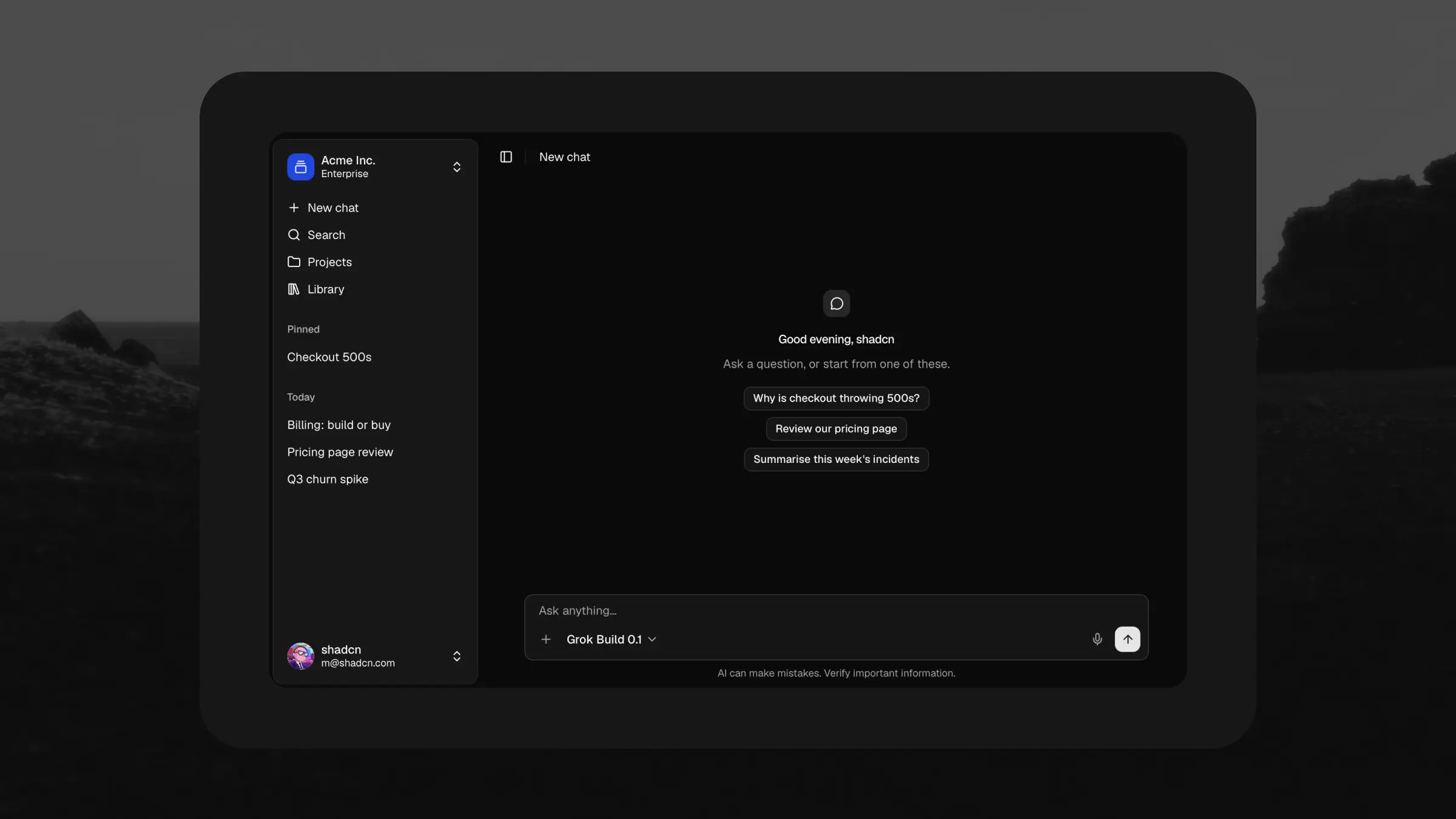
AI Chat: a complete shadcn/ui app for Next.js
A complete AI chat application for Next.js, built on shadcn/ui and the Vercel AI SDK. Thread history, projects, a file library, share links, and an assistant panel that docks beside your own app.
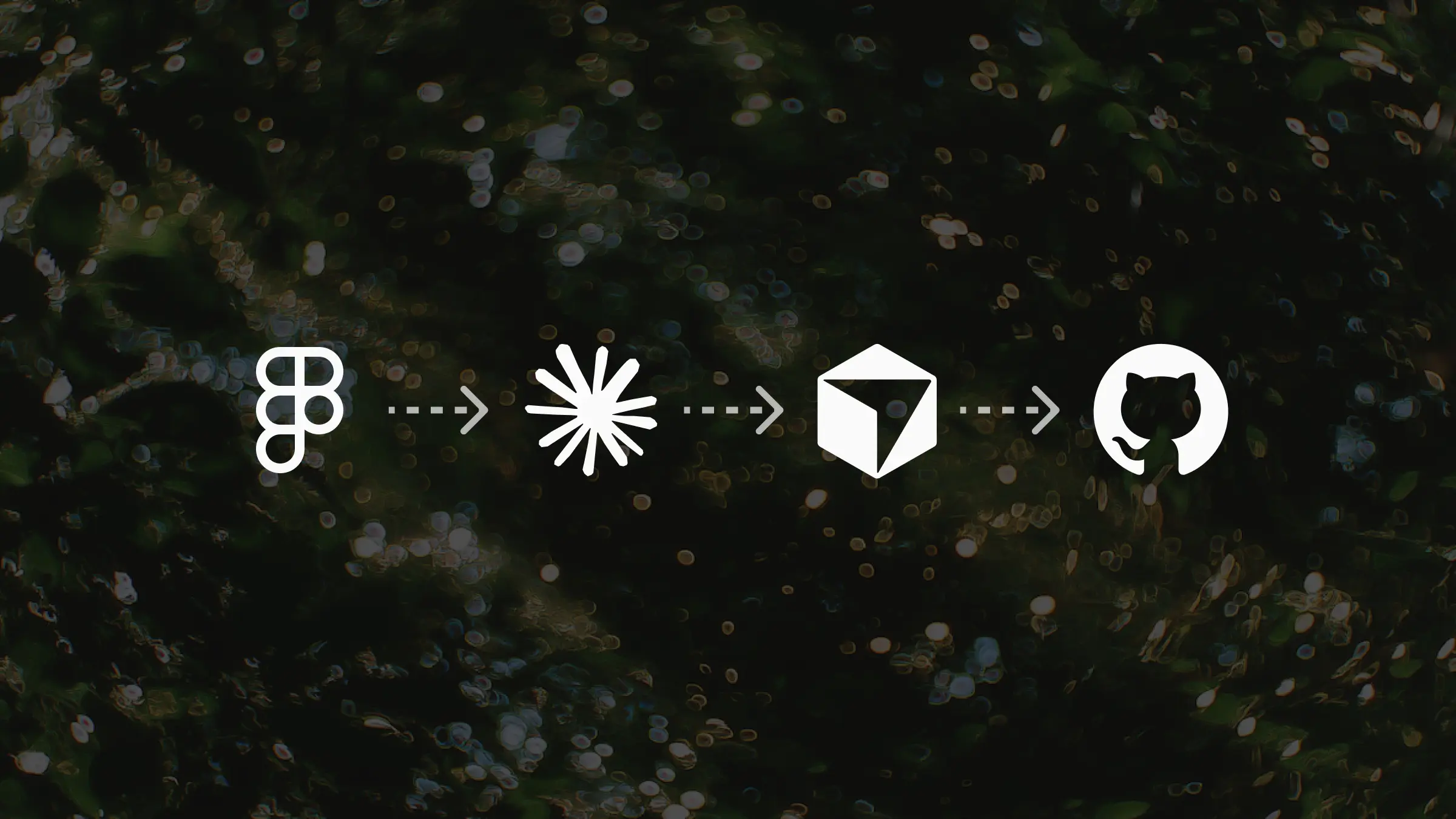
Figma to React with shadcn/ui: Claude Code, MCP, and GitHub
Assemble a landing page from shadcncraft blocks in Figma, theme it with the plugin, connect the Figma MCP to Claude Code, and push the build to GitHub.
How shadcn/ui maps to Figma: variables, styles, and structure
What it takes for a Figma file to genuinely map to shadcn/ui code: shared data-slot names, tokens as variables, styles as native modes, and why AI needs it.
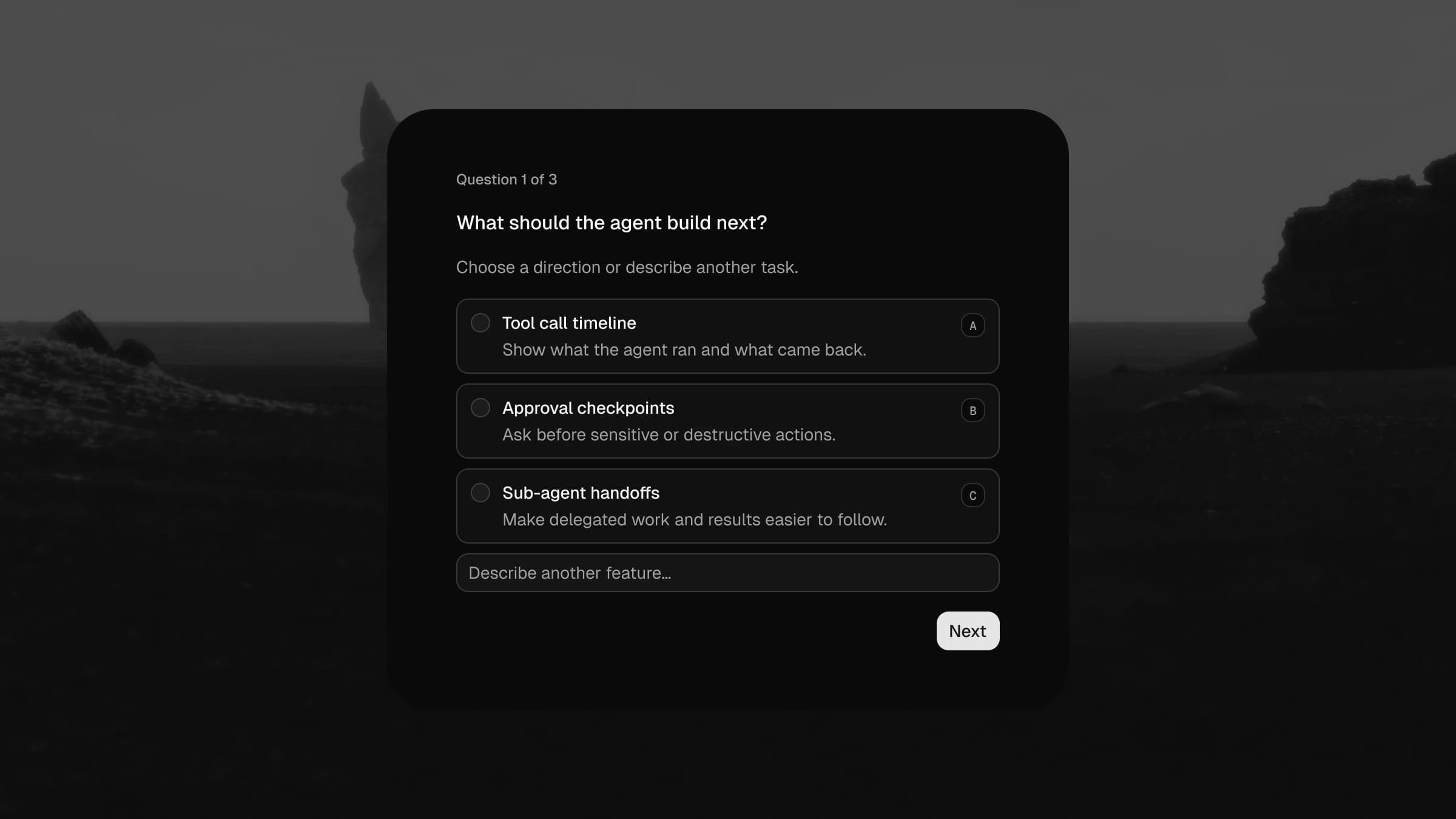
shadcn/ui Questionnaire comes to the shadcncraft Figma kit
shadcn/ui shipped Questionnaire, and the Figma version landed in shadcncraft Pro the same day: five components, 20 choice variants, all eight styles, and thirteen examples straight from the docs.
Agent Skills for building with shadcn/ui and shadcncraft
Your design system, now inside your AI editor. Four Agent Skills that turn shadcncraft into production React from Claude Code, Cursor, and Codex.

From Figma to production React with shadcn/ui and AI
The four pieces of the new design-to-code workflow: shadcncraft in your project, the shadcncraft Figma kit, the Figma MCP, and the shadcn MCP, plus the Agent Skills that package the whole loop. How to set it up, what the loop looks like on a real task, and how to bring it into an existing project.

Claude Cowork has changed managing a Figma design system library forever
Field notes from a month of running a Figma library with Claude Cowork in the loop. What it is great at (variables, rebinding, scoped refactors, plugin generation), what it cannot do (anything truly visual), and the workflow rules I had to learn the hard way so it does not eat your file.

How to speed up your shadcn/ui Figma kit in shadcncraft
A practical guide to slimming down your shadcncraft Figma file. Cut unused pages, icons, components, and images so your working copy loads fast, without ever touching the originals.
Native shadcn/ui styles and presets now in Figma
All eight styles now live natively in Figma variable modes. Or paste any shadcn Create preset into the shadcncraft plugin and recreate it 1:1 inside your Figma file. Limited-time 15% off Pro and Pro + React for this launch.
Build a shadcn/ui design system with shadcncraft Create
shadcncraft Create mirrors shadcn Create, with the same styles, bases, icon libraries, themes, fonts, and preset workflow, plus live previews of shadcncraft pro blocks.
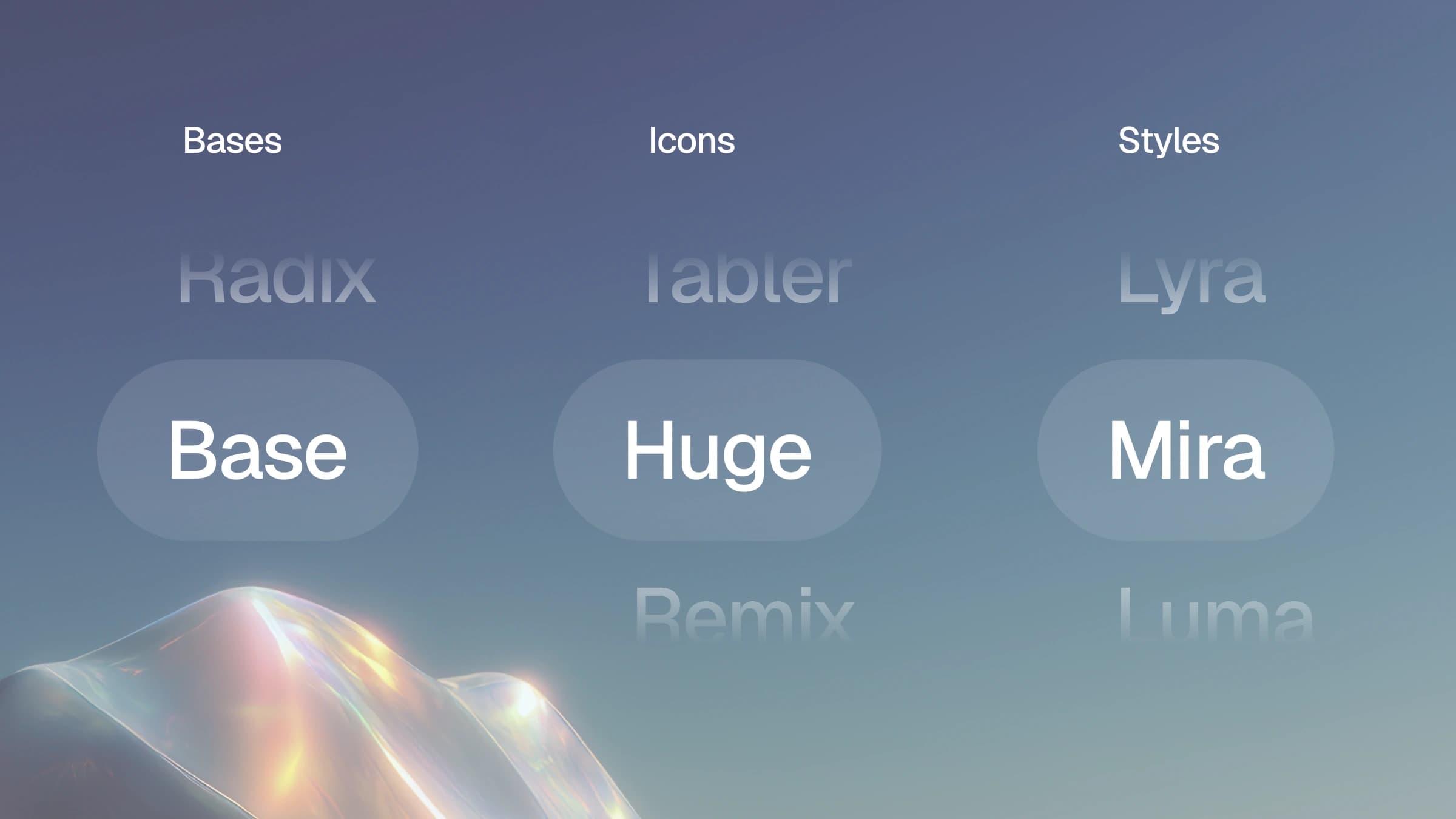
Choose your shadcn/ui base, style, and icons
shadcncraft now supports Base UI, all seven shadcn styles, multiple icon libraries, and a new customizer for previewing combinations before install.
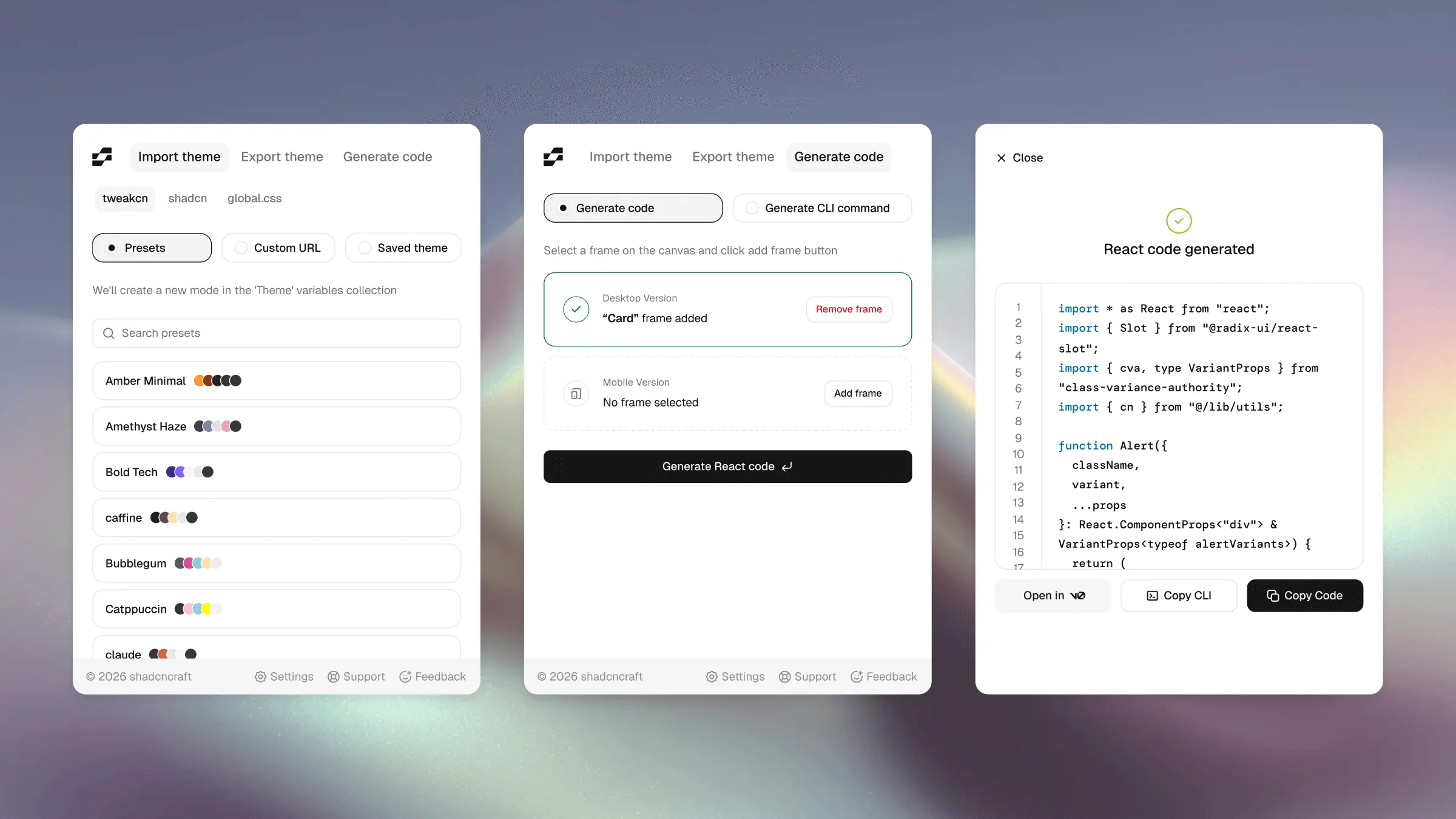
shadcncraft Figma plugin v2: shadcn/ui themes and React export
We’ve released version 2 of the shadcncraft Figma plugin, introducing a much deeper connection between Figma, shadcn tooling, and production code.

Introducing shadcncraft
Today we’re launching a new name, a new brand, and a completely rebuilt website. Shadcraft is now shadcncraft.
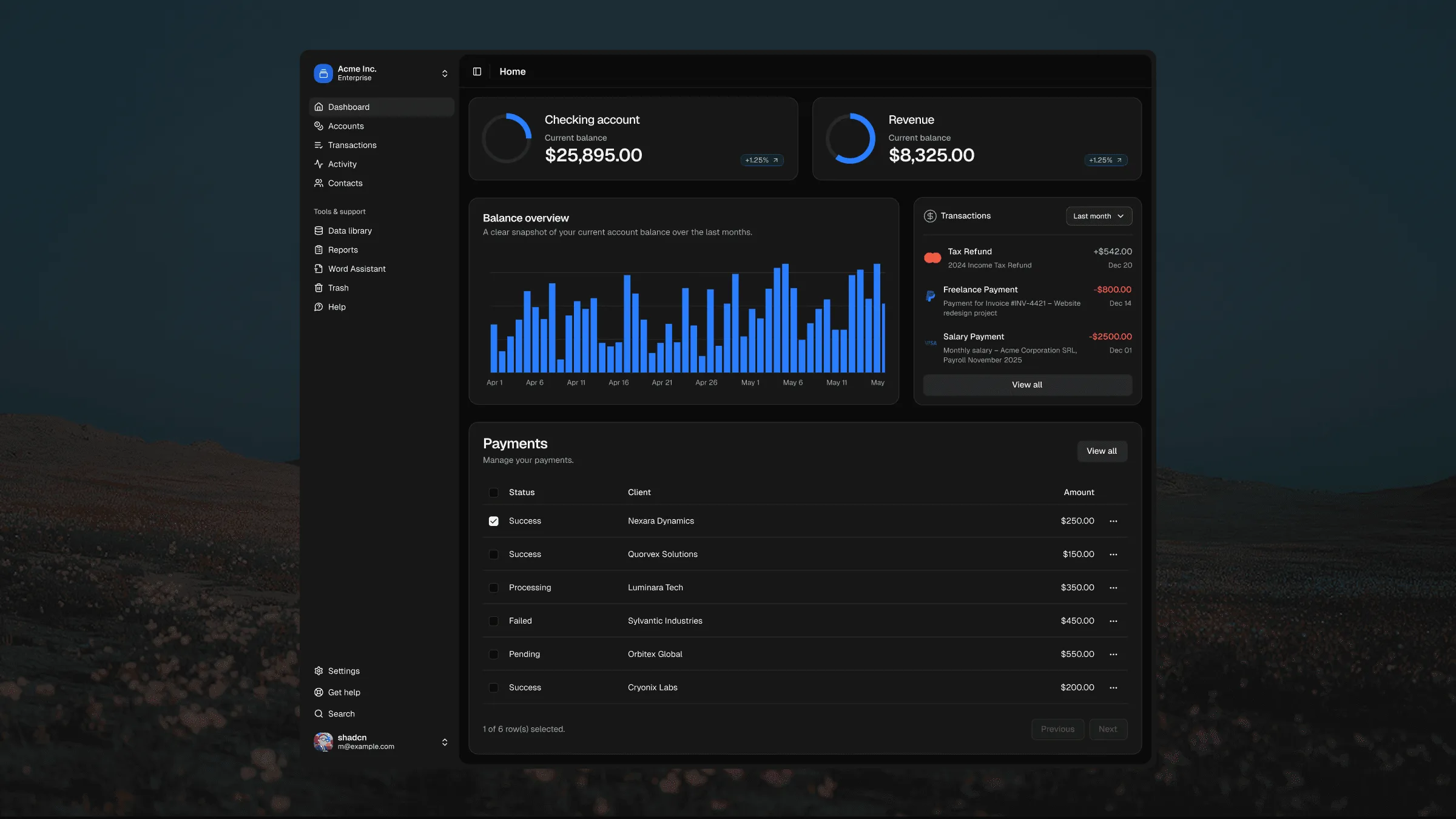
New shadcn/ui application components and blocks
Application components and blocks are now included in both the Pro and Pro + React Kits. If you already own either product, they’re available right now in your Polar customer portal.
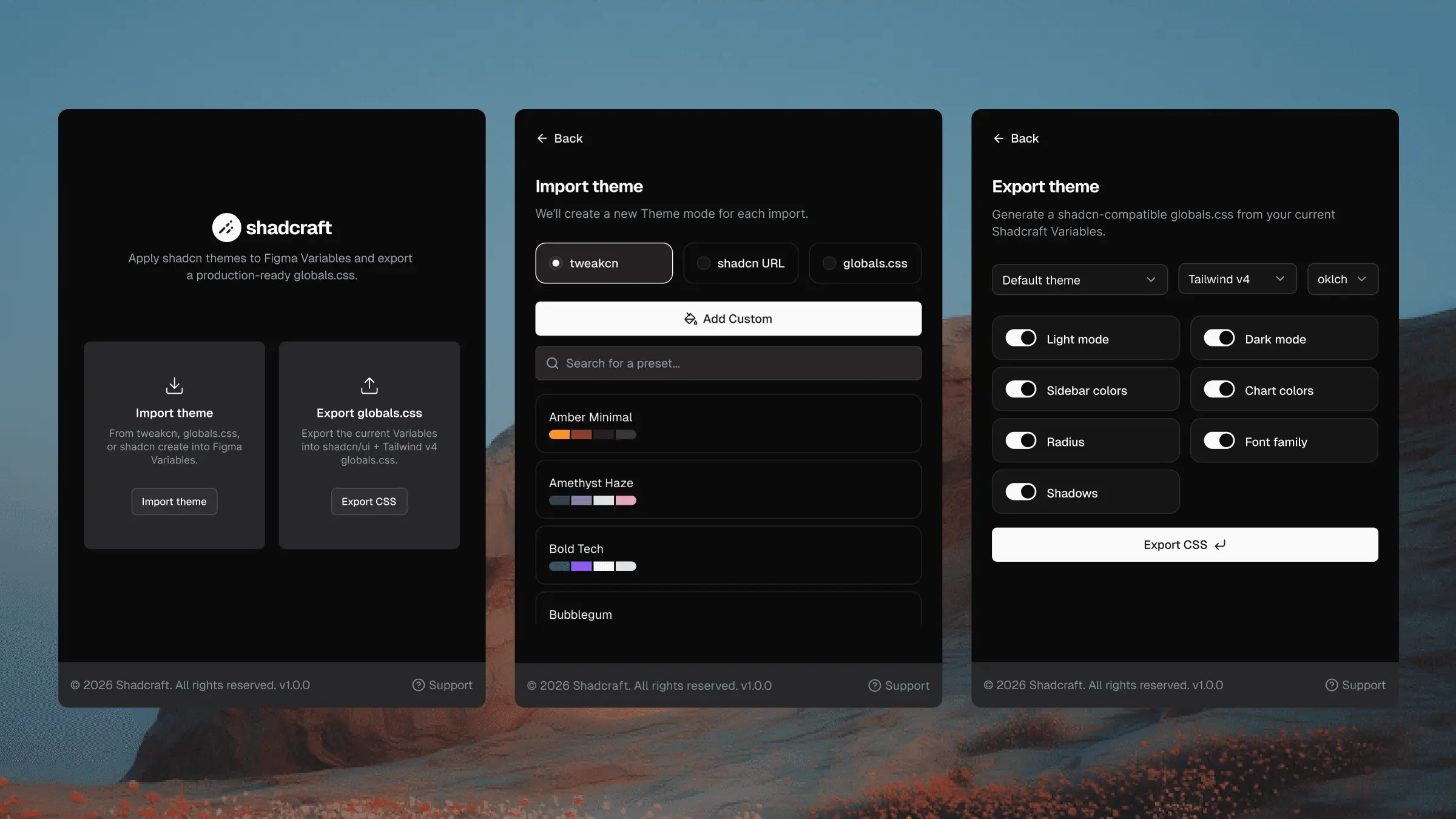
Introducing the shadcncraft Figma plugin for shadcn/ui themes
Today we’re releasing the shadcncraft Figma plugin.
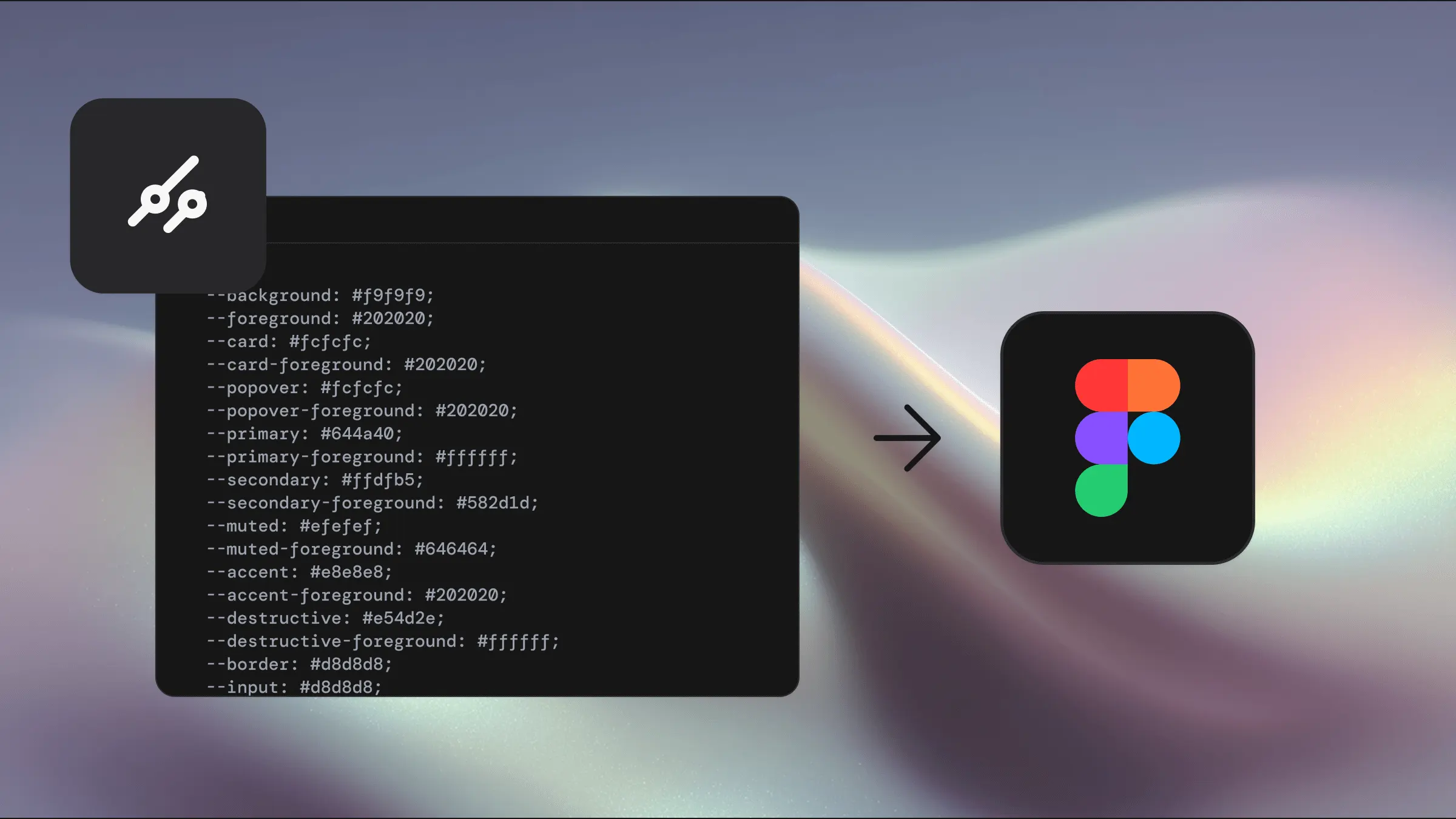
The fastest way to theme shadcn/ui with tweakcn
Theming is one of the quickest ways to make shadcn/ui feel like your brand. The default system has a clean black and white foundation, but every real project eventually needs colour, tone and personality. For many teams, this is where things slow down. Updating variables, aligning Figma with code and trying to manage light and dark mode can turn into days of manual work.
Best practice patterns for tabbed interfaces in shadcn/ui
Tabbed interfaces are one of the most common navigation patterns in modern product design. They let users switch between related sections without losing context. In shadcn/ui, tabs are built on top of Radix primitives, which means you get strong accessibility foundations and predictable behaviour by default.
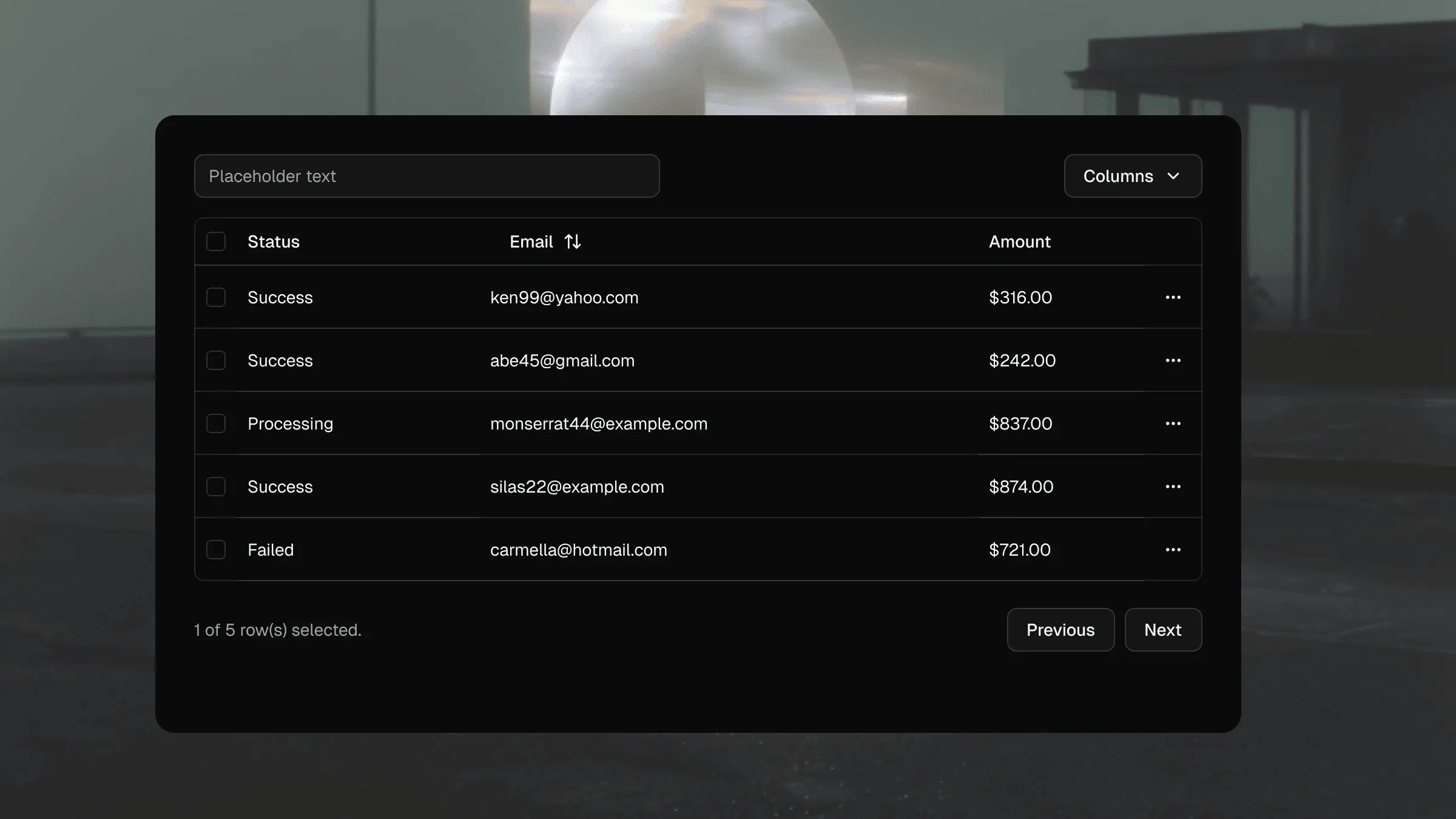
Building production ready data tables with shadcn/ui
Go beyond the default shadcn/ui data table. Learn sorting, filtering, column pinning, row selection, and responsive patterns for production React apps.

The complete beginner’s guide to shadcn/ui
New to shadcn/ui? Learn what it is, how it works with React and Tailwind, and why teams prefer copy-paste components over traditional UI libraries.
Using Figma Code Connect with our shadcn/ui kit
Anyone who has worked through a design handover knows the pain: the Figma file looks immaculate, yet the coded version drifts. Spacing shifts a little. States don’t behave the way they were designed. Variants aren’t interpreted consistently. Even with a strong design system, these gaps still appear.
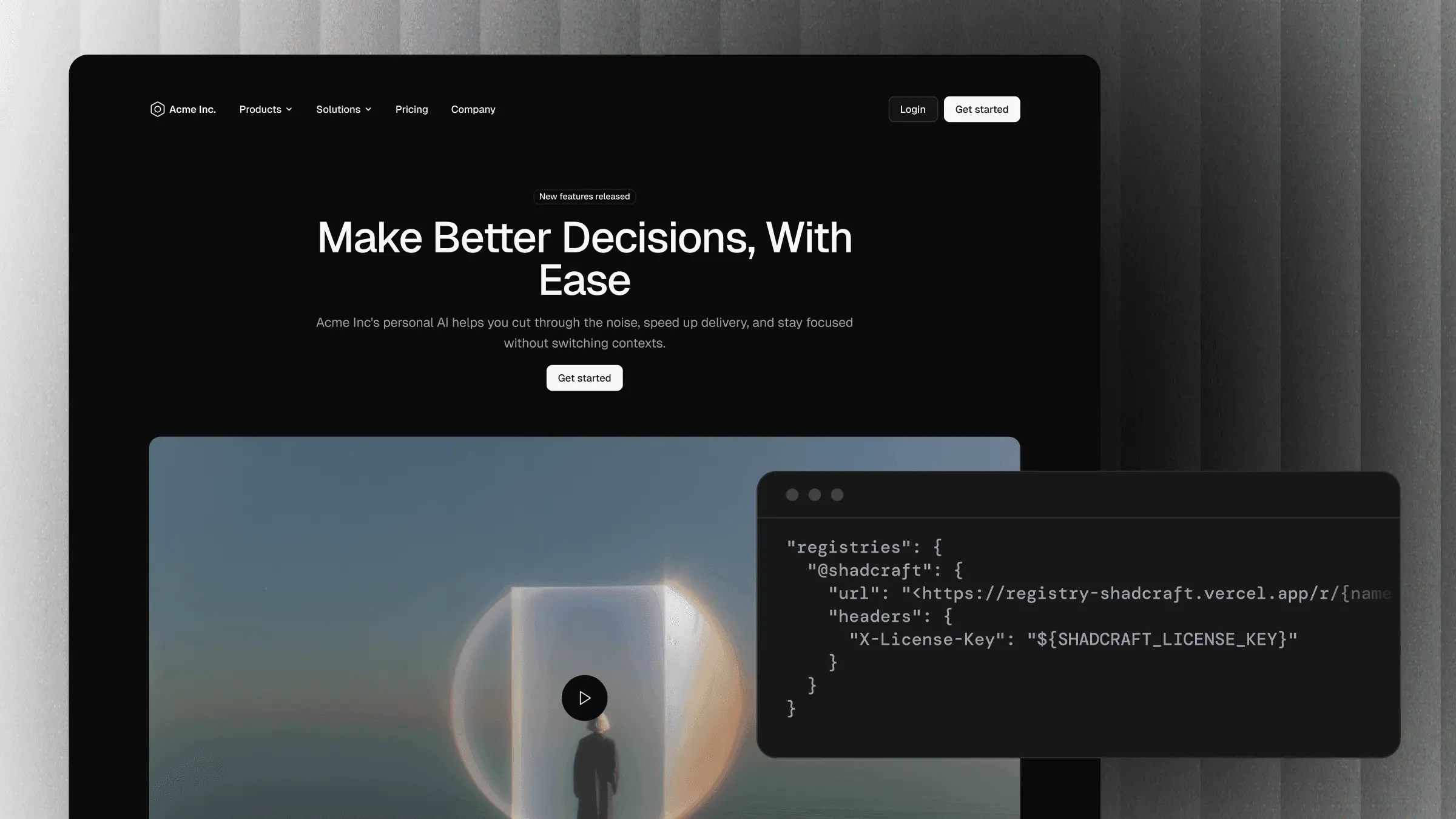
Build shadcn/ui pages from one prompt with the shadcn MCP server
Set up the shadcn MCP server with Cursor or Claude Code, then build full, production-ready pages from a single prompt using the shadcncraft registry.

Our Black Friday Sale is now on! 30% off everything.
The biggest discount we have ever offered

Five essential Figma plugins for design systems
When we started building shadcncraft, our premium Figma UI kit for the shadcn/ui ecosystem, we knew the level of detail needed to be high. The aim was to mirror the structure, behaviour, and developer mindset behind shadcn/ui. That meant clean variables, pixel precision, consistent rounding, correct node types, and instant theming.