28 new shadcn/ui marketing blocks
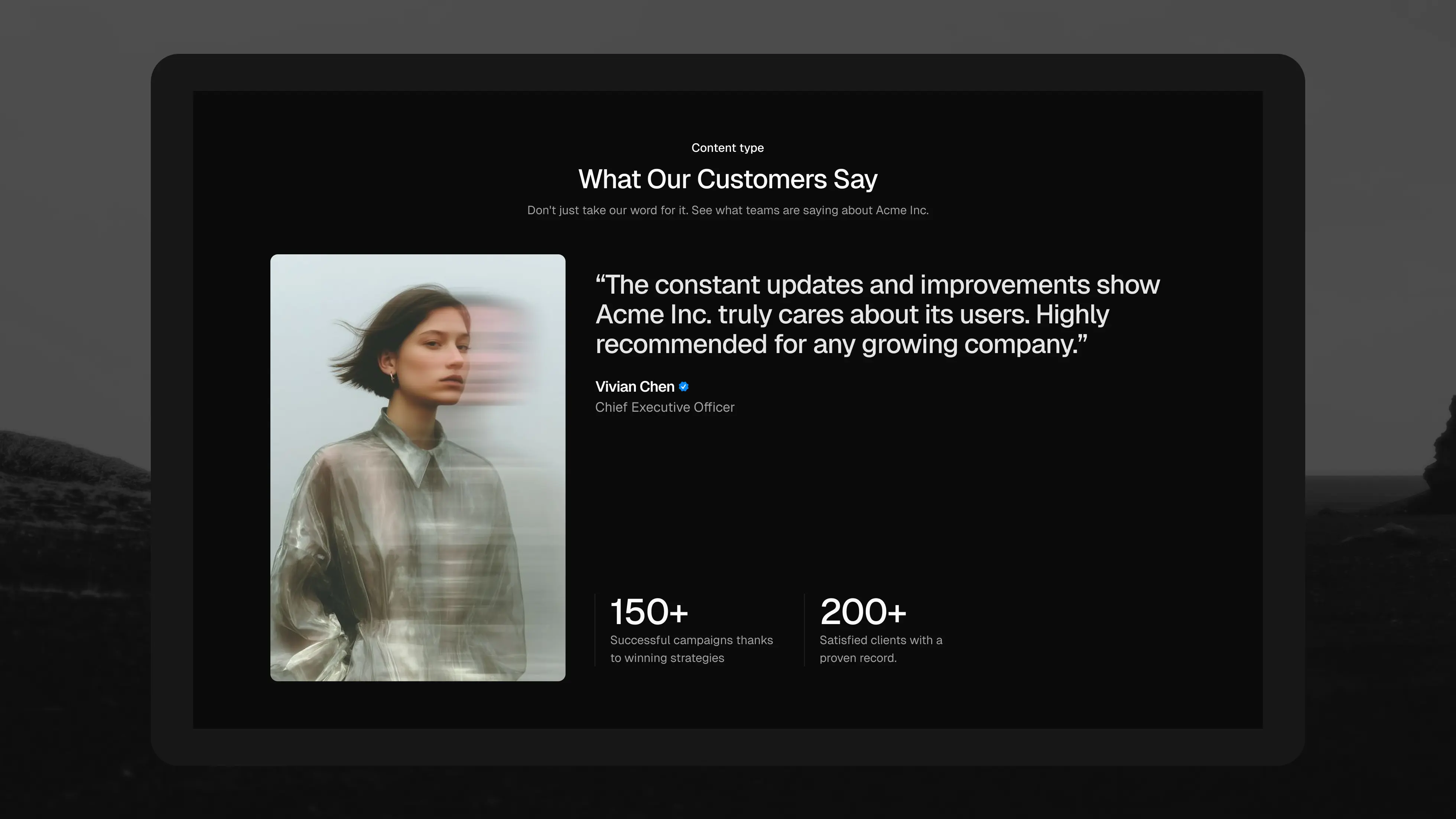
We've added 28 new marketing blocks to the shadcncraft React registry: nine benefits sections, four metrics sections, three pricing sections, and twelve testimonial sections.
This release gives you more options for the parts of a landing page that explain your product and help people decide. Show an interface alongside its benefits, put results into context, give customer stories room to breathe, and choose a pricing layout that fits your offer.
Nine new ways to show what your product does
The new benefits blocks cover everything from a large product showcase to a compact grid of feature cards.
Use Benefits 14 for a prominent product visual with a supporting row of icons and text. Benefits 17 pairs a heading with stacked cards, while Benefits 21 gives each feature equal space in a balanced grid. For a longer explanation, Benefits 22 puts a feature list beside a large image.
There are nine new layouts in total, from benefits-14 through benefits-22. Pick the structure that fits your content, then replace the sample copy and visuals with your own.
Four metrics sections for the numbers behind the story
The new metrics blocks give results a place on your marketing page.
Metrics 8 arranges several figures in a simple grid. Metrics 9 and 10 use circular indicators to show progress alongside the numbers. Metrics 11 pairs an explanation with supporting stats, useful when a figure needs a little context.
Use them for customer reach, time saved, adoption, or other results you can substantiate.
Three pricing layouts for different offers
A pricing section should reflect how people choose your product. The three new pricing blocks take different approaches:
- Pricing 8: an introduction beside stacked plans, with one plan highlighted.
- Pricing 9: a unified group of plans with equal visual weight for comparison.
- Pricing 10: a free tier beside a more prominent paid plan.
Choose the layout that matches your plans, then adapt the features, prices, and calls to action.
Twelve new testimonial layouts
The biggest addition in this release is testimonials, with twelve new blocks from testimonials-12 through testimonials-23.
There are layouts for a single customer story, photo cards, carousels, scrolling quote collections, and a masonry grid. Testimonials 16 gives one quote and a large image the focus. Testimonials 17 combines a customer quote with supporting metrics. Testimonials 23 lets quotes of different lengths sit together in a three-column masonry layout.
You can build around one detailed endorsement or share a broader collection of customer voices.
Install the blocks you need
The new blocks are part of the Pro Marketing collection, available with Pro React and Pro Figma + React.
With your registry access configured, install any block using the shadcn CLI:
$ pnpm dlx shadcn@latest add @shadcncraft/benefits-14
Or bring a few sections into your project together:
$ pnpm dlx shadcn@latest add @shadcncraft/metrics-9 @shadcncraft/pricing-10 @shadcncraft/testimonials-23
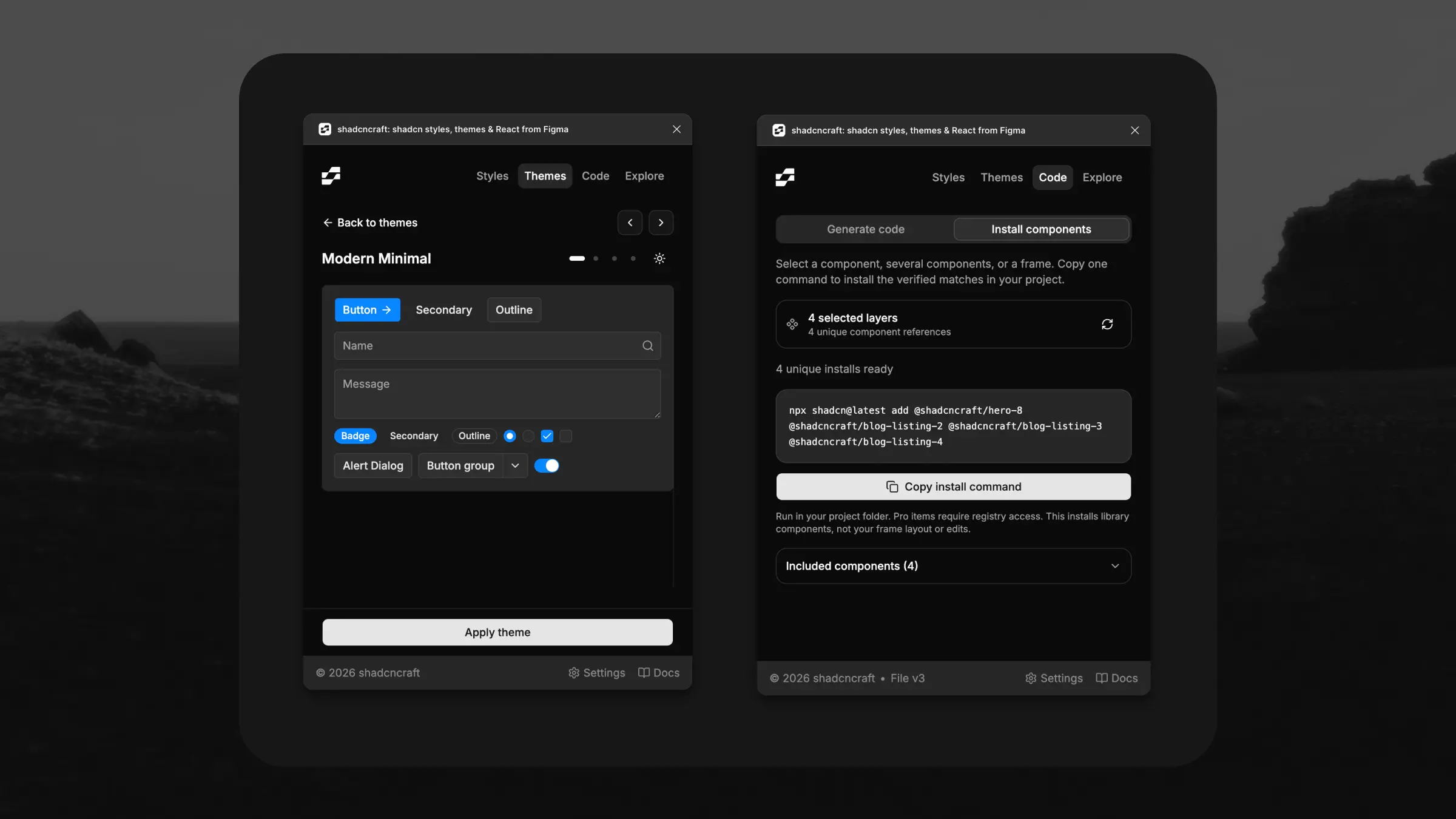
The source lands in your project, ready for your copy, images, and theme. You can also browse and install blocks through the shadcncraft editor extension.
New to the registry? Follow the installation guide to connect your license and set up your project.