From Figma to your next build, with fewer steps
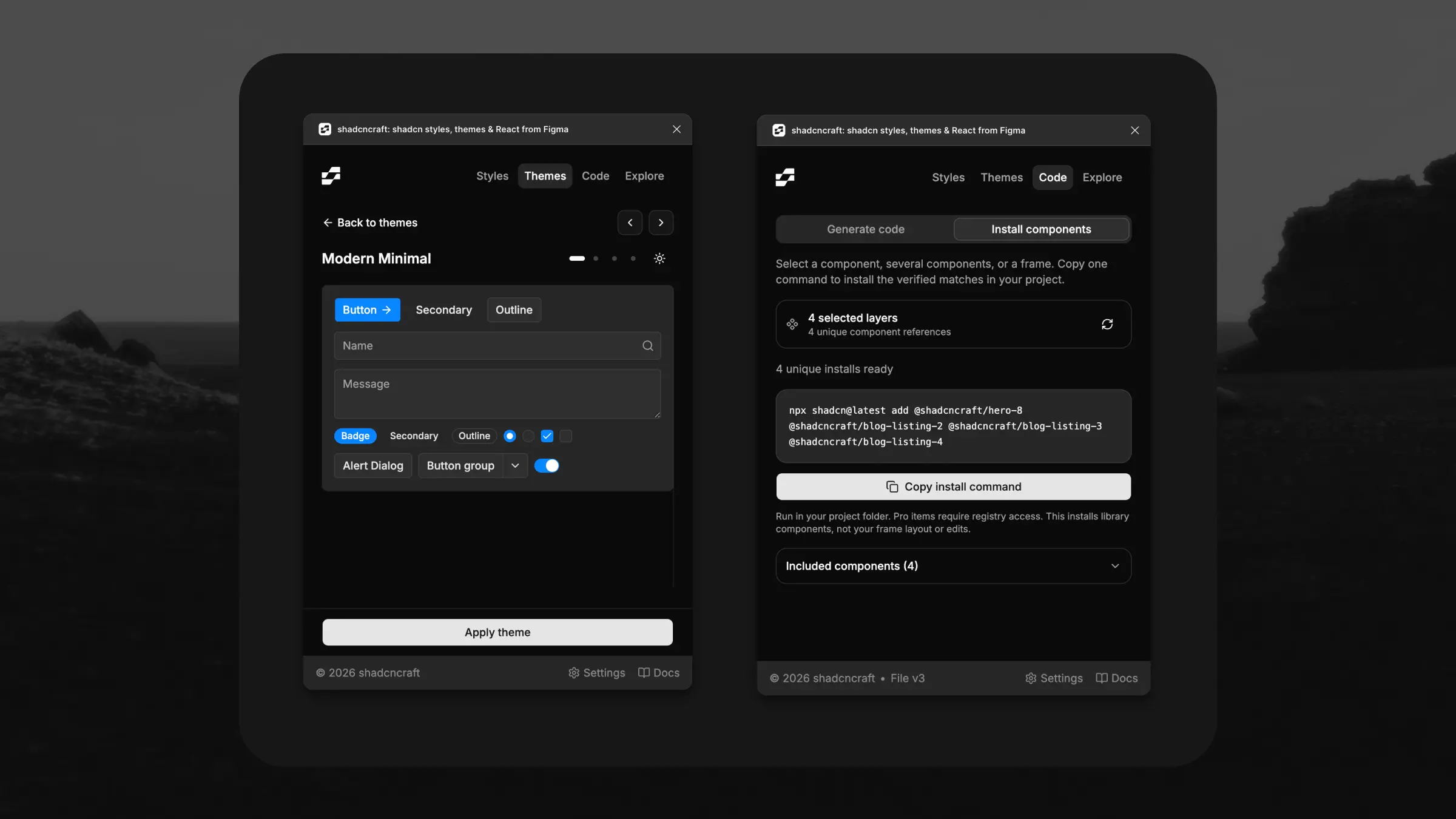
The latest shadcncraft plugin update brings theme previews, bulk component install commands, and AI handoff into Figma. You can also explore Pro blocks, components, and apps without leaving your design.
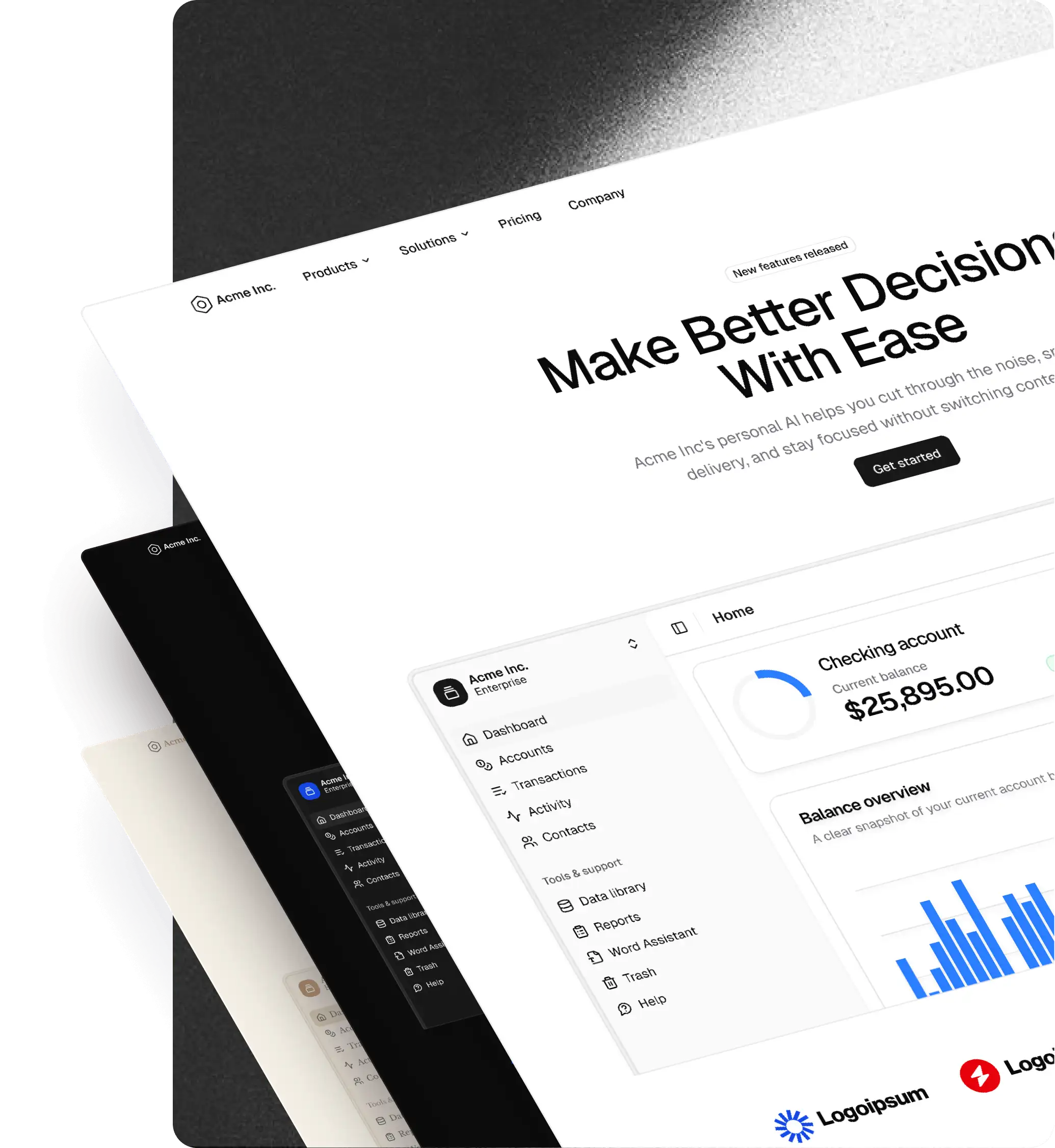
A big part of this update is making themes easier to evaluate. Before applying one, you can now swipe through four example cards covering everyday controls, a chart, a form, and notifications. Switch between light and dark modes to see how the theme looks across different components.
The preview uses shadcn components and reflects the theme's colors, corner radii, and shadows. Nothing changes in your Figma file until you choose Apply theme. Previous and Next buttons let you browse your filtered theme list without repeatedly opening and closing previews.
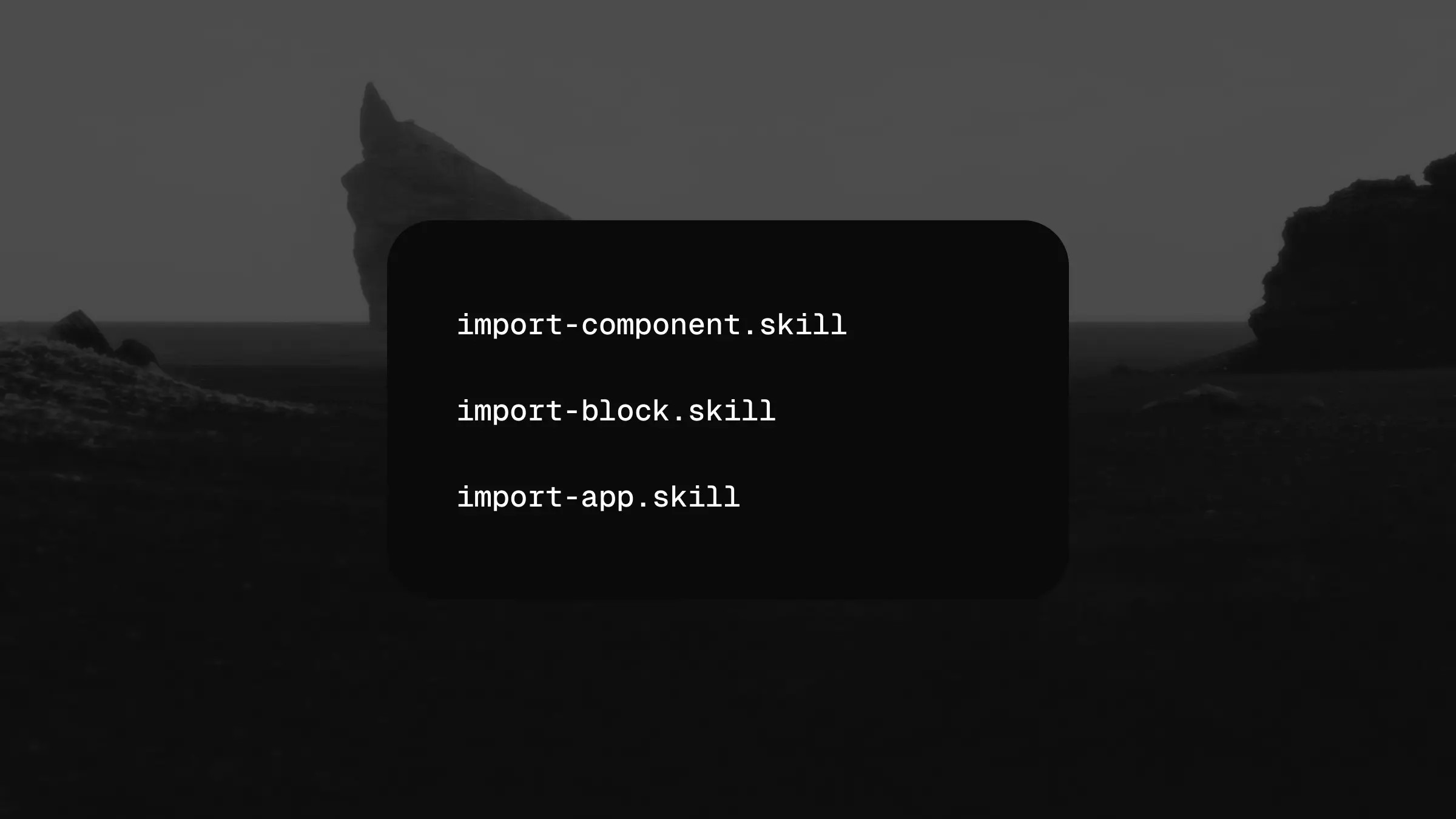
Moving from a design to code takes fewer steps, too. In the Code tab, install commands now follow your canvas selection automatically. Select one component, several components, or a containing frame, and the plugin builds a single command for the verified matches.
Repeated components only need one install. Anything unresolved stays visible separately, so you can see what needs attention. The command installs the library components into your project; your custom layout and edits remain part of the design implementation. Pro components require registry access.
For that next step, there's AI handoff. It prepares a prompt with your design structure, resolved theme variables, chosen stack, and verified install commands. Copy it into Cursor or another coding agent to give it useful context from your Figma file. Preparing the handoff doesn't make an AI generation call.
If you prefer generating code directly in the plugin, we've also streamlined the Code tab and expanded the available OpenAI, Claude, and Gemini model choices.
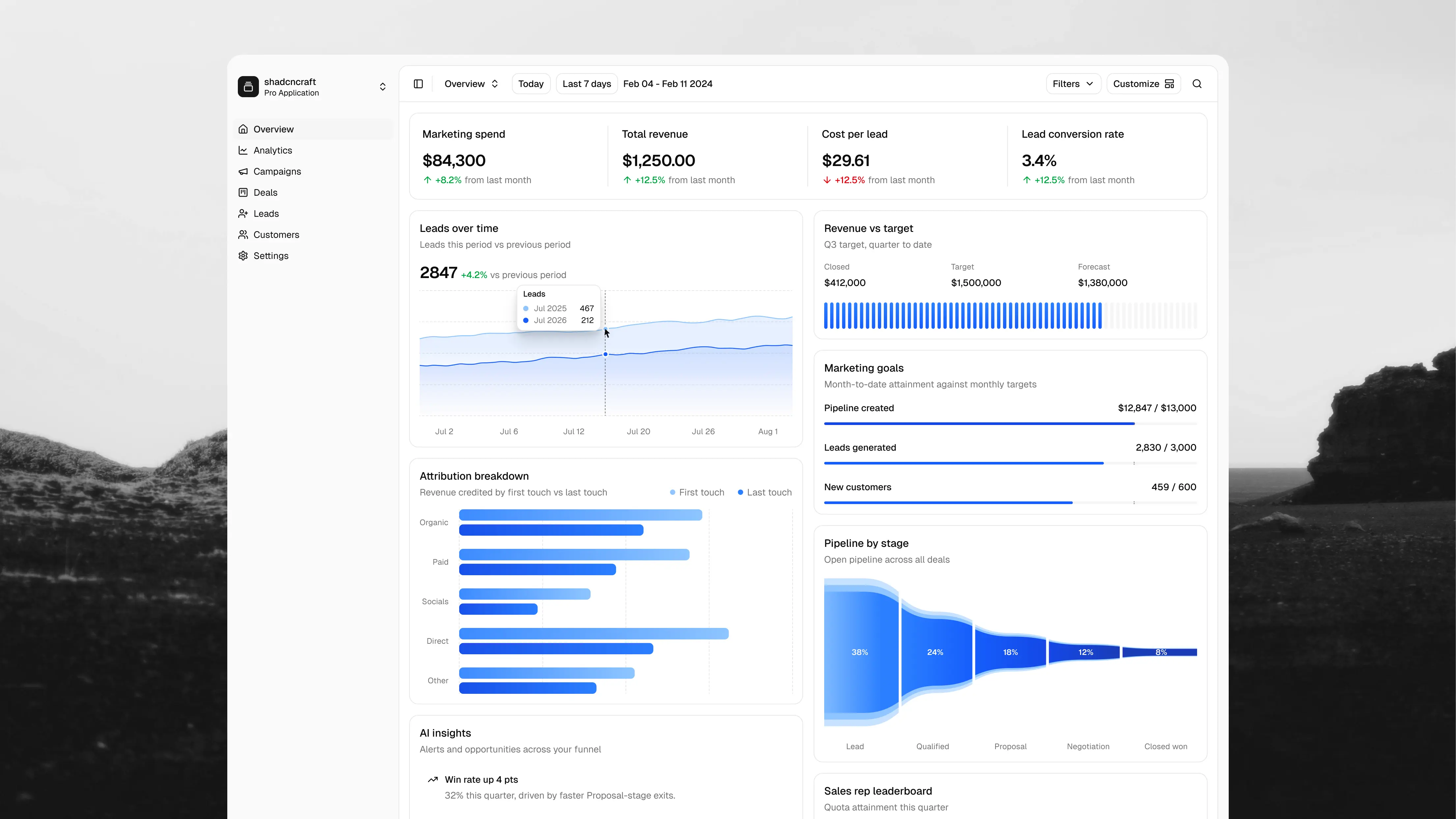
Explore is now a place to browse the Pro library inside Figma. Search blocks, components, and apps, filter the results, and open full detail pages. Your filters and browsing position are preserved when you return. You can compare bundles and check out directly in the plugin, with the purchase action always visible on product detail pages.
The plugin now follows Figma's light or dark appearance. We've improved editor contrast, theme previews, logos, navigation, and spacing throughout. Settings also makes your kit version clearer and includes a link to check the changelog for updates.
Open the shadcncraft plugin to try the new theme previews, select a frame to build an install command, or prepare your first AI handoff. See the changelog for the complete update.