Build a shadcn/ui design system with shadcncraft Create
shadcncraft now has its own create experience.
It mirrors shadcn Create: same styles, same bases, same icon libraries, same themes, same fonts, same radius, same preset codes.
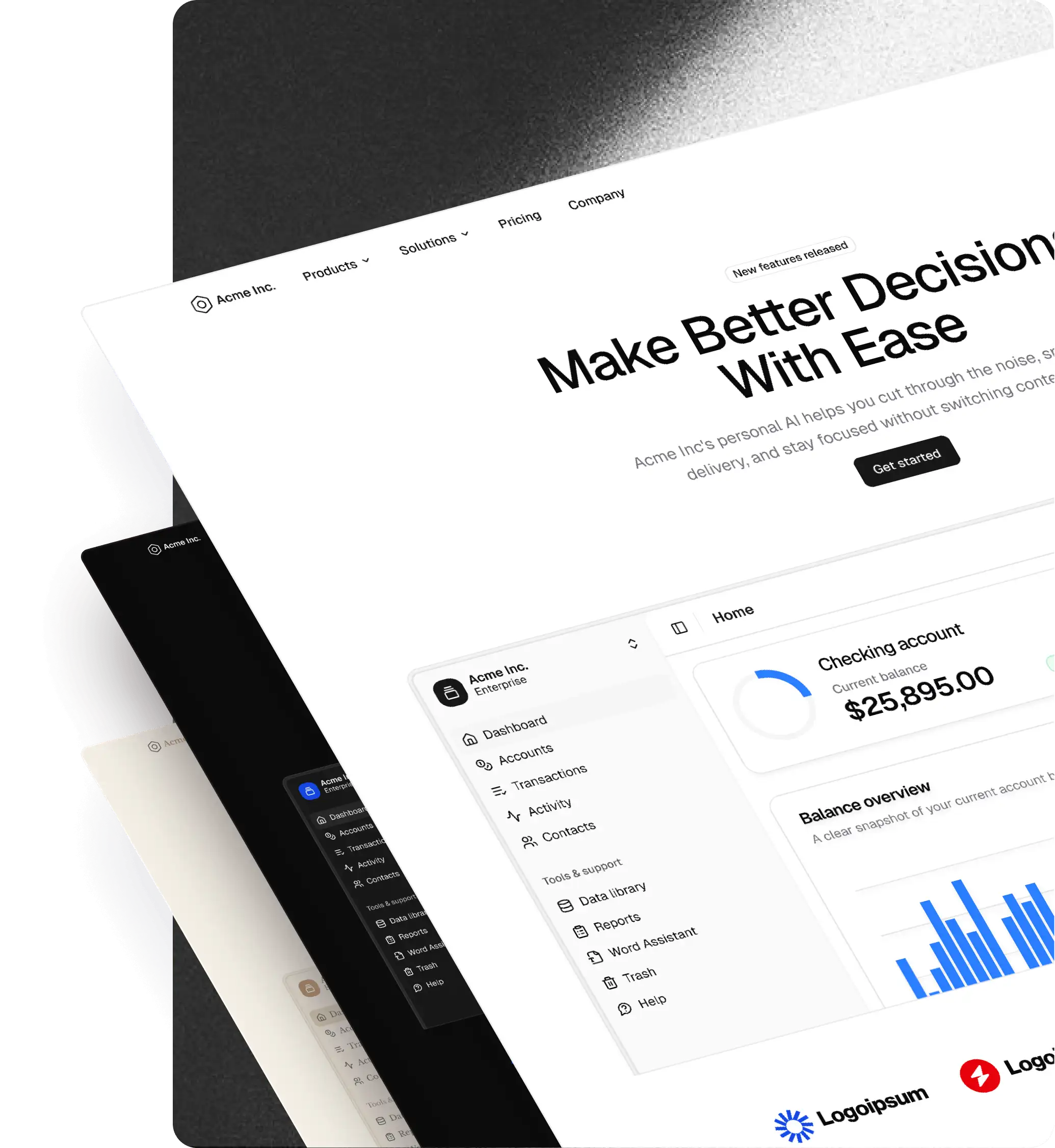
The difference is the preview. On shadcncraft Create, you can test those combinations directly on shadcncraft pro blocks before installing anything.
If you already have a shadcn project, you can also resolve its current preset with the shadcn CLI, import it into shadcncraft Create, and preview your existing design system on real pro blocks.
The workflow
If you already have a shadcn project:
- Resolve your current preset.
- Import the preset into shadcncraft Create.
- Preview it on pro blocks.
- Adjust the config if needed.
- Use the new preset with
initorapply.
If you are starting fresh, skip the first step and build a preset directly in shadcncraft Create.
Resolve your current preset
From your existing shadcn project, run:
$ pnpm dlx shadcn@latest preset resolve
You can also use the alias:
$ pnpm dlx shadcn@latest preset info
The CLI reads your current shadcn config and returns the matching preset code.
Example:
Preset
  code         b5Kc6P0Vc
  version      b
  style        luma
  baseColor    olive
  theme        lime
  chartColor   sky
  iconLibrary  hugeicons
  font         geist
  fontHeading  inherit
  radius       default
  menuAccent   subtle
  menuColor    default
  url          https://ui.shadcn.com/create?preset=b5Kc6P0Vc
The important part is the code:
b5Kc6P0VcThat code contains the visual setup: style, theme, colors, fonts, radius, icons, and other preset settings.
For monorepos, point the command at the app:
$ pnpm dlx shadcn@latest preset resolve -c apps/web
For machine-readable output:
$ pnpm dlx shadcn@latest preset resolve --json
Import it into shadcncraft Create
Presets are fully compatible between shadcn Create and shadcncraft Create.
If you made a preset on ui.shadcn.com/create, you can import it into shadcncraft Create. If you resolved one from an existing project, import that too.
The importer accepts:
- A bare preset code
- A
--preset <code>flag - A full
shadcn init --preset <code>command
Open shadcncraft Create, choose the open preset option, and paste any of these:
b5Kc6P0Vc--preset b5Kc6P0Vc$ pnpm dlx shadcn@latest init --preset b5Kc6P0Vc
shadcncraft Create extracts the preset code and applies the same config to the customizer.
Now your existing shadcn setup is loaded into the preview.
Preview real pro blocks
The point of shadcncraft Create is the block preview.
Preview your preset across real shadcncraft pro blocks: marketing, application, and ecommerce. Small component previews help, but blocks expose the full system.
You can keep adjusting:
- Base: Radix UI or Base UI
- Style: Vega, Nova, Maia, Lyra, Mira, Luma, or Sera
- Icon library: Lucide, Tabler Icons, Hugeicons, Phosphor Icons, or Remix Icon
- Theme, base color and chart color
- Font and heading font
- Radius
- Menu accent and menu color
Create a new project
Once the preview feels right, use the preset with init.
$ pnpm dlx shadcn@latest init --preset b5Kc6P0Vc
This creates a new project with the selected style, theme, fonts, radius, icons, and preset settings from the start.
You can also include a template:
$ pnpm dlx shadcn@latest init --template next --preset b5Kc6P0Vc
Same shadcn CLI. Same preset resolver. shadcncraft Create just gives you a better way to choose before running the command.
Apply it to an existing project
Presets are not only for new projects.
To update an existing shadcn project, apply the preset:
$ pnpm dlx shadcn@latest apply b5Kc6P0Vc
This updates the project to match the preset, including theme, colors, CSS variables, fonts, icons, and detected UI components.
You can also apply only the parts you want:
$ pnpm dlx shadcn@latest apply b5Kc6P0Vc --only theme
$ pnpm dlx shadcn@latest apply b5Kc6P0Vc --only font
$ pnpm dlx shadcn@latest apply b5Kc6P0Vc --only theme,font
That makes it easy to test a new visual direction without rebuilding the project.
Why this matters
The new shadcn preset commands make your current project portable.
preset resolve and preset info turn an existing project into a preset code.
shadcncraft Create can import that code and apply the same config to the live customizer.
Then you can preview your existing design system against shadcncraft pro blocks before changing anything in your app.
Resolve the preset. Open it in shadcncraft Create. Preview real pro blocks. Then create, apply, or share the setup.
Try it
Open shadcncraft Create, pick a pro block, and start switching styles, bases, icons, themes, fonts, and radius.
When the preview looks right, copy the preset.
Create a new project with it, apply it to an existing one, or import it back into shadcn Create.
Same shadcn foundation. Same preset workflow. Now with shadcncraft pro blocks in the preview.