What is shadcn/ui? Components, styles, and Figma (2026)
shadcn/ui gives you UI components you can add to a React project and edit yourself. Need to change how a dialog looks or how a button works? The code is in your project. That's the idea behind shadcn's open-code approach.
You can start with the official components and blocks, choose a community Figma kit, or use shadcncraft for its additional designs and matching React components.
How shadcn works
You use the shadcn CLI to set up your project and add components. It copies the component files into your codebase and can install the packages they need, such as icons, charts, or a library that handles interactions.
Once you've changed a component, you'll need to compare your version with any updates you want to bring in.
Component bases: Base UI, Radix, and React Aria
You can choose between Base UI, Radix, and React Aria. Base UI became the default in July 2026, when shadcn also added React Aria support.
The base handles how a component behaves; the style determines how it looks. Two buttons can look the same and still use different props. If you're adding components to an existing project, check which base it uses first.
The official shadcn styles
The eight styles are Vega, Nova, Maia, Mira, Lyra, Luma, Sera, and Rhea. Each changes details such as spacing, type, and rounded corners. Use shadcn Create to explore presets. Rhea was the eighth addition.
shadcncraft supports these styles in its Figma UI kit. Read how shadcn/ui maps to Figma for the relationship between component names, variants, and variables.
Components, blocks, and complete layouts
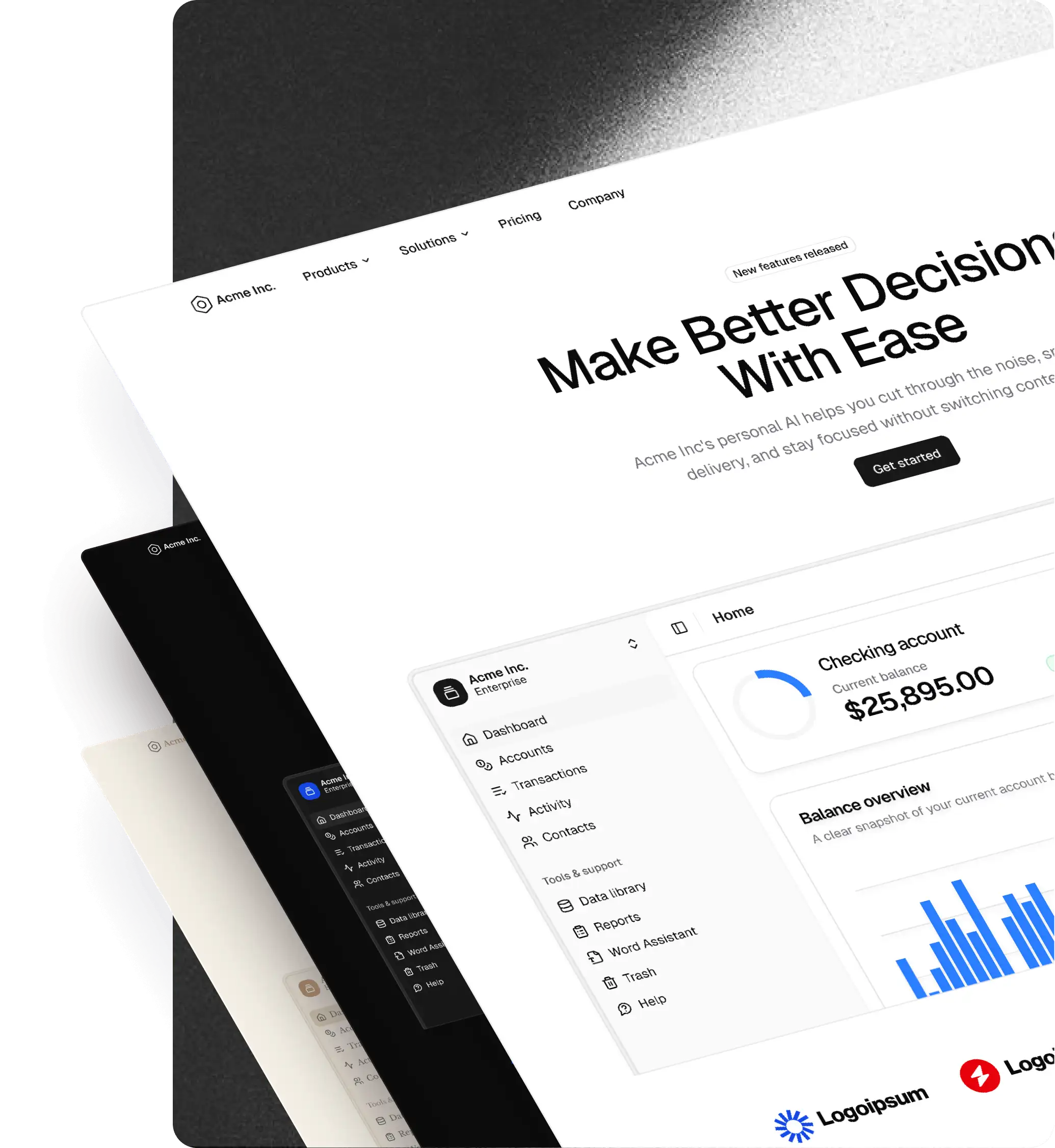
shadcn components come styled and ready to customize. For larger layouts, the free official blocks include dashboards, sidebars, login forms, and signup screens. The dashboard block, for example, already combines charts and a data table.
You can start with one of these layouts, then add your own content, connect your data, and build the behavior your product needs.
Accessibility
Base UI and Radix take care of much of the keyboard and focus behavior. Your app still needs clear labels, visible focus indicators, and readable color contrast. Test those details after customizing components. The Base UI and Radix accessibility guides explain what each library handles and what you need to supply.
That applies to shadcncraft components too.
Figma and shadcn/ui
The official Figma directory lists free and paid files contributed by the community, including shadcncraft. Each creator maintains their own kit.
Before choosing a kit, open its preview and try a few components you use often. Look at their variants, variables, and styles. Check how updates work and whether the license covers your team, too.
shadcncraft offers a free starter and paid Figma bundles. Its component names, variants, and variables follow the React implementation, so a designer and developer can refer to the same parts. The mapping guide shows how this works, including where Figma's visual states differ from behavior in React.
shadcn vs shadcncraft: a detailed comparison
Here's what you get from shadcn/ui and what shadcncraft adds.
| Topic | shadcn/ui | shadcncraft |
|---|---|---|
| Figma | Community kits listed in the official directory, with free and paid options. | Free starter and paid Figma bundles with matching component structures. |
| Components | Styled components with editable source code. | Additional components and combinations of components. |
| Blocks and pages | Official blocks include dashboards, sidebars, and authentication layouts. | Additional application, marketing, and ecommerce blocks and Figma page designs. |
| Setup | Initialize a project and add components or blocks with the CLI. | Use the registry and download Figma files included in your bundle. |
| AI workflows | MCP server for finding and installing registry items. | Figma mapping documentation and agent skills for the shadcncraft workflow. |
| Theming | CSS variables and utility classes, with presets available through Create. | Figma variables and plugin tools for transferring styles and themes. |
To see what's available in shadcncraft, browse components, blocks, and Figma bundles. Some bundles include Figma, some include React, and some include both. The bundle comparison lists what's included.
Setup effort
The official installation guide walks you through setup for your framework. How much work comes after that depends on your app: changing colors is a different job from connecting a dashboard to real customer data.
For shadcncraft, follow the registry installation guide and Figma setup guide. The layouts are there to build on. Connecting them to your app and testing them is still part of the job.
AI-assisted design to code
The shadcn MCP server lets an assistant browse, search, and install items from configured registries. It supports third-party registries as well as the official one.
shadcncraft adds agent skills and a documented Figma-to-React mapping. They help an assistant identify the components used in a design. You'll still need to compare the result with the Figma file and test the code. You can also use other Figma kits with your own tools and instructions.
Theming
shadcn supports CSS variables and utility classes for theming. The official theming guide explains semantic color tokens and how they apply to components.
shadcncraft's Figma plugin supports importing styles and themes and exporting CSS. You can carry a theme between design and code, then check that both use the same values.
When to use shadcn alone vs shadcncraft
If the official components and blocks cover your screens and you already have a design setup, you may have everything you need.
shadcncraft is useful when you want more layouts to work from or a Figma kit that matches the React components. Try the free kit on a screen you're designing before choosing a paid bundle.
You can use both in the same project. When mixing components, check that their bases, versions, and theme settings work together.
Getting started with shadcn
- Choose your framework and follow the installation guide.
- Choose your component base and style.
- Add a component or an official block.
- Apply your theme, connect your data, and test the screen.
- If you use Figma, try the components you need in a kit's preview.
Explore the shadcncraft Figma kit, component catalog, or bundle comparison to see what fits your workflow.