Three Agent Skills for bringing React UI into Figma
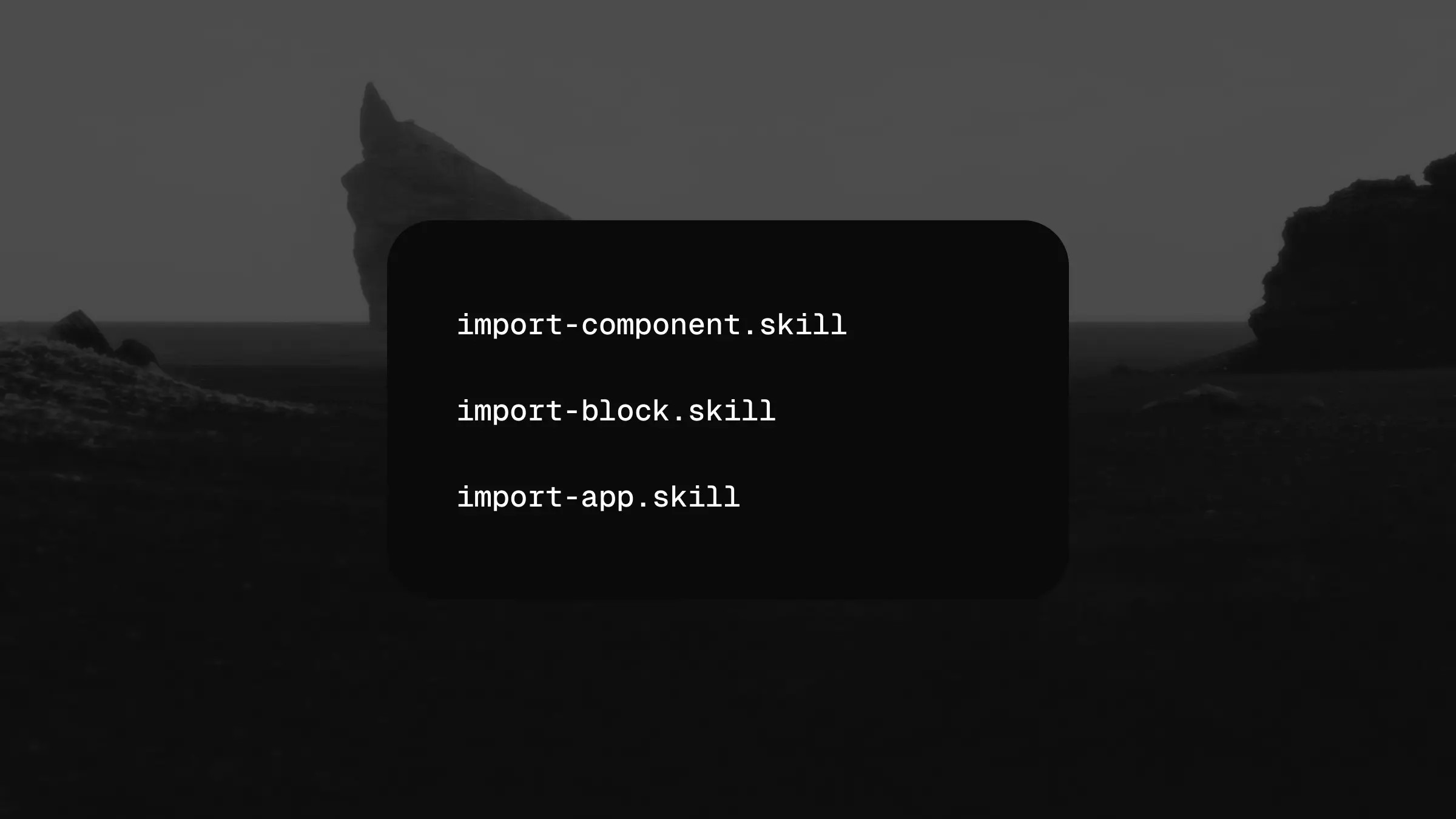
Sometimes the code comes first. You build a new flow, adapt a block, or create a custom control in React, then need that work represented in your design file.
Our three new editor import skills bring that workflow into the shadcncraft Figma kit: Import App, Import Block, and Import Component. Each handles a different scale of work, from planning an entire app to rebuilding one primitive.
Import App: plan the work
Import App analyzes the accessible React source and compares it with the components in your kit copy. It identifies what can be reused, what needs a custom component, and how blocks, app shells, and screens fit together.
The result is a dependency-ordered plan saved as import-plan.md for review and import-plan.json for the build skills, with kit matches, token differences, source gaps, and the units to build. Components come before the blocks that use them; blocks and shells come before their screens.
This skill plans the import. It does not edit the Figma canvas or automatically build an entire app.
Import Block: rebuild a composition
Import Block handles one React block, screen, or app shell. It reuses kit instances, binds layout and appearance to the appropriate variables, and creates desktop and mobile layouts from the source evidence.
Start with an approved plan from Import App, then choose the block, screen, or shell unit to build. Import Block handles one unit at a time, after its dependencies are built.
A custom primitive with its own states is a separate component prerequisite. The block skill keeps that distinction so reusable controls do not become one-off layers inside a screen.
Import Component: rebuild a primitive
Import Component handles a custom React primitive with its own anatomy, variants, and states. It builds an editable Figma component or component set, exposing the supported text, optional parts, icons, and other properties.
It checks for a suitable existing kit component first. Where a custom component is needed, it builds a bound base before expanding the variants and verifies the required states against the available source.
Like Import Block, it requires an approved import-plan.json and a unit to build.
Work from evidence
Import App reads your project source and checks the destination kit before producing the plan. The build skills then measure the running React UI, including its computed styles and required states, to guide construction and comparison in Figma.
The workflows inspect the destination kit, preserve reusable instances, and check the selected style and light and dark modes. Missing evidence stays visible. Token substitutions and changes to shared masters are explicit decisions rather than silent approximations.
What you need
Use these skills in your AI editor with access to the React project, your shadcncraft Figma kit copy, and the required Figma tools. The build skills also need a running app and browser measurement tools. Start with Import App, review and approve its plan, then build the selected units with Import Component and Import Block.
Installation
The three skills will be free to install through the existing @shadcncraft/skills package and the shadcncraft/skills repository. The package installation command is:
$ pnpm dlx @shadcncraft/skills add all
See the installation guide for setup options.
Explore all three on the Agent Skills page.