shadcncraft Blocks for JSON Render
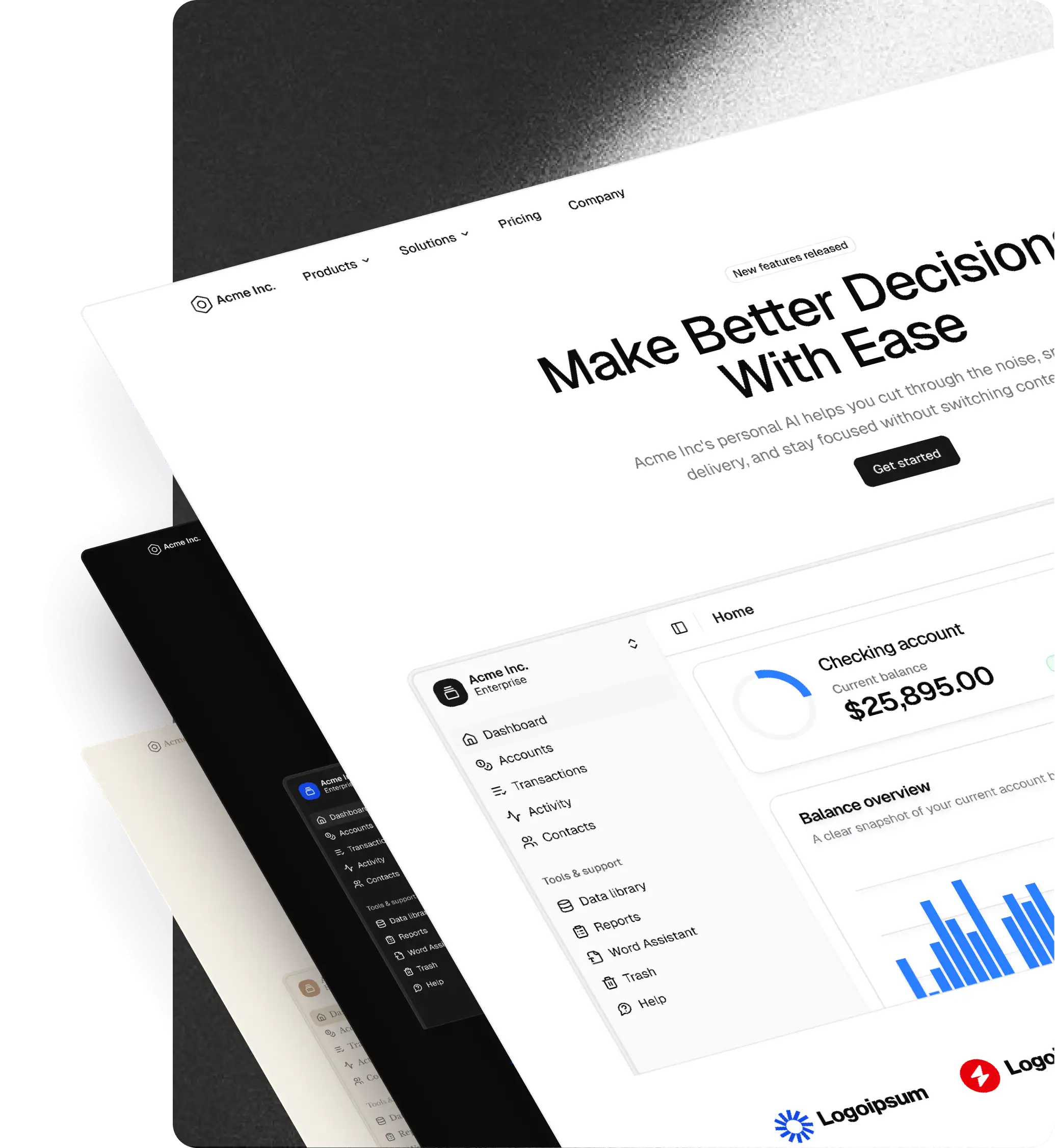
JSON Render turns a JSON document into React components. @shadcncraft/json-render-pro makes every shadcncraft Pro block, 558 of them, available to it. An agent, or your app's own AI feature, writes the page as JSON, and your app renders the same blocks a registry install gives you.
Use it when something other than a developer composes the page:
- AI page builders: your users describe a page and your model writes the JSON.
- Agent-built pages: a coding agent assembles landing pages and app screens from the catalog instead of writing JSX.
- Content-driven screens: pages stored as data and rendered at runtime.
If you write the JSX yourself, install blocks from the registry instead.
How it works
The package contains three things:
- A catalog of every block, with its props, copy limits and guidance on when to use it. The agent can only use blocks and props in the catalog, so it can't invent components.
- The blocks themselves, built for one style per package, with their styles in one stylesheet.
- A checker that catches unknown props, overlong copy, leftover sample content, unbound buttons and misplaced navigation or footers before anyone sees the page.
A document is a Stack of blocks, top to bottom. This one is a hero with a waitlist form whose submit button calls your app's subscribe action:
{
  "root": "page",
  "state": { "hero": { "email": "" } },
  "elements": {
    "page": { "type": "Stack", "props": {}, "children": ["hero"] },
    "hero": {
      "type": "Hero5",
      "props": {
        "navigation": false,
        "tagline": "Early access",
        "heading": "Field notes for product teams",
        "description": "One short email a week with what shipped, what broke and what we learned building our product.",
        "imageSrc": "/images/hero.webp",
        "imageAlt": "A notebook open on a desk",
        "emailPlaceholder": "you@company.com",
        "buttonLabel": "Join the list",
        "successMessage": "Thanks, you're on the list.",
        "email": { "$bindState": "/hero/email" }
      },
      "children": [],
      "on": {
        "submit": {
          "action": "subscribe",
          "params": { "email": { "$state": "/hero/email" } }
        }
      }
    }
  }
}
Set every prop a block shows. A prop you leave out renders the block's sample content, and the checker warns you about it.
Render a page
After installing the package, import your style's stylesheet and entry point, and render the document:
import "@shadcncraft/json-render-pro/base-nova/styles.css";

import { defineRegistry, JSONUIProvider, Renderer } from "@json-render/react";
import { catalog, components } from "@shadcncraft/json-render-pro/base-nova";

const { registry } = defineRegistry(catalog, { components });

export function Page({ spec }) {
  return (
    <JSONUIProvider
      registry={registry}
      initialState={spec.state ?? {}}
      handlers={{
        subscribe: async ({ email }) => {
          // call your API
        },
      }}
    >
      <Renderer spec={spec} registry={registry} />
    </JSONUIProvider>
  );
}
The blocks use your app's shadcn theme variables. If your app has no theme, also import @shadcncraft/json-render-pro/theme.css, the theme the blocks are previewed in on shadcncraft.com.
Buttons and forms
Buttons and forms emit events, like the hero's submit above. Bind each one to an action your app registers on JSONUIProvider, and pass form values through state with $bindState and $state. Depending on the block, an unbound control is disabled or keeps the block's own behaviour, such as following its link.
If your action throws, the block shows an error and keeps what the user typed. Each button ignores repeat clicks while its action runs.
Check a document
Run the checker before you render a document an agent wrote:
$ pnpm dlx shadcncraft-json-render-pro check page.json --actions subscribe
It exits with an error when a document uses something the catalog doesn't have, and warns about sample content, long copy and buttons that aren't bound. In code, validateSpec(spec, { actions }) from @shadcncraft/json-render-pro/validate returns the same results.
Give your agent the skill
The package ships an agent skill that teaches your coding agent how to choose blocks, compose pages and check them. Copy it into your project after installing:
# Claude Code
mkdir -p .claude/skills && cp -r node_modules/@shadcncraft/json-render-pro/skills/shadcncraft-json-render .claude/skills/
# Codex and other agents that read .agents/skills
mkdir -p .agents/skills && cp -r node_modules/@shadcncraft/json-render-pro/skills/shadcncraft-json-render .agents/skills/
Copy it again after you upgrade the package.
Learn more
The package README, in node_modules/@shadcncraft/json-render-pro/README.md, is the full reference: loading single blocks to keep your bundle small, layout with Stack and Grid, state, every checker code and the block list.
Looking for the Free blocks? They're in @shadcncraft/json-render on public npm and need no license key.