Comparison
shadcncraft vs shadcn/studio
Choosing your next shadcn/ui library? Here's how shadcncraft and shadcn/studio compare on blocks, apps, Figma and price.
shadcncraft and shadcn/studio side by side
| Feature | shadcn/studio | shadcncraft |
|---|---|---|
| What you get | ||
| Blocks | 350 Pro blocks, 730 Basic blocks | 609 Pro blocks, 54 Pro components |
| Application blocks | Dashboard, admin and eCommerce blocks | 336 application blocks |
| shadcn styles | All 8 styles | All 8, each with its own spacing and radius |
| Free tier | 78 free blocks | 8 free blocks, 11 free components |
| Apps | ||
| Apps and templates | 100+ pages, 30+ templates, 13+ dashboard and app templates | 7 apps: Banking, HR, Sales, AI Chat, ClearFlow site |
| AI and tooling | ||
| MCP server | Their own MCP server, full access on Pro | shadcn's official MCP server, plus JSON Render Pro |
| IDE extension | VS Code, Cursor, Windsurf, Antigravity, Trae | VS Code, Cursor, Windsurf, Antigravity |
| Page builder | Drag and drop, plus a Bento builder | shadcncraft Create: build pages, export React |
| Figma | ||
| Figma file | Figma UI Kit, block designs on Pro | Figma bundle: 1:1 with the React code, all 8 shadcn styles as native variable modes, in Pro Blocks + Apps. |
| Licence and seats | ||
| Billing | One-time, lifetime updates | One payment, lifetime updates |
| Seats | 1, up to 15, or company-wide | 1, up to 5, or company-wide |
shadcn/studio facts checked .
Why shadcncraft
Complete apps, ready to install
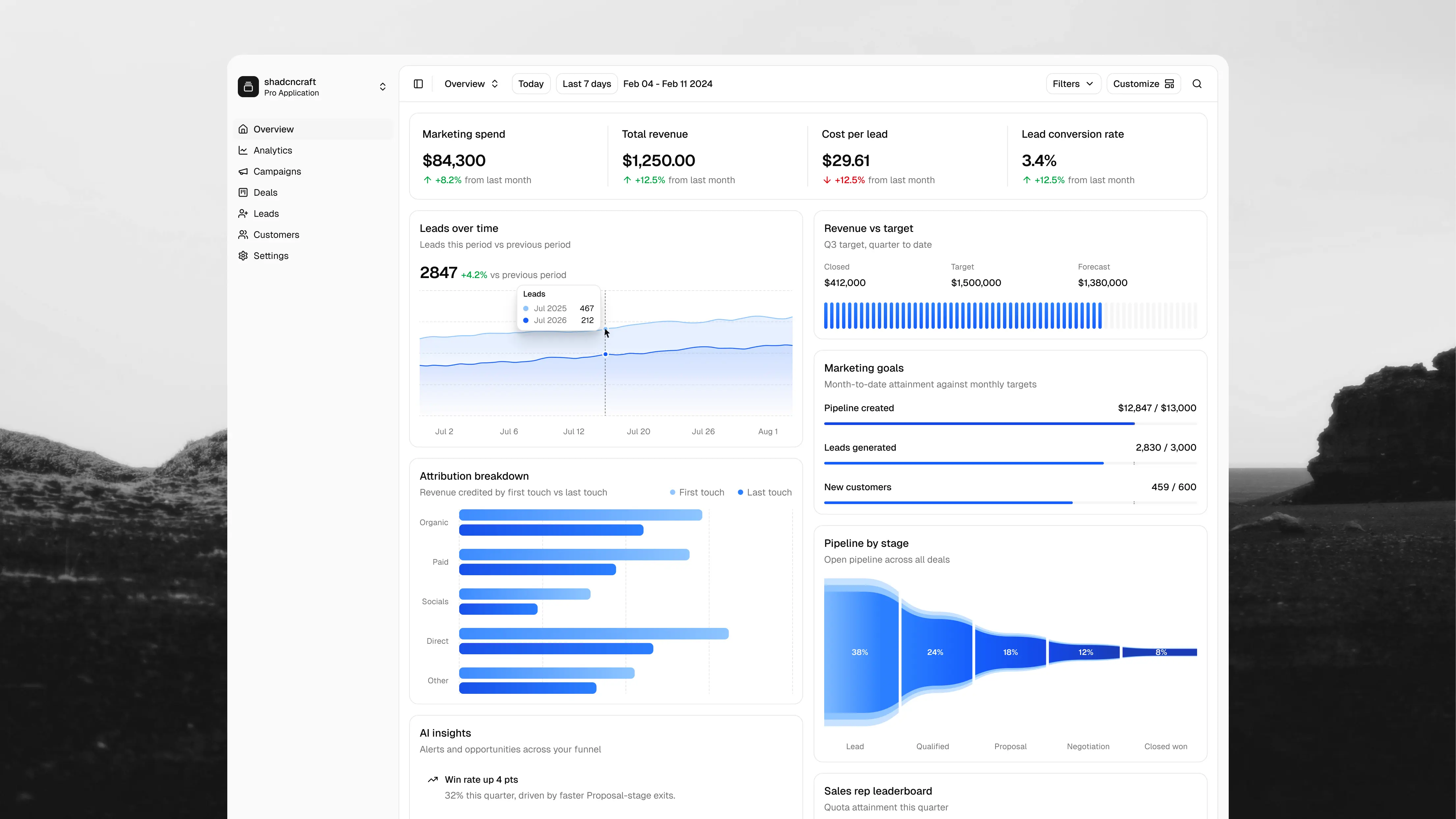
7 app and site templates, from Banking, HR and Sales dashboards to AI Chat. Each installs from the registry and runs live on this site.
Built for AI agents
Claude Code, Cursor or Codex install real blocks through shadcn's MCP server. With JSON Render Pro, your block code stays out of your repo.
Figma that matches the code
A Figma file 1:1 with the React code, with all 8 shadcn styles as native variable modes you switch in the variables panel, no plugin.
What it costs
Prices in USD. One payment, lifetime updates.
| You need | shadcn/studio | shadcncraft |
|---|---|---|
| 1 person, blocks | $99Basic plan, 730 Basic blocks | $199Pro Blocks |
| 1 person, everything | $199Pro plan, adds the 350 Pro blocks | $299Pro Blocks + Apps |
| Team | $449Team plan, up to 15 people | $749Pro Blocks + Apps, Team licence, up to 5 people |
| Company-wide | $849Enterprise plan, unlimited seats | $1,299Pro Blocks + Apps, Enterprise licence, company-wide |
Switching from shadcn/studio
- Step 1
Add the registry
Add @shadcncraft to components.json. It sits alongside shadcn/studio, so nothing has to be removed.
Installation guide - Step 2
Install a block
Run shadcn add with any @shadcncraft block, or ask your AI agent to install it through the shadcn MCP server.
Set up your AI agent - Step 3
Keep your theme
shadcncraft blocks use the standard shadcn CSS variables, so a shadcn/studio theme exported as CSS carries over.
How theming works
Stuck on a step? See troubleshooting, or contact support. We reply within 12 hours.