shadcncraft Free
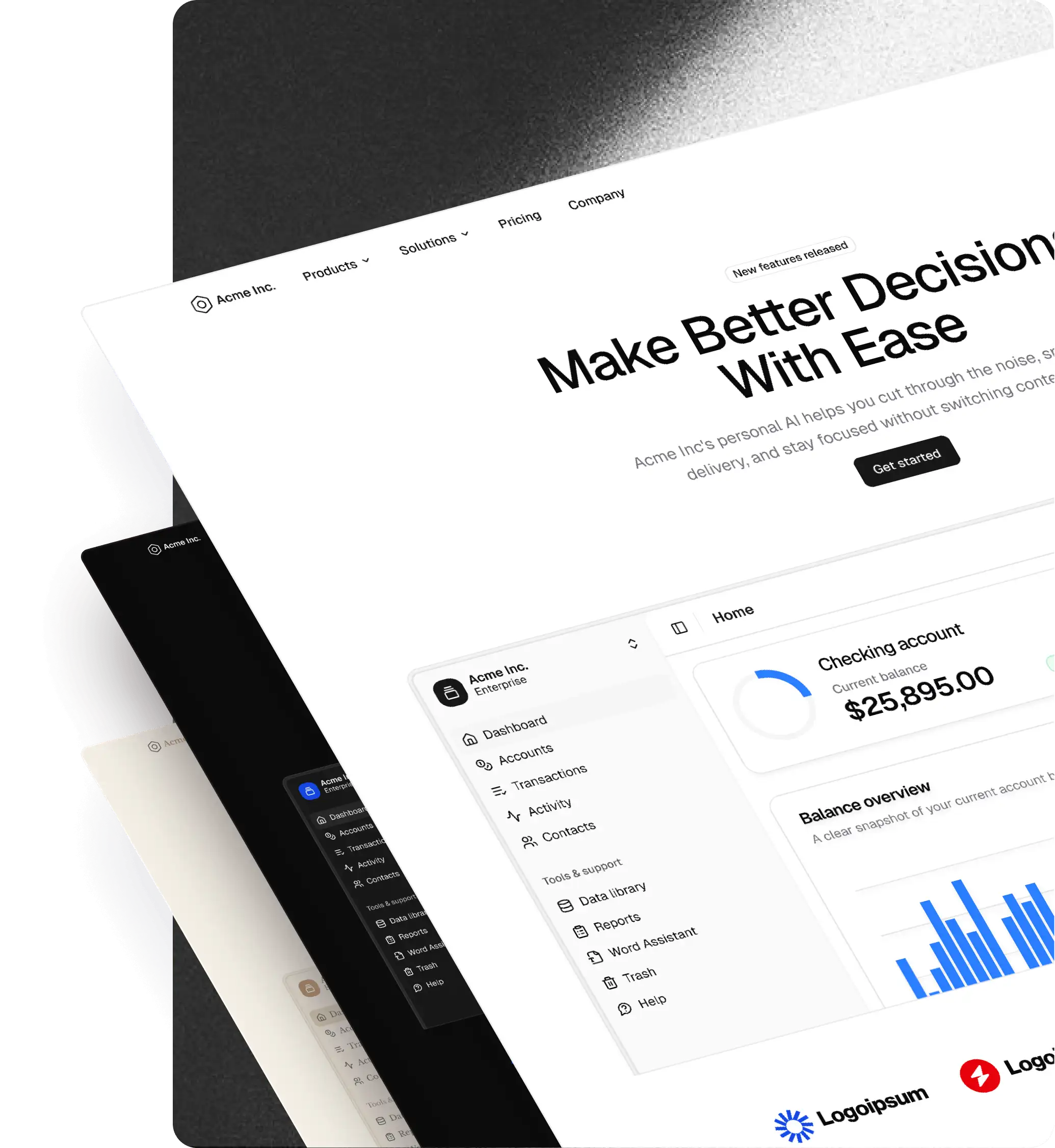
shadcncraft offers a starter bundle, which is a curated selection of blocks, components, and a Figma UI kit you can use to evaluate the system before upgrading. It's the same design system as Pro Figma and Pro Figma + React, just a smaller catalog. Install free-tier items with the shadcn CLI; no license key required.
Explore what's included on the Free page, or jump straight to React installation.
What's included
- Figma starter kit: Core components and a few example layouts to explore structure and workflow
- React components and blocks: Production-ready marketing, application and e-commerce components and blocks ready to install and use in your projects
All free tier items follow the same structure as pro tier items, upgrading later is seamless.
Figma
Get the Free kit to access the Figma starter kit. It includes core components so you can explore the design system structure before upgrading.
React
Requirements
- A project initialized with shadcn/ui
From your editor
The shadcncraft extension for VS Code and Cursor lists every free block and component with previews, and installs them into your project with one click. No configuration needed for free items.
Quick start
If you install the component/block using the @shadcncraft namespaced CLI command, no manual configuration is needed. The shadcn registry directory already has the @shadcncraft namespace configured and will be automatically added to your components.json.
$ pnpm dlx shadcn@latest add @shadcncraft/contact-11
The CLI downloads the files, updates components.json, and installs dependencies.
Install examples
Single component:
$ pnpm dlx shadcn@latest add @shadcncraft/contact-11
Multiple components:
$ pnpm dlx shadcn@latest add @shadcncraft/contact-11 @shadcncraft/footers-4 @shadcncraft/testimonials-11
Manual registry setup (optional)
If you prefer to configure the registry manually before installing components, add the @shadcncraft registry to your components.json. There are two valid templates — pick one.
Style-aware (recommended) — the shadcn CLI substitutes {style} from your components.json#style, so you can switch presets (e.g. radix-vega, base-luma, radix-sera) by editing one field:
{
  "style": "radix-nova",
  "registries": {
    "@shadcncraft": "https://shadcncraft.com/r/{style}/{name}.json"
  }
}
Name-only (legacy) — installs always return the default variant; the style field is ignored for this registry:
{
  "registries": {
    "@shadcncraft": "https://shadcncraft.com/r/{name}.json"
  }
}
After adding the registry entry, you can install components with the shadcn CLI as normal. This is entirely optional—the CLI does this automatically on first install when using the @shadcncraft namespaced CLI command.
Available items
Browse all free-tier items from the Free page or use the blocks and components catalogs (apply the Free filter to see only free-tier items).
Each item page includes a live preview and installation command.
Upgrade to Pro
The free tier is designed to help you evaluate shadcncraft before committing. When you're ready for the full catalog, upgrade to Pro Figma + React for:
- The complete library (hundreds of production-ready blocks and components)
- Authenticated registry with license key
- Full Figma design system kit
- Advanced components and premium blocks
- Priority support
See pricing or the License agreement for more details.
Next steps
- Explore what's included on the Free page
- Install a component with
npx shadcn@latest add @shadcncraft/... - Check the blocks and components pages to see the full catalog
- Upgrade to Pro when you're ready for the full system
Ready to start? Head to Free.