Figma plugin: theme previews, bulk installs, and AI handoff
Preview themes, install multiple components, copy an AI handoff, and explore Pro without leaving Figma.
This update makes it easier to explore shadcncraft, compare themes, and move from your Figma design into code.
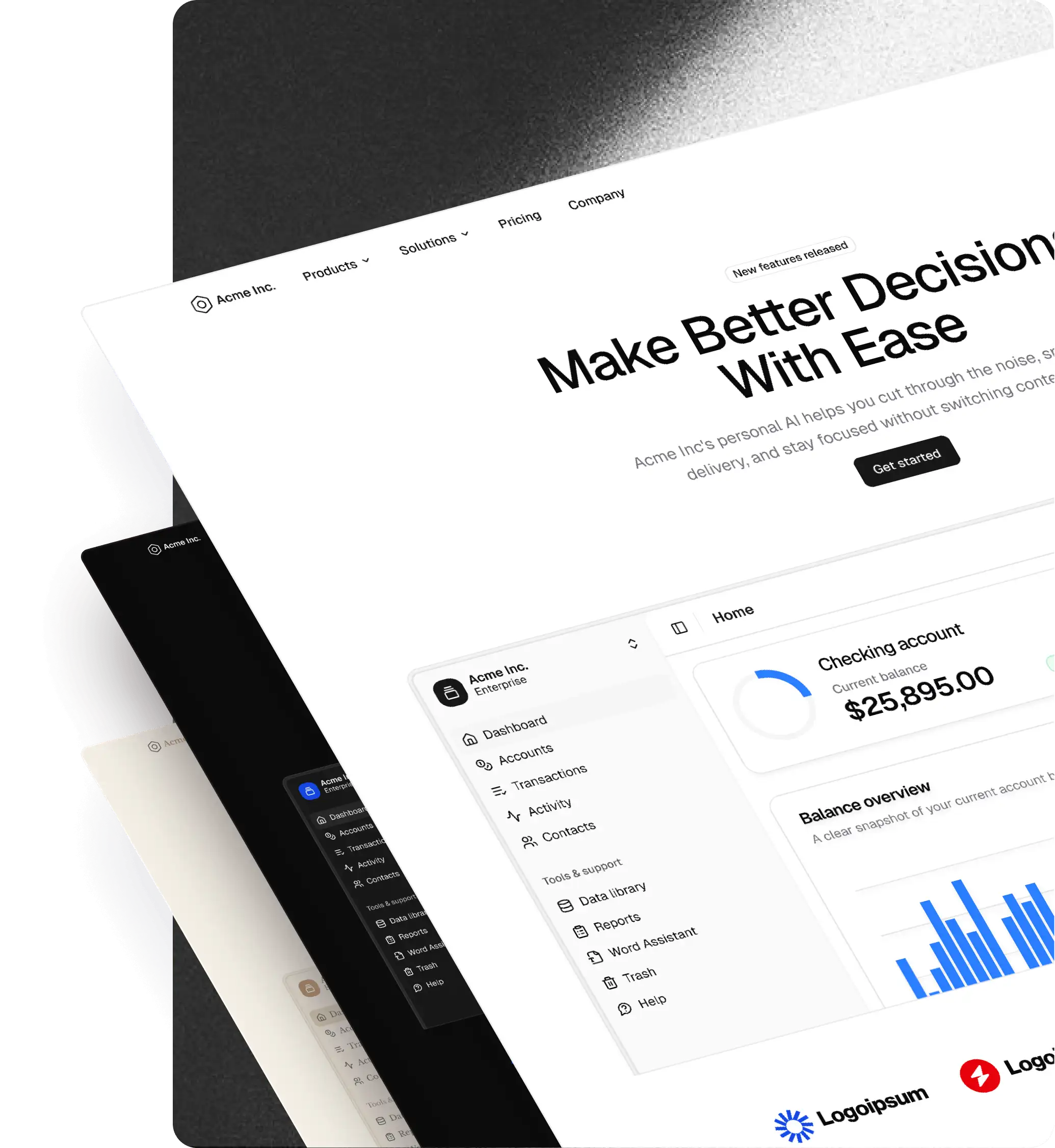
- Preview themes before applying. Swipe through example components, charts, forms, and notifications. Switch between light and dark previews without changing your file.
- Browse themes faster. Previous and Next buttons let you compare themes from your filtered list without returning to the picker.
- Install multiple components. Select components or a containing frame and copy one install command. Duplicate installs are removed, and items that need attention are shown separately.
- Automatic install commands. The Code tab updates as your canvas selection changes.
- Copy an AI handoff. Bring design details, theme variables, and verified install commands into Cursor or another coding agent. Preparing the handoff doesn't make an AI generation call.
- Explore Pro inside Figma. Search and filter blocks, components, and apps, view their details, compare bundles, and purchase through the plugin.
- Follow Figma's appearance. The plugin now matches your light or dark mode, with improved contrast across previews, editors, and logos.
- More model choices. Expanded OpenAI, Claude, and Gemini options for code generation.
- Clearer kit information. Settings shows your file's kit version, with a Check for updates link to the changelog.
Also improved checkout loading, component lookup reliability, theme transparency handling, preview image fallbacks, and layout consistency. The feedback link now opens with Feedback selected.
Read the full announcement or open the Figma plugin.