Quick setup: make the shadcncraft Figma kit yours
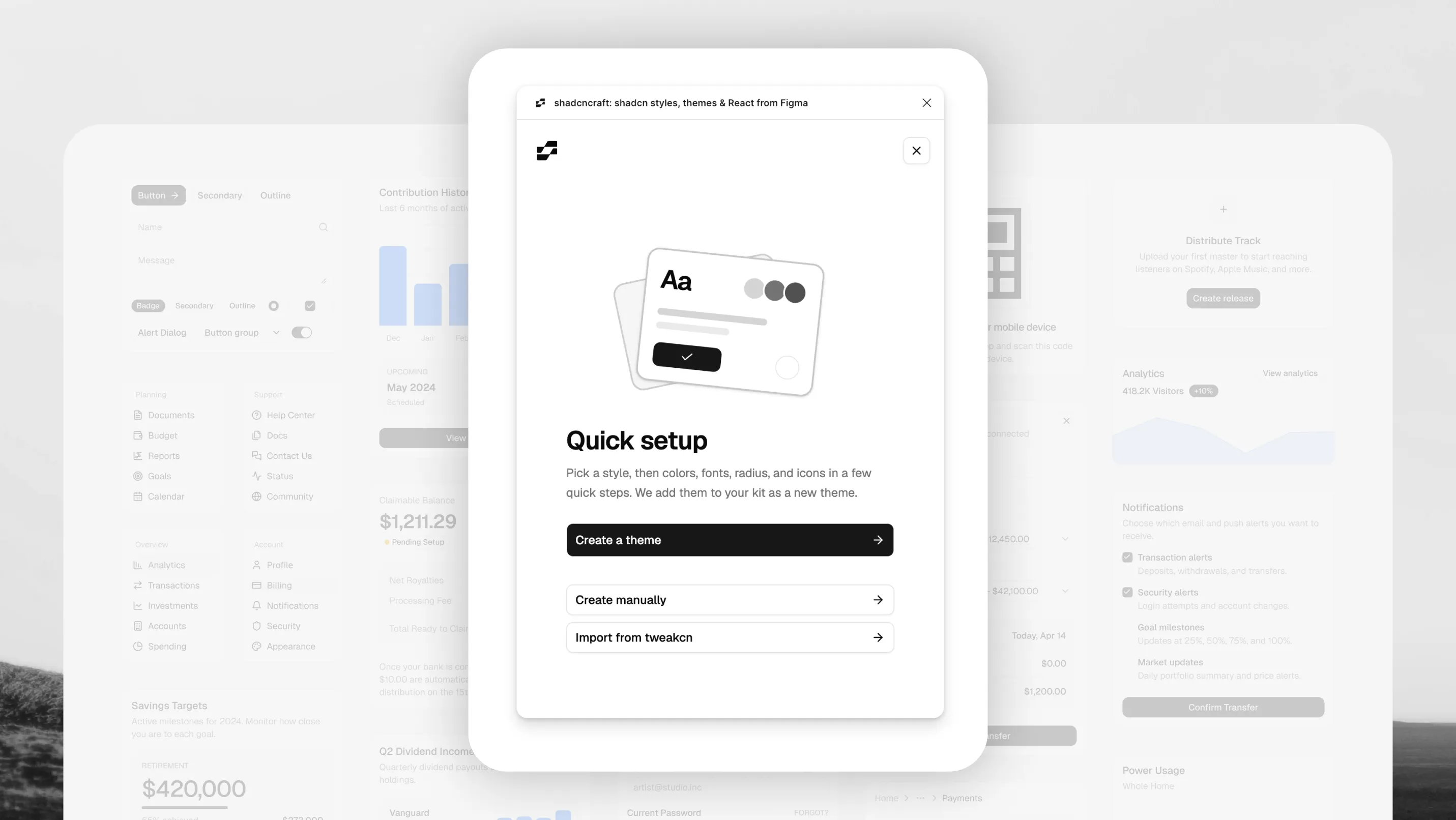
The latest shadcncraft plugin update adds Quick setup. It lets you make the kit yours without learning how its variables work.
Quick setup
Pick a shadcn style, brand colours for light and dark, fonts, Typeset reading sizes, radius and icons. A live preview shows real shadcn components as you choose, so you can see the result before anything changes in your file.
What you get matches the code shadcn create gives you, so your Figma file and your project start from the same place.
Each theme is added as a new theme. Your existing themes are never overwritten, so you can keep one theme per client in a single file.
Quick setup works with Pro 3.10, Free 3.2 and the paid Base kit. It also supports older Pro 3.2.3 Preview, 3.6 and 3.9 files.
Better theme imports
Corners now stay in step with your theme's radius when you import from the Styles tab, tweakcn, a pasted globals.css or a custom shadcn link. Maia, Vega and Mira corners match shadcn, and a radius in a v4 globals.css is no longer dropped.
Theme creation shows the current step and how long it has taken. Switching style keeps your other choices, and font imports no longer write to font-weight variables.
Code and CLI install
The Code tab recognises 41 more blocks, including Benefits, Metrics, Pricing, Testimonials, the Kanban parts and the dashboard cards.
A brief licence-server outage no longer erases your saved licence key, and a Retry button lets you try again. Codegen and sign-in are more reliable too.
A refreshed plugin
The plugin has a new look, built on shadcn's Base UI with the Vega style and the Geist font.
It is also much smaller. Its code went from 25.9MB to 4.4MB, so it opens faster.
Privacy
The plugin now sends anonymous action counts only. It sends no file, theme or personal data.
Open the shadcncraft plugin and run Quick setup on your file. See the changelog for the full list of changes.