All Chat blocks
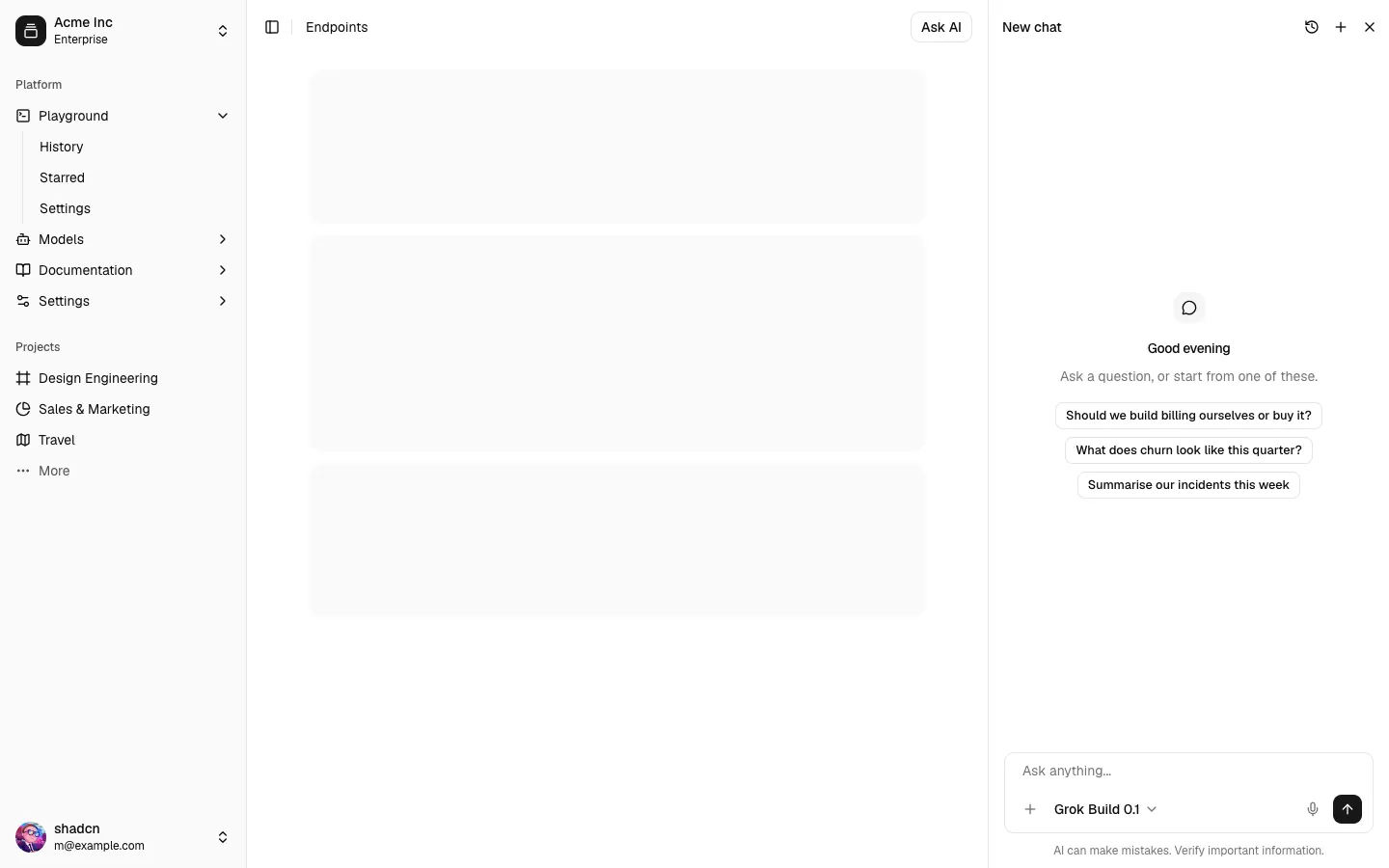
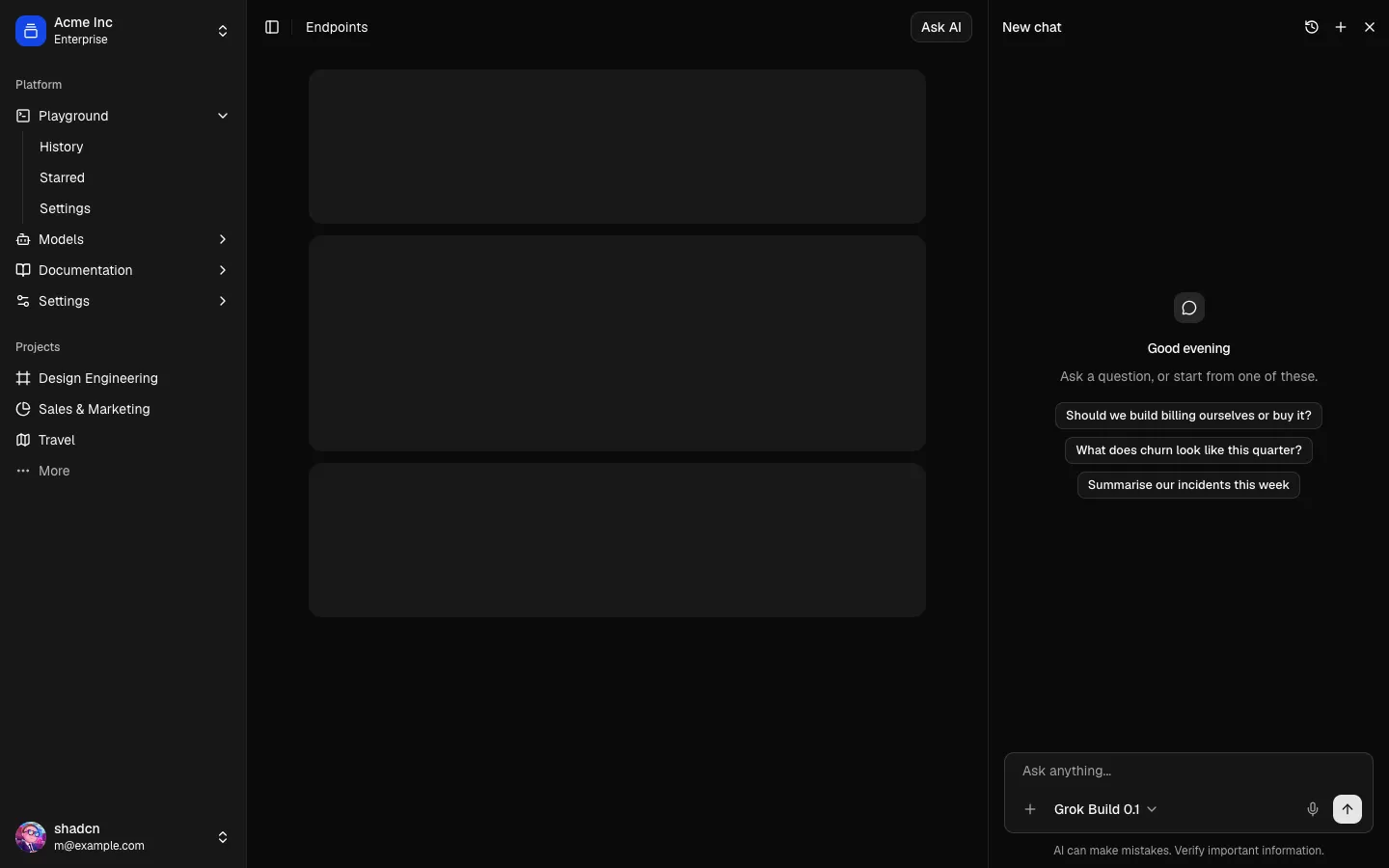
Composer 2
Prompt input with slash commands, mentions and modes
The main composer for a chat that does more than answer. A slash opens commands, an at sign opens people and files, and both lists filter as you type and work from the keyboard. A picked command becomes a chip rather than staying in the text, so your route receives a clean prompt and an id. Beside them sit a mode picker, the model picker with reasoning effort, attachments by picker, drag or paste, and dictation with a live waveform.
In all Pro bundles
Radix UI
Base UI
8 styles
5 icon sets
Own this code forever
Build with your AI agents or bring the code into your own codebase.
Already have a license key?
SBIOTJ
Join 16,000+ builders shipping with shadcncraft
Get access to this block and the full library
Production-ready blocks and components with matching Figma and React.
Benefits
Production-ready by default
Built with shadcn/ui conventions and designed for real projects.
Built with shadcn/ui
Clean React components using Tailwind and modern shadcn patterns.
Install instantly
Add the block directly using the shadcn CLI.
Works with your theme
Compatible with shadcn themes and token-based color systems.
MCP server support
Use shadcn MCP server right from your favorite AI tools.
Frequently Asked Questions
Yes. They follow shadcn/ui structure and are built for real products.
All blocks
More Chat
Pro
Assistant Onboarding 15
Team rollout: seats, data access by group, policy and a turned-on state


Pro
Assistant Onboarding 14
Agent builder in four steps with a live preview and a test run


Pro
Assistant Onboarding 13
First run on your own data: connect, index, first cited answer


Pro
Composer 3
Compact panel composer with source chips


Pro
Chat Shell 2
Support inbox with an AI copilot


Pro
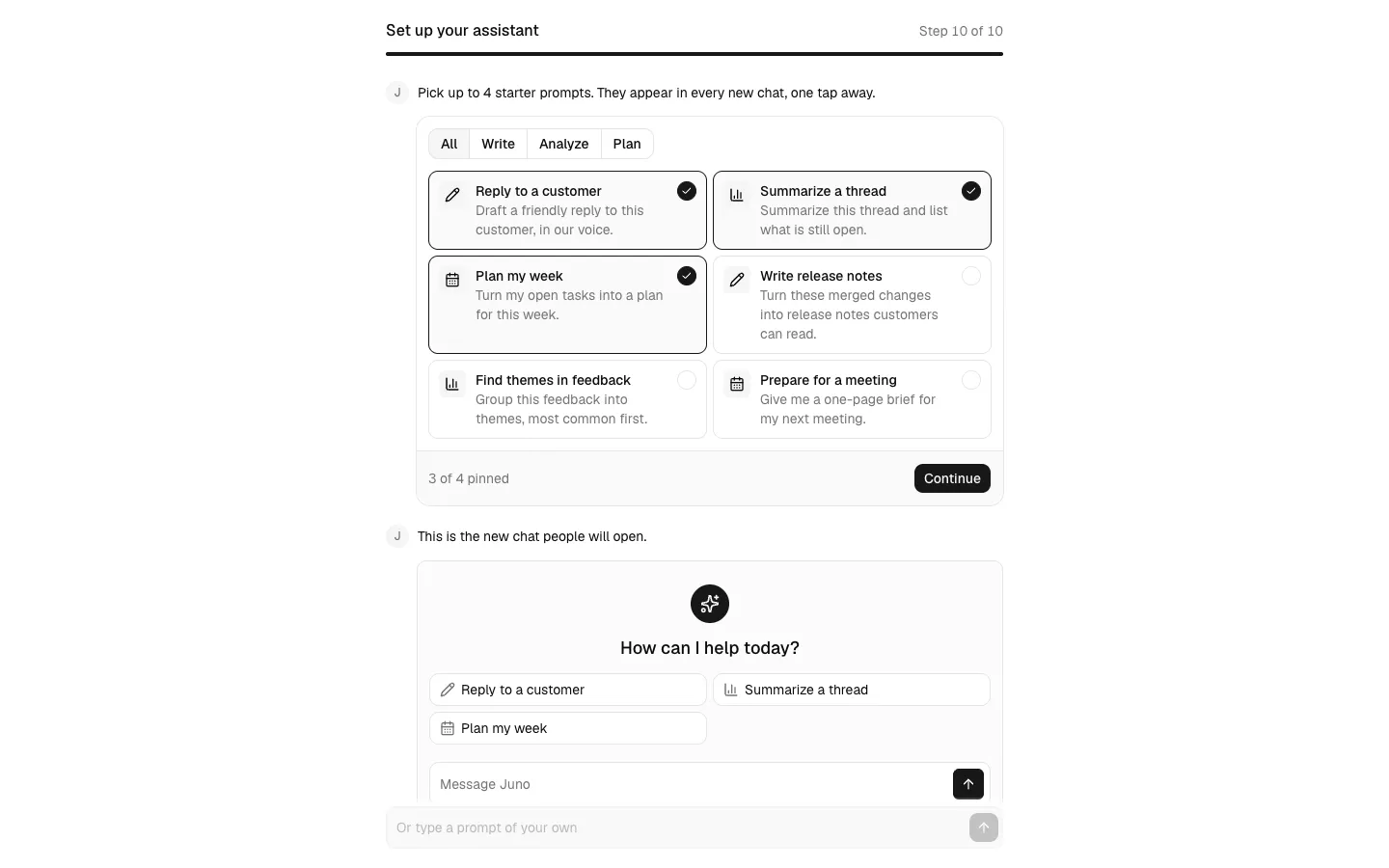
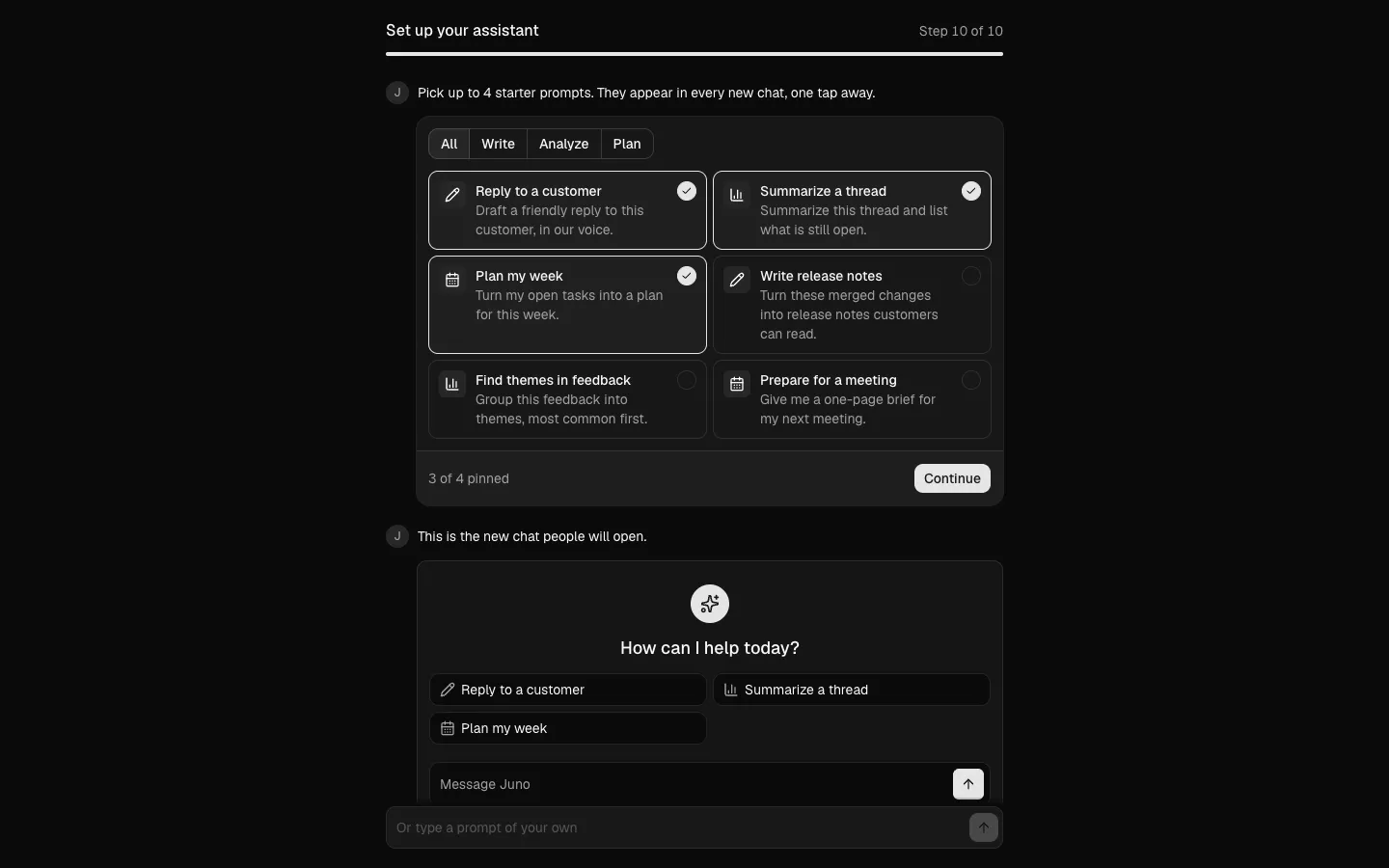
Assistant Onboarding 12
Starter prompt gallery in a chat, with a new-chat preview
Pro
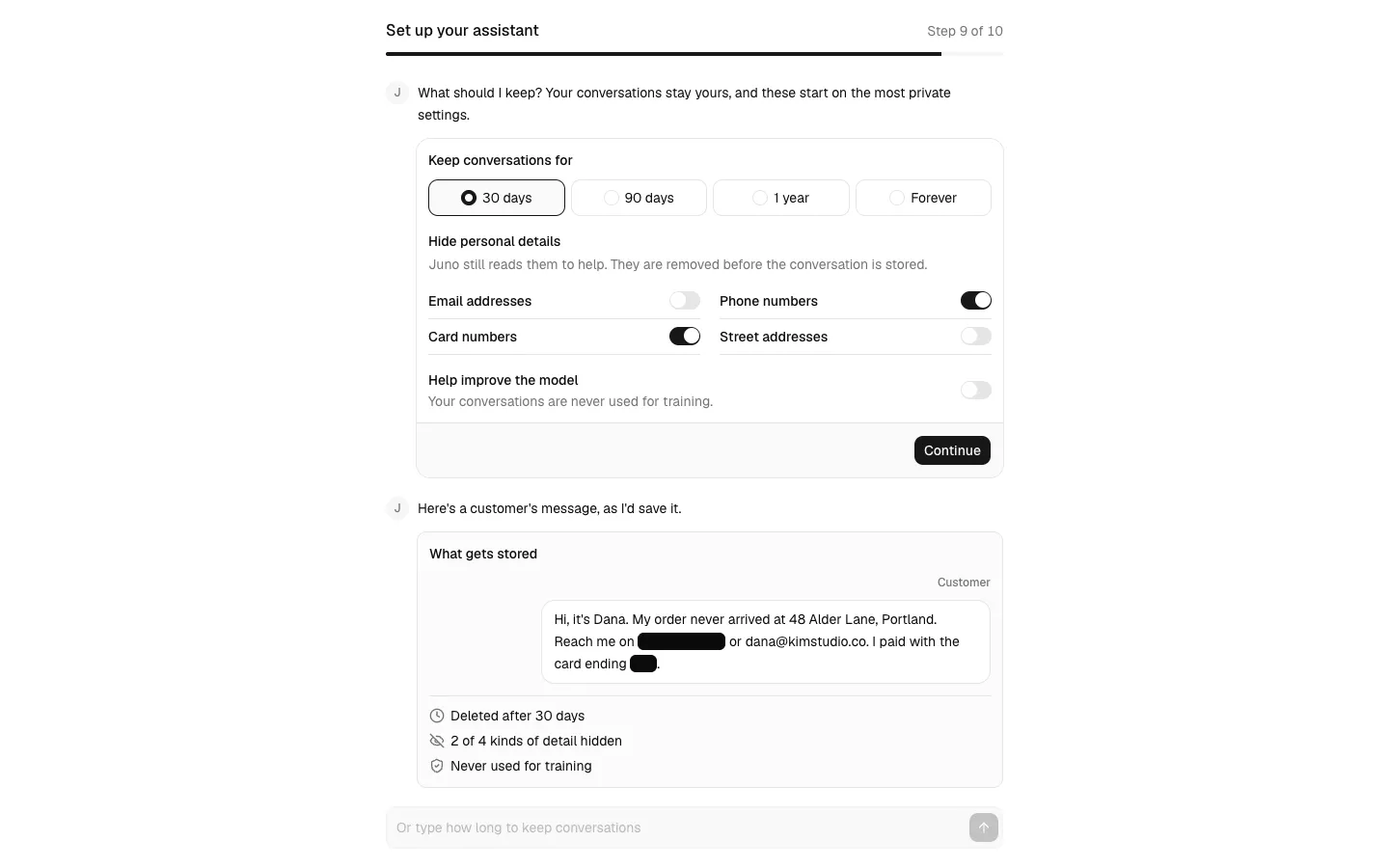
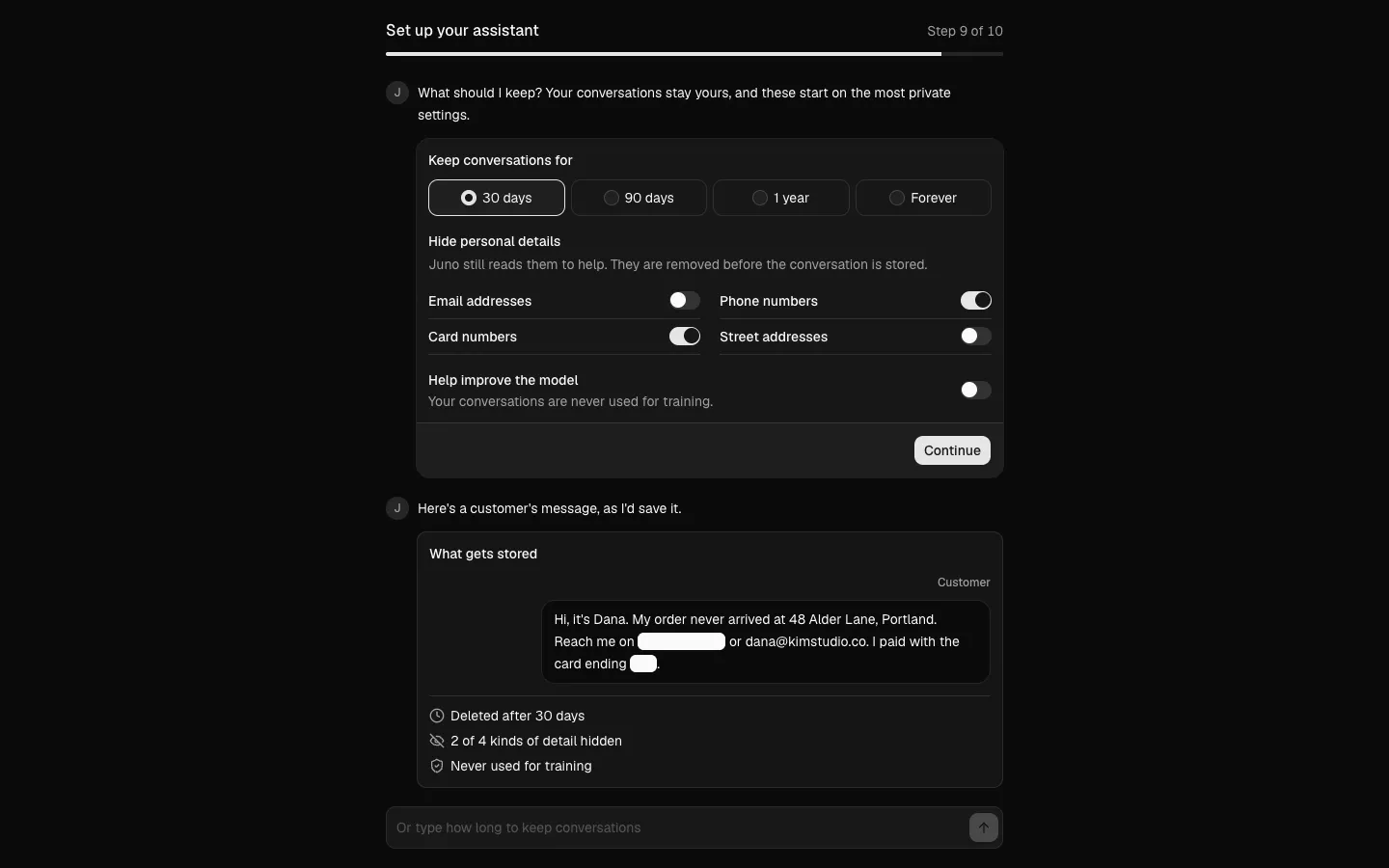
Assistant Onboarding 11
Privacy controls in a chat, with a live redaction preview
Pro
Assistant Onboarding 10
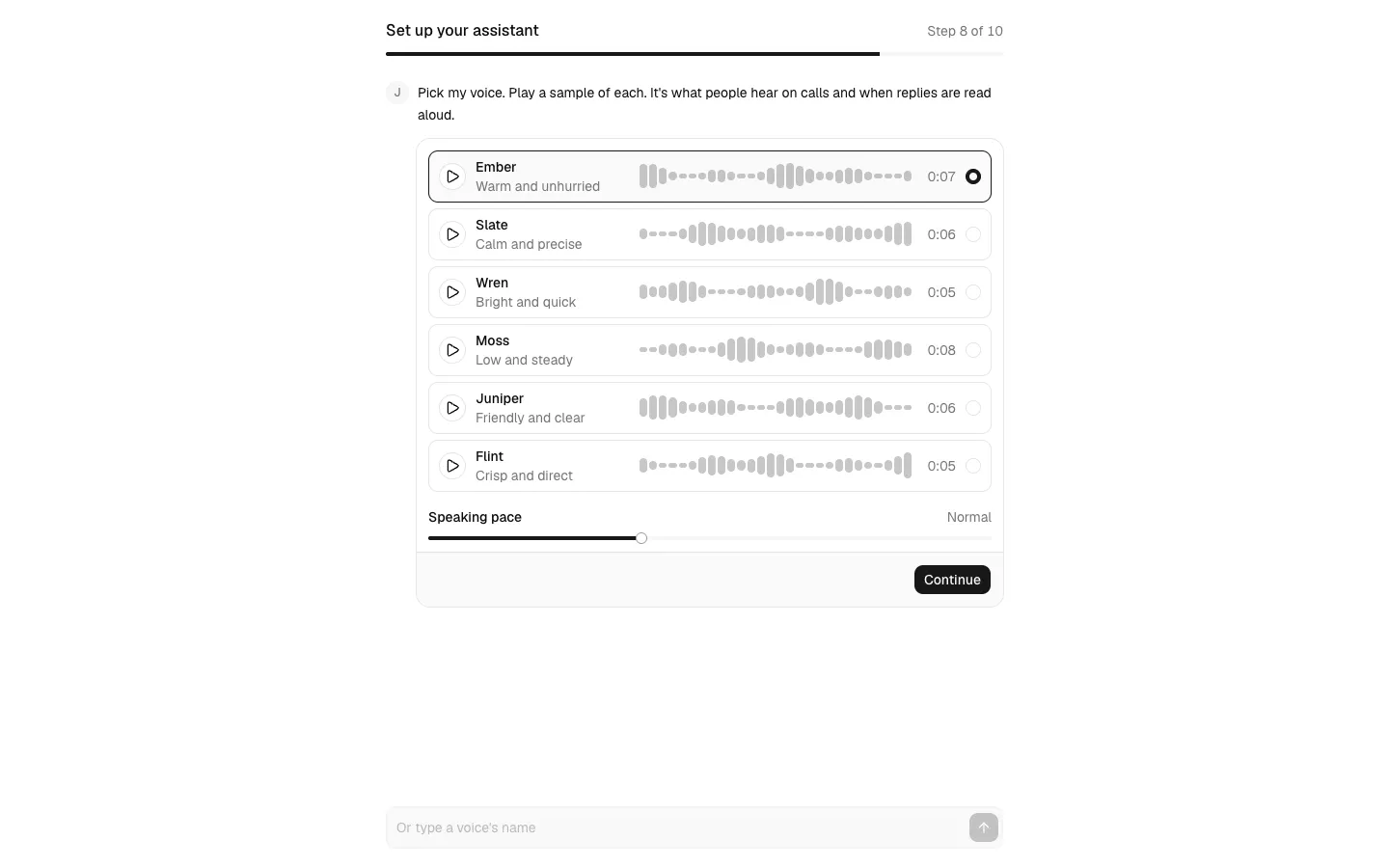
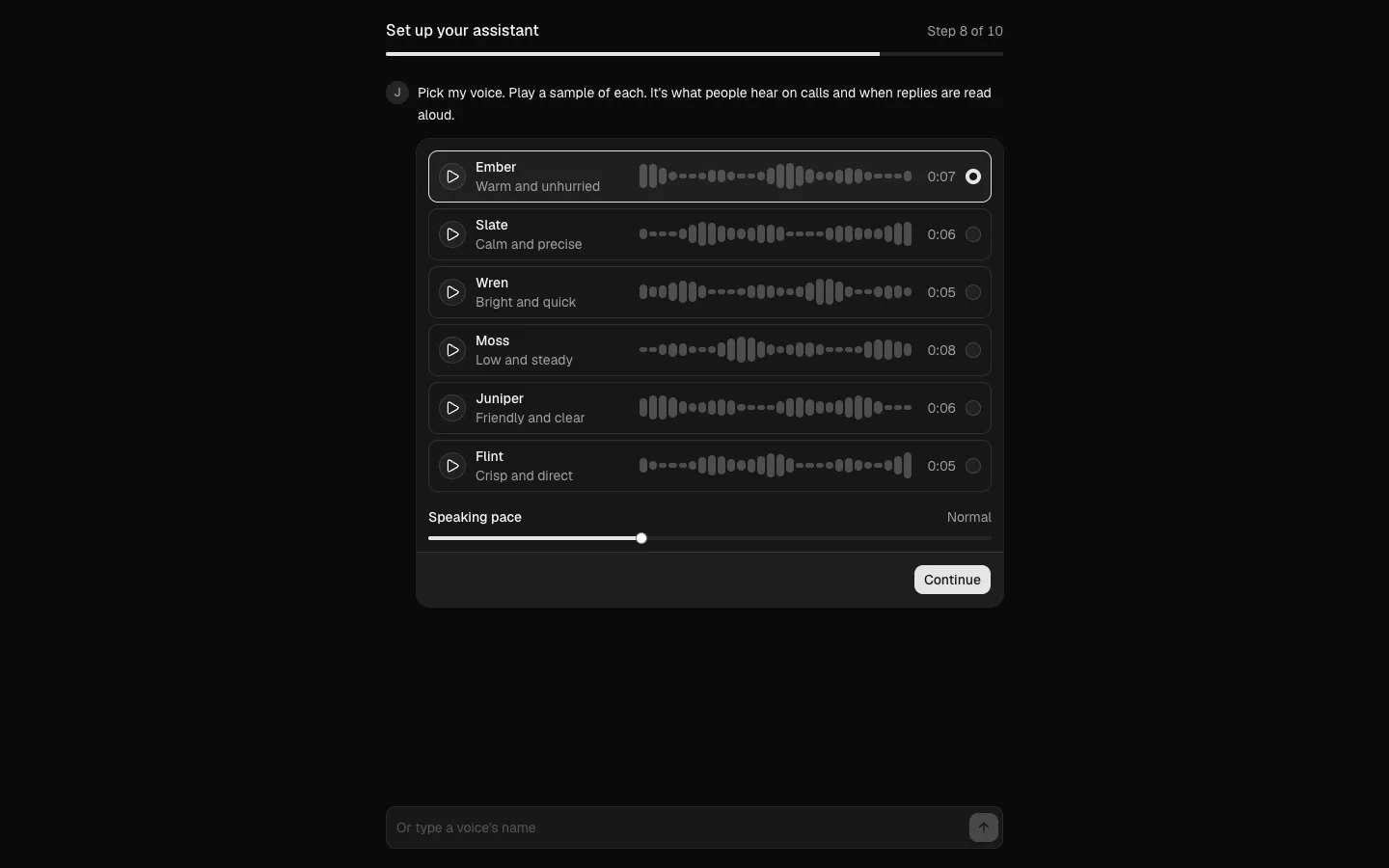
Pick a voice in a setup chat, with playable samples
Pro
Assistant Onboarding 9
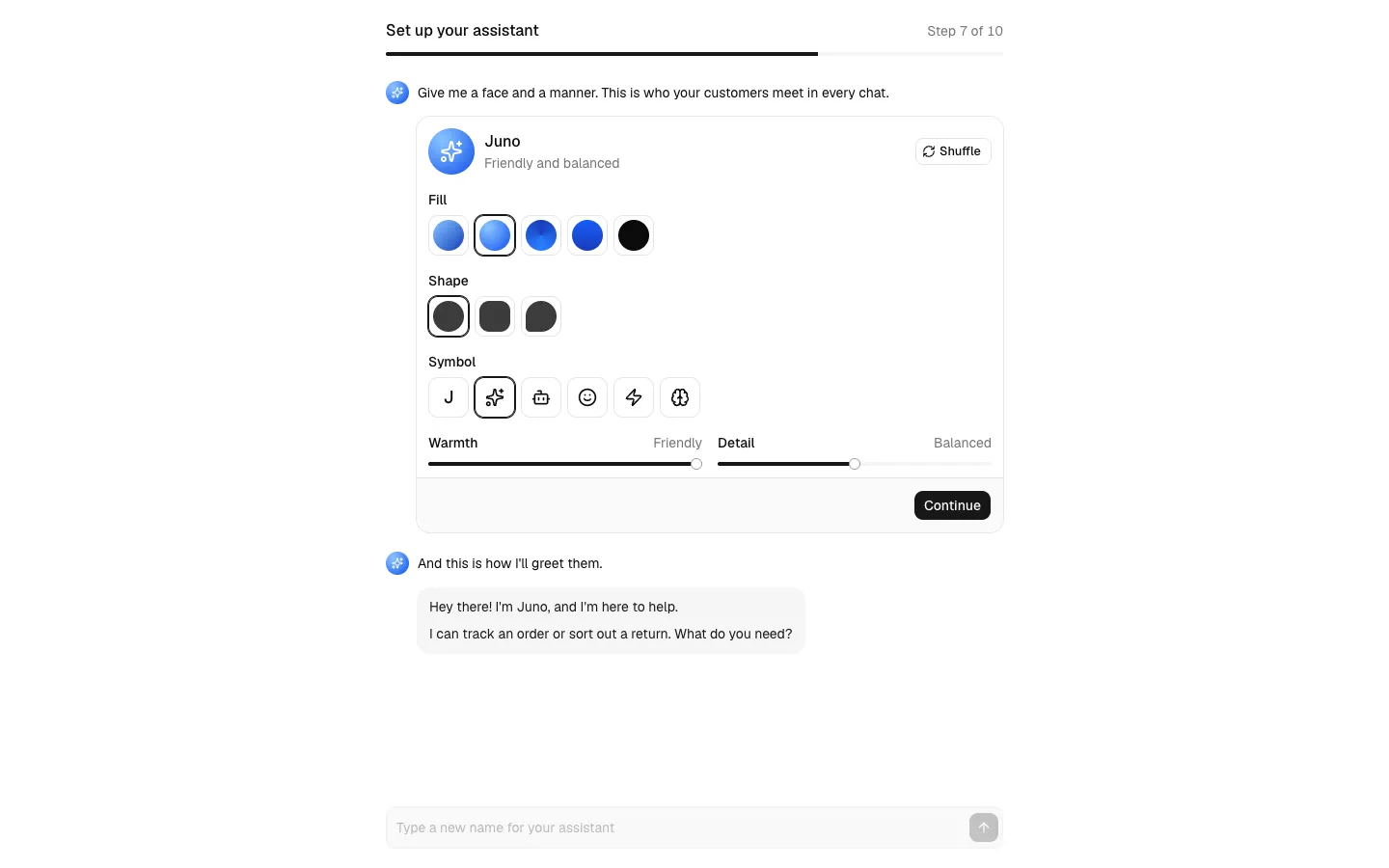
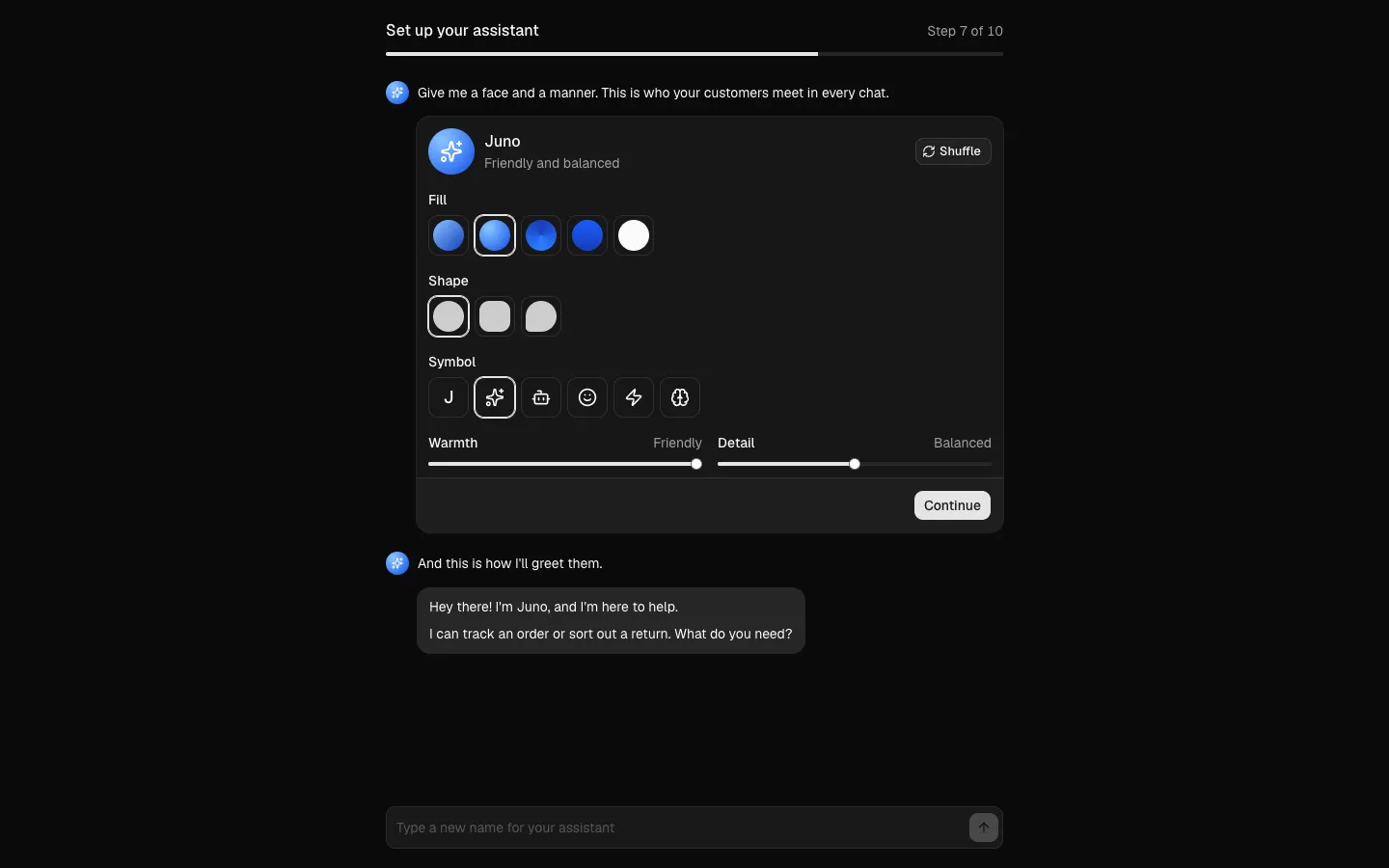
Persona builder in a chat, with a live avatar and greeting
Pro
Assistant Onboarding 8
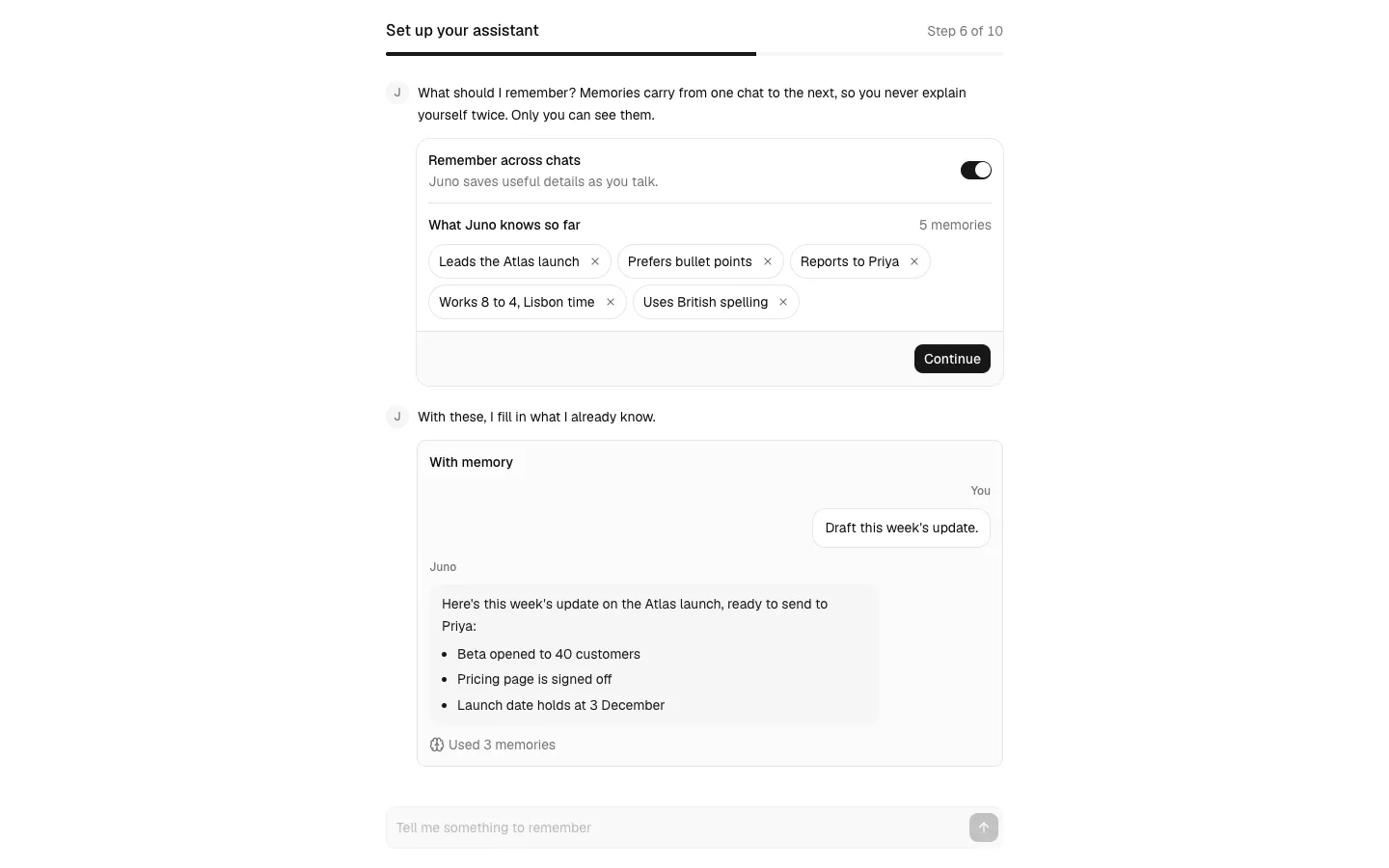
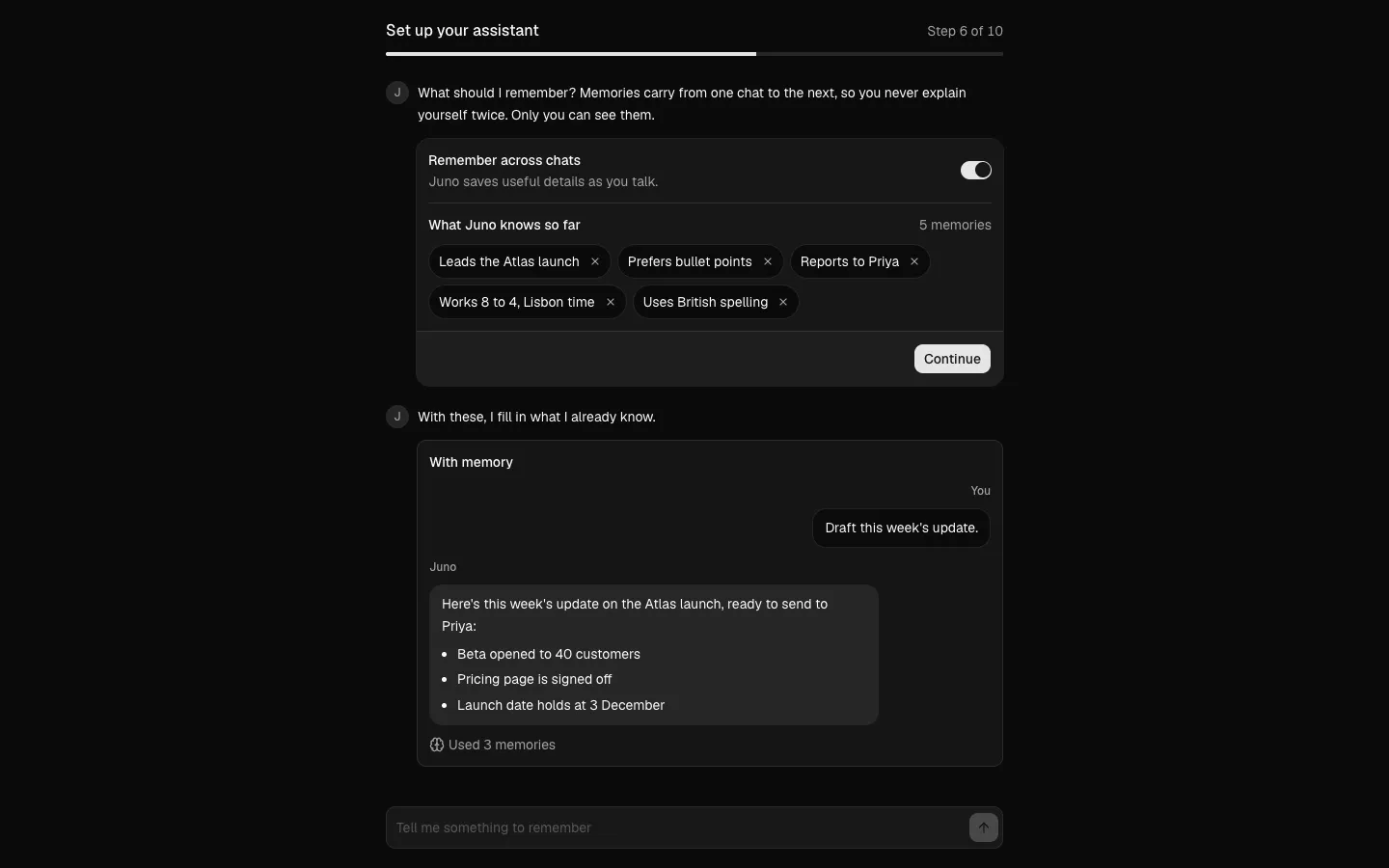
Set up memory in a chat, with editable memory chips
Pro
Assistant Onboarding 7
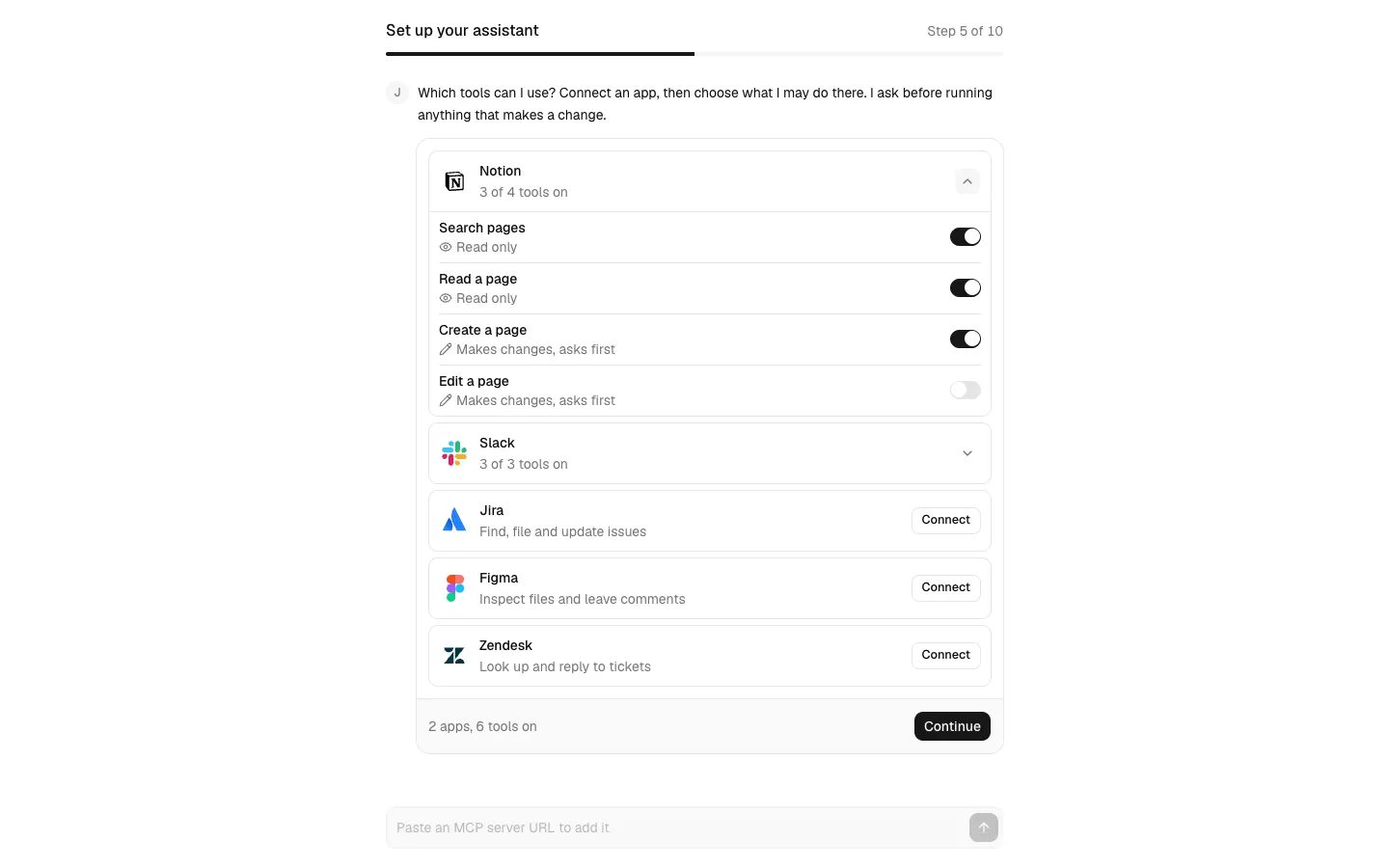
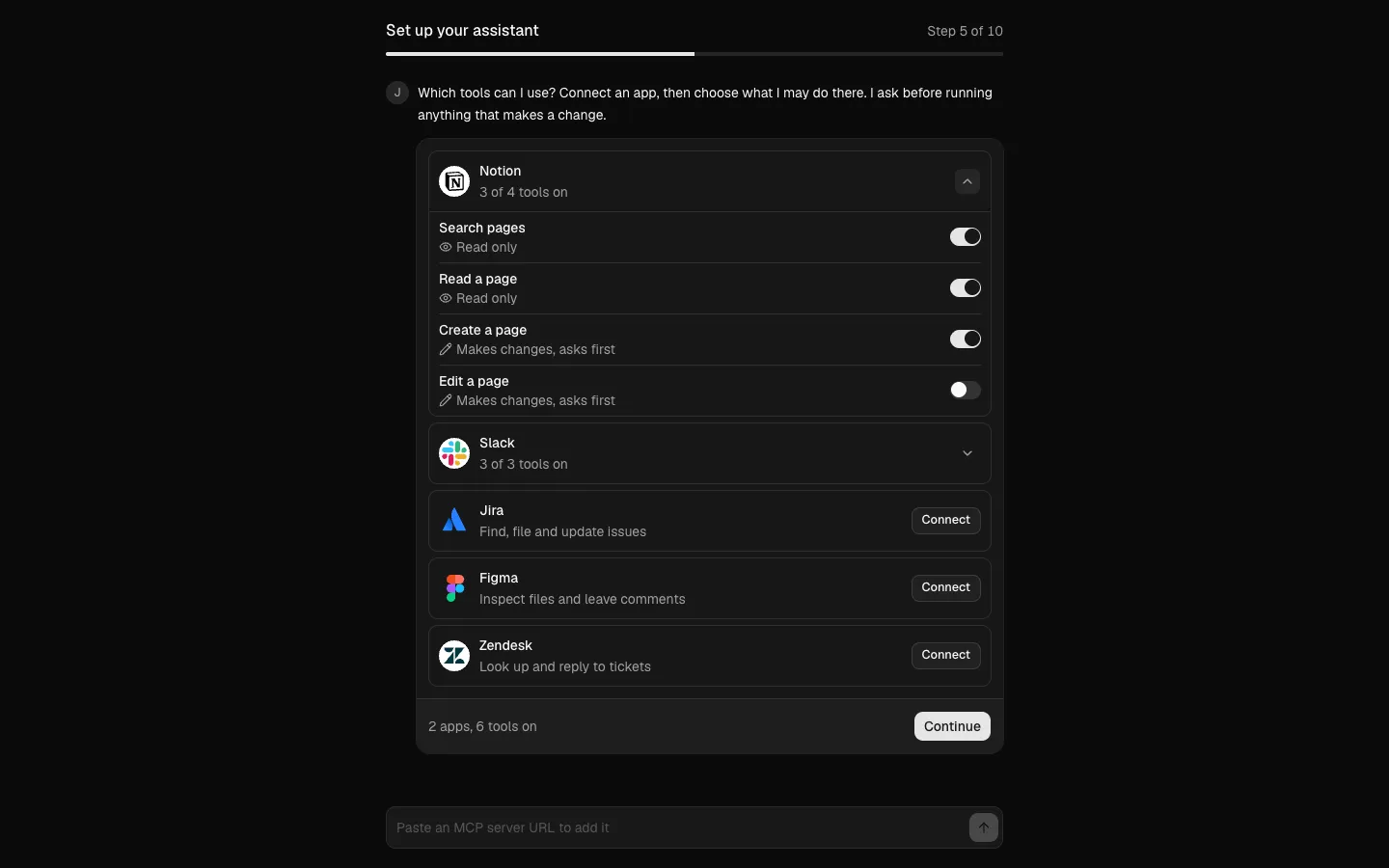
Connect tools in a setup chat, with a switch per tool
Pro
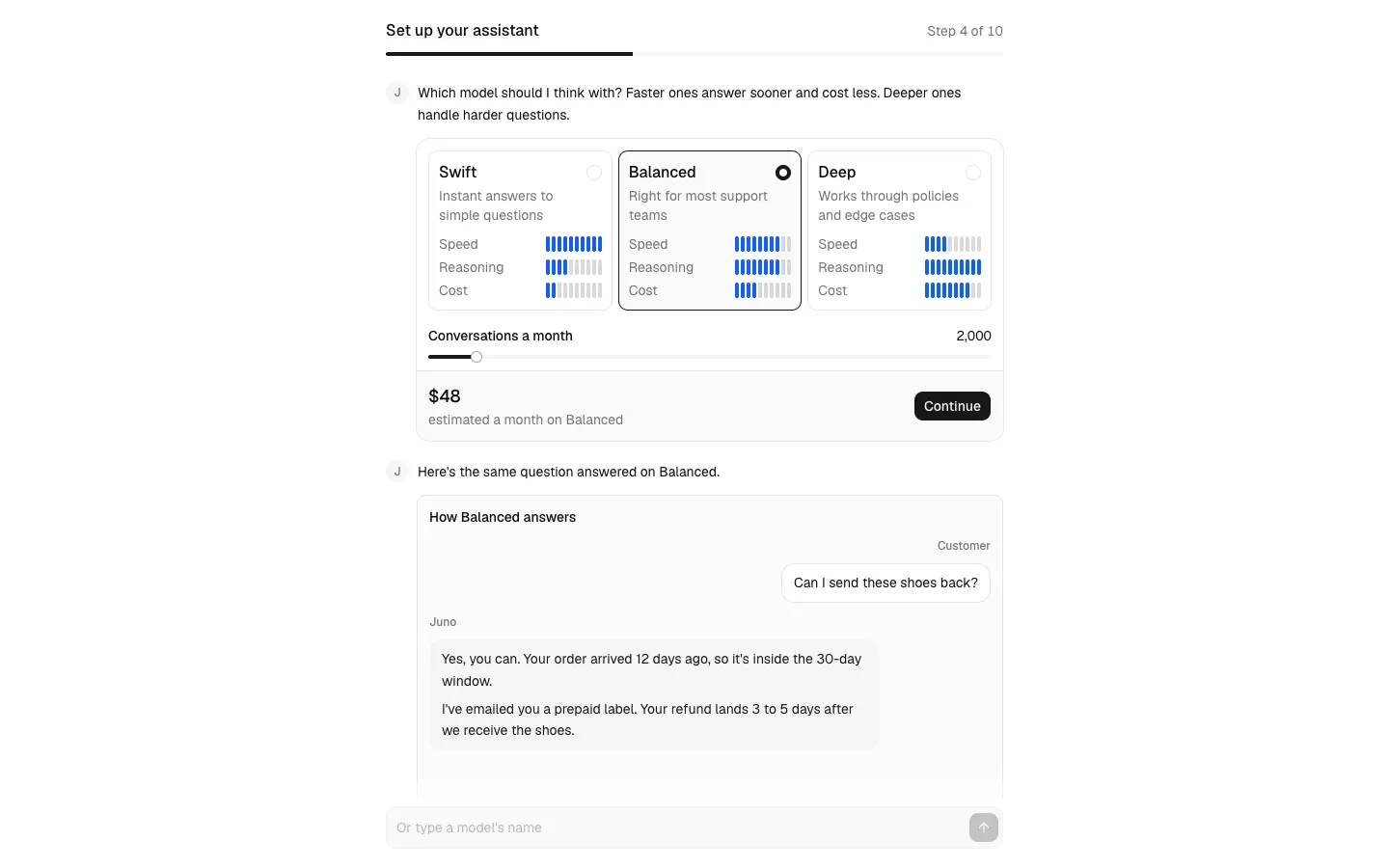
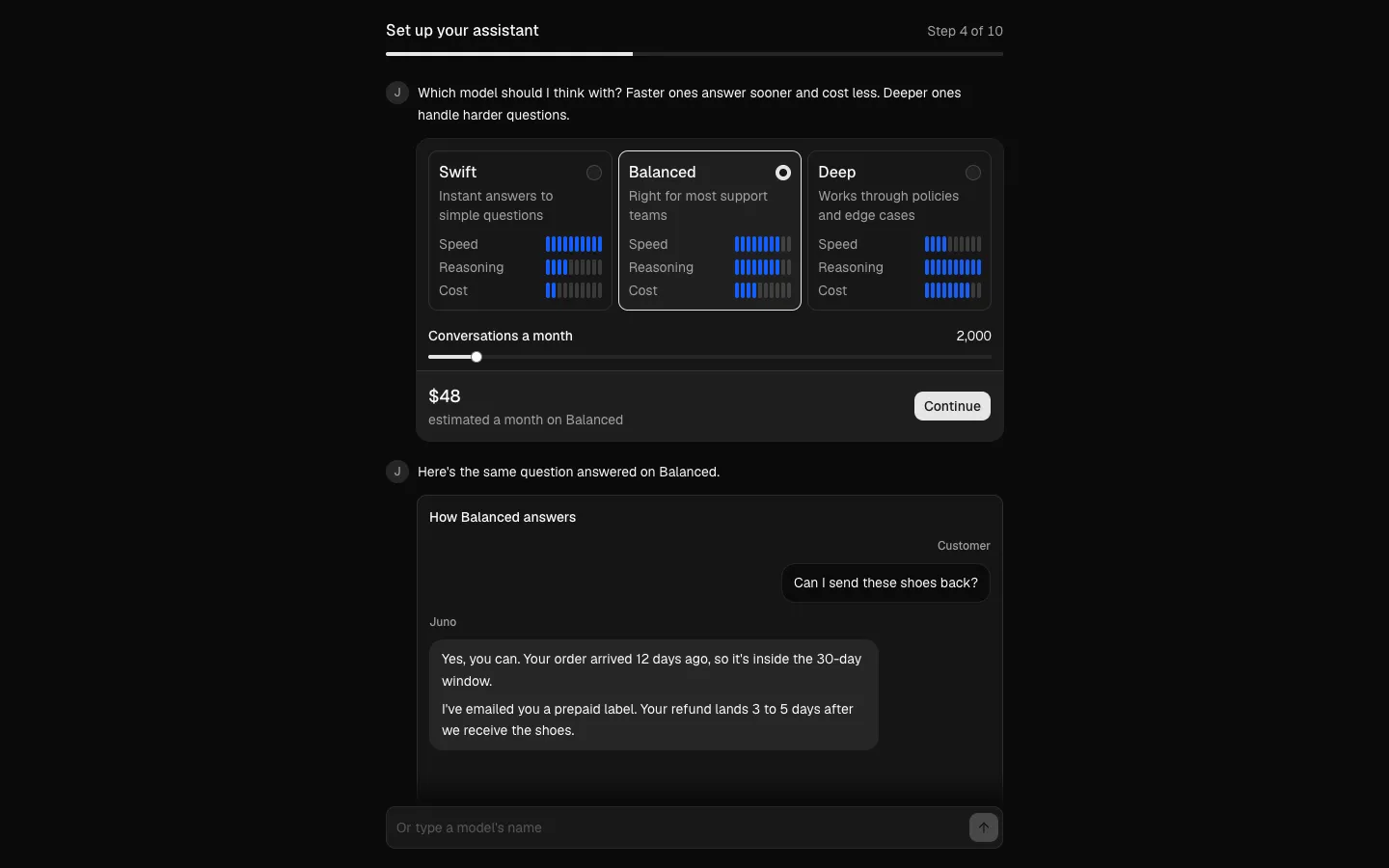
Assistant Onboarding 6
Choose a model in a setup chat, with trade-off meters
Pro
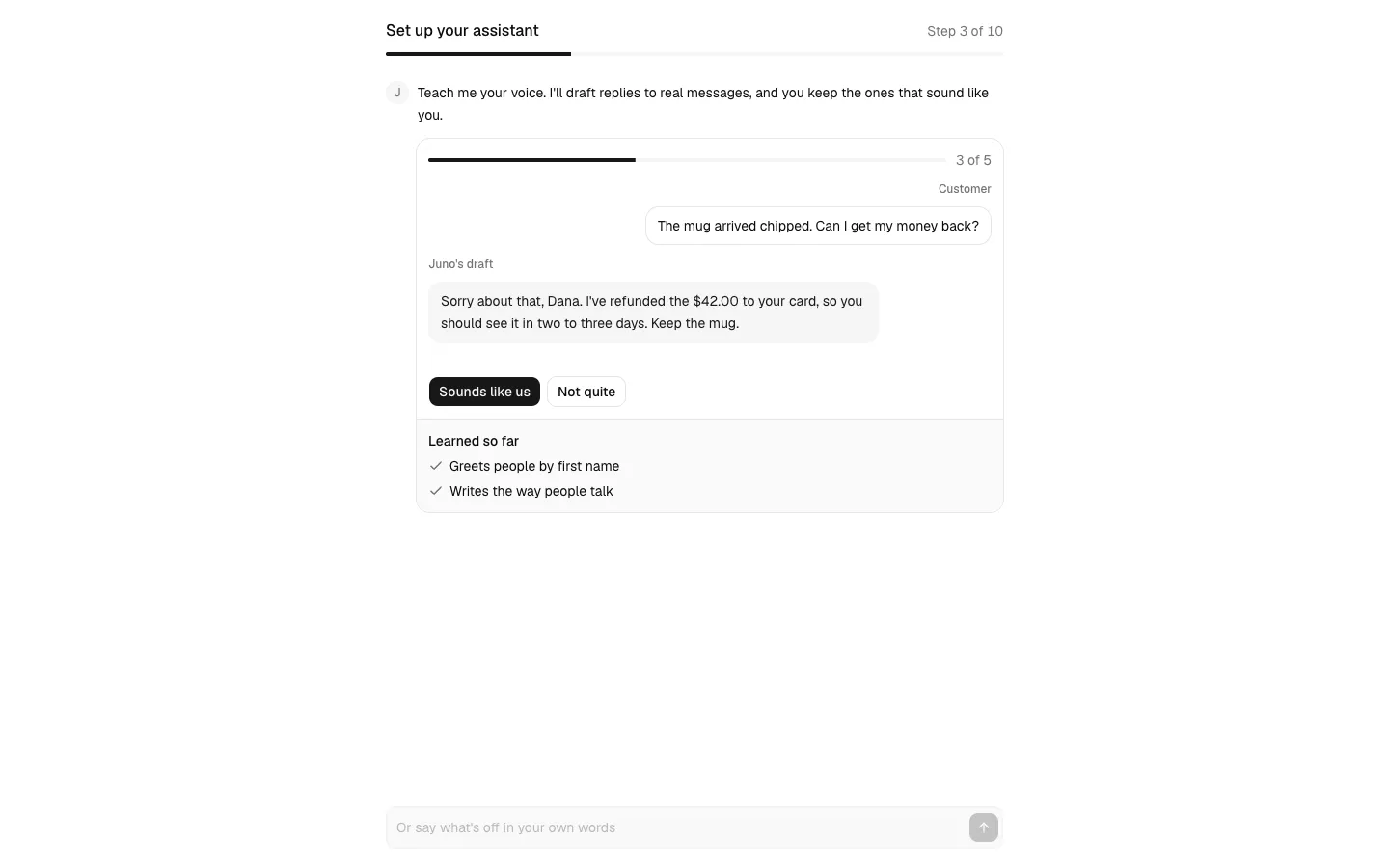
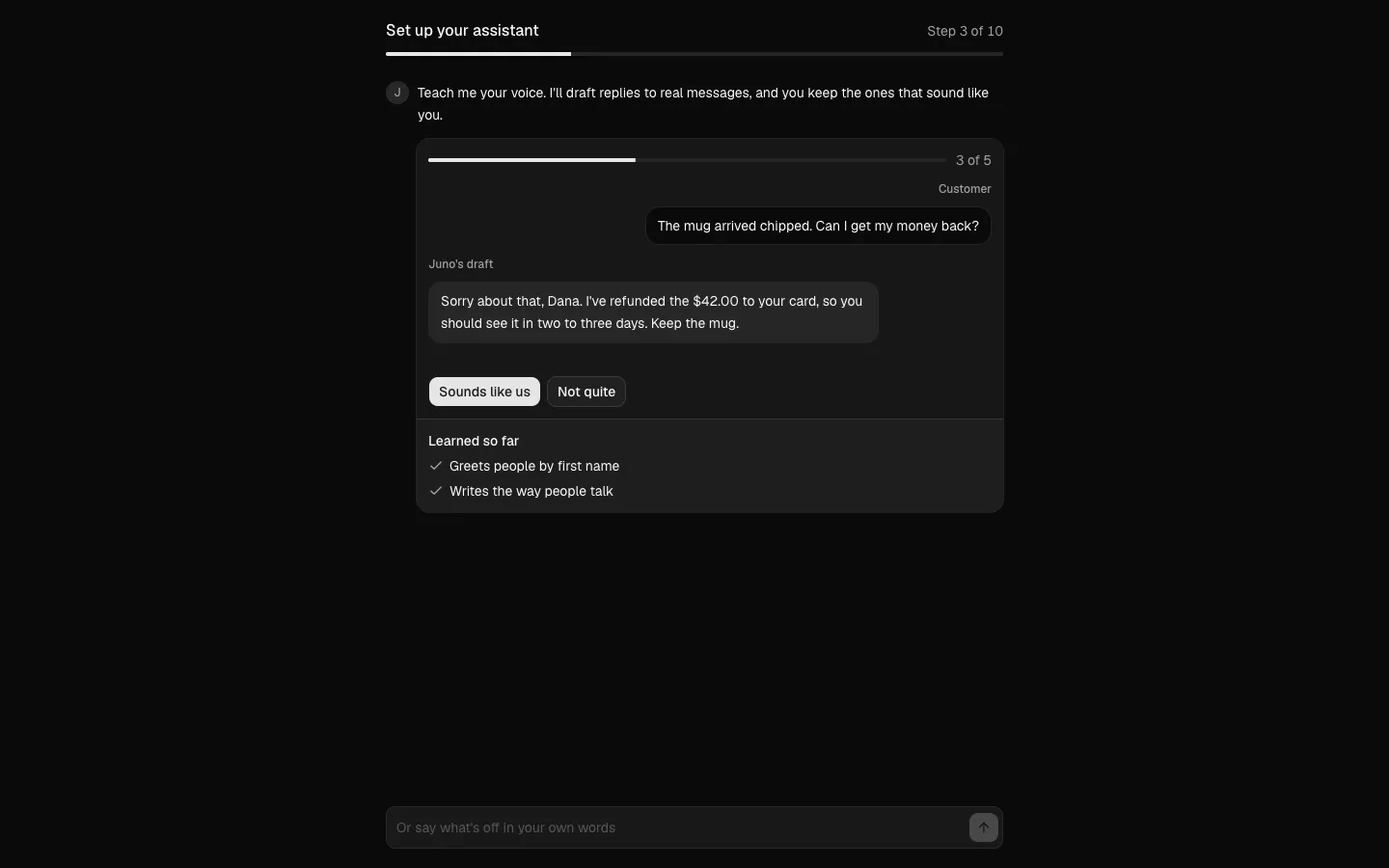
Assistant Onboarding 5
Teach the assistant your voice by example, in a chat
Pro
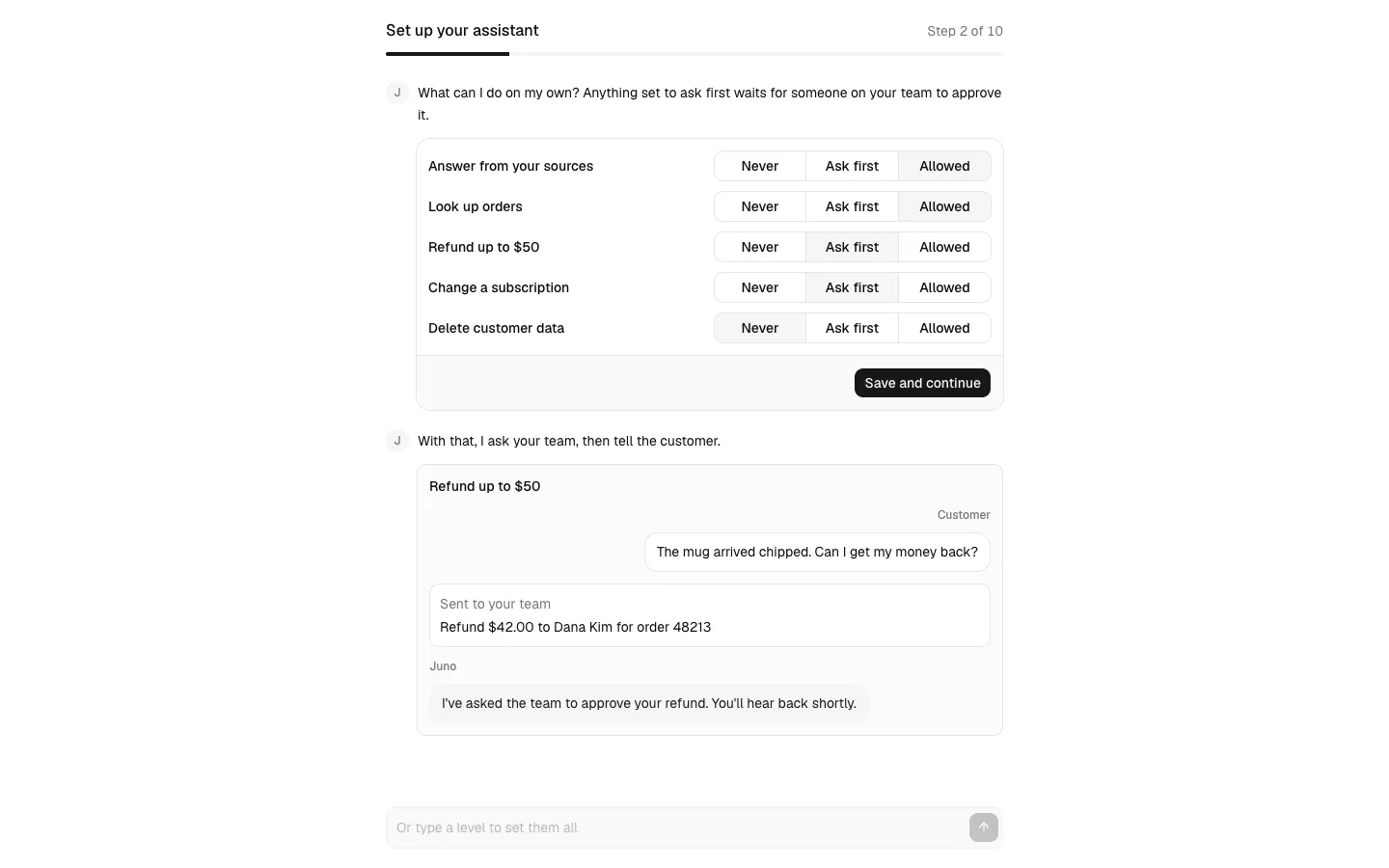
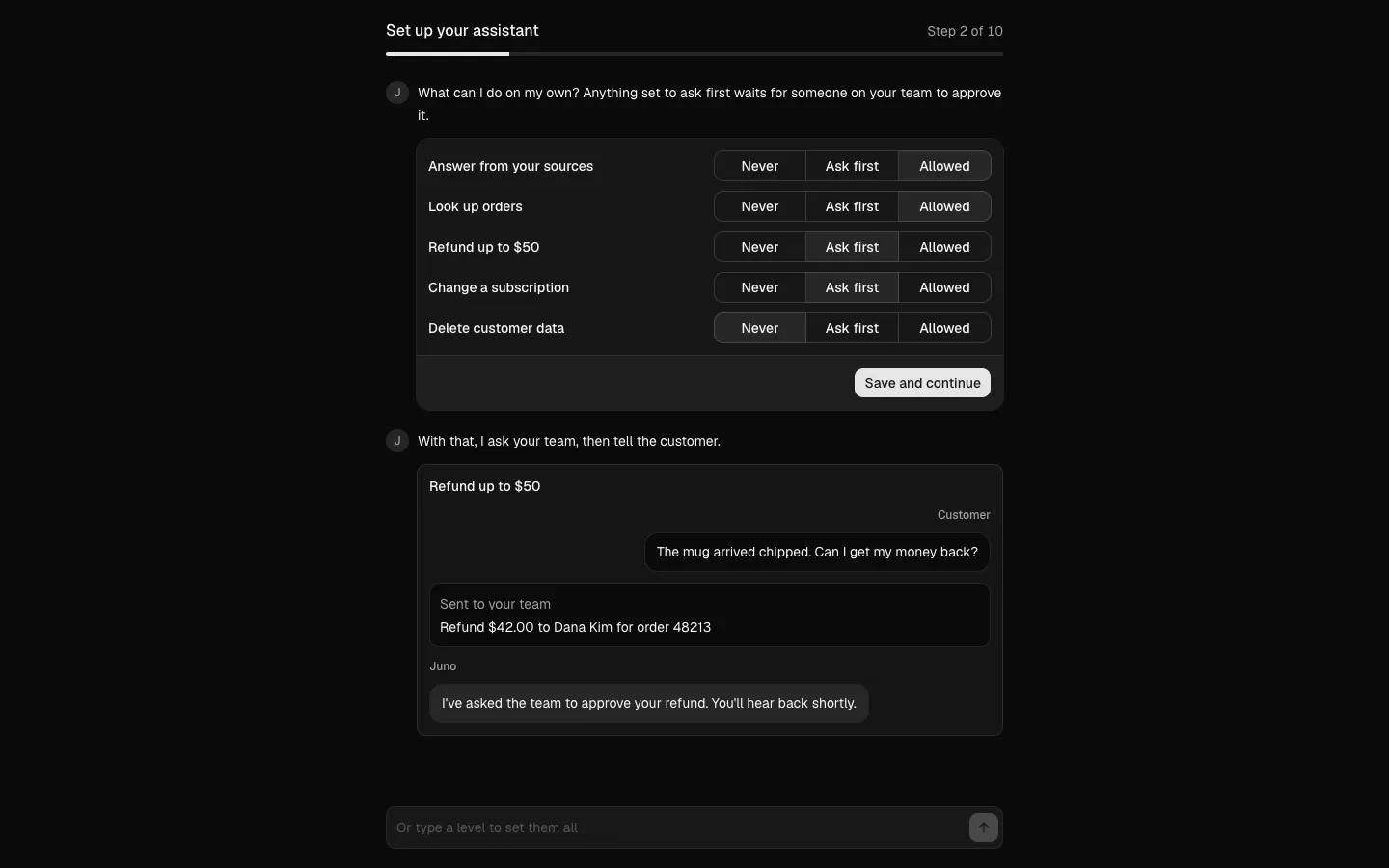
Assistant Onboarding 4
Permissions in a setup chat, with a live exchange
Pro
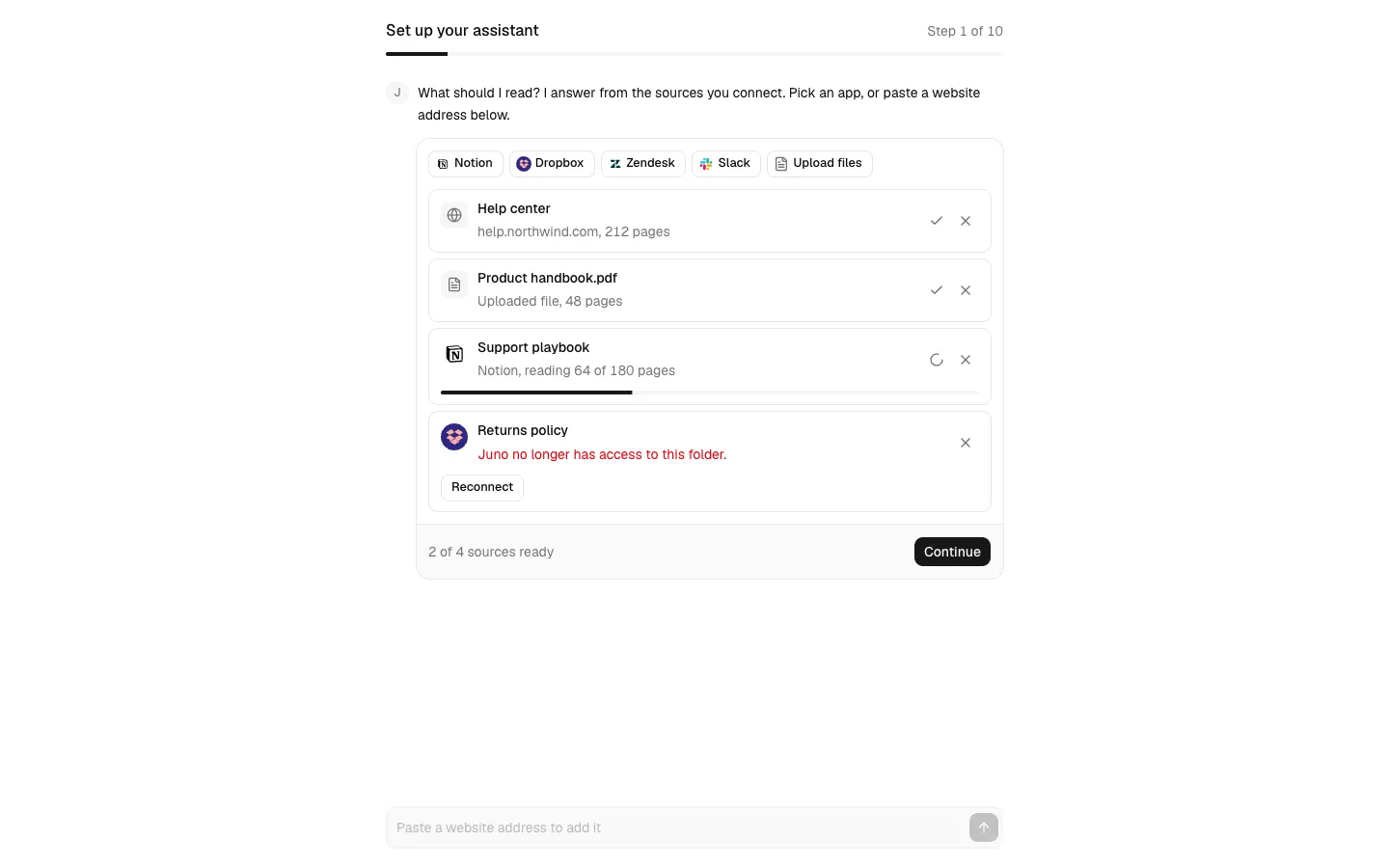
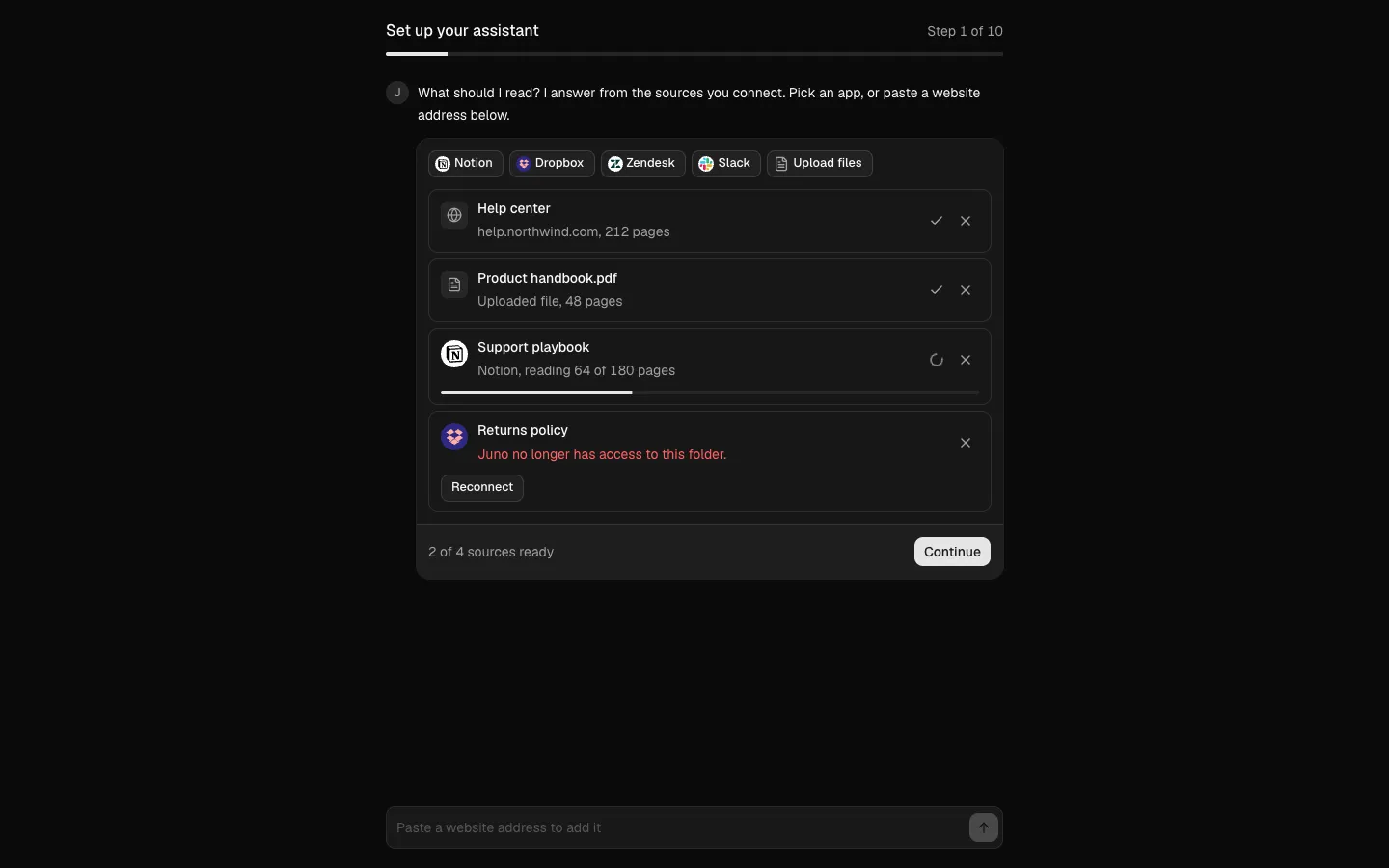
Assistant Onboarding 3
Connect knowledge sources in a setup chat
Pro
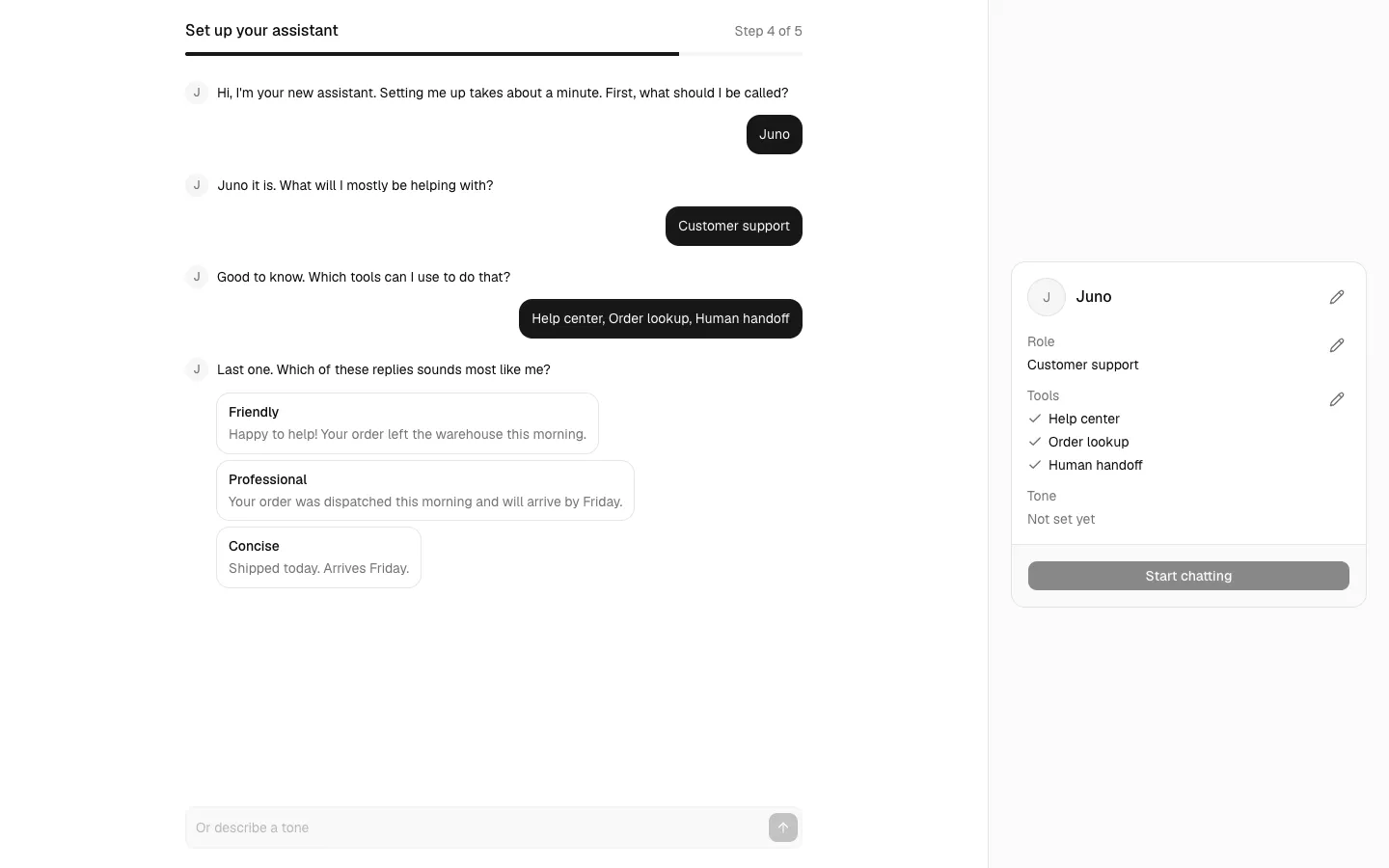
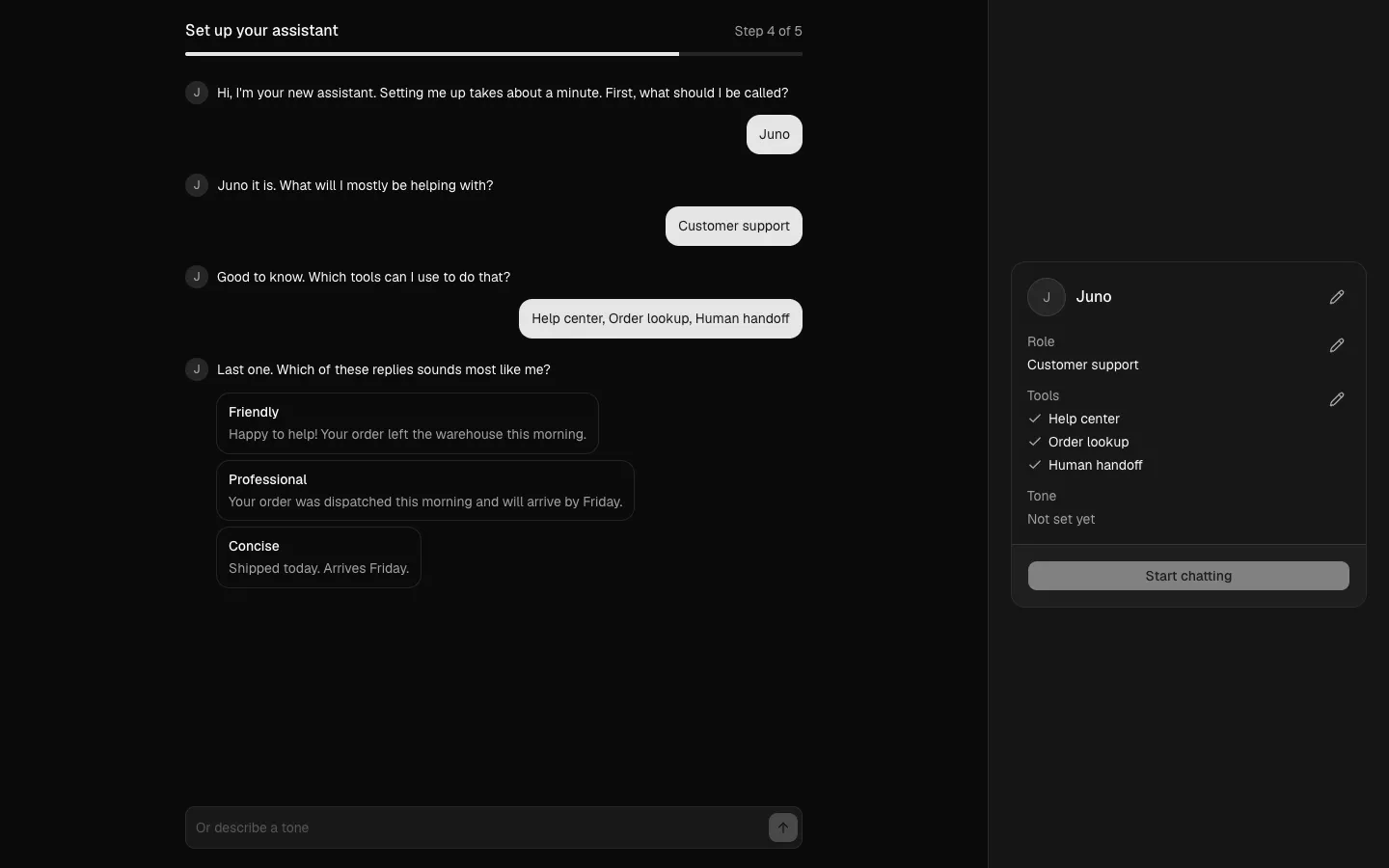
Assistant Onboarding 2
Chat-style setup beside a live profile card
Pro
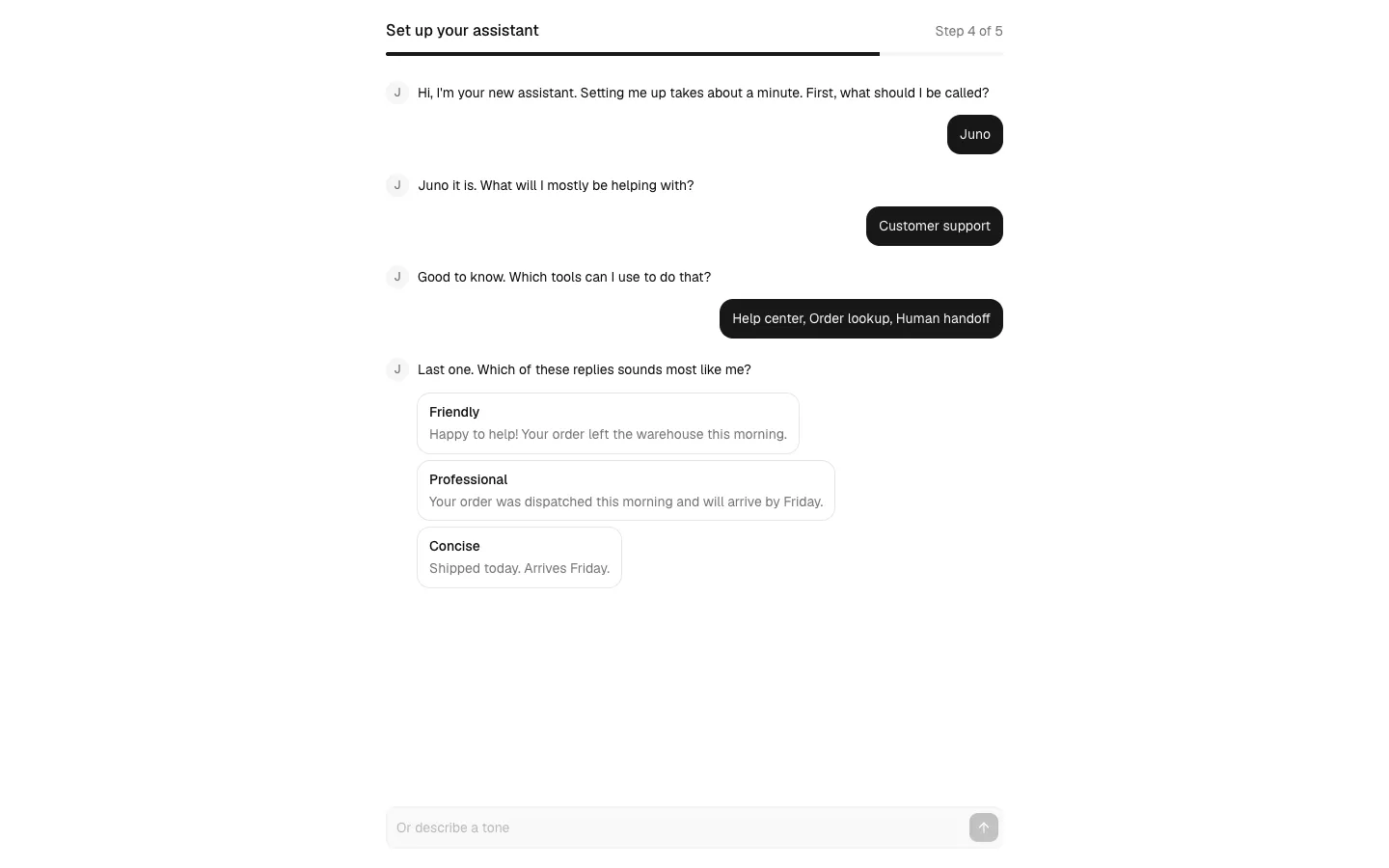
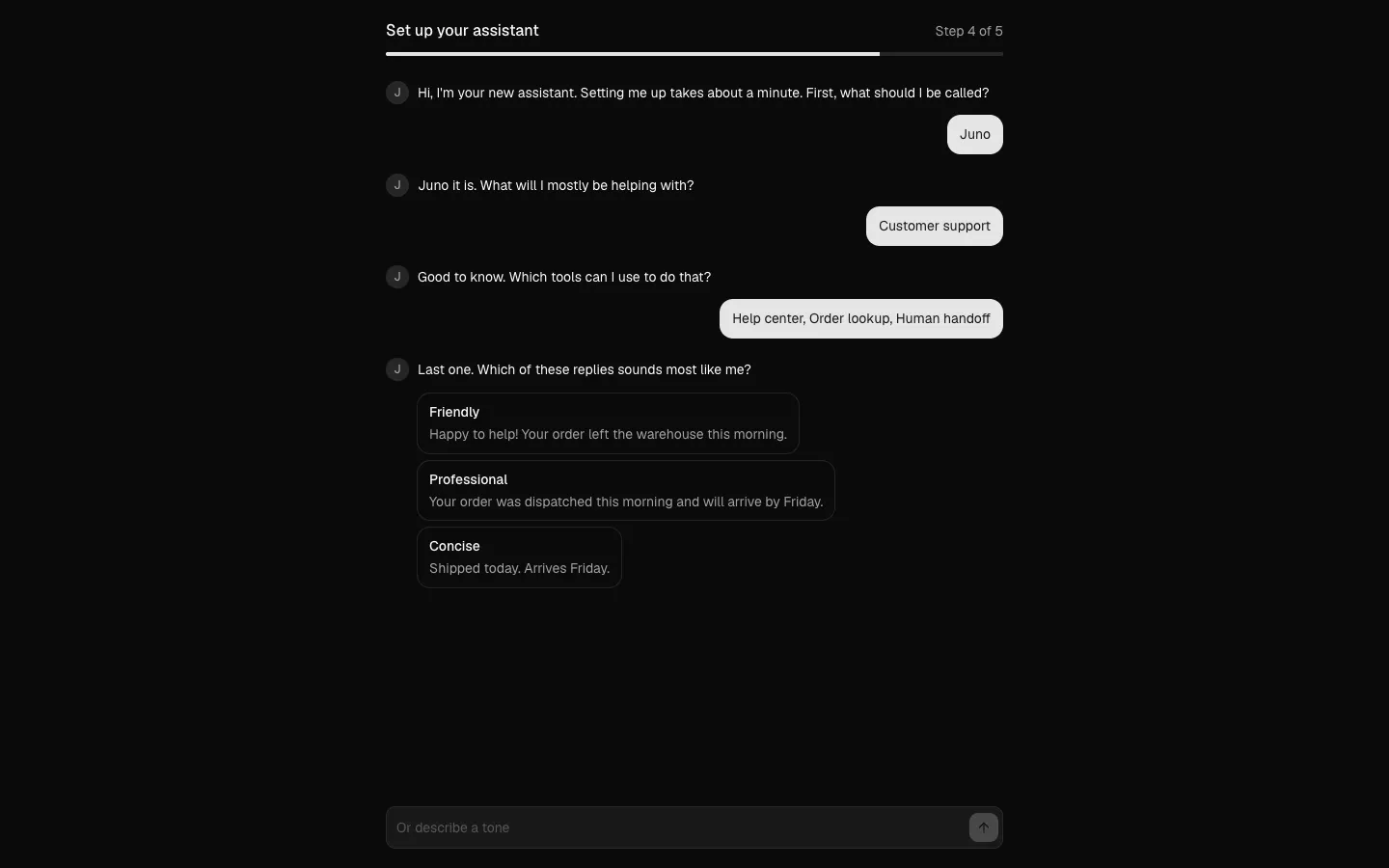
Assistant Onboarding 1
Chat-style setup for an AI assistant
Pro
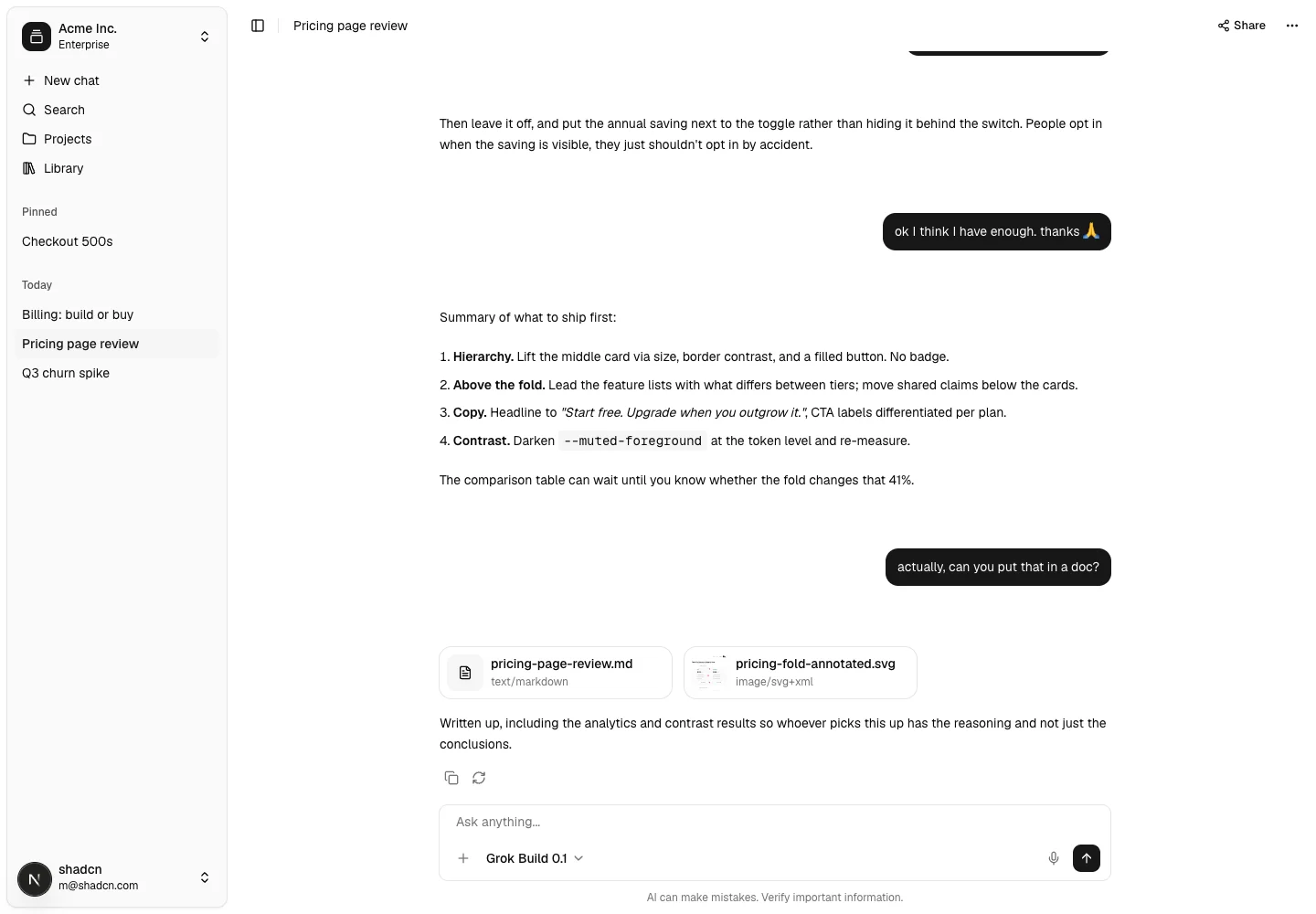
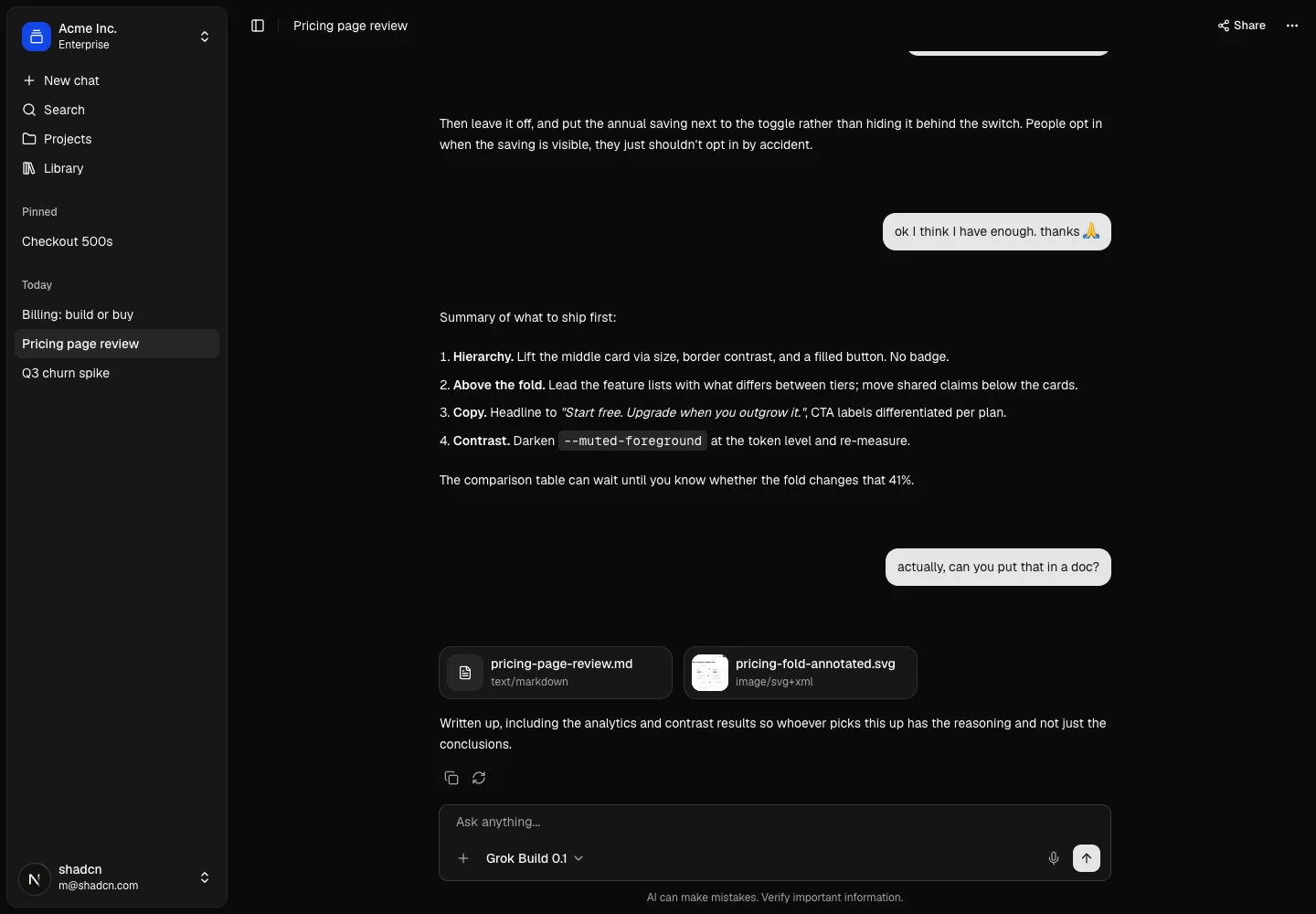
AI Chat 1
Complete chat application
Pro
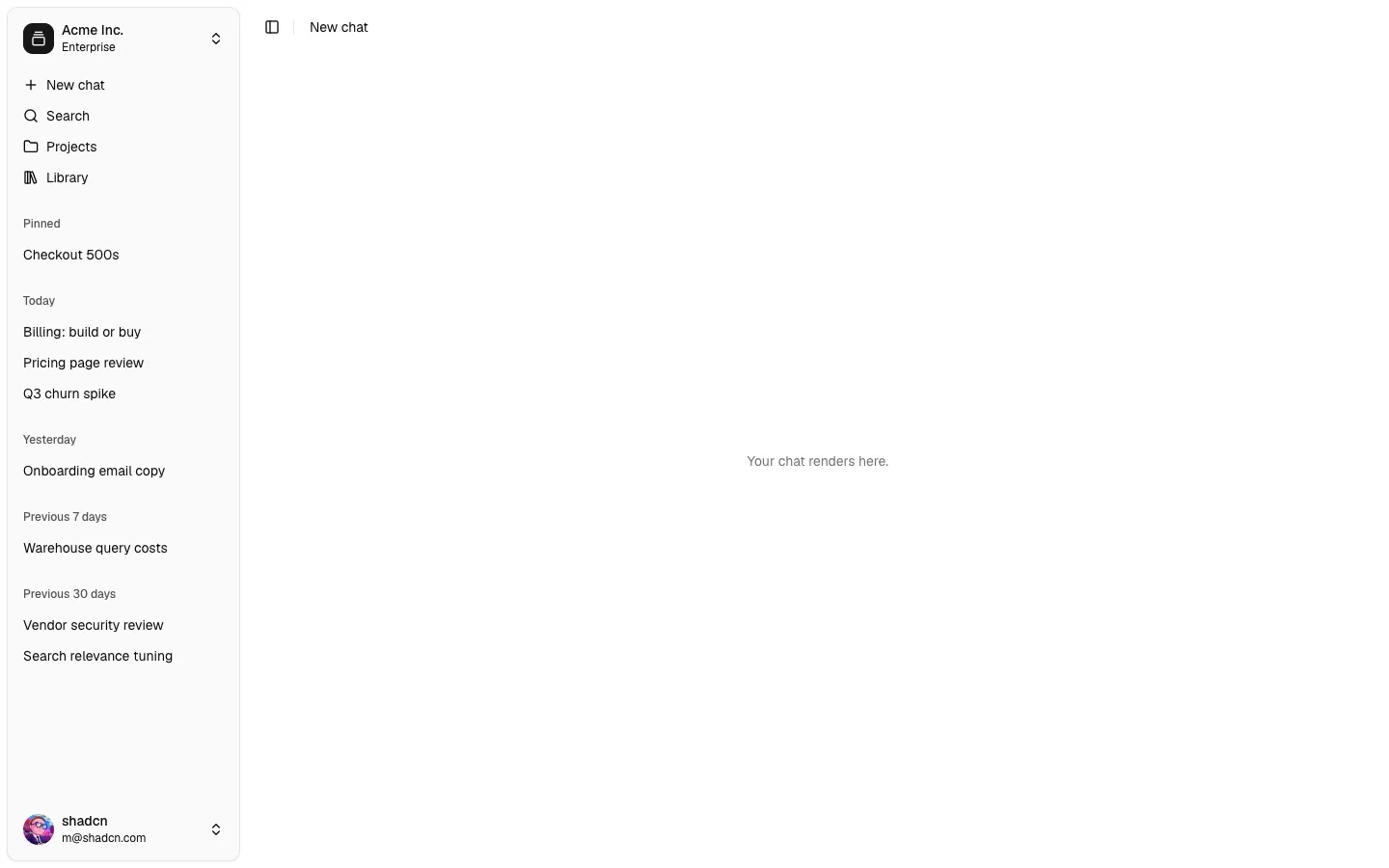
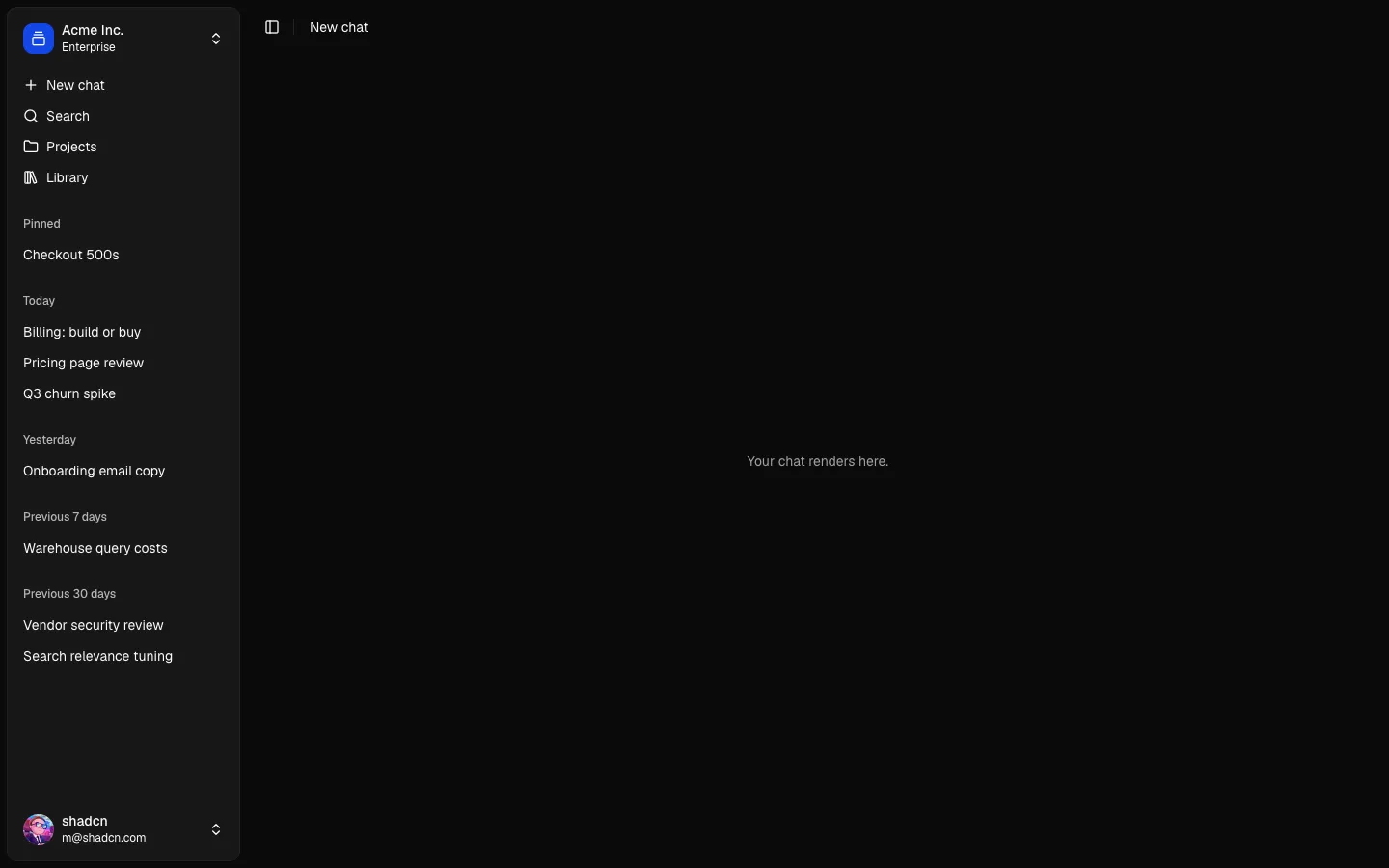
Chat Shell 1
Thread sidebar with pin, rename, share and delete
Pro
Chat 1
A conversation wired to the AI SDK
Pro
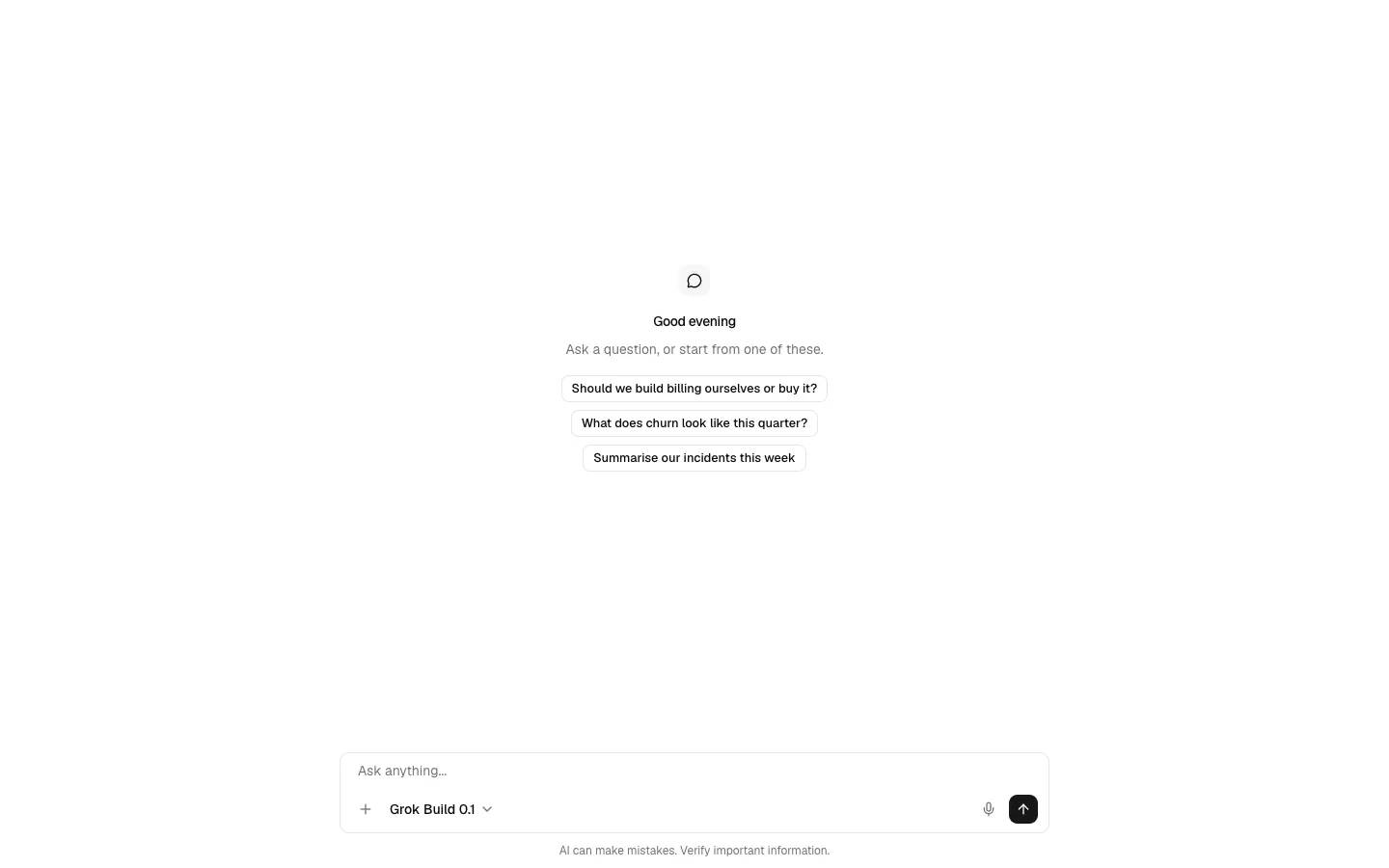
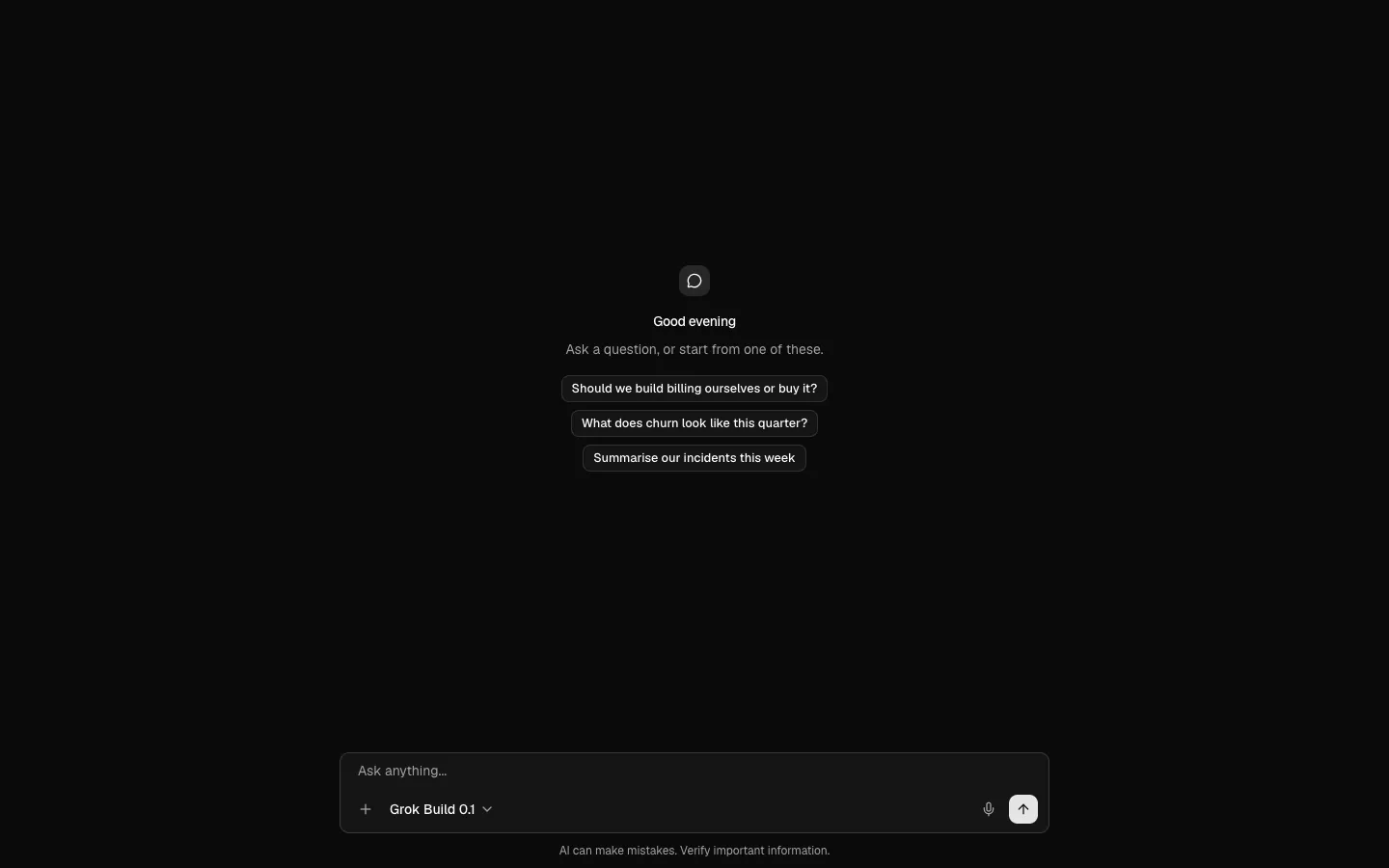
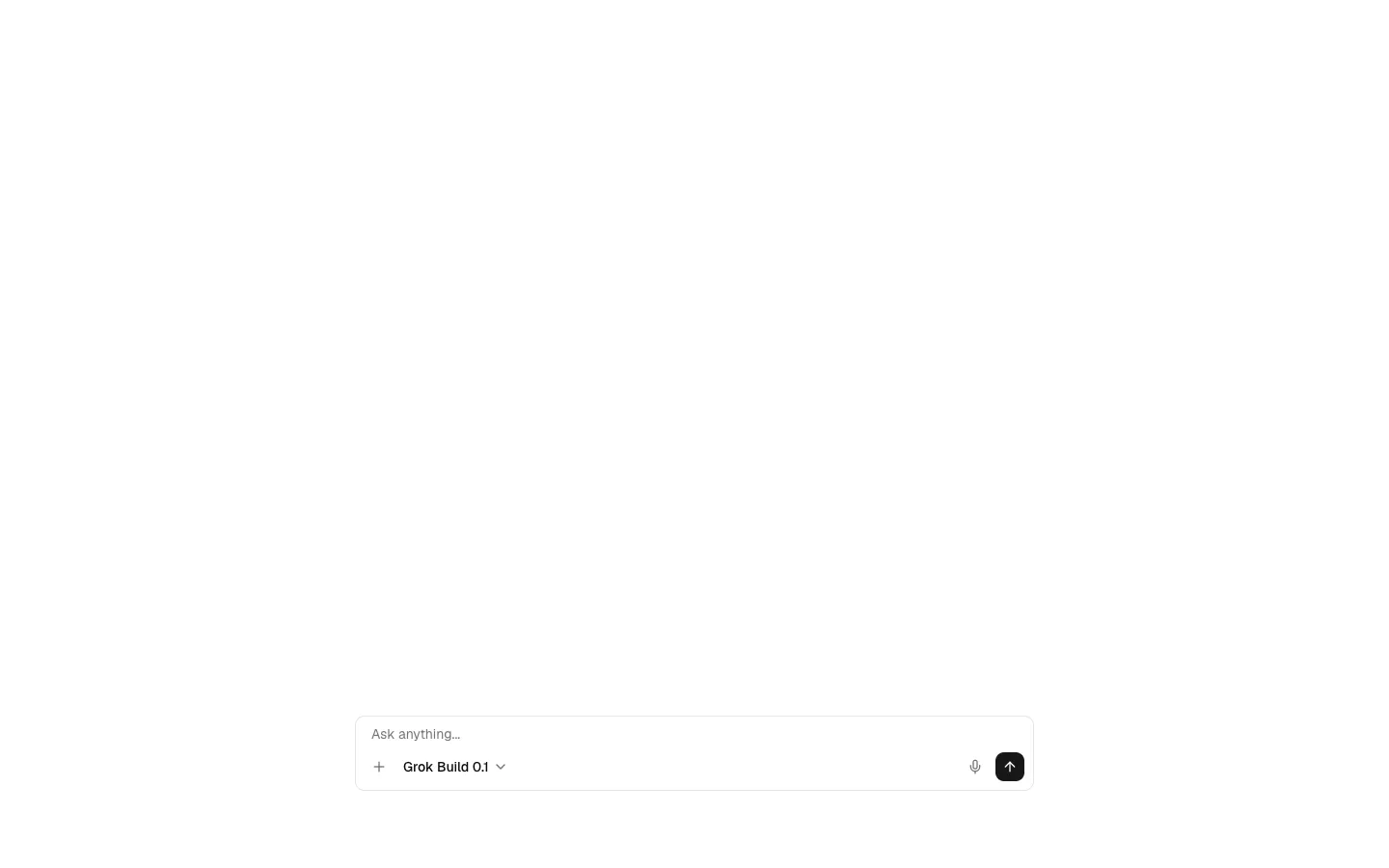
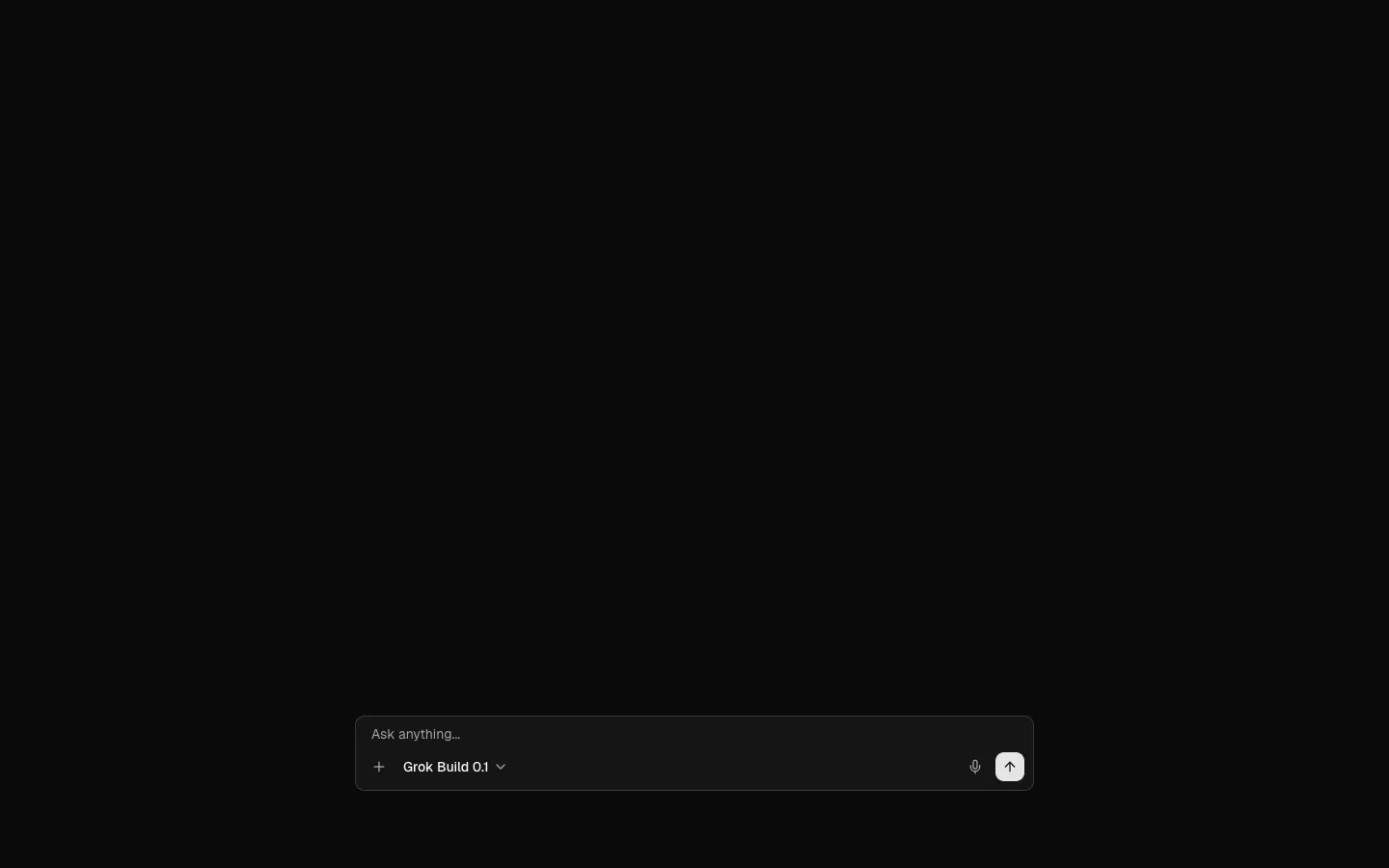
Composer 1
Prompt input with attachments, model and dictation
Pro
Share Dialog 1
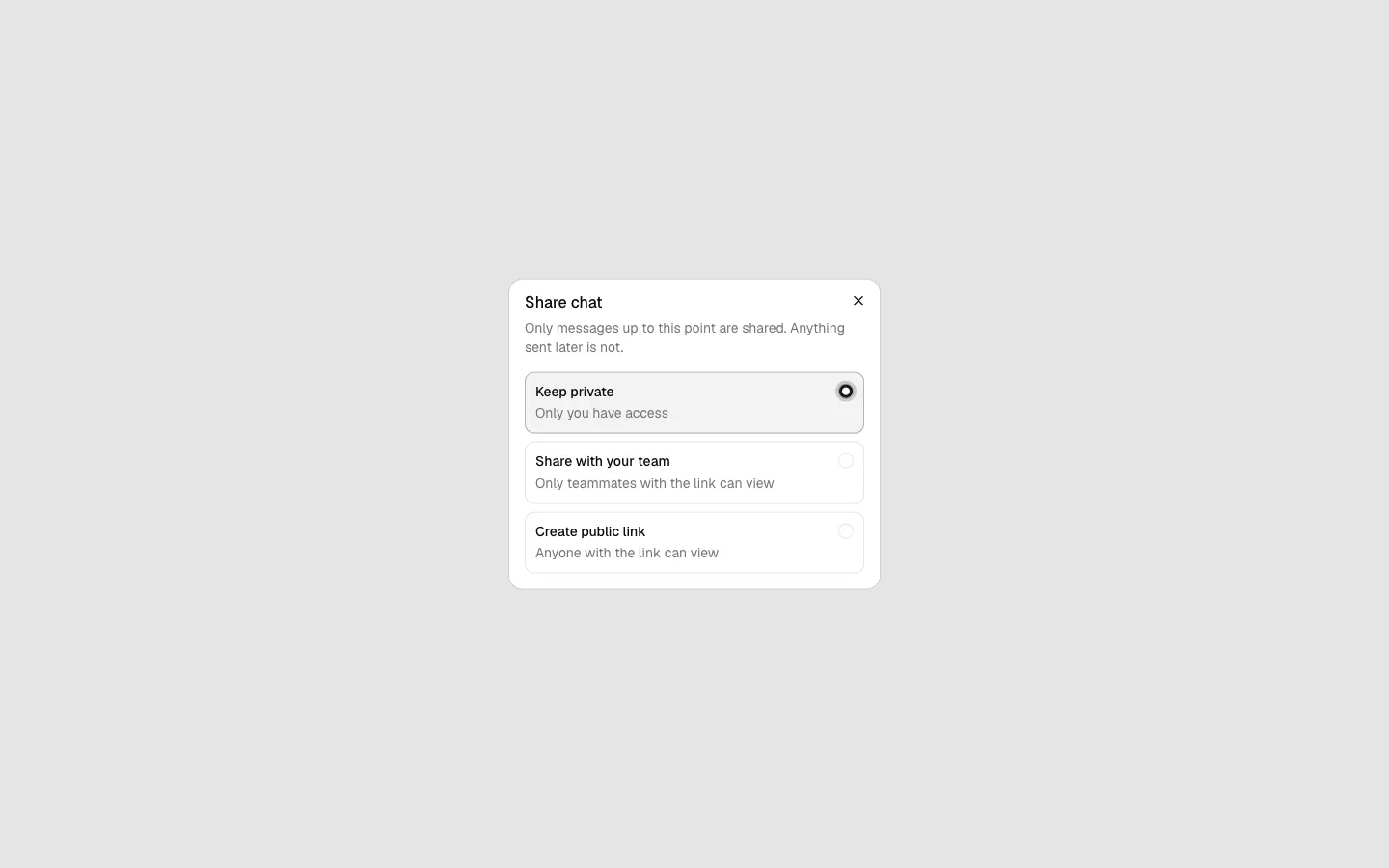
Scoped link for a conversation
Pro
Assistant Panel 1
Chat docked beside your app