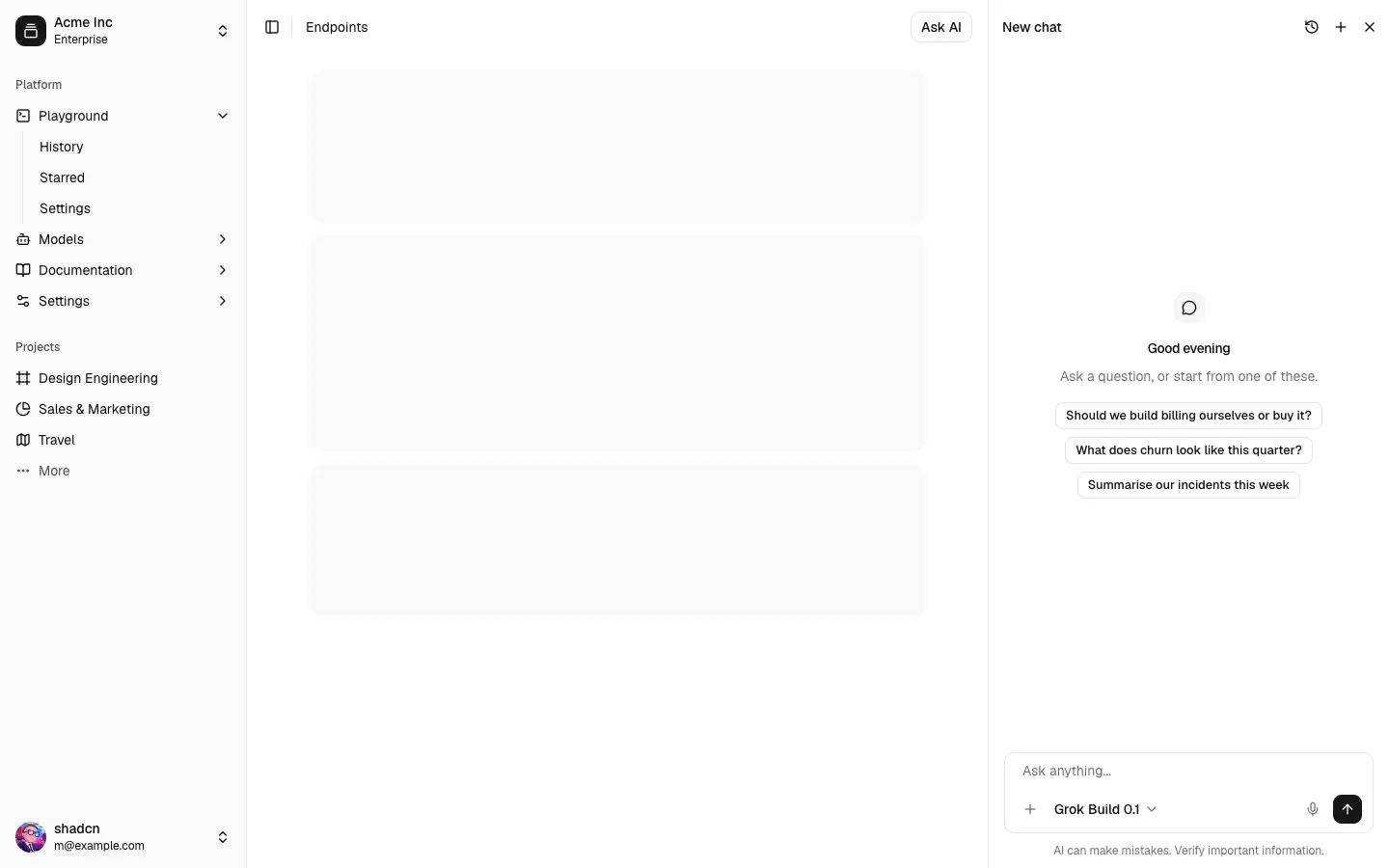
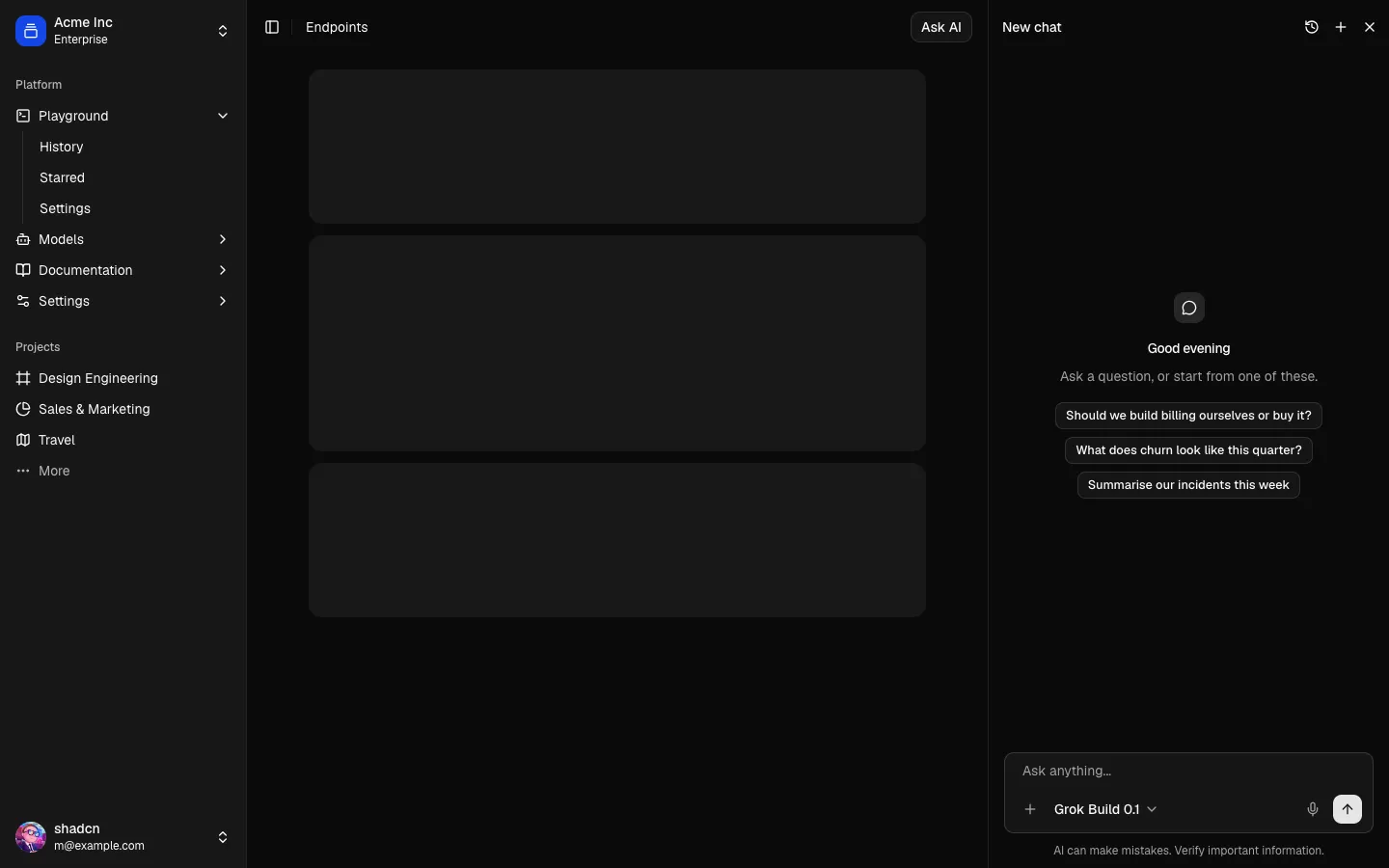
All Chat blocks
Assistant Onboarding 9
Persona builder in a chat, with a live avatar and greeting
The setup step that gives an AI assistant a face and a manner, as a turn in a chat. Fill, shape and symbol tiles combine into a generated avatar built from the theme's chart colors, Shuffle rolls a new one, and two sliders set warmth and detail. The avatar beside every message in the thread is the one being built, and the assistant's next message is its greeting, rewritten live to match. A name is typed into the message field.
In all Pro bundles
Radix UI
Base UI
8 styles
5 icon sets
Own this code forever
Build with your AI agents or bring the code into your own codebase.
Already have a license key?
SBIOTJ
Join 16,000+ builders shipping with shadcncraft
Get access to this block and the full library
Production-ready blocks and components with matching Figma and React.
Benefits
Production-ready by default
Built with shadcn/ui conventions and designed for real projects.
Built with shadcn/ui
Clean React components using Tailwind and modern shadcn patterns.
Install instantly
Add the block directly using the shadcn CLI.
Works with your theme
Compatible with shadcn themes and token-based color systems.
MCP server support
Use shadcn MCP server right from your favorite AI tools.
Frequently Asked Questions
Yes. They follow shadcn/ui structure and are built for real products.
All blocks
More Chat
Pro
Assistant Onboarding 12
Starter prompt gallery in a chat, with a new-chat preview


Pro
Assistant Onboarding 11
Privacy controls in a chat, with a live redaction preview


Pro
Assistant Onboarding 10
Pick a voice in a setup chat, with playable samples


Pro
Assistant Onboarding 8
Set up memory in a chat, with editable memory chips


Pro
Assistant Onboarding 7
Connect tools in a setup chat, with a switch per tool


Pro
Assistant Onboarding 6
Choose a model in a setup chat, with trade-off meters


Pro
Assistant Onboarding 5
Teach the assistant your voice by example, in a chat


Pro
Assistant Onboarding 4
Permissions in a setup chat, with a live exchange


Pro
Assistant Onboarding 3
Connect knowledge sources in a setup chat


Pro
Assistant Onboarding 2
Chat-style setup beside a live profile card


Pro
Assistant Onboarding 1
Chat-style setup for an AI assistant


Pro
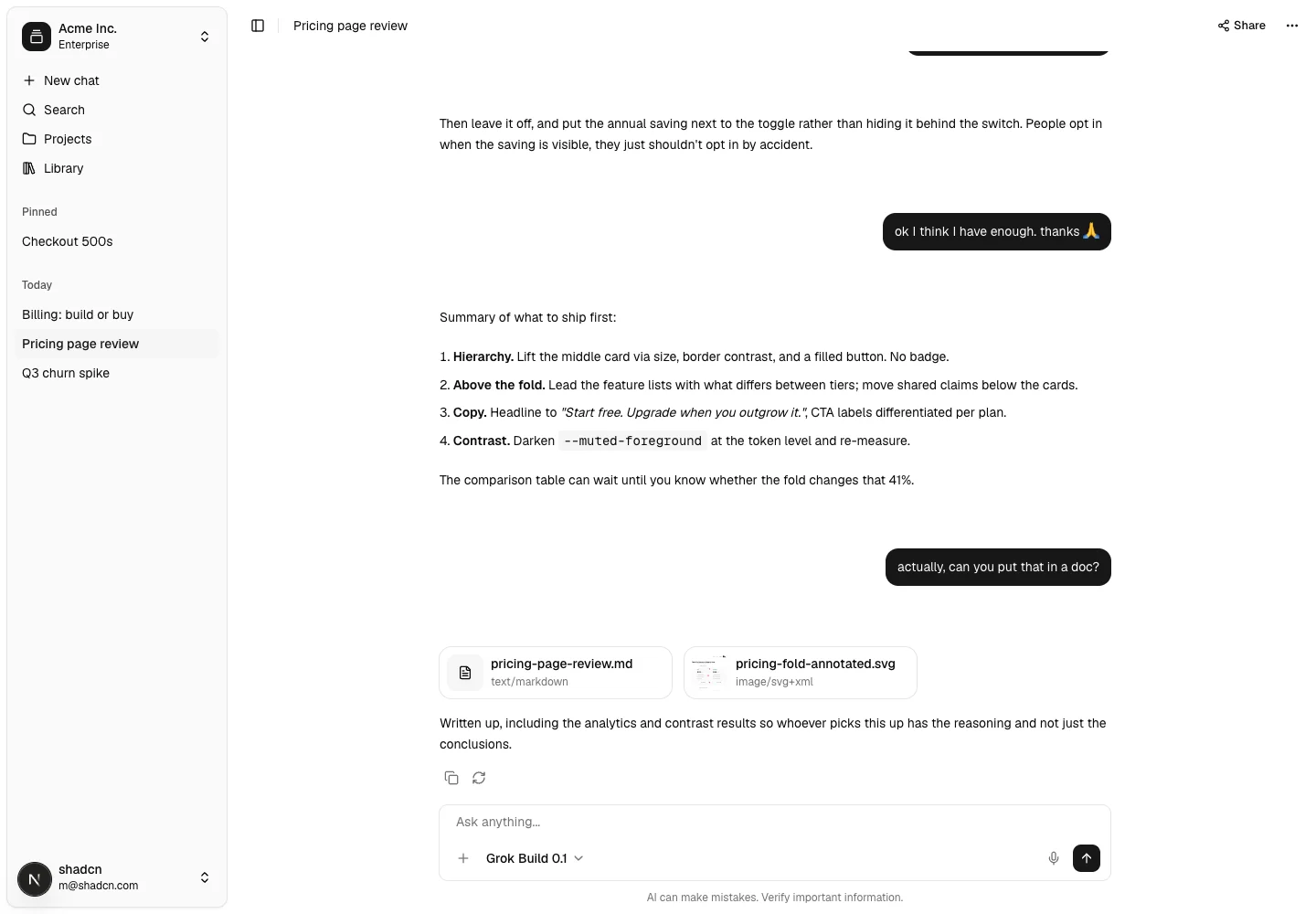
AI Chat 1
Complete chat application
Pro
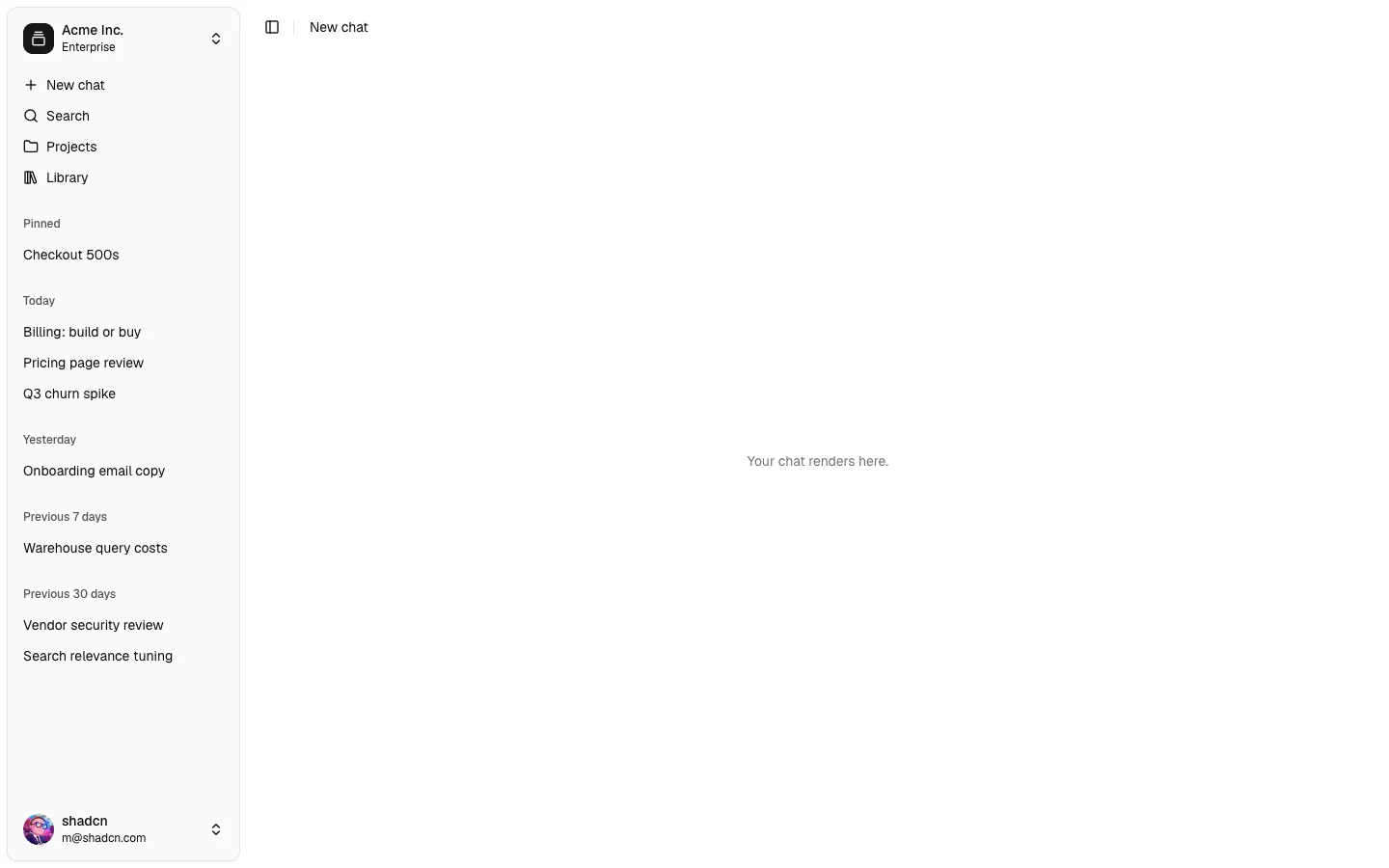
Chat Shell 1
Thread sidebar with pin, rename, share and delete
Pro
Chat 1
A conversation wired to the AI SDK
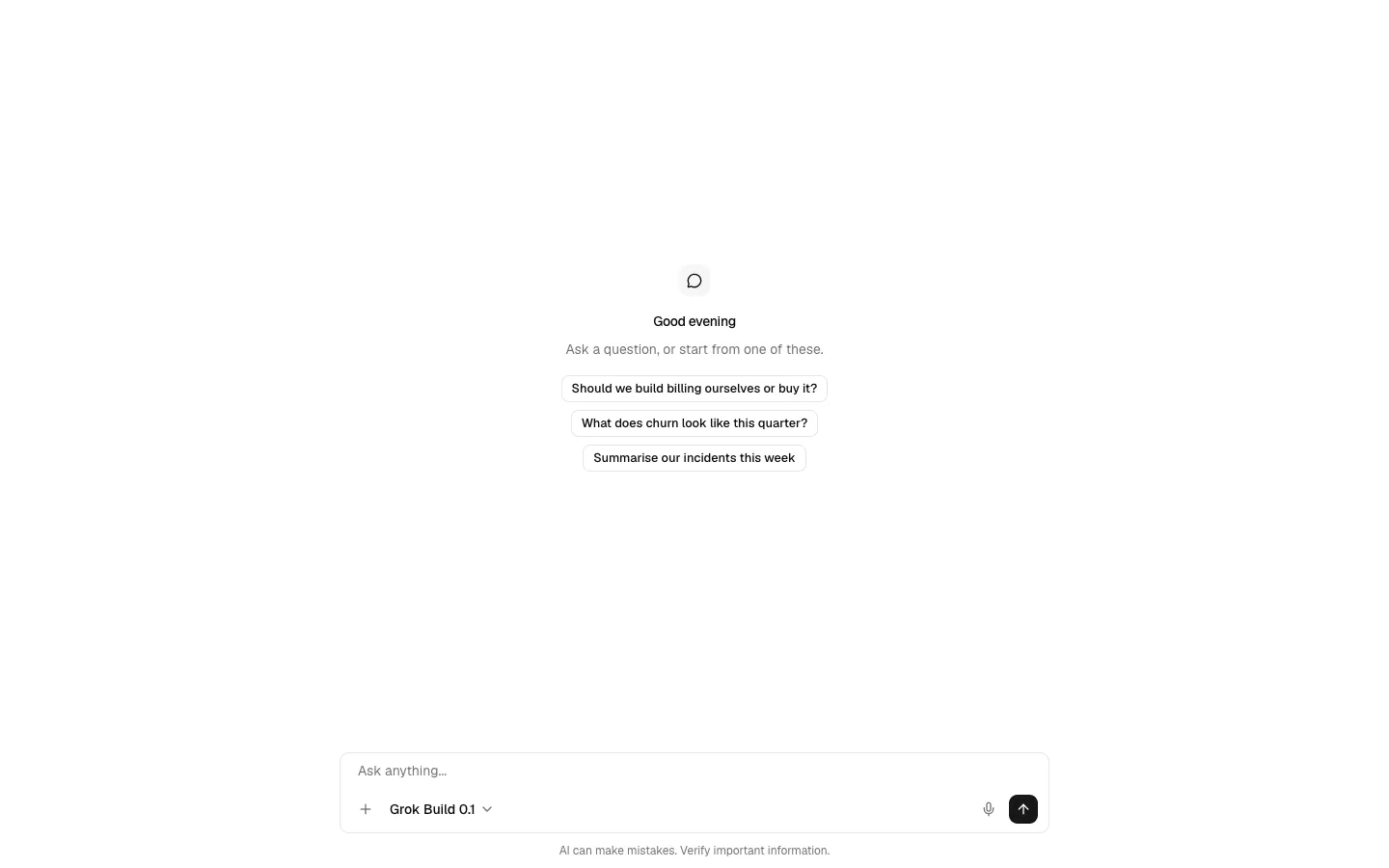
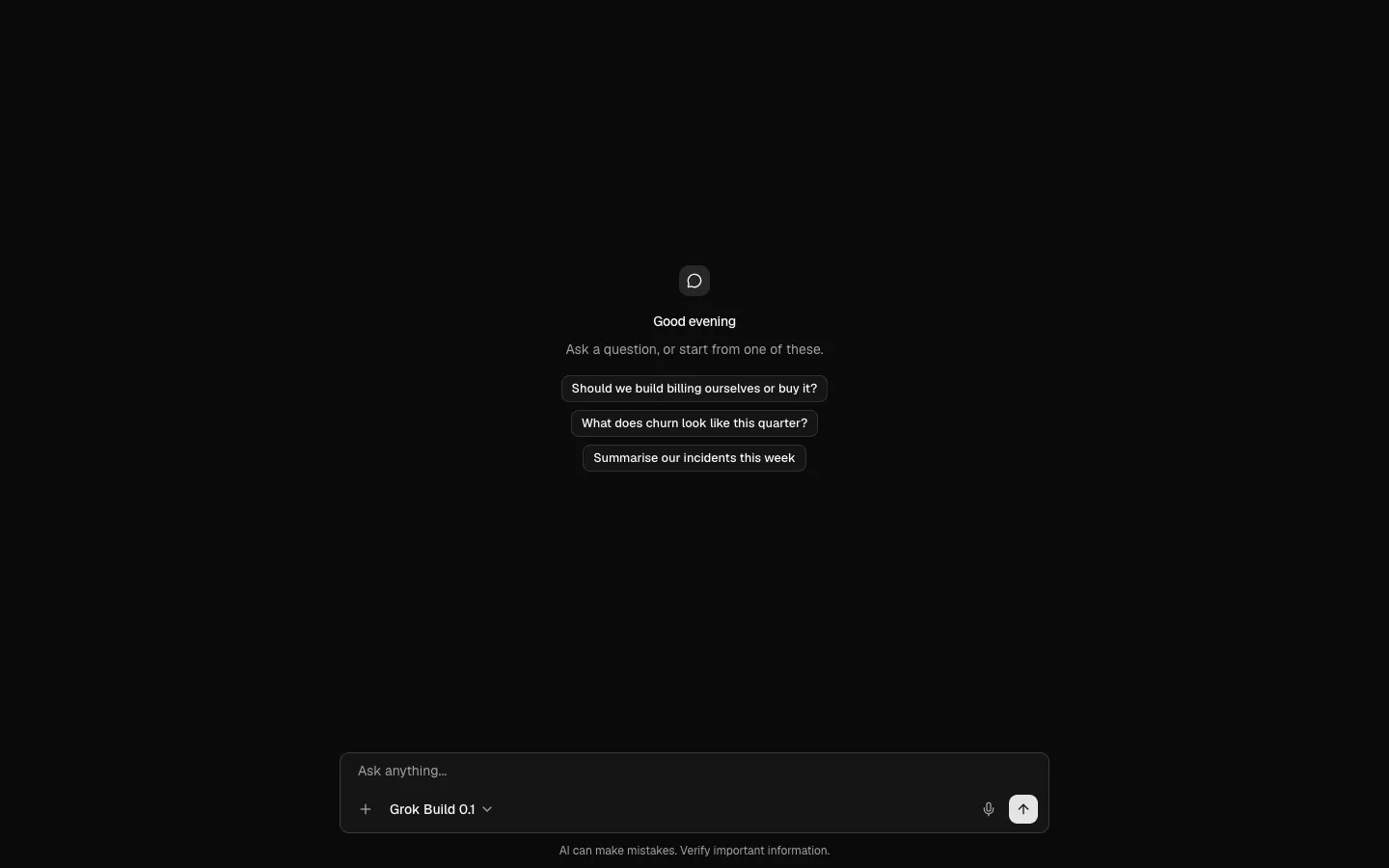
Pro
Composer 1
Prompt input with attachments, model and dictation
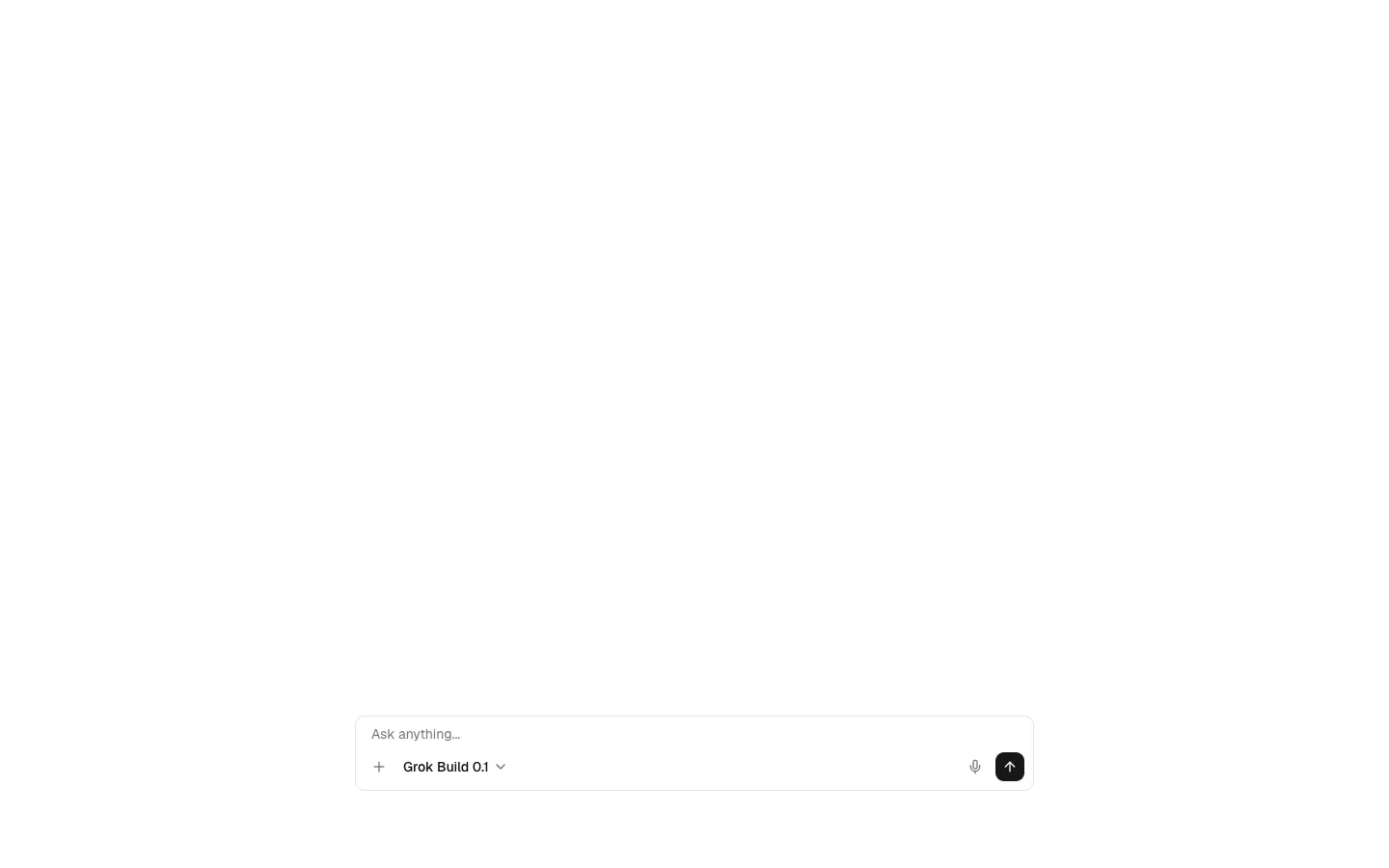
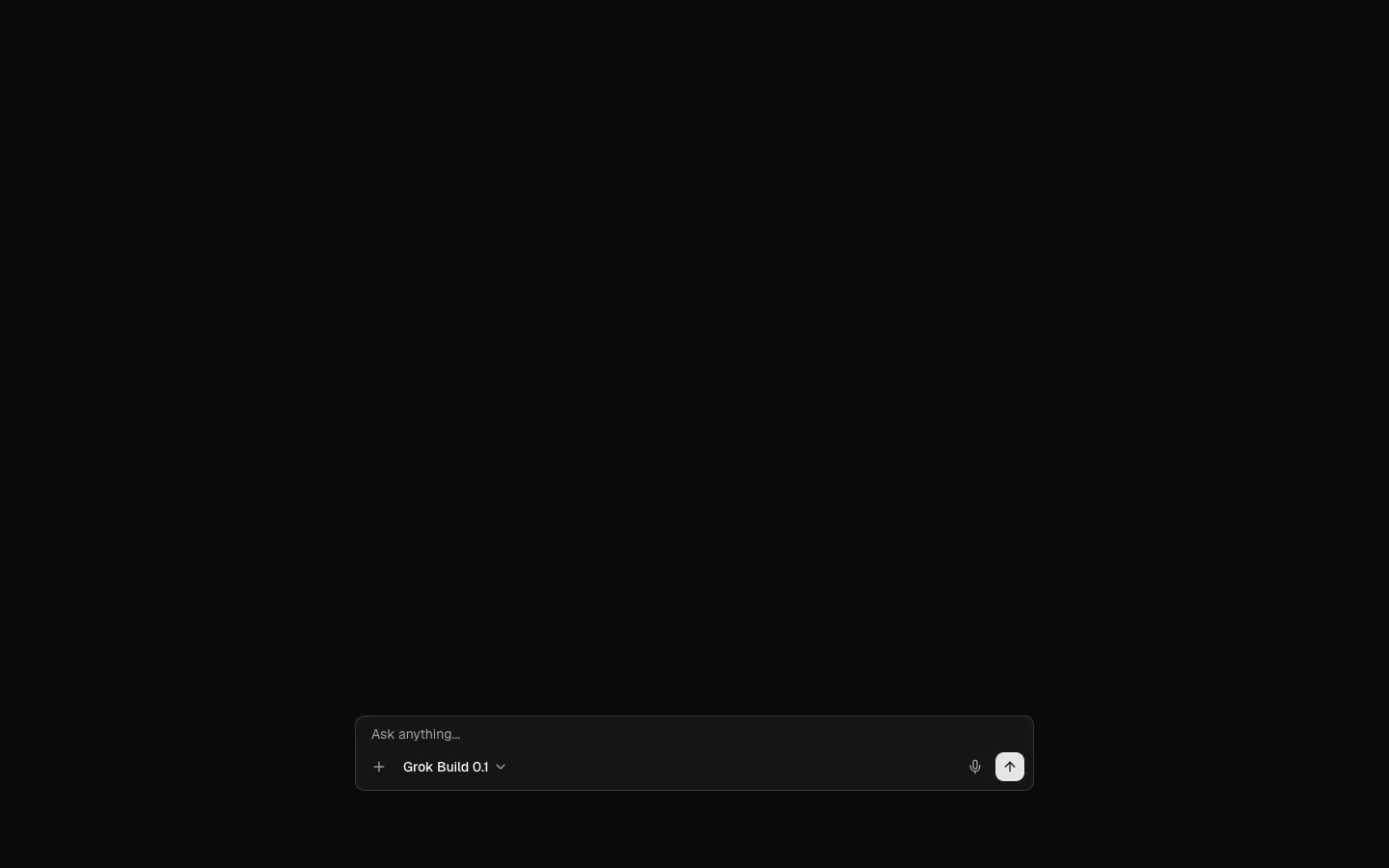
Pro
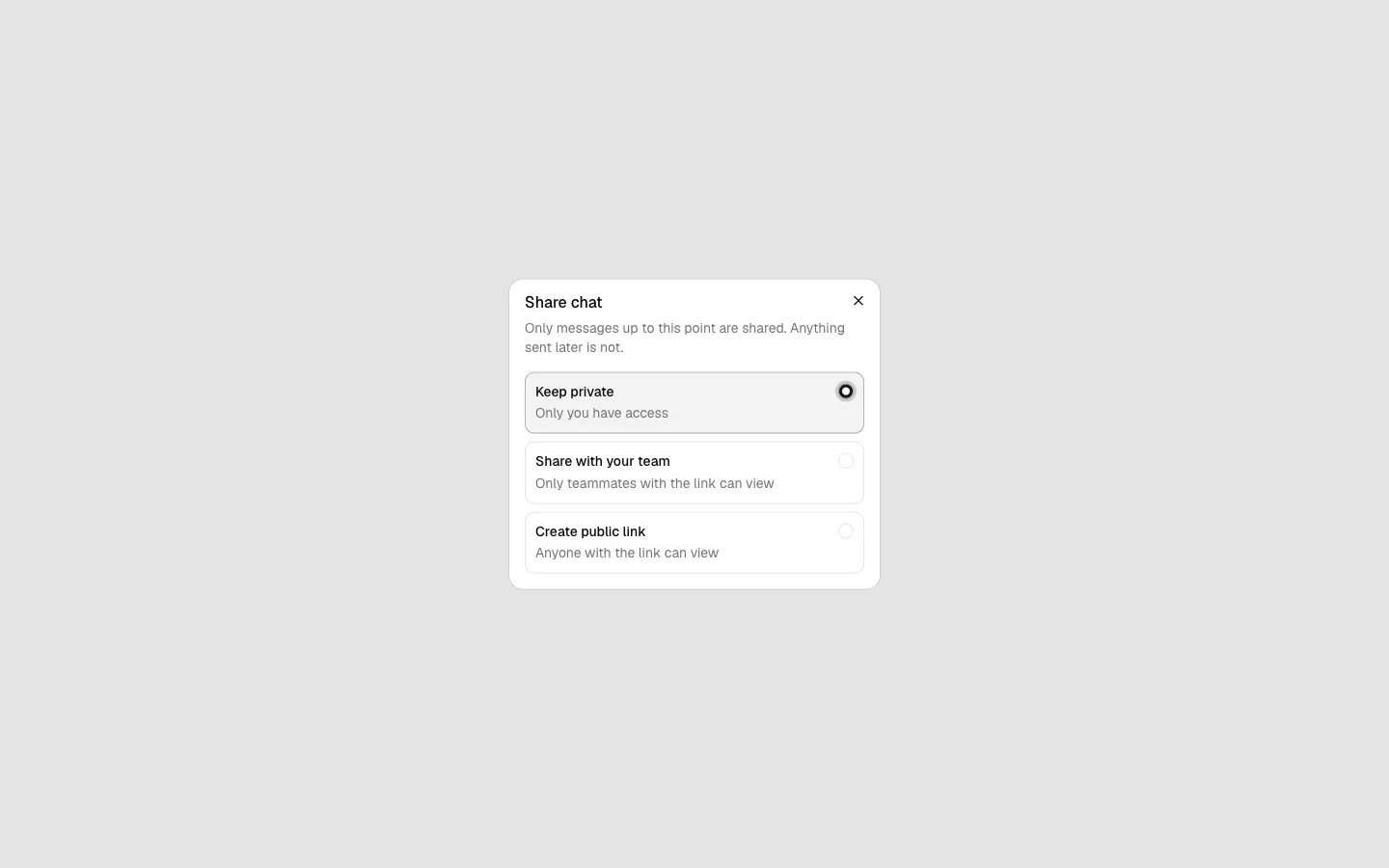
Share Dialog 1
Scoped link for a conversation
Pro
Assistant Panel 1
Chat docked beside your app