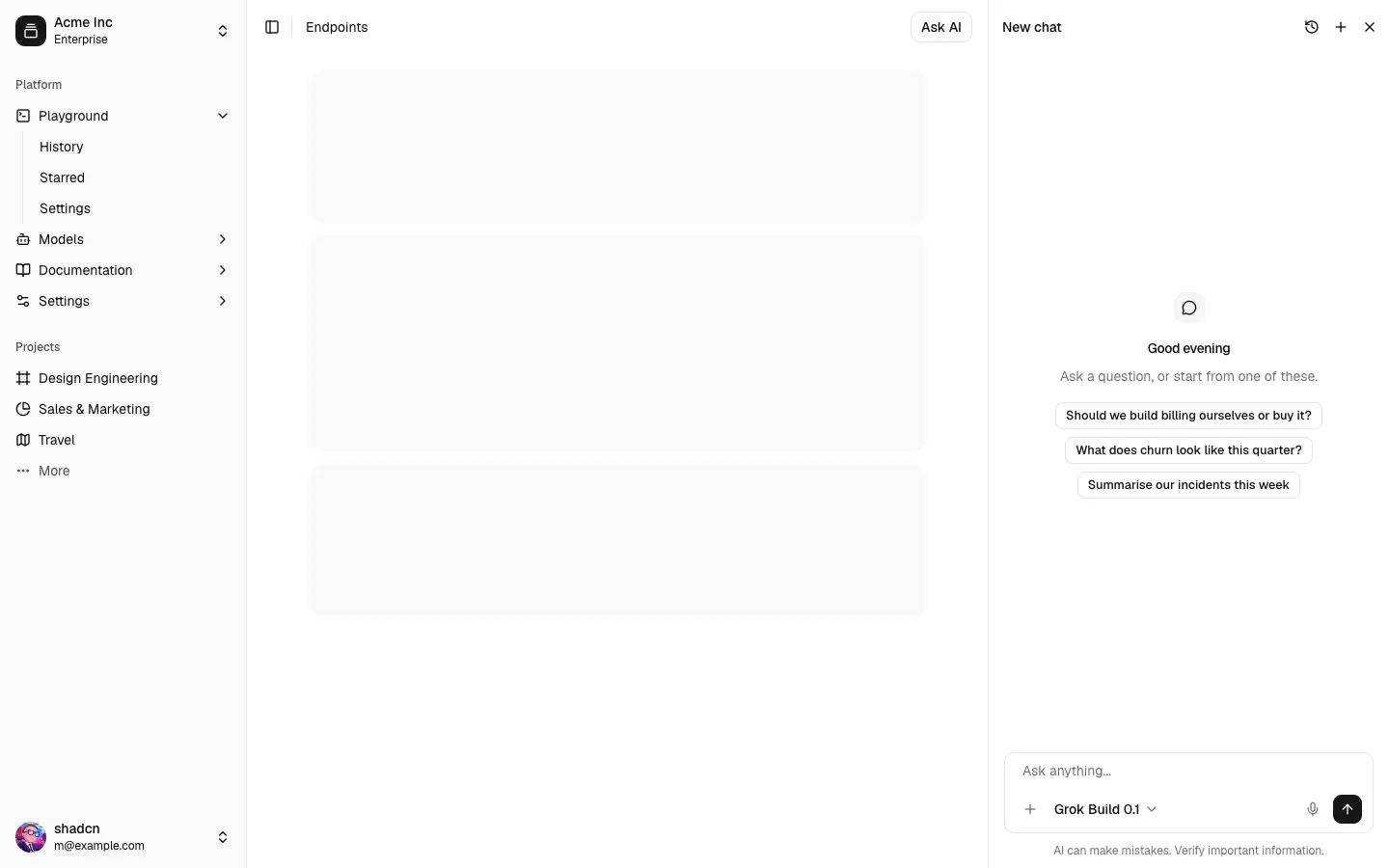
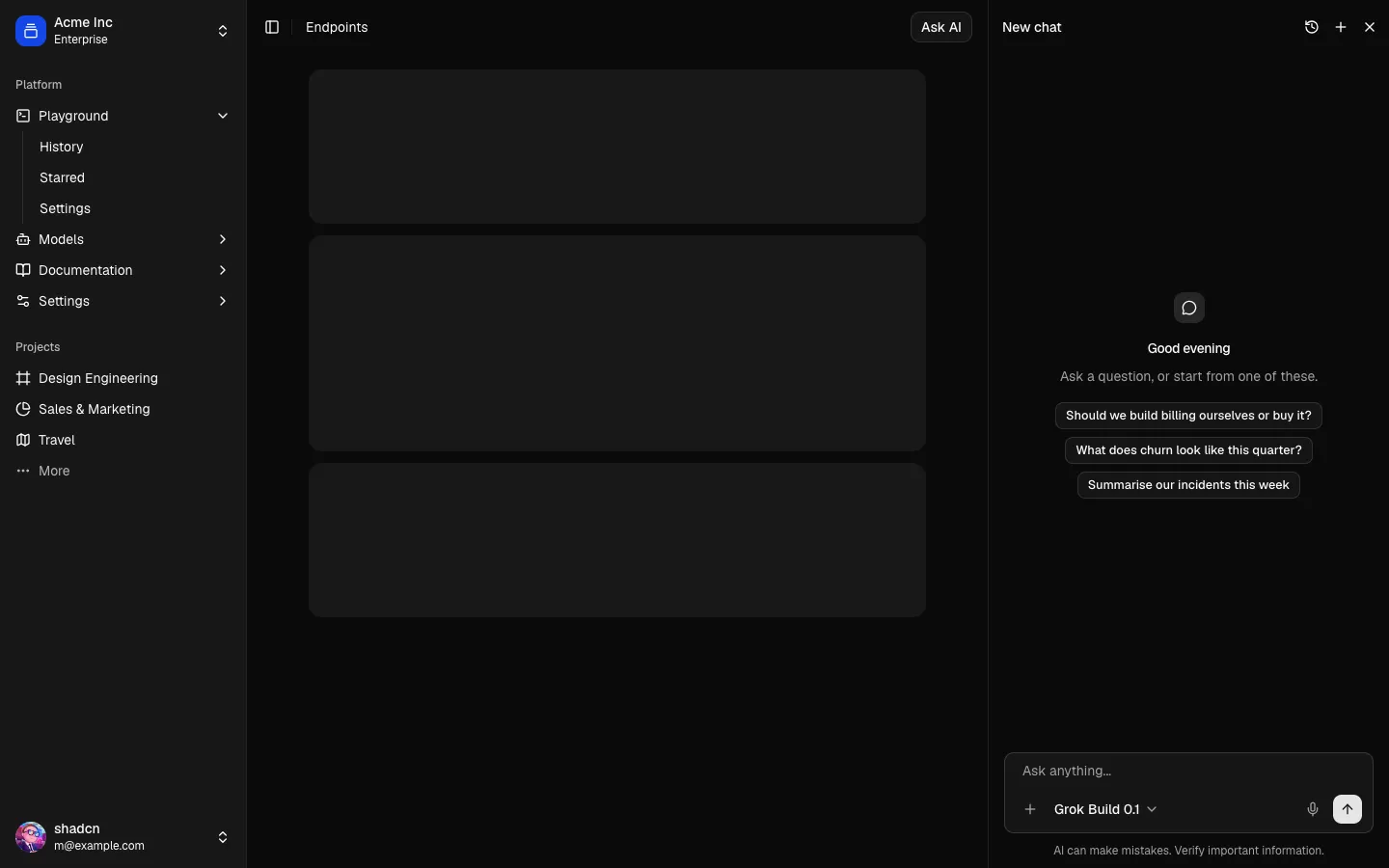
All Chat blocks
Assistant Onboarding 1
Chat-style setup for an AI assistant
Onboarding that reads as a conversation, not a form wizard: the assistant asks for its name, role, tools and tone one turn at a time, answered with quick replies, switches, sample replies or a typed line. Earlier answers stay editable, a step count tracks progress, and a summary card ends in Start chatting. Scripted, so it needs no model.
In all Pro bundles
Radix UI
Base UI
8 styles
5 icon sets
Own this code forever
Build with your AI agents or bring the code into your own codebase.
Already have a license key?
SBIOTJ
Join 16,000+ builders shipping with shadcncraft
Get access to this block and the full library
Production-ready blocks and components with matching Figma and React.
Benefits
Production-ready by default
Built with shadcn/ui conventions and designed for real projects.
Built with shadcn/ui
Clean React components using Tailwind and modern shadcn patterns.
Install instantly
Add the block directly using the shadcn CLI.
Works with your theme
Compatible with shadcn themes and token-based color systems.
MCP server support
Use shadcn MCP server right from your favorite AI tools.
Frequently Asked Questions
Yes. They follow shadcn/ui structure and are built for real products.
All blocks
More Chat
Pro
Assistant Onboarding 12
Starter prompt gallery in a chat, with a new-chat preview


Pro
Assistant Onboarding 11
Privacy controls in a chat, with a live redaction preview


Pro
Assistant Onboarding 10
Pick a voice in a setup chat, with playable samples


Pro
Assistant Onboarding 9
Persona builder in a chat, with a live avatar and greeting


Pro
Assistant Onboarding 8
Set up memory in a chat, with editable memory chips


Pro
Assistant Onboarding 7
Connect tools in a setup chat, with a switch per tool


Pro
Assistant Onboarding 6
Choose a model in a setup chat, with trade-off meters


Pro
Assistant Onboarding 5
Teach the assistant your voice by example, in a chat


Pro
Assistant Onboarding 4
Permissions in a setup chat, with a live exchange


Pro
Assistant Onboarding 3
Connect knowledge sources in a setup chat


Pro
Assistant Onboarding 2
Chat-style setup beside a live profile card


Pro
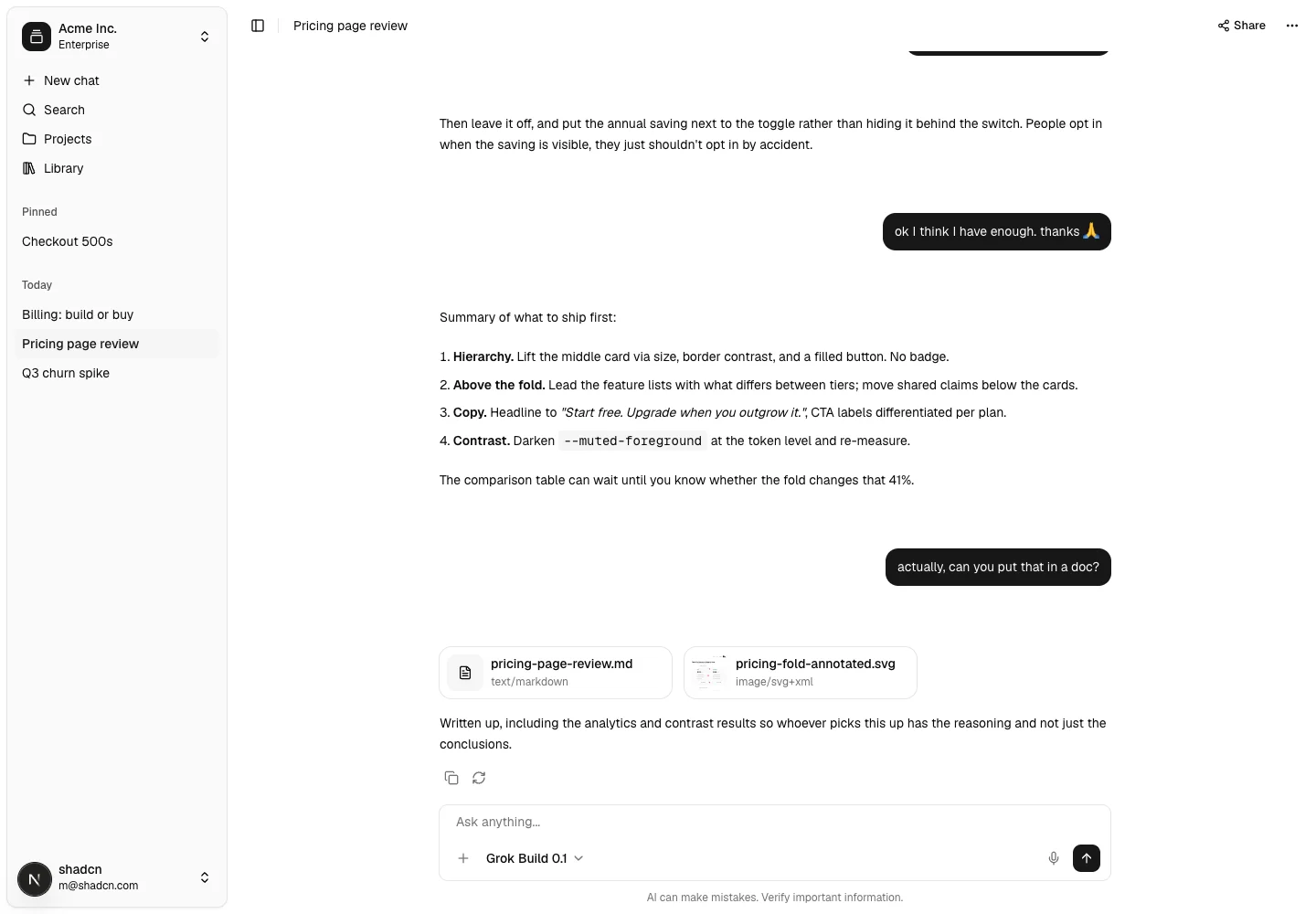
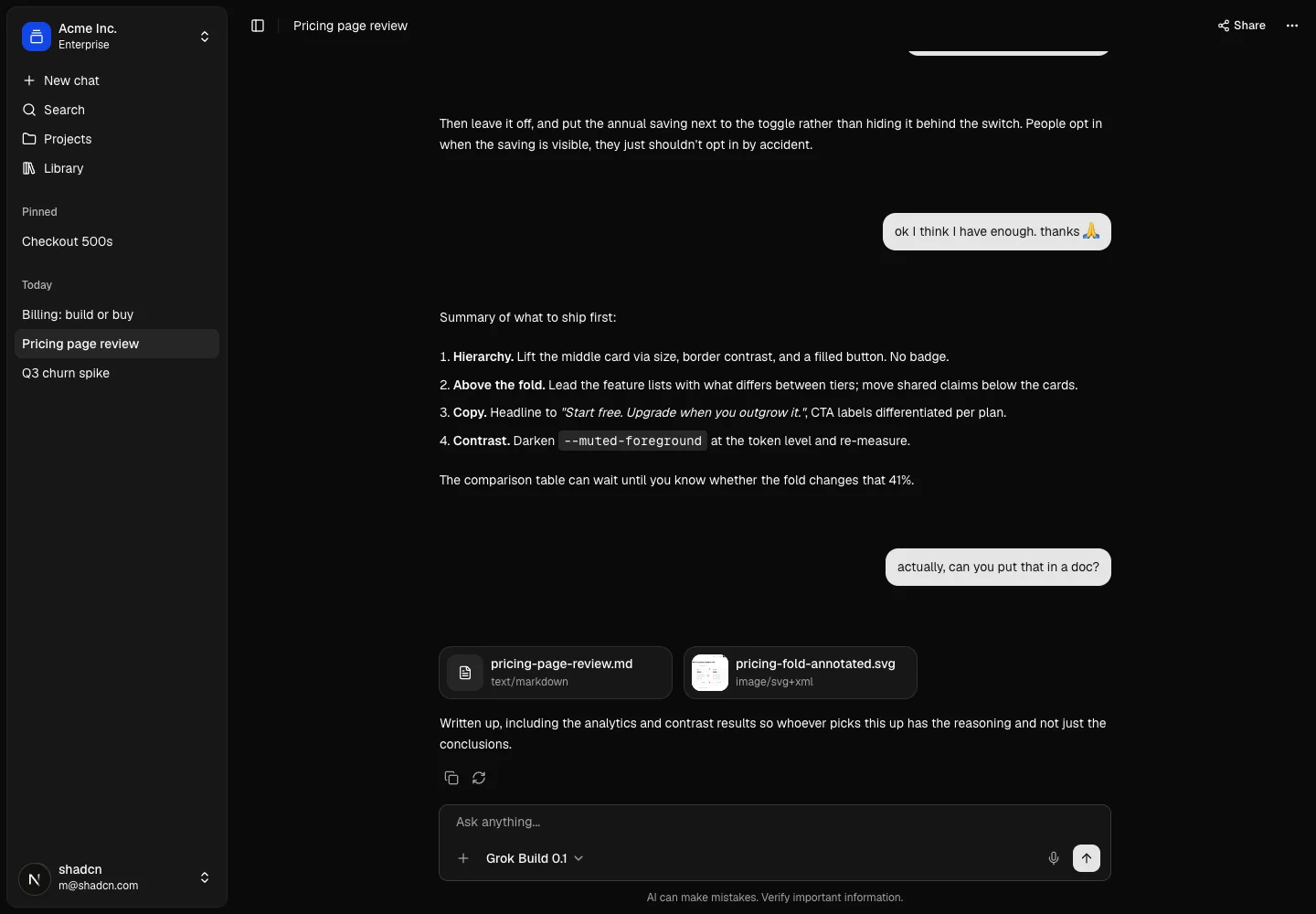
AI Chat 1
Complete chat application
Pro
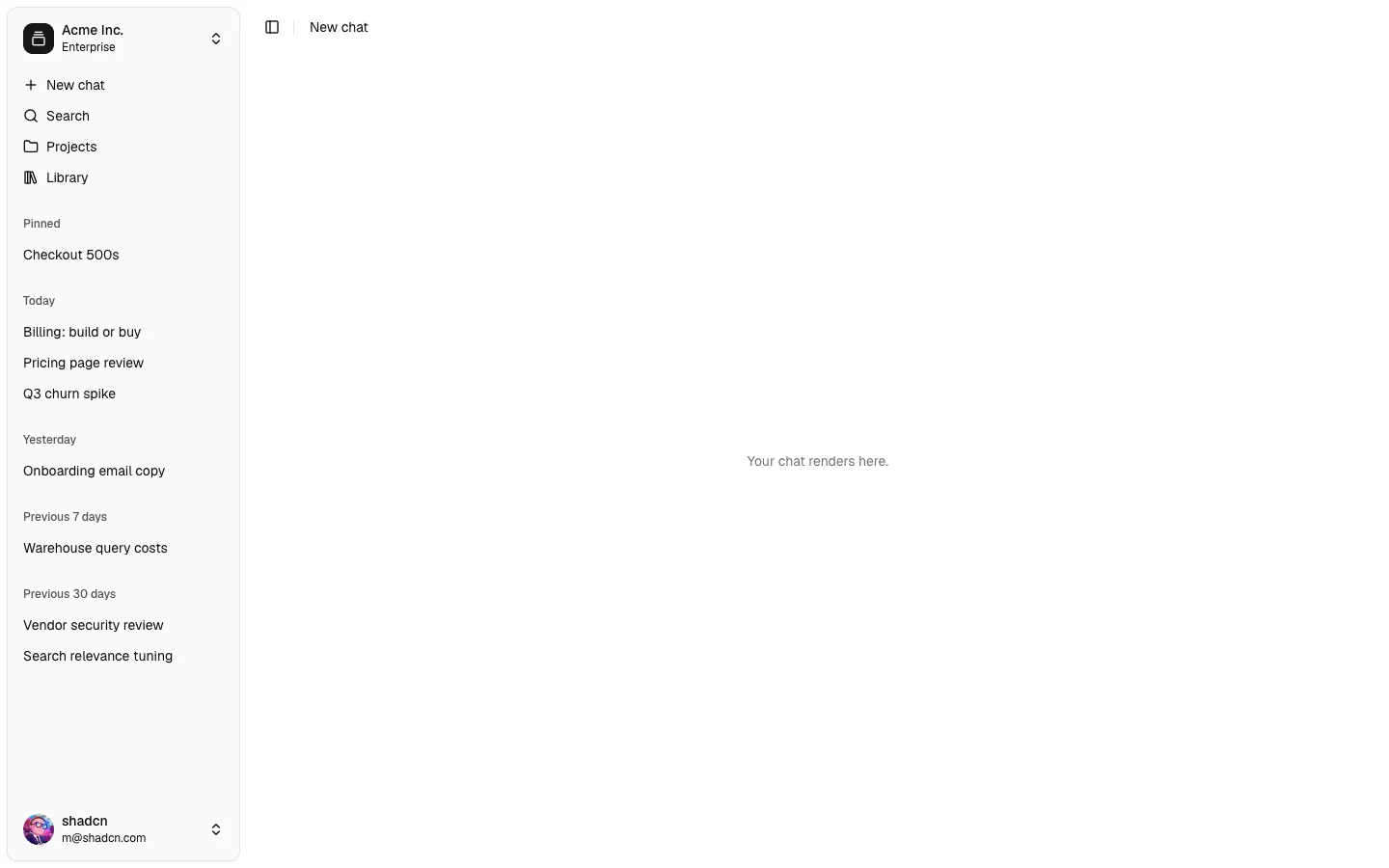
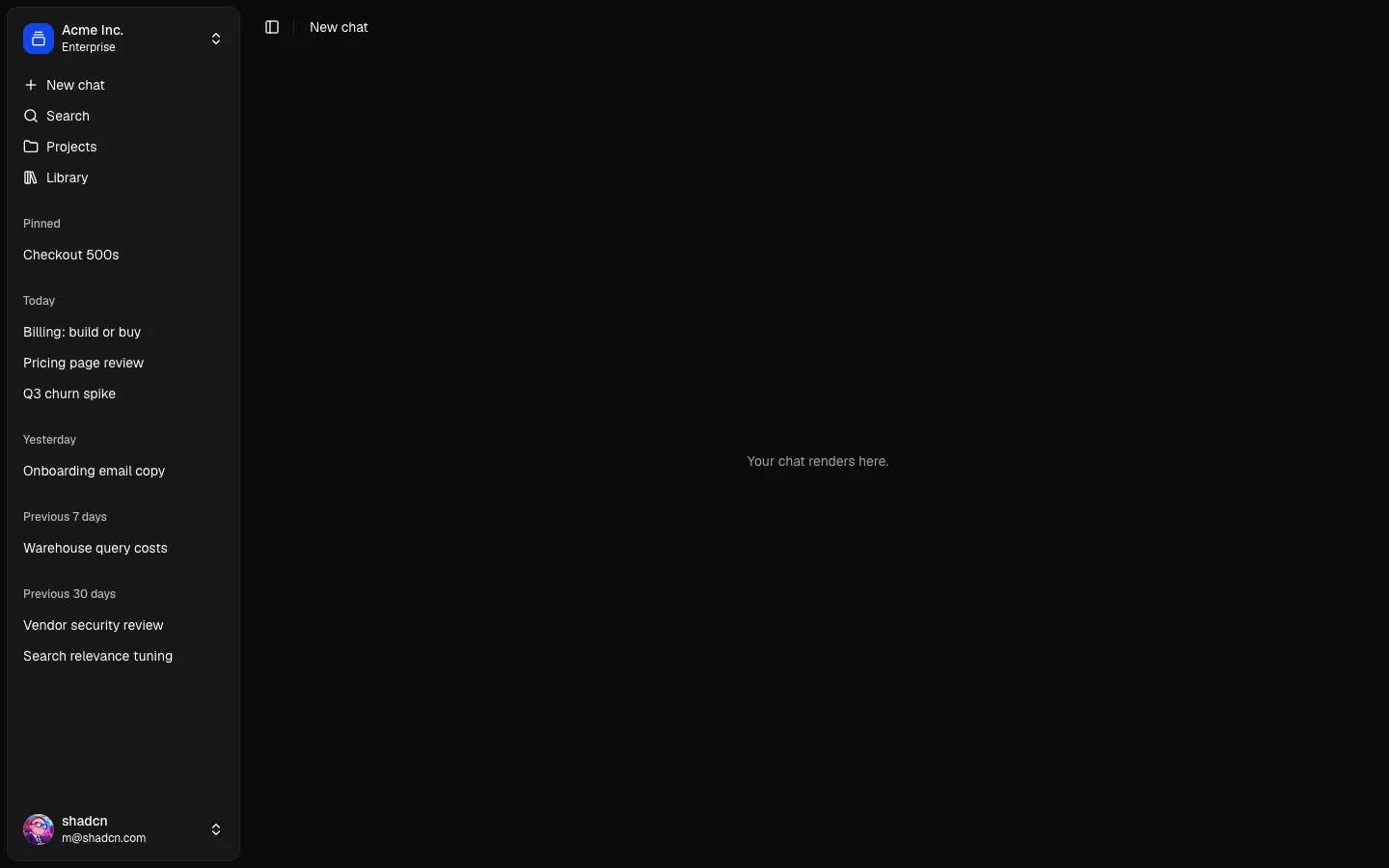
Chat Shell 1
Thread sidebar with pin, rename, share and delete
Pro
Chat 1
A conversation wired to the AI SDK
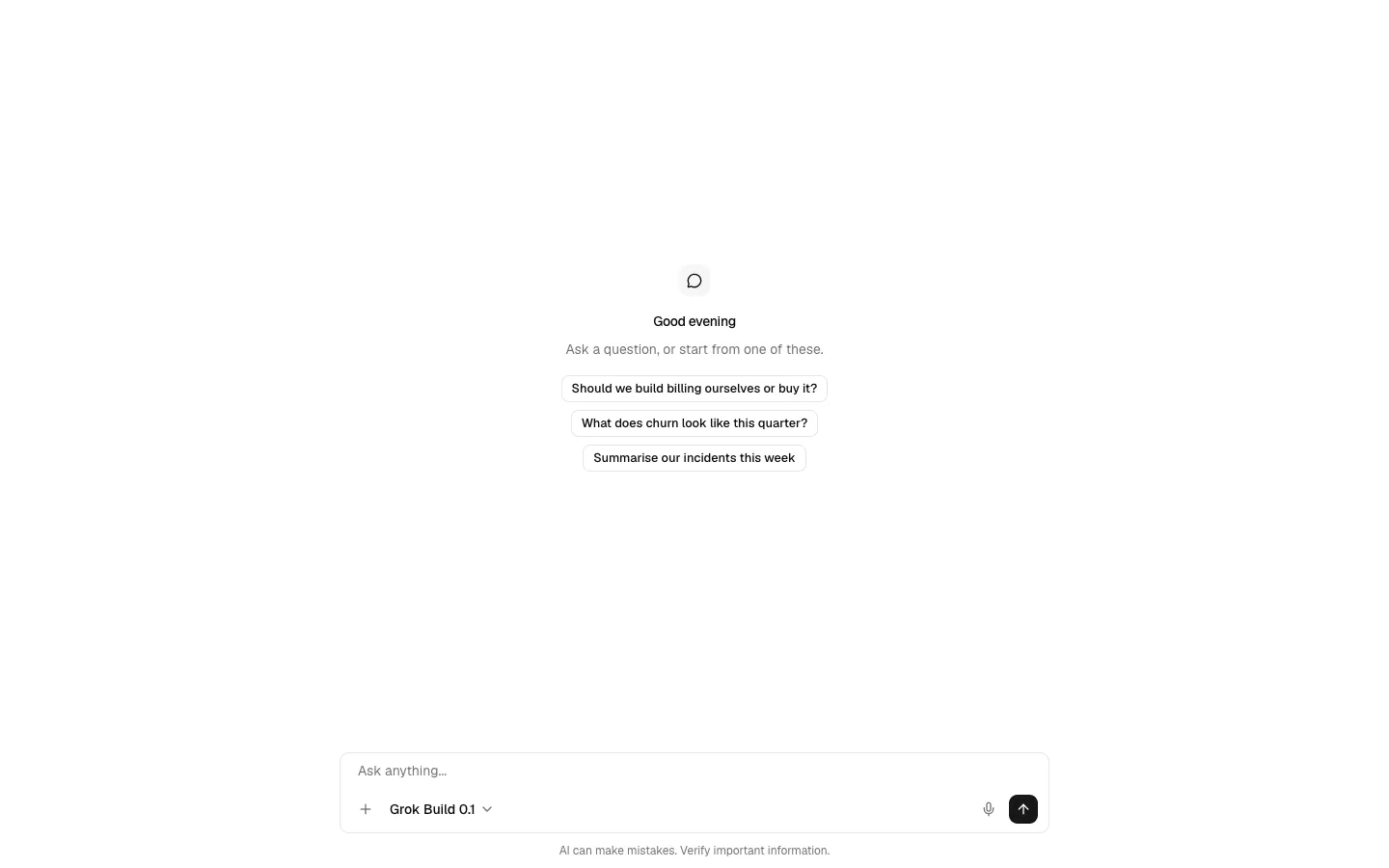
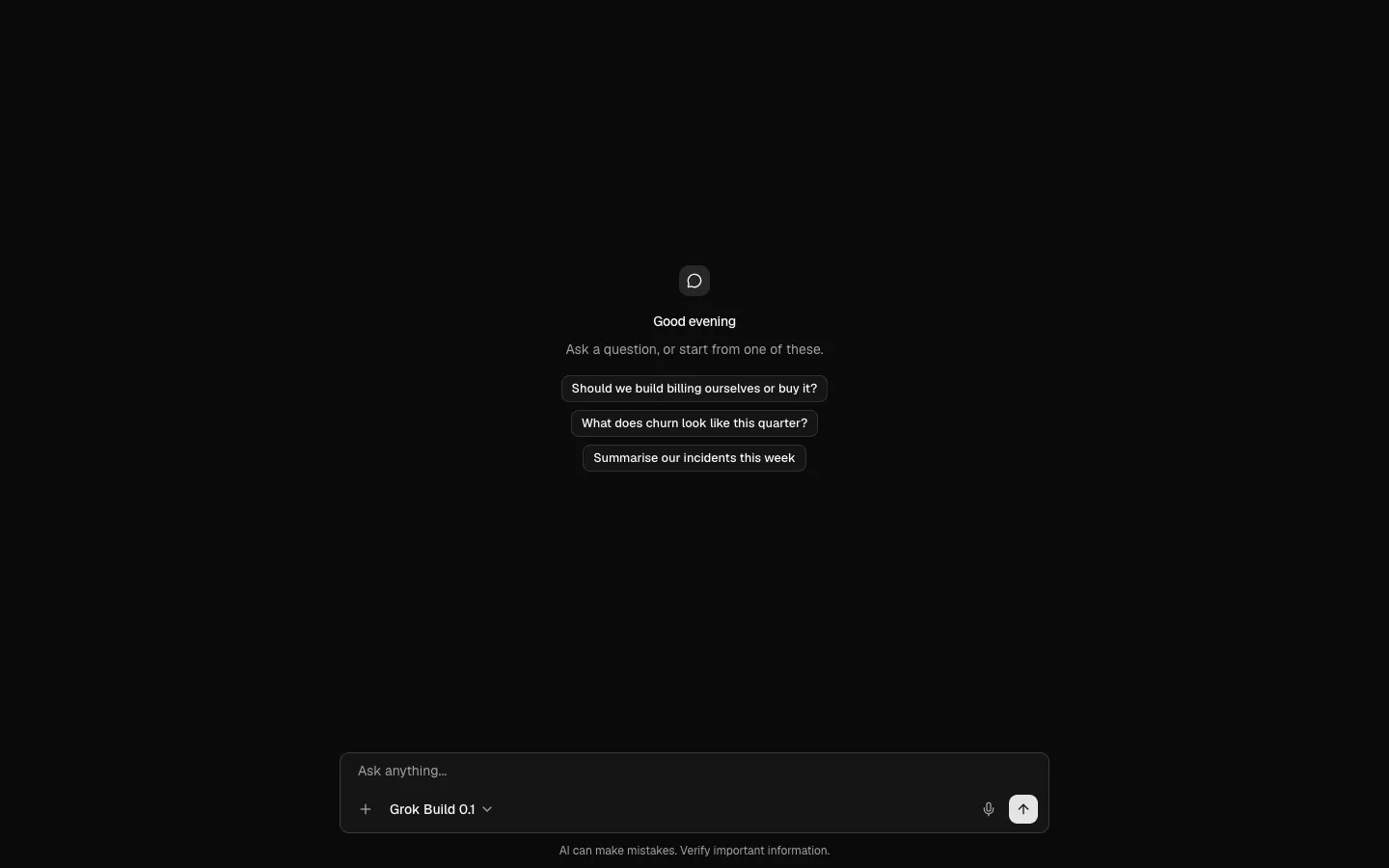
Pro
Composer 1
Prompt input with attachments, model and dictation
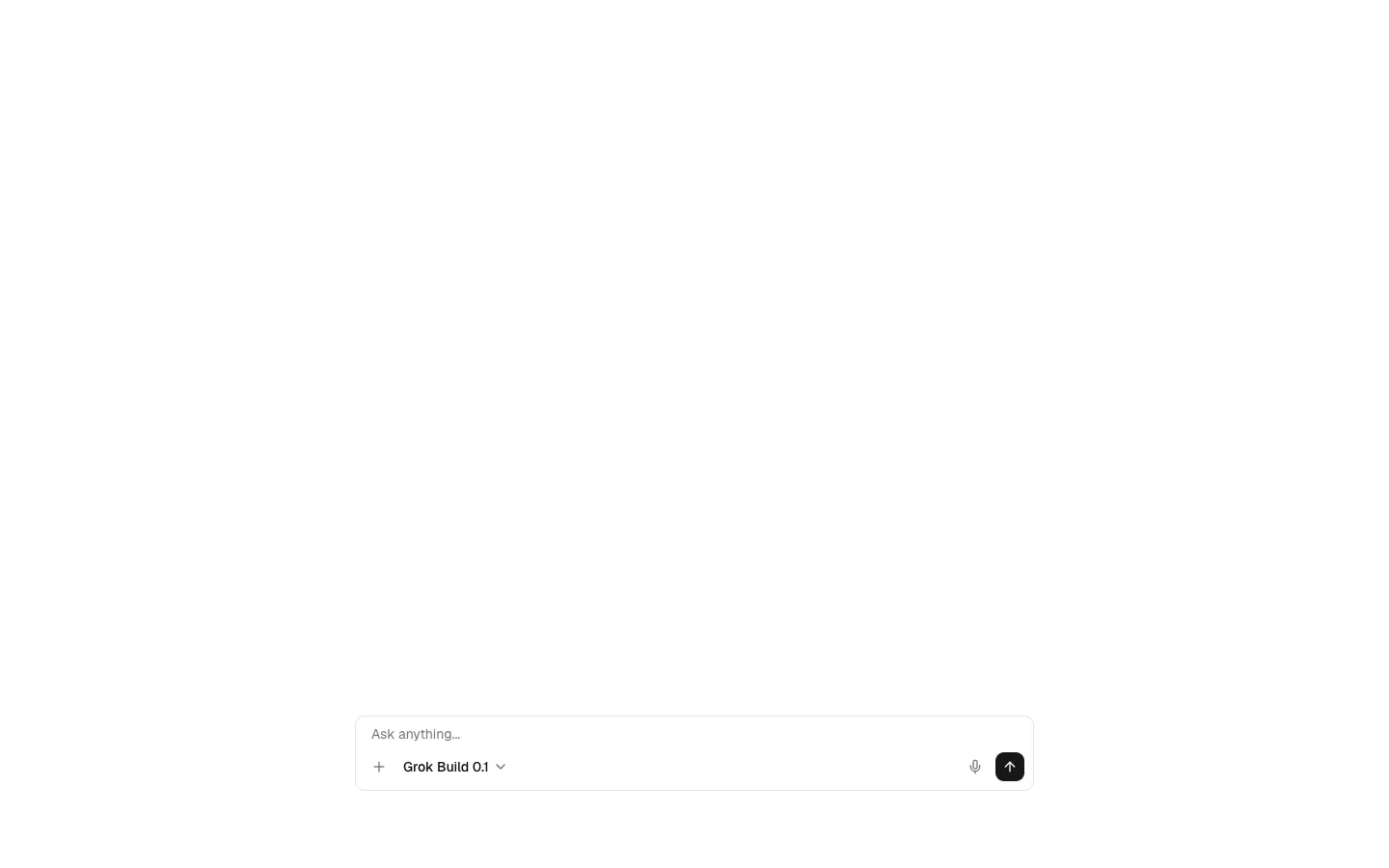
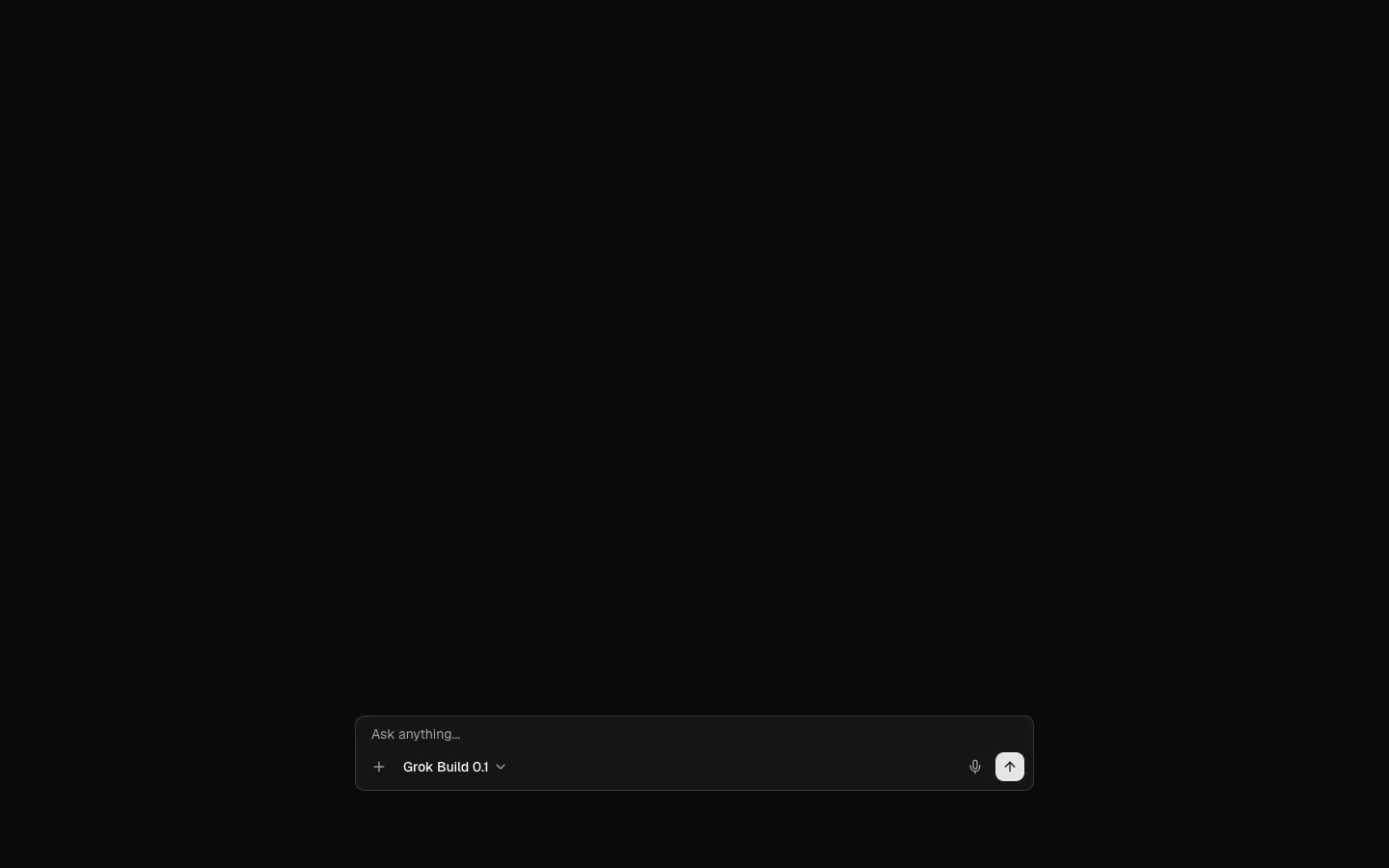
Pro
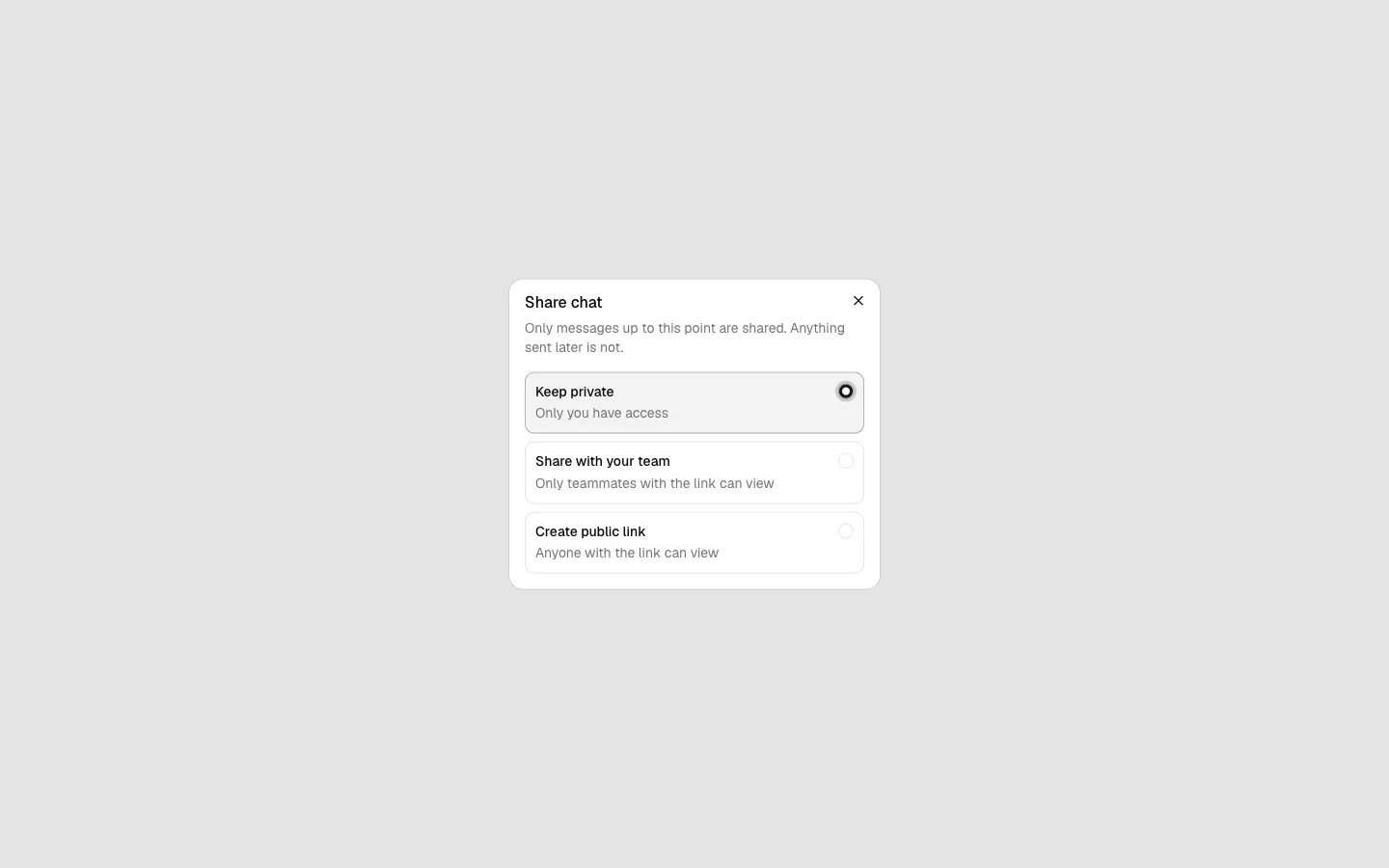
Share Dialog 1
Scoped link for a conversation
Pro
Assistant Panel 1
Chat docked beside your app