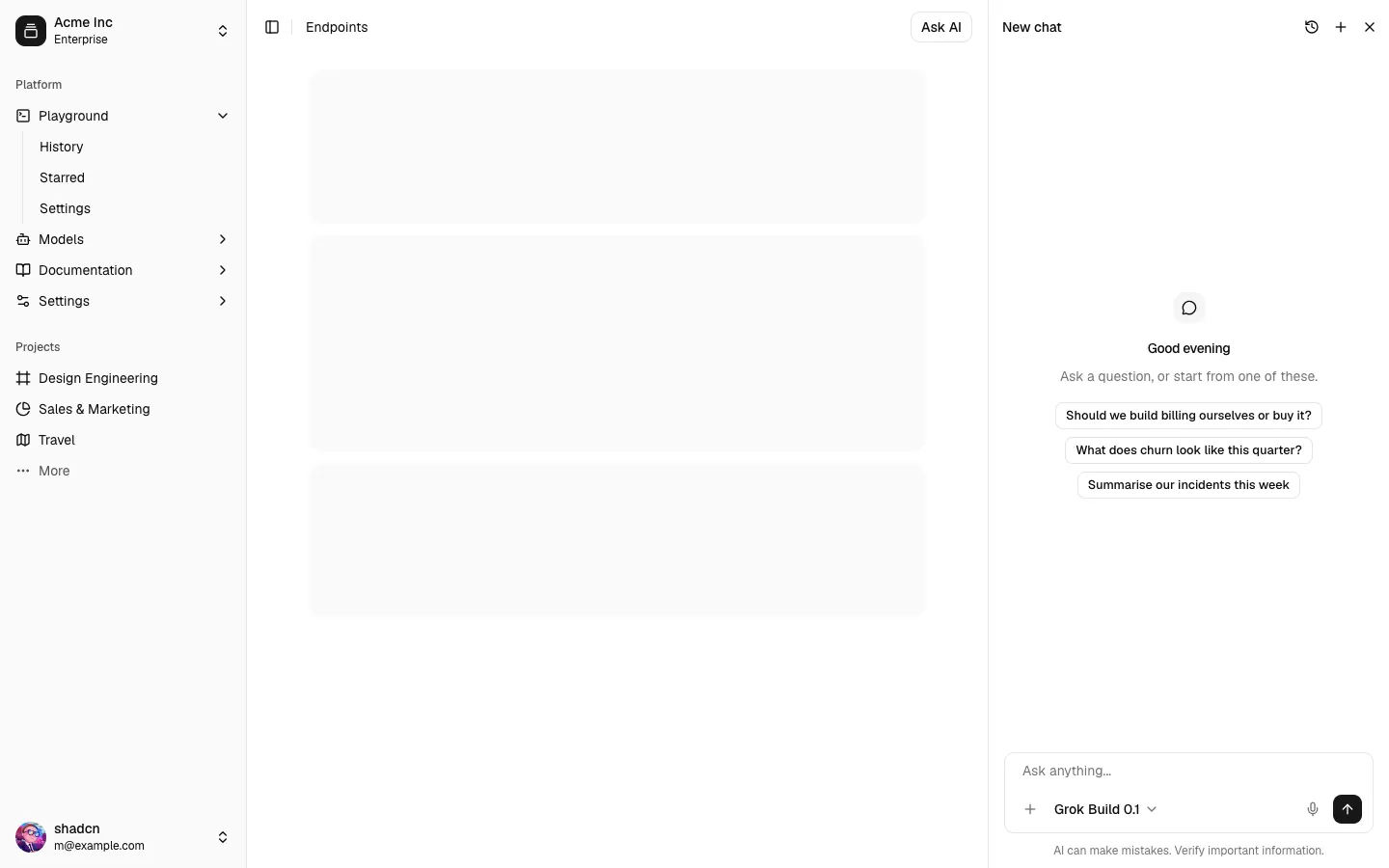
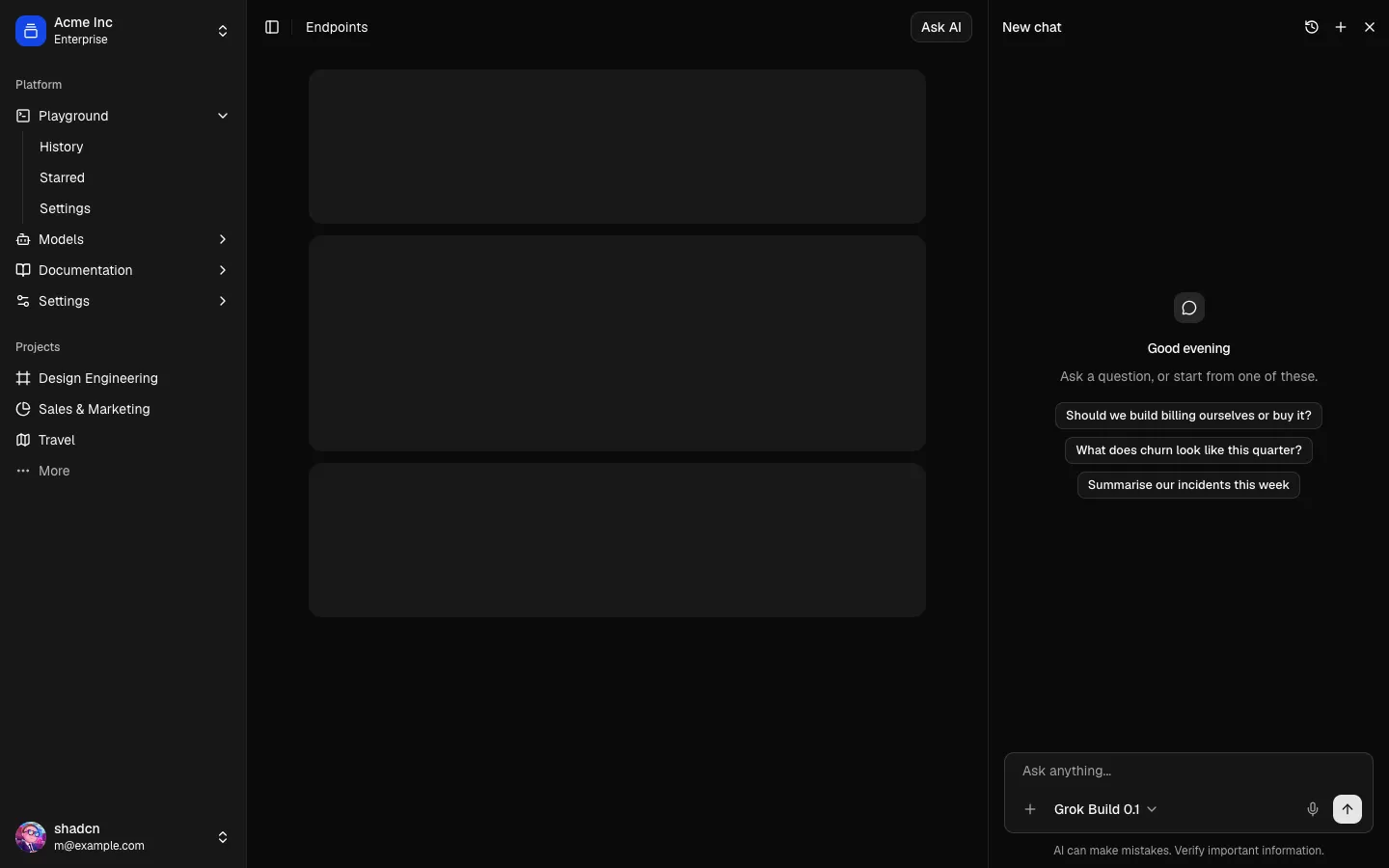
All Chat blocks
Chat Shell 2
Support inbox with an AI copilot
A support inbox in three columns: the open conversations, the one being answered, and an AI copilot working on it. The conversation shows the customer's messages, the team's replies and internal notes, with status, assignee and a reply-due countdown in its header and a reply field that switches between Reply and Note. The copilot summarises the thread, shows the customer's plan and orders, drafts a reply from the help centre with its sources, and proposes an action that runs only when approved. One click puts its draft into the reply field. The copilot resizes by its edge with the pointer or the arrow keys and folds with a shortcut; on smaller screens the list becomes a rail, then a list-to-conversation flow with the copilot in a bottom sheet. Loading, empty and error states are built in, and every side follows the reading direction.
In all Pro bundles
Radix UI
Base UI
8 styles
5 icon sets
Own this code forever
Build with your AI agents or bring the code into your own codebase.
Already have a license key?
SBIOTJ
Join 16,000+ builders shipping with shadcncraft
Get access to this block and the full library
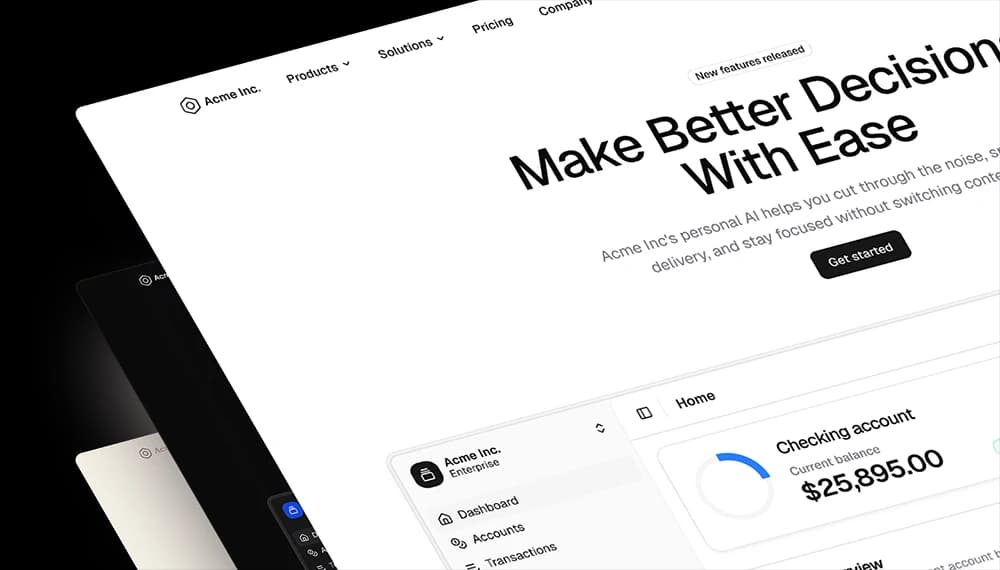
Production-ready blocks and components with matching Figma and React.

Benefits
Production-ready by default
Built with shadcn/ui conventions and designed for real projects.
Built with shadcn/ui
Clean React components using Tailwind and modern shadcn patterns.
Install instantly
Add the block directly using the shadcn CLI.
Works with your theme
Compatible with shadcn themes and token-based color systems.
MCP server support
Use shadcn MCP server right from your favorite AI tools.
Frequently Asked Questions
Yes. They follow shadcn/ui structure and are built for real products.
All blocks
More Chat
Pro
Assistant Onboarding 15
Team rollout: seats, data access by group, policy and a turned-on state


Pro
Assistant Onboarding 14
Agent builder in four steps with a live preview and a test run


Pro
Assistant Onboarding 13
First run on your own data: connect, index, first cited answer


Pro
Composer 3
Compact panel composer with source chips


Pro
Composer 2
Prompt input with slash commands, mentions and modes


Pro
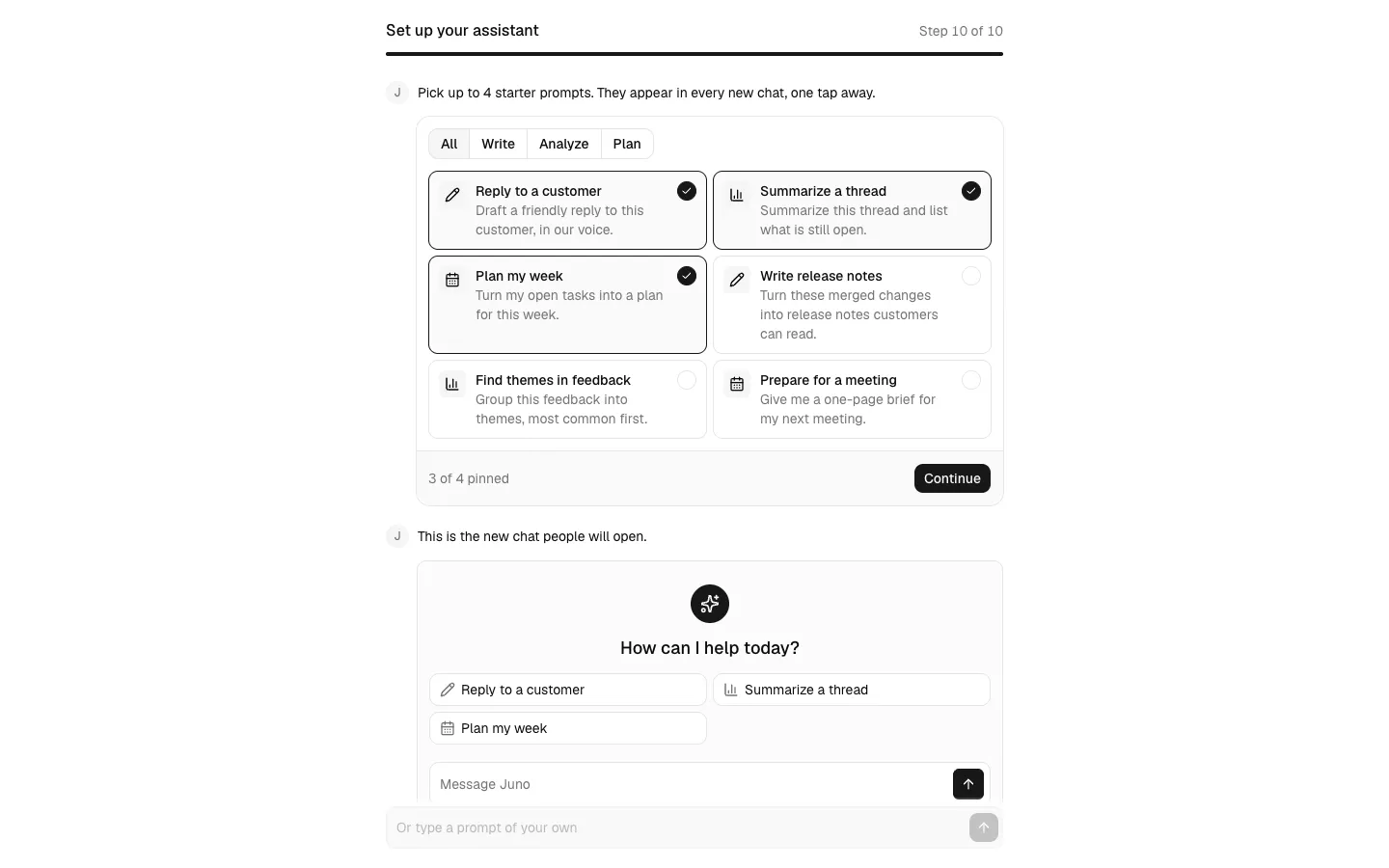
Assistant Onboarding 12
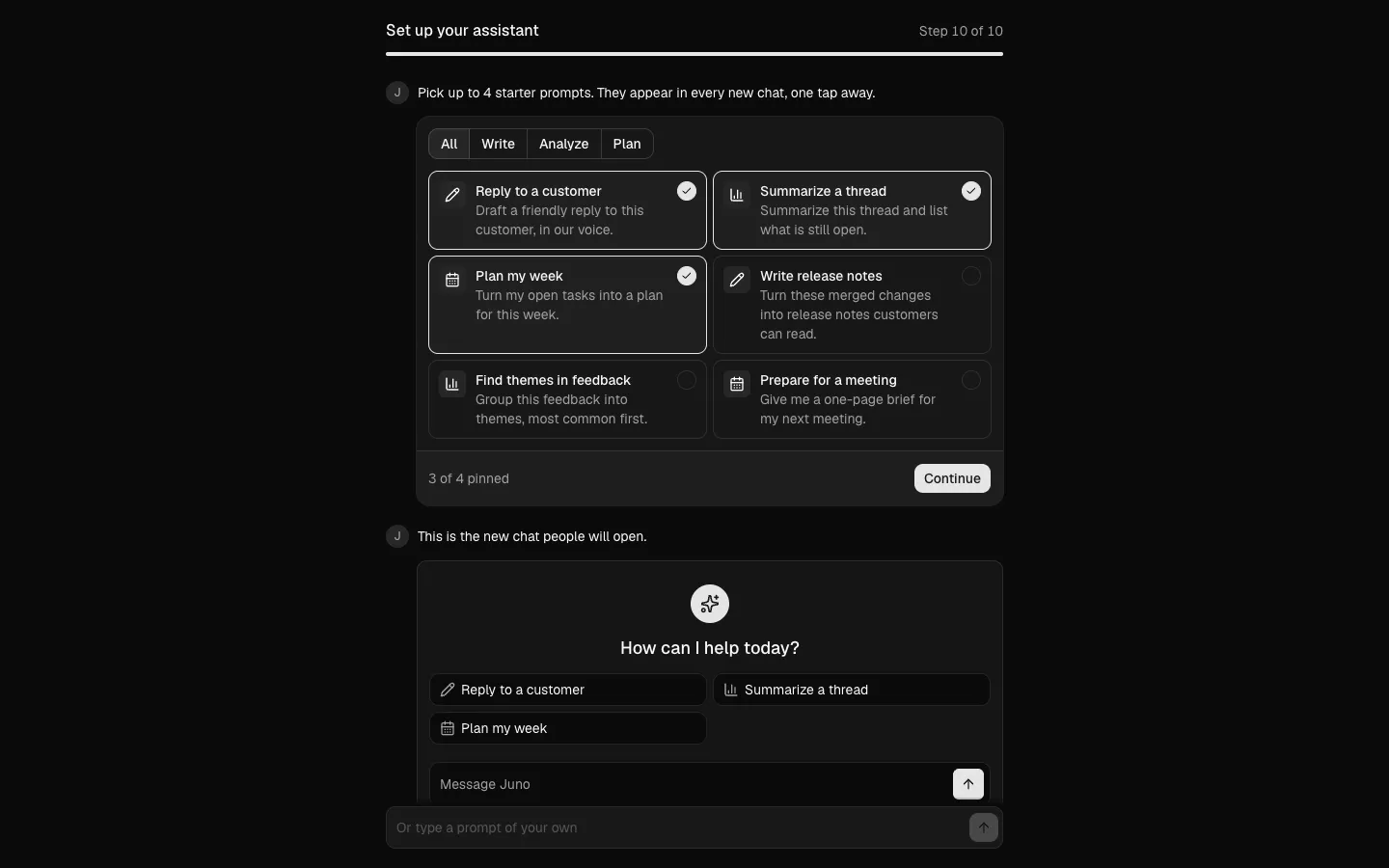
Starter prompt gallery in a chat, with a new-chat preview
Pro
Assistant Onboarding 11
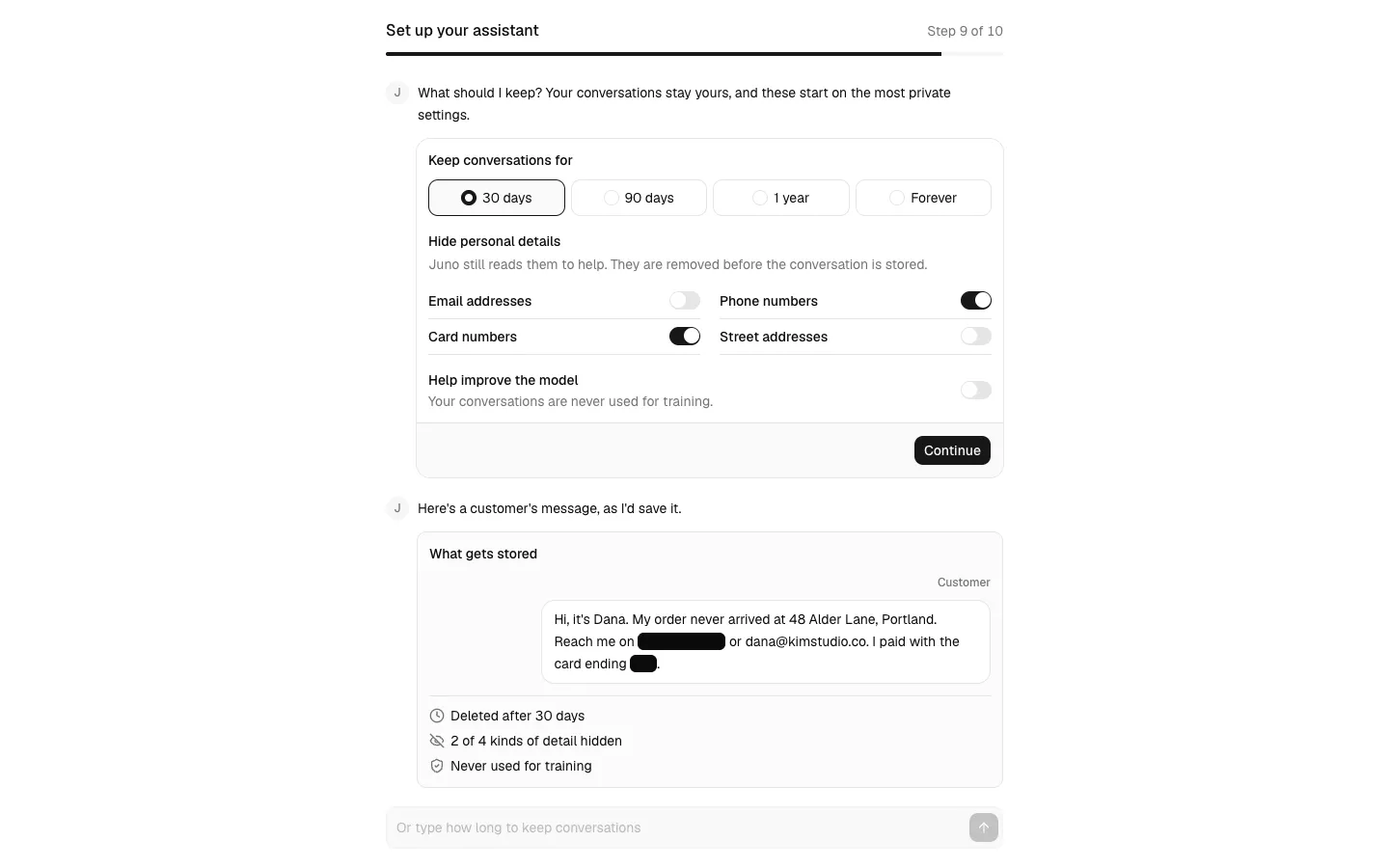
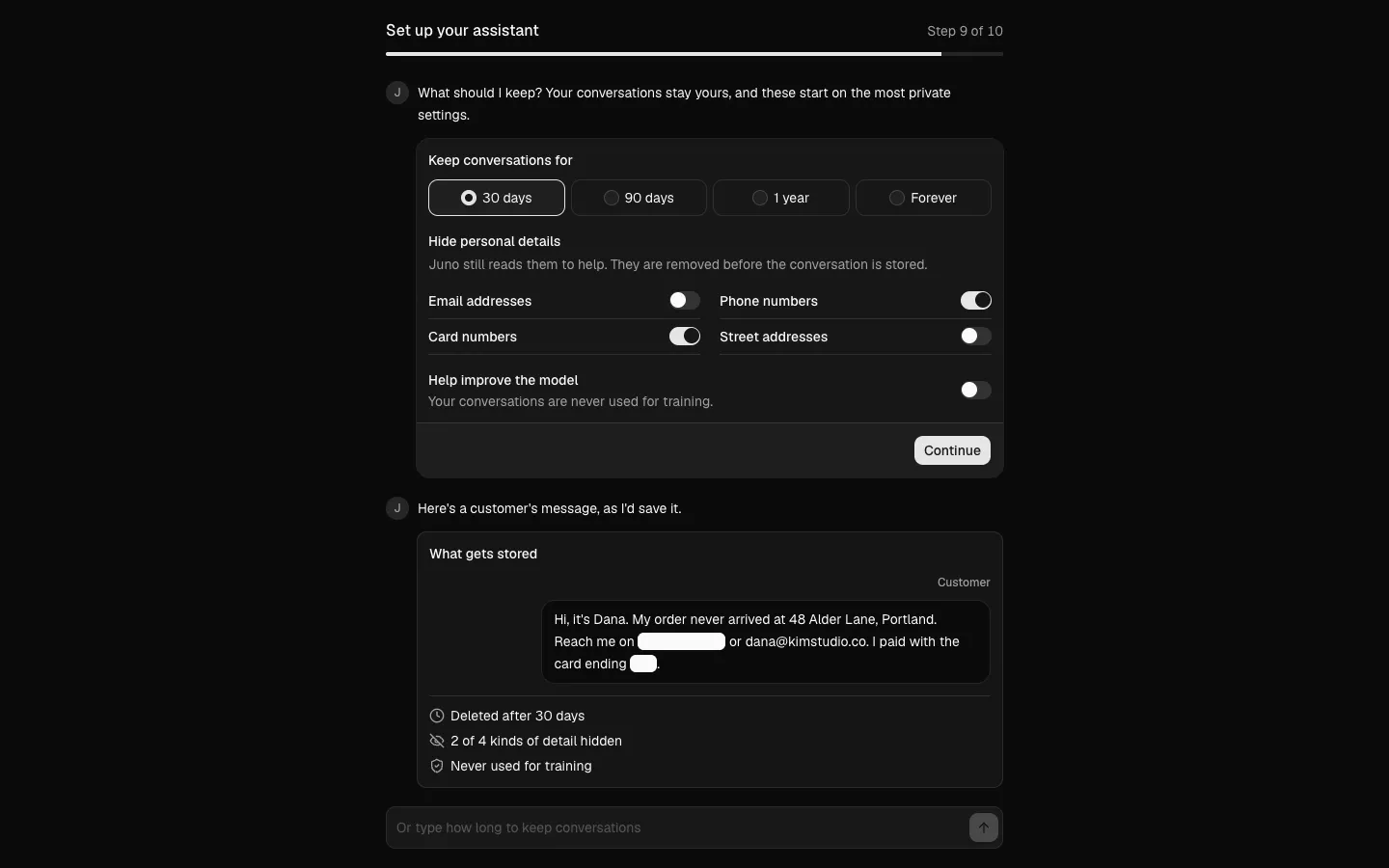
Privacy controls in a chat, with a live redaction preview
Pro
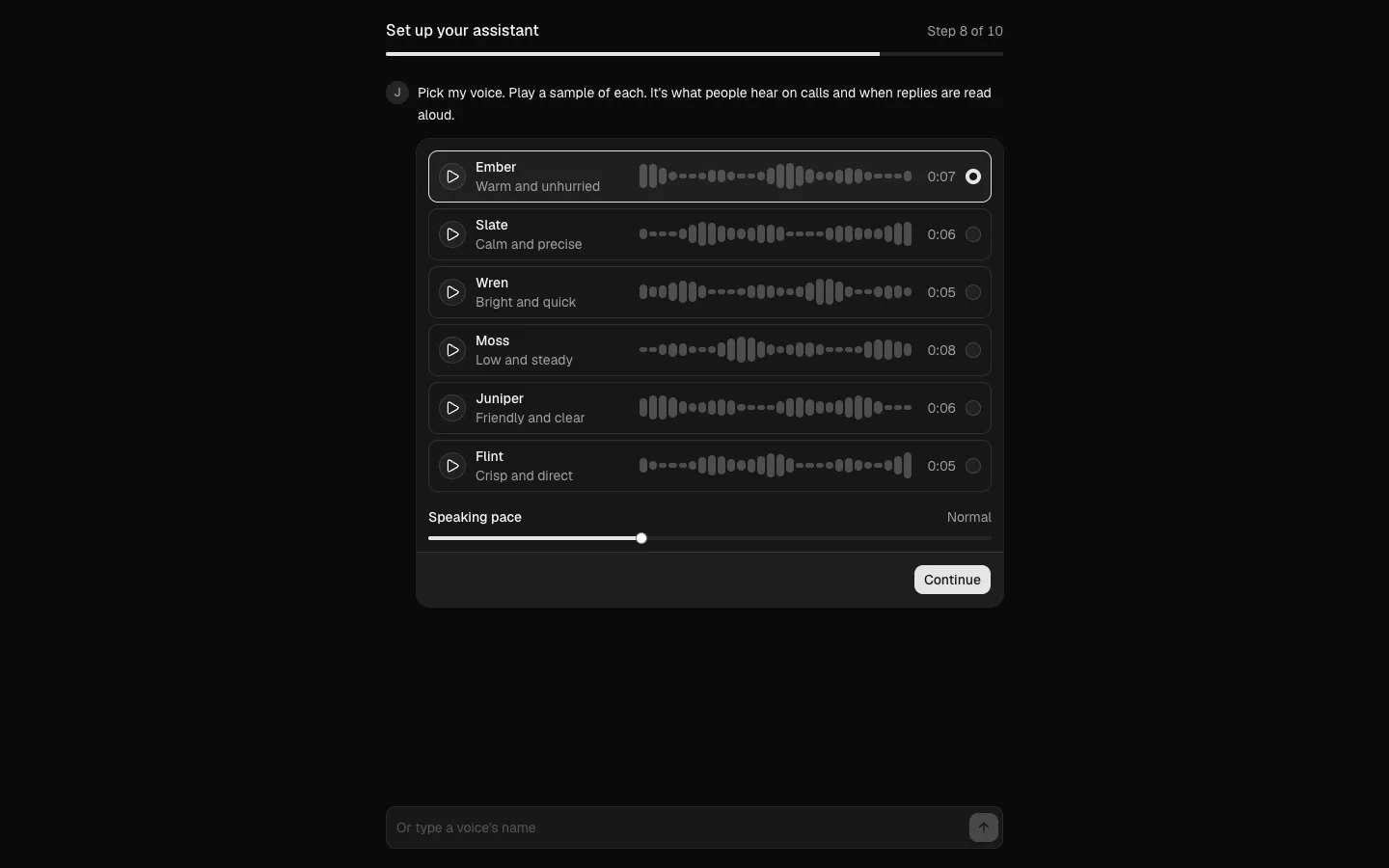
Assistant Onboarding 10
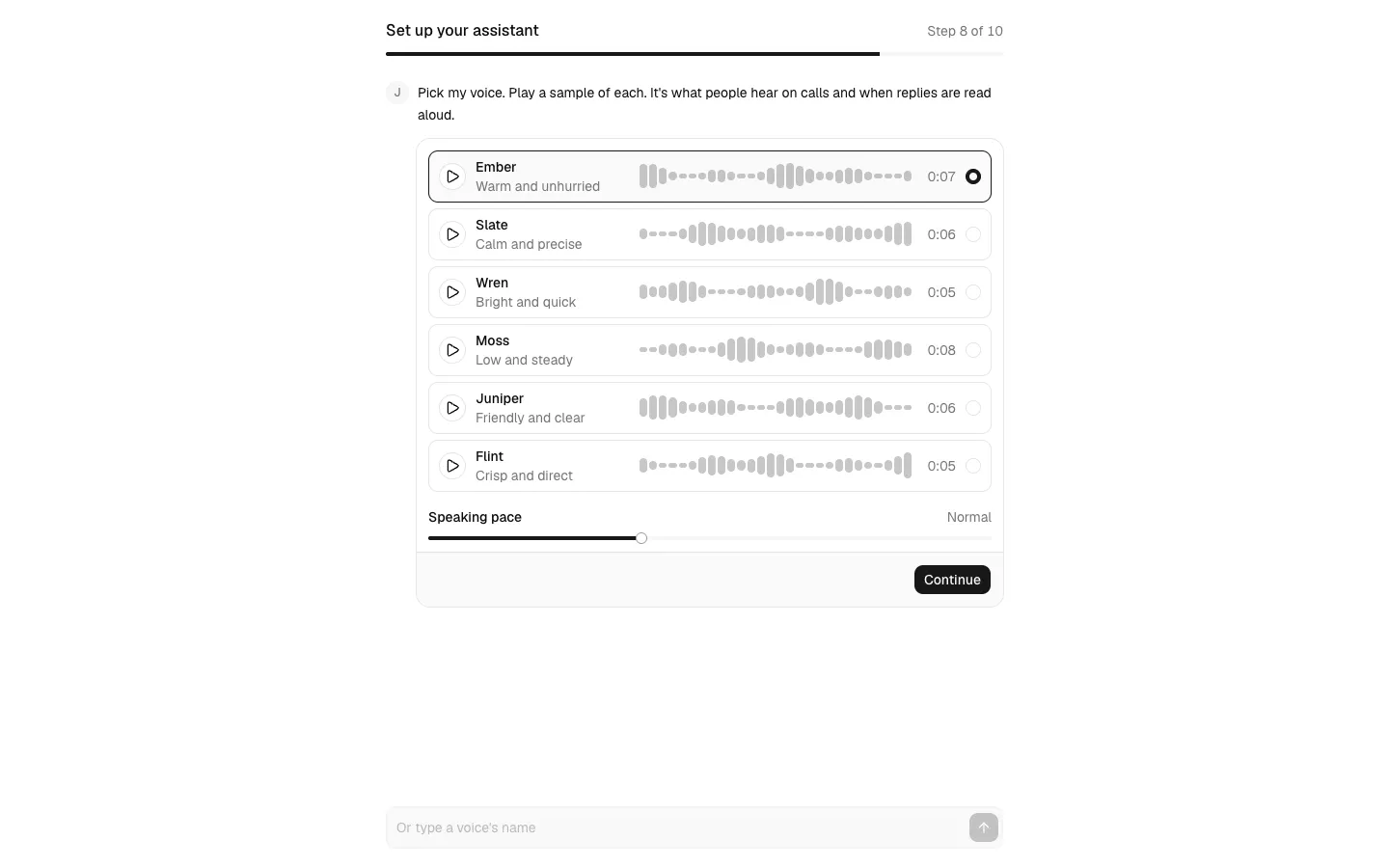
Pick a voice in a setup chat, with playable samples
Pro
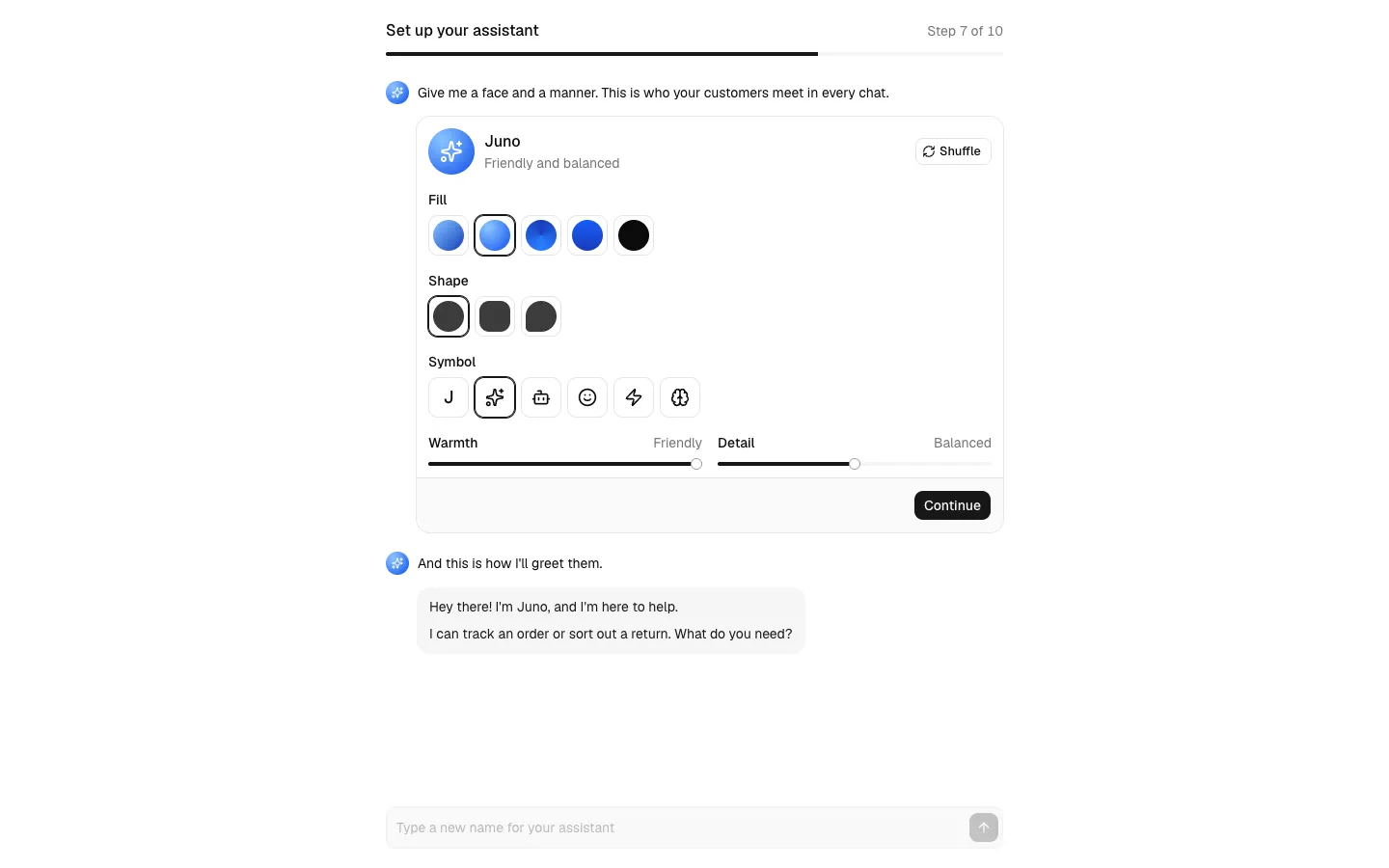
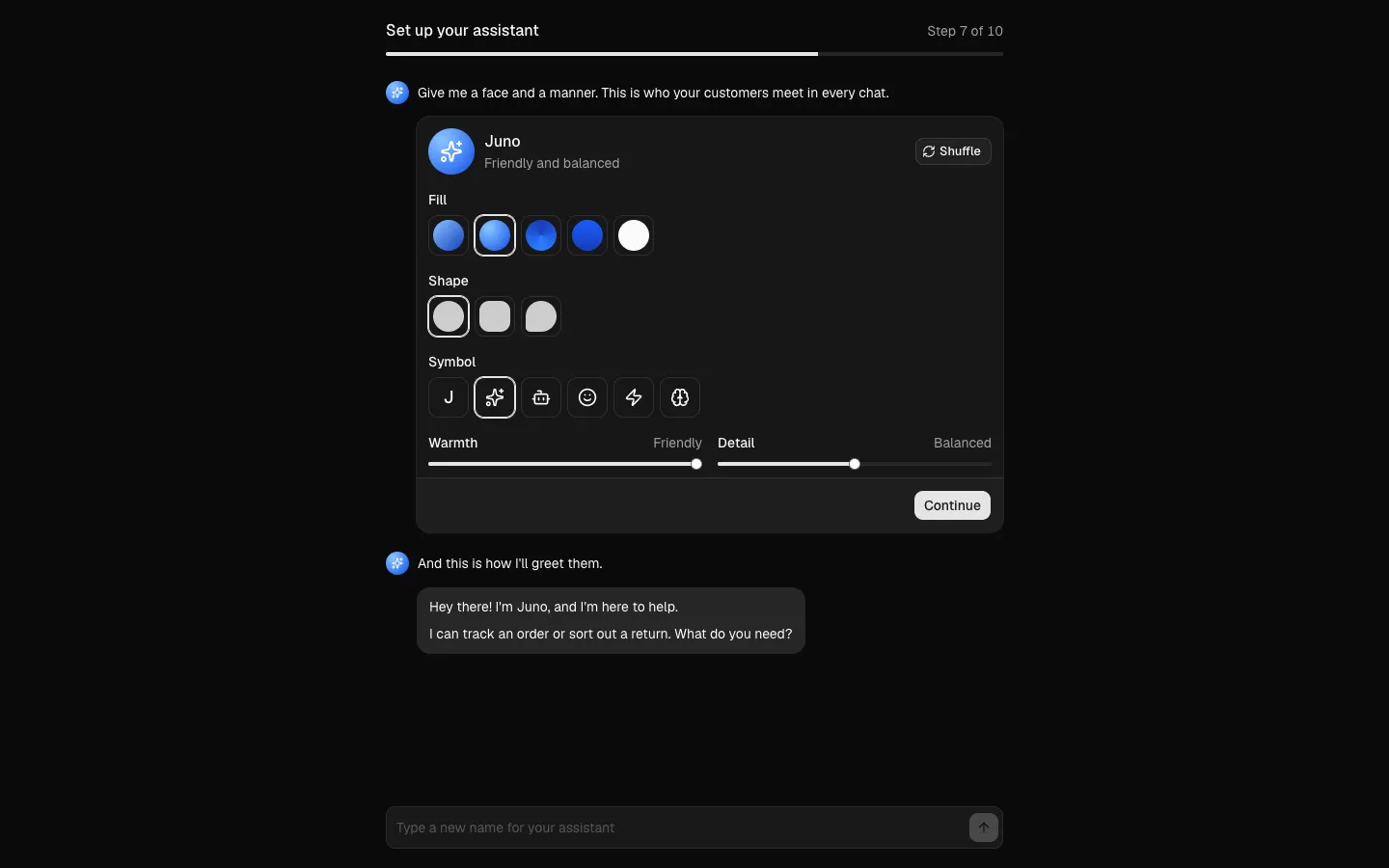
Assistant Onboarding 9
Persona builder in a chat, with a live avatar and greeting
Pro
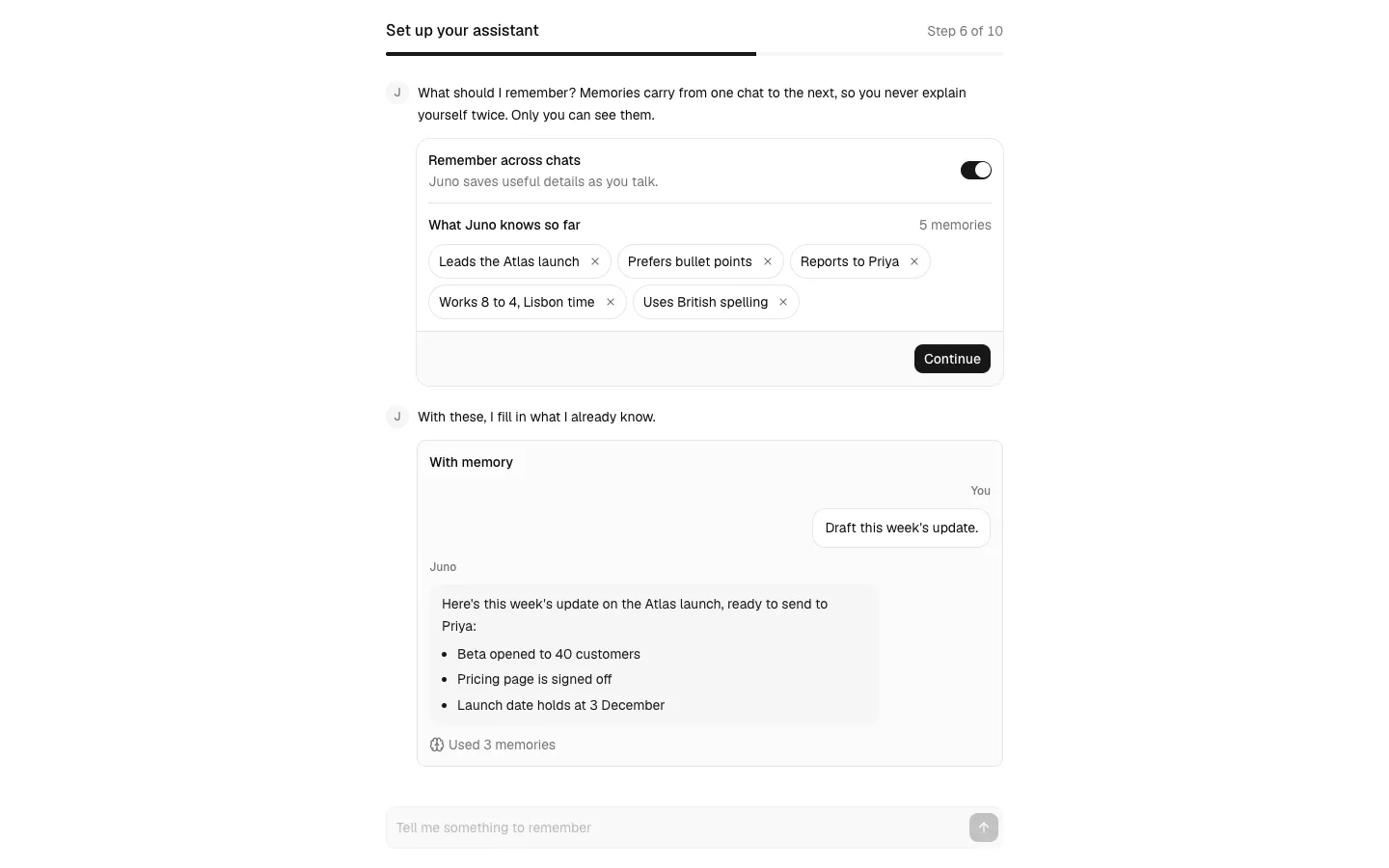
Assistant Onboarding 8
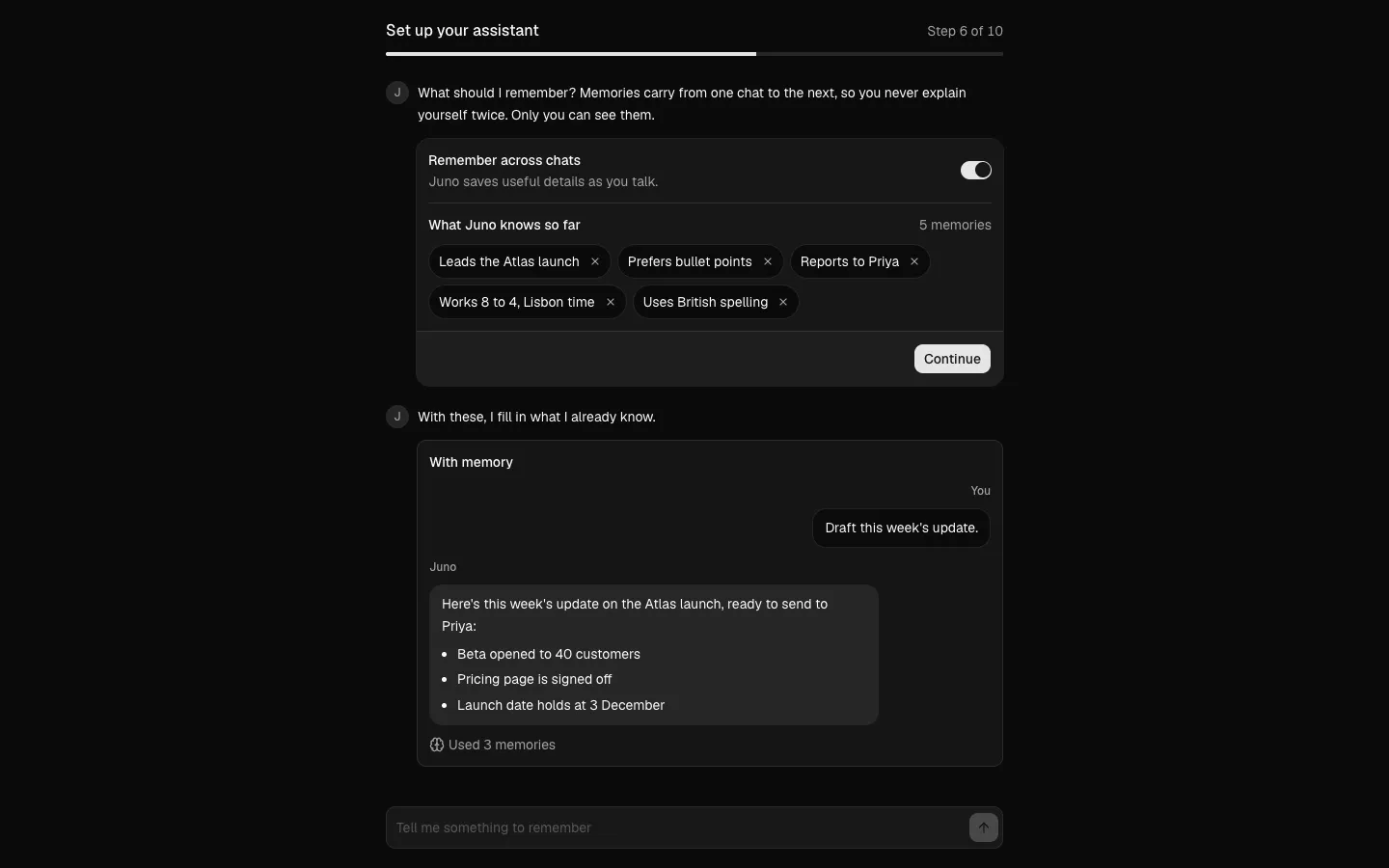
Set up memory in a chat, with editable memory chips
Pro
Assistant Onboarding 7
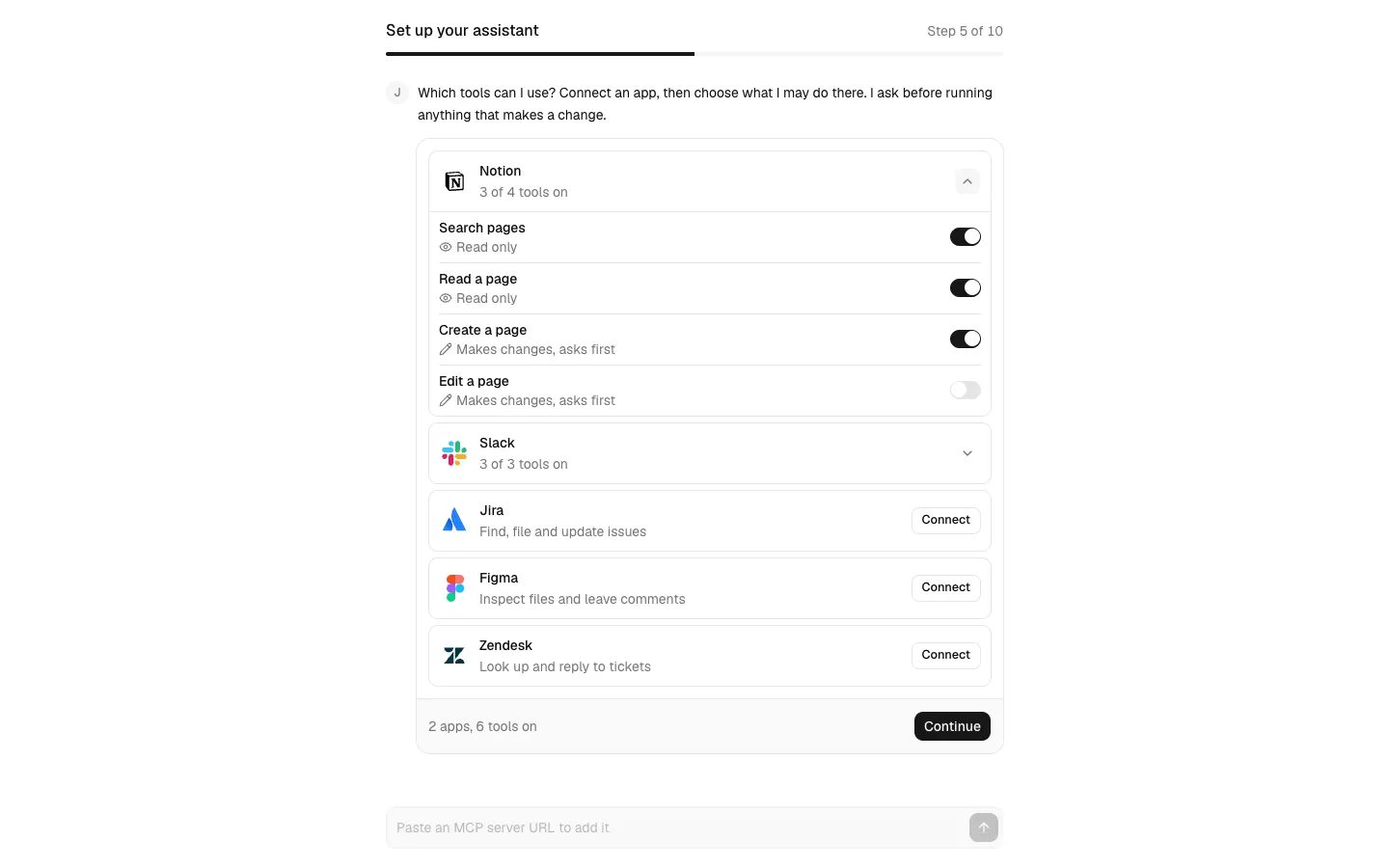
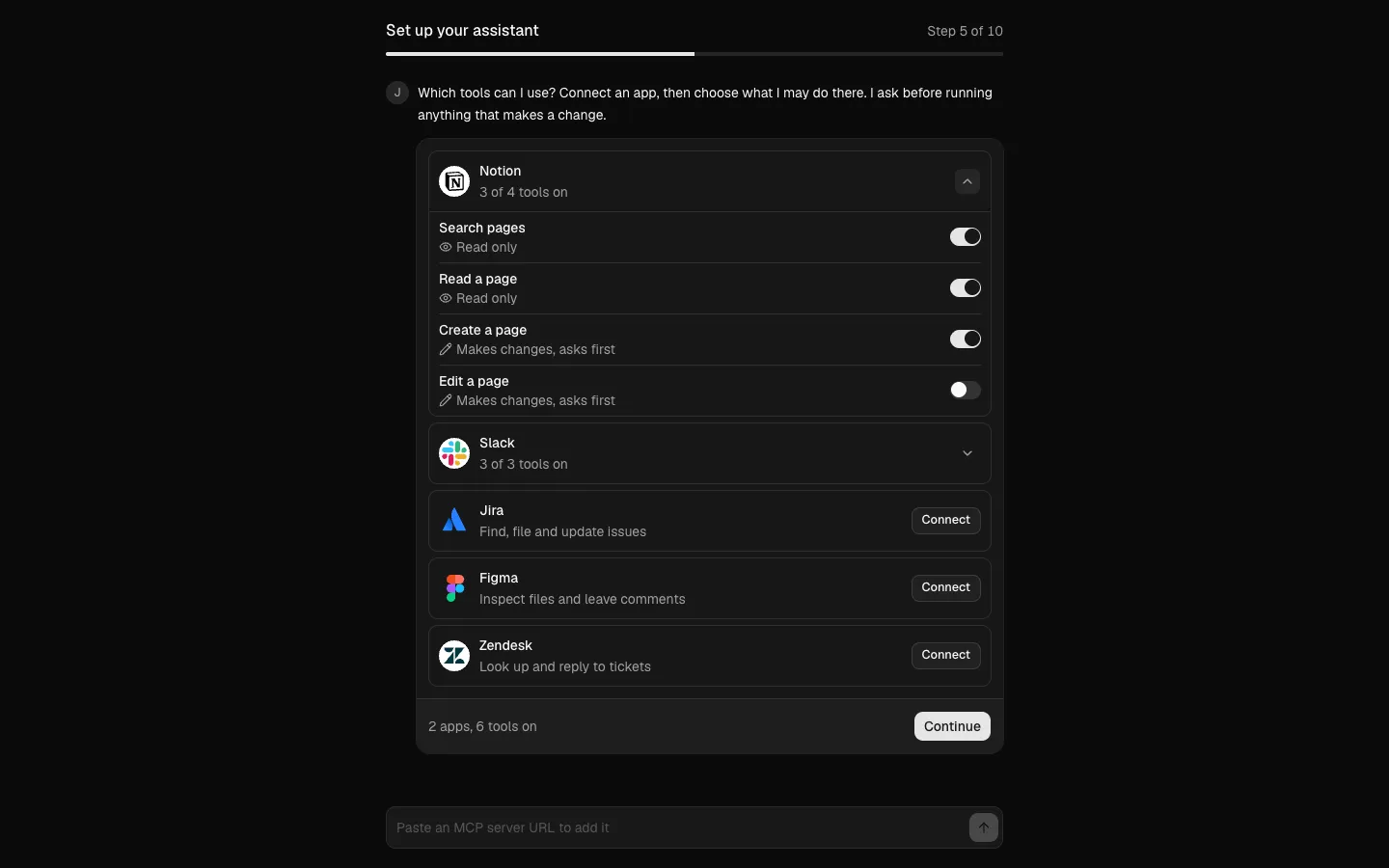
Connect tools in a setup chat, with a switch per tool
Pro
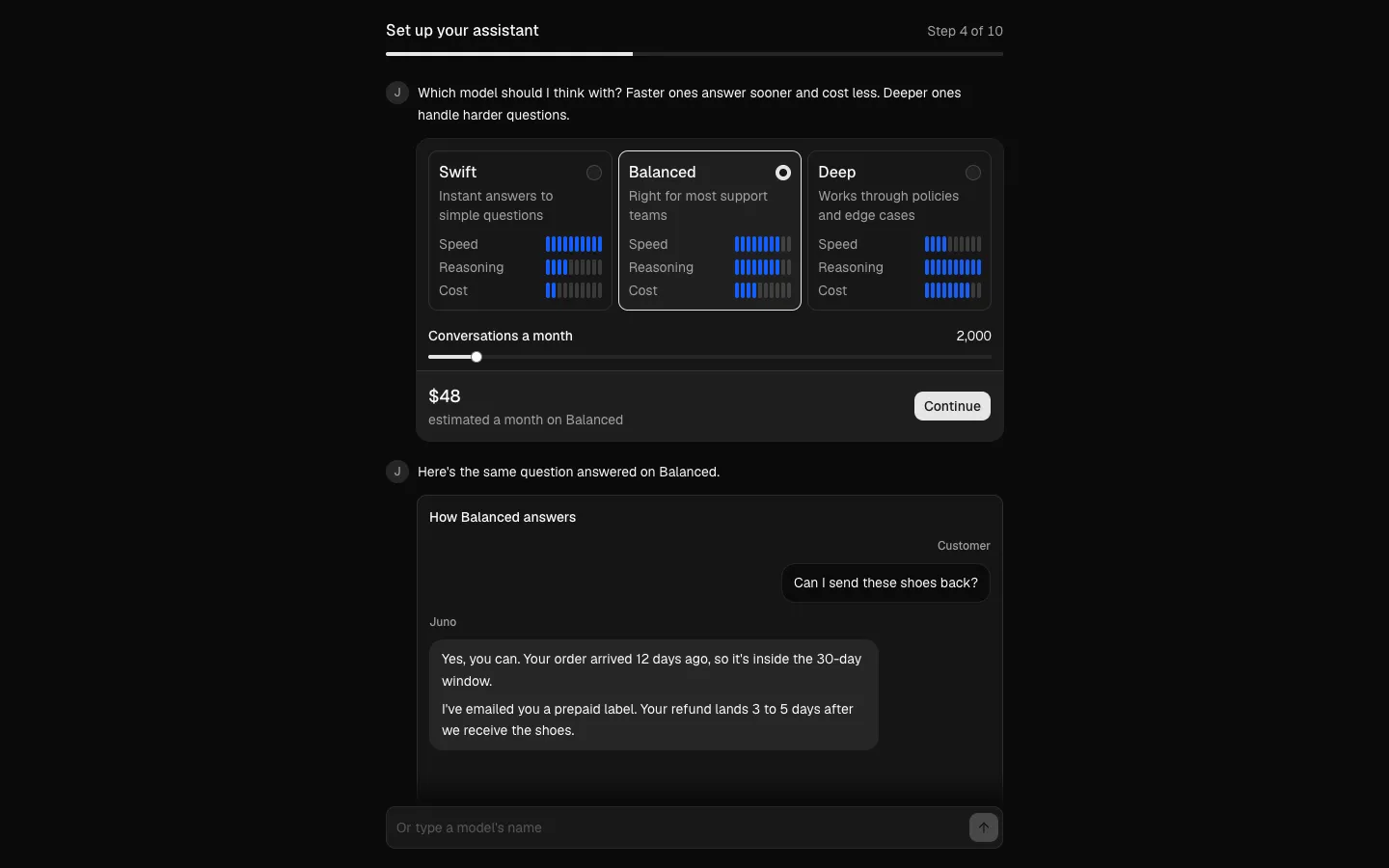
Assistant Onboarding 6
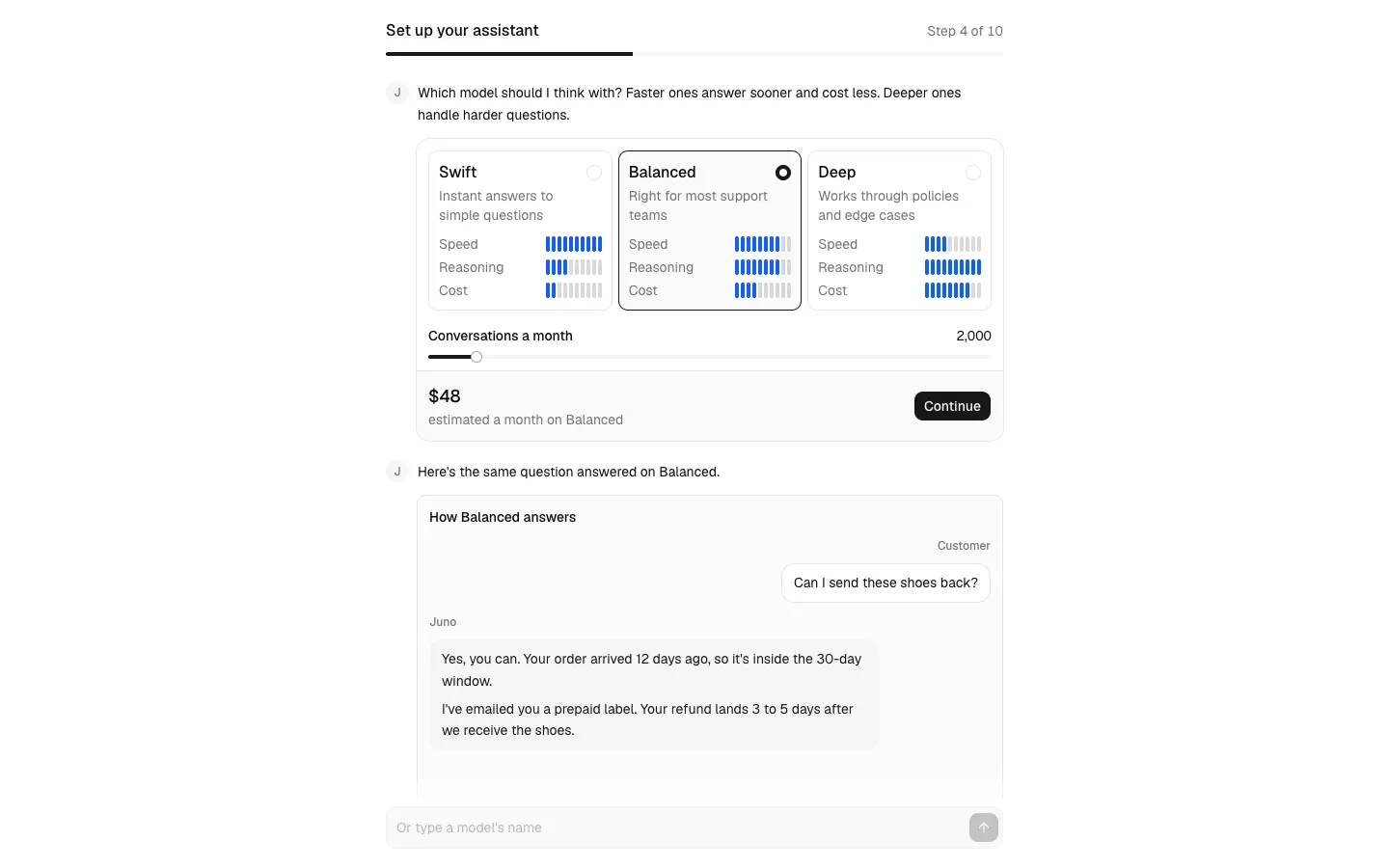
Choose a model in a setup chat, with trade-off meters
Pro
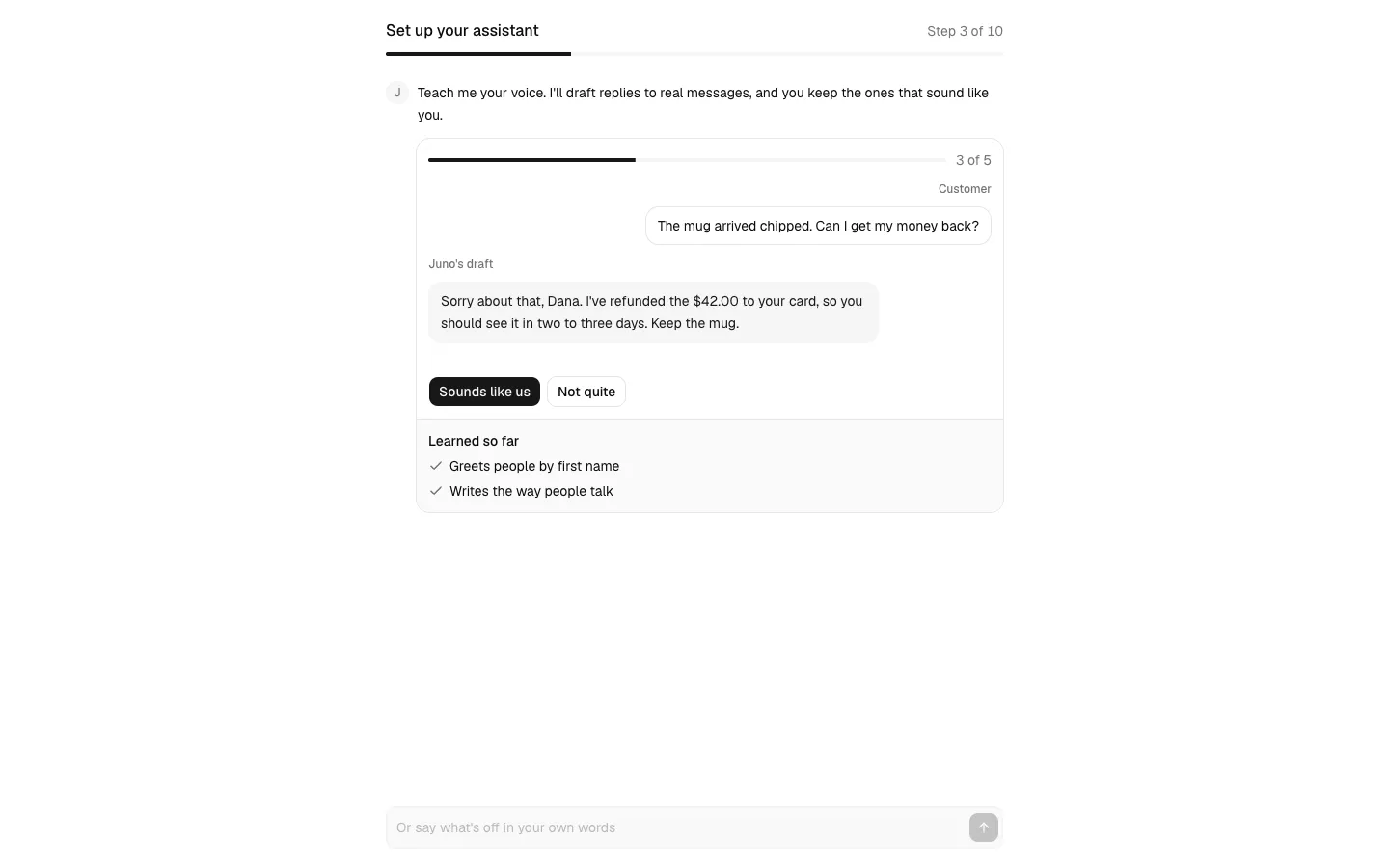
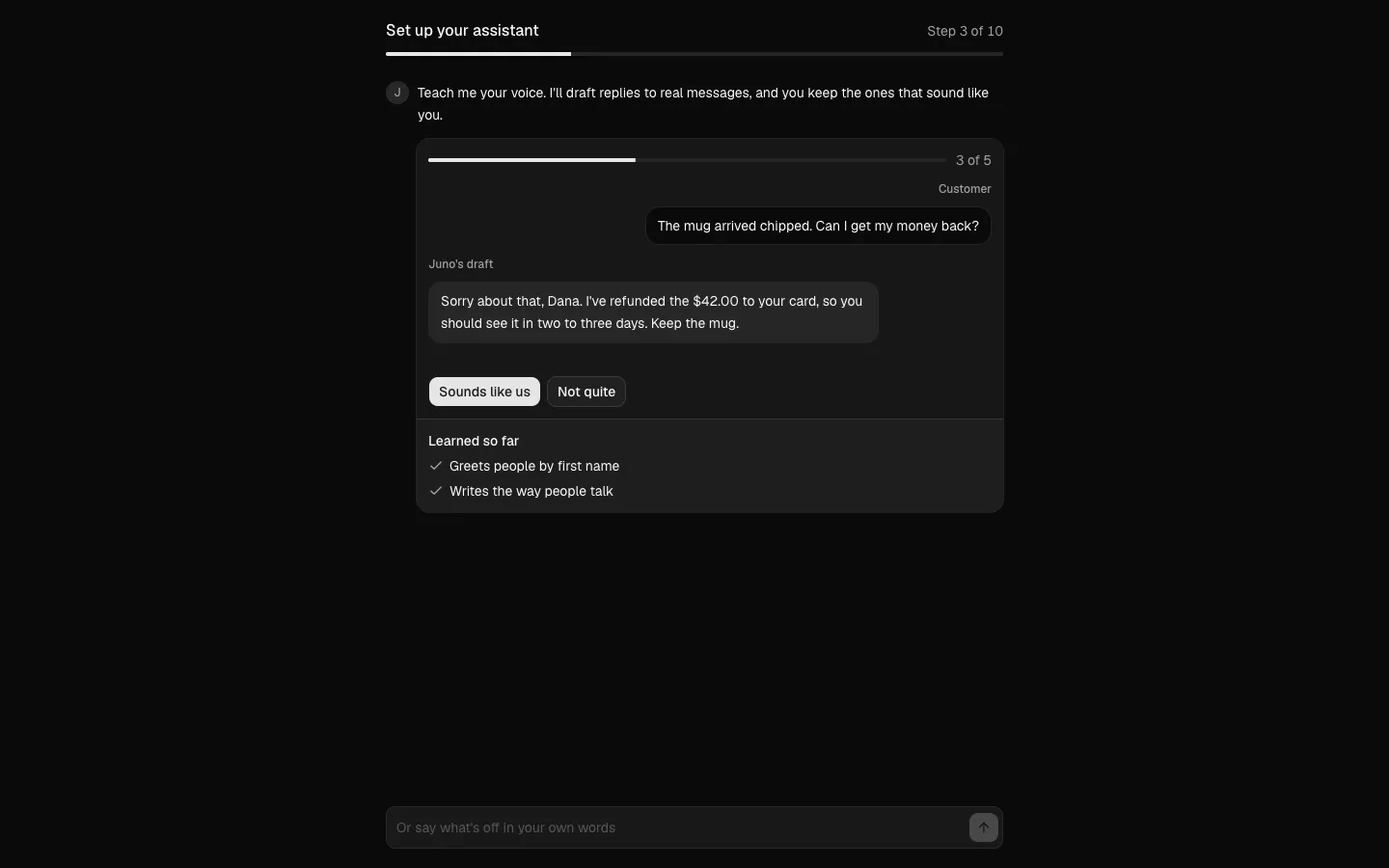
Assistant Onboarding 5
Teach the assistant your voice by example, in a chat
Pro
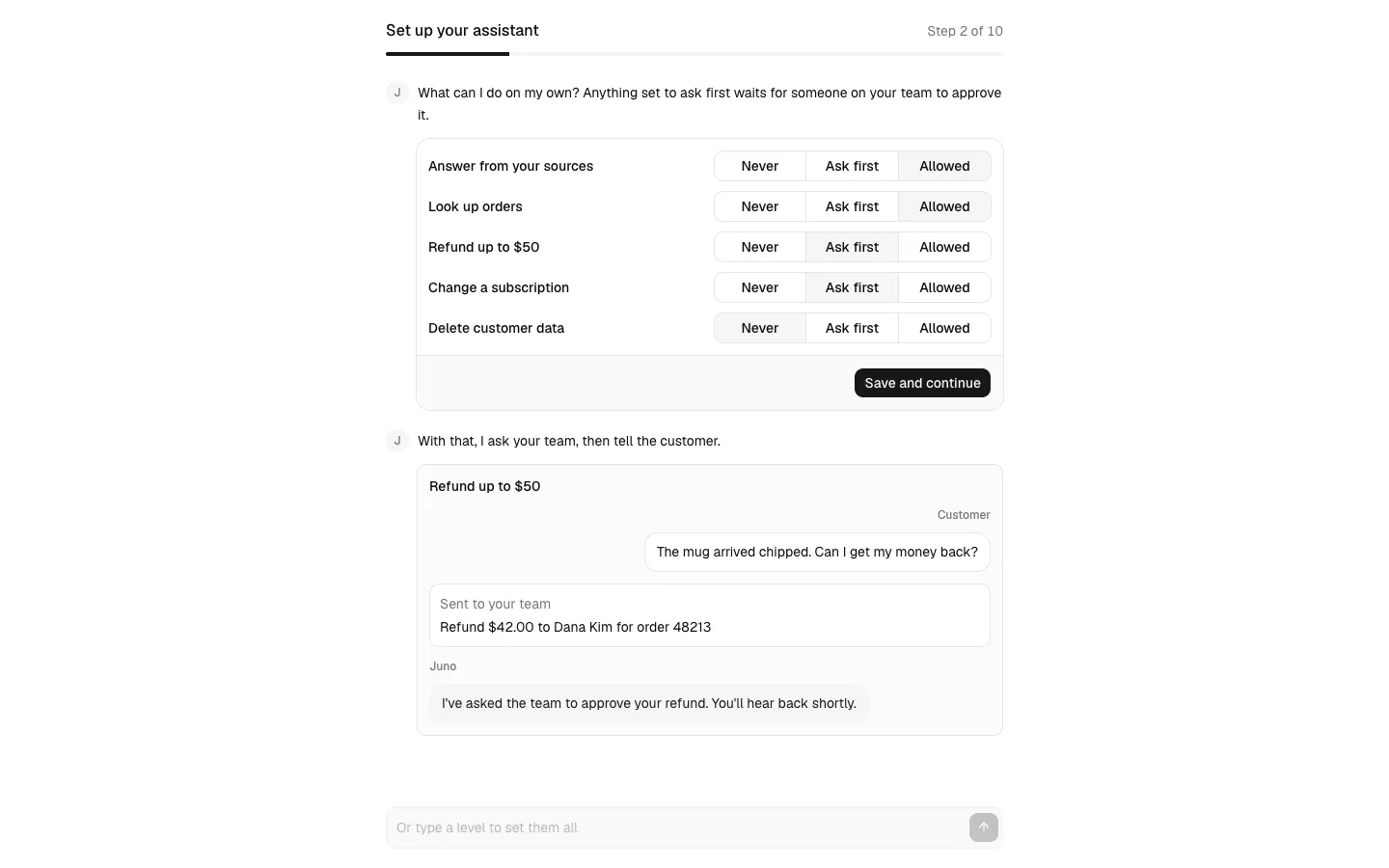
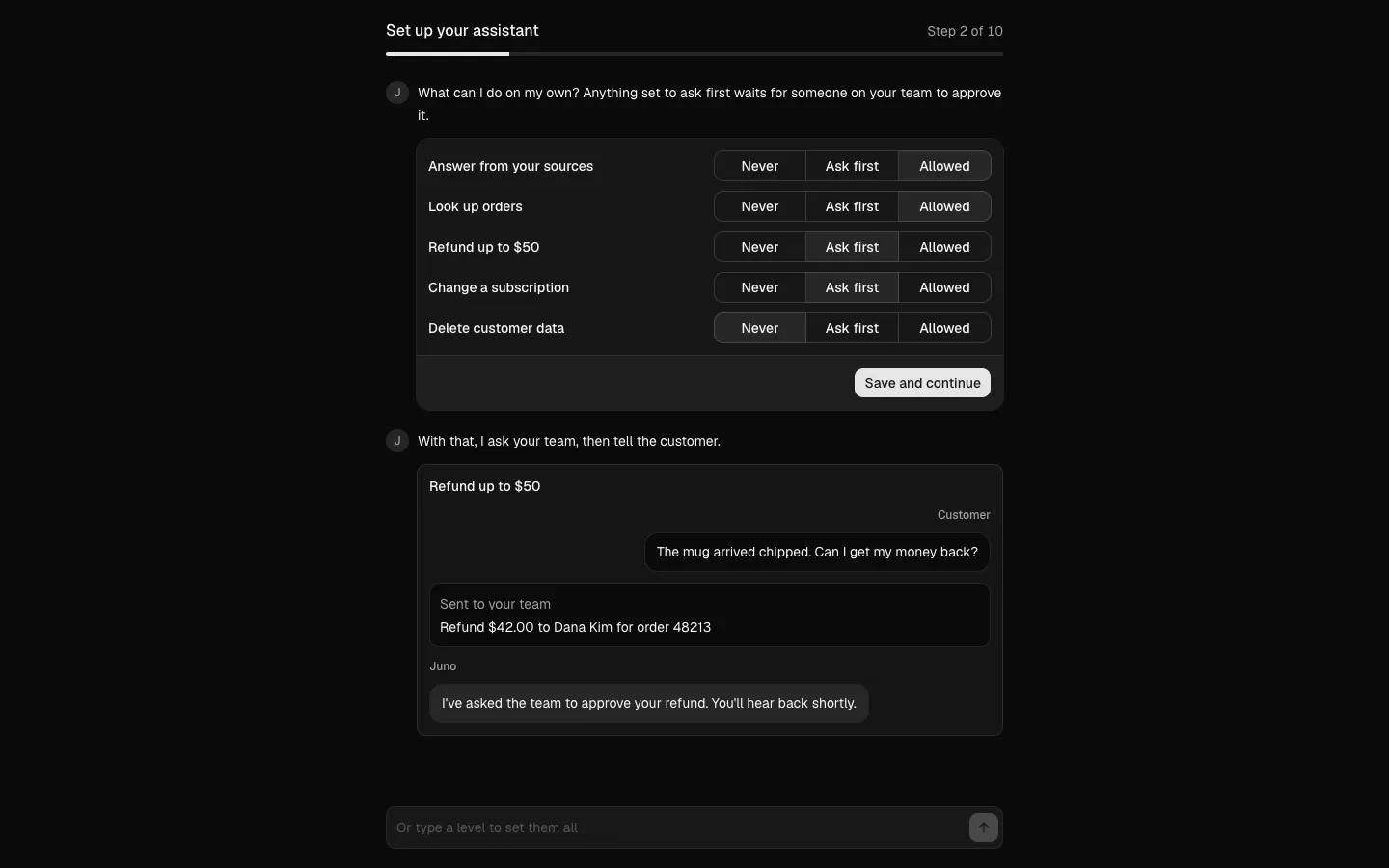
Assistant Onboarding 4
Permissions in a setup chat, with a live exchange
Pro
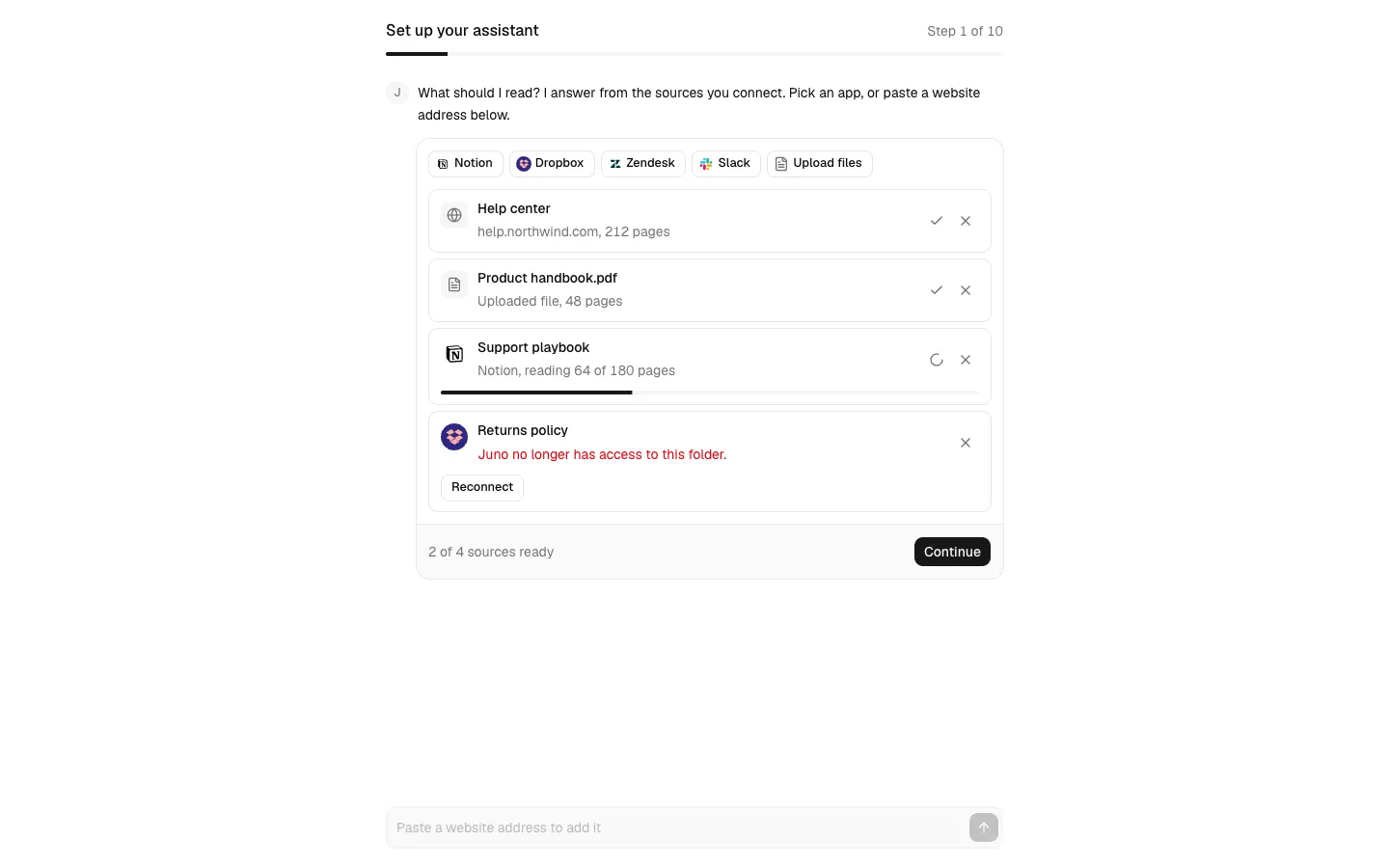
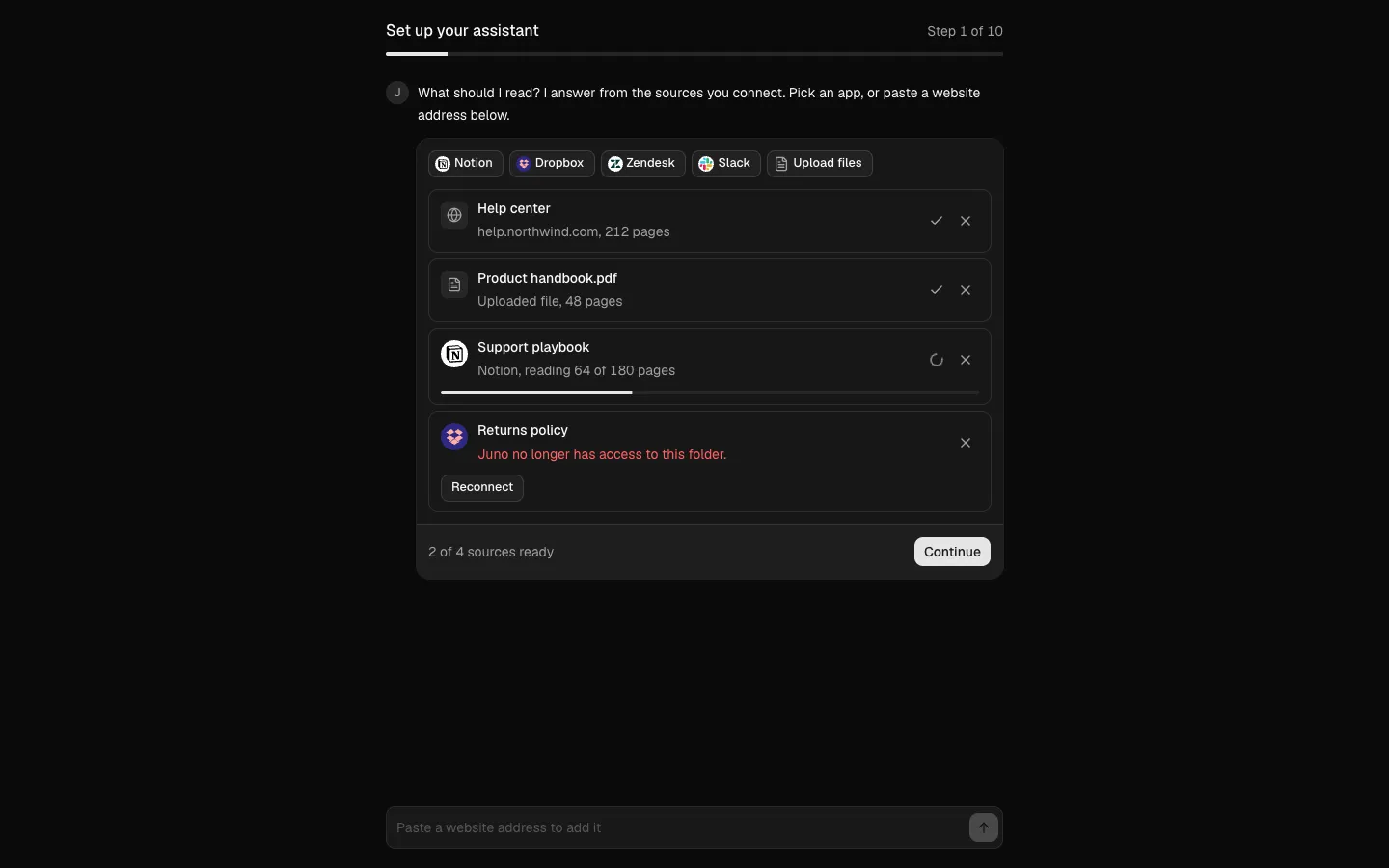
Assistant Onboarding 3
Connect knowledge sources in a setup chat
Pro
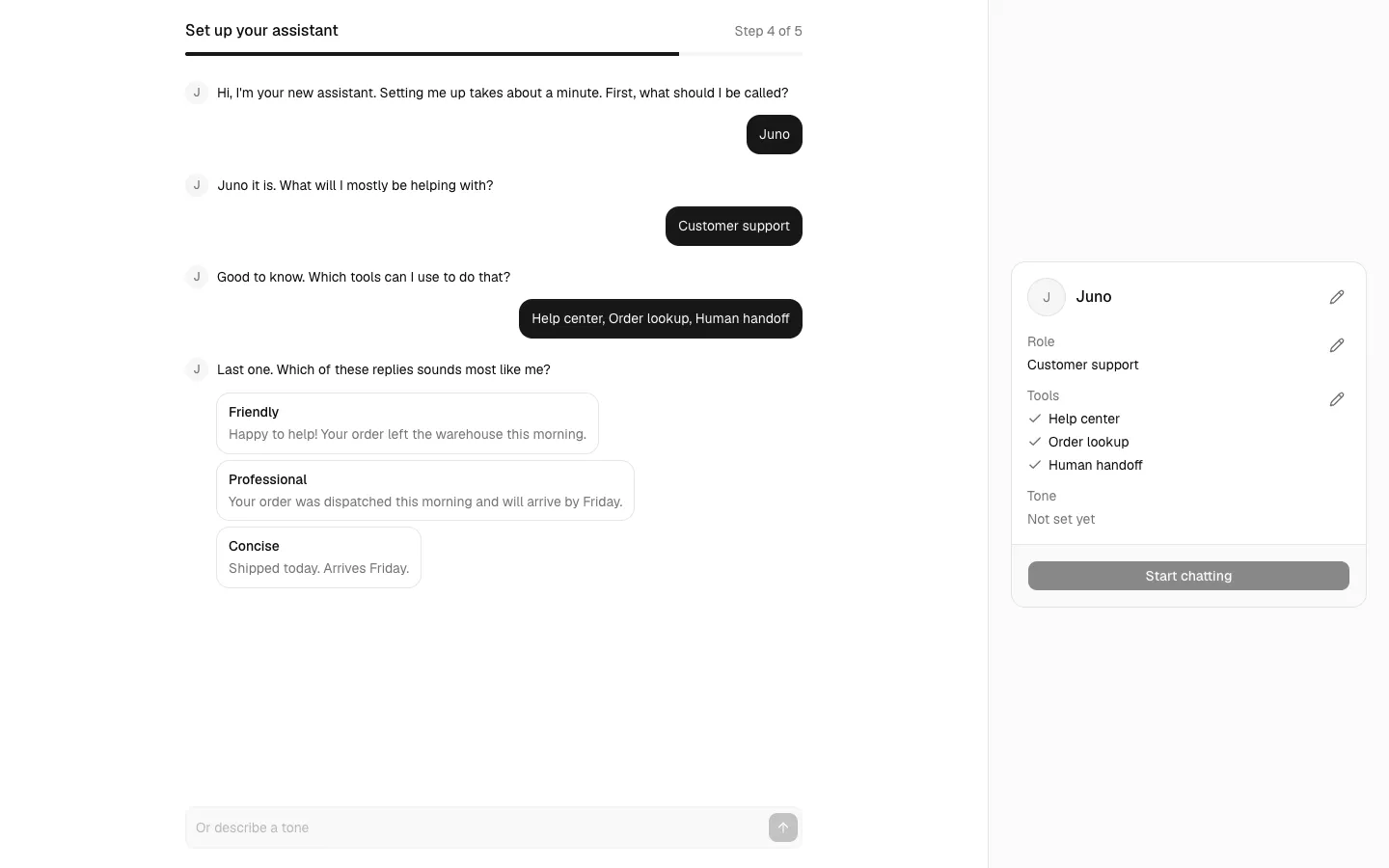
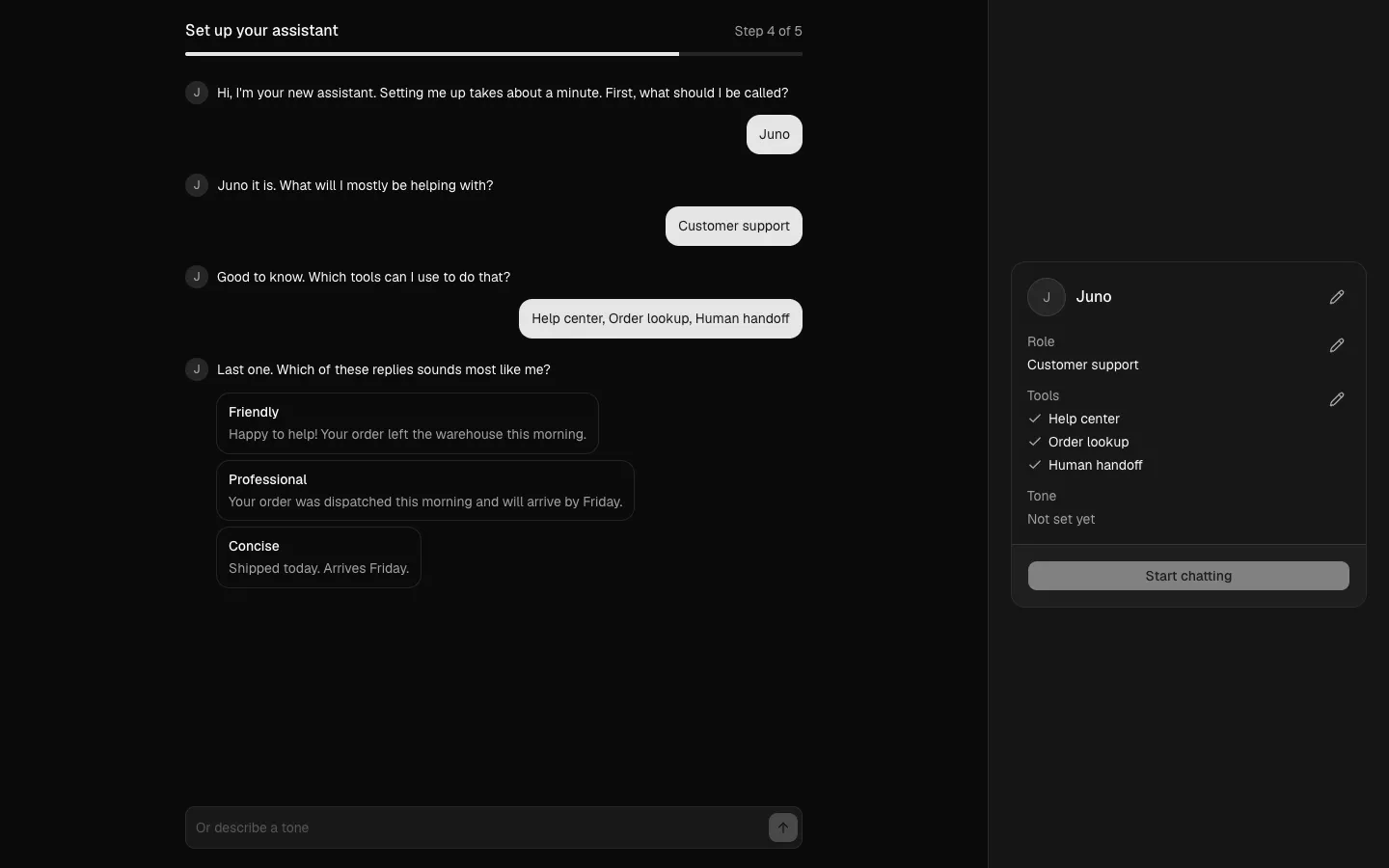
Assistant Onboarding 2
Chat-style setup beside a live profile card
Pro
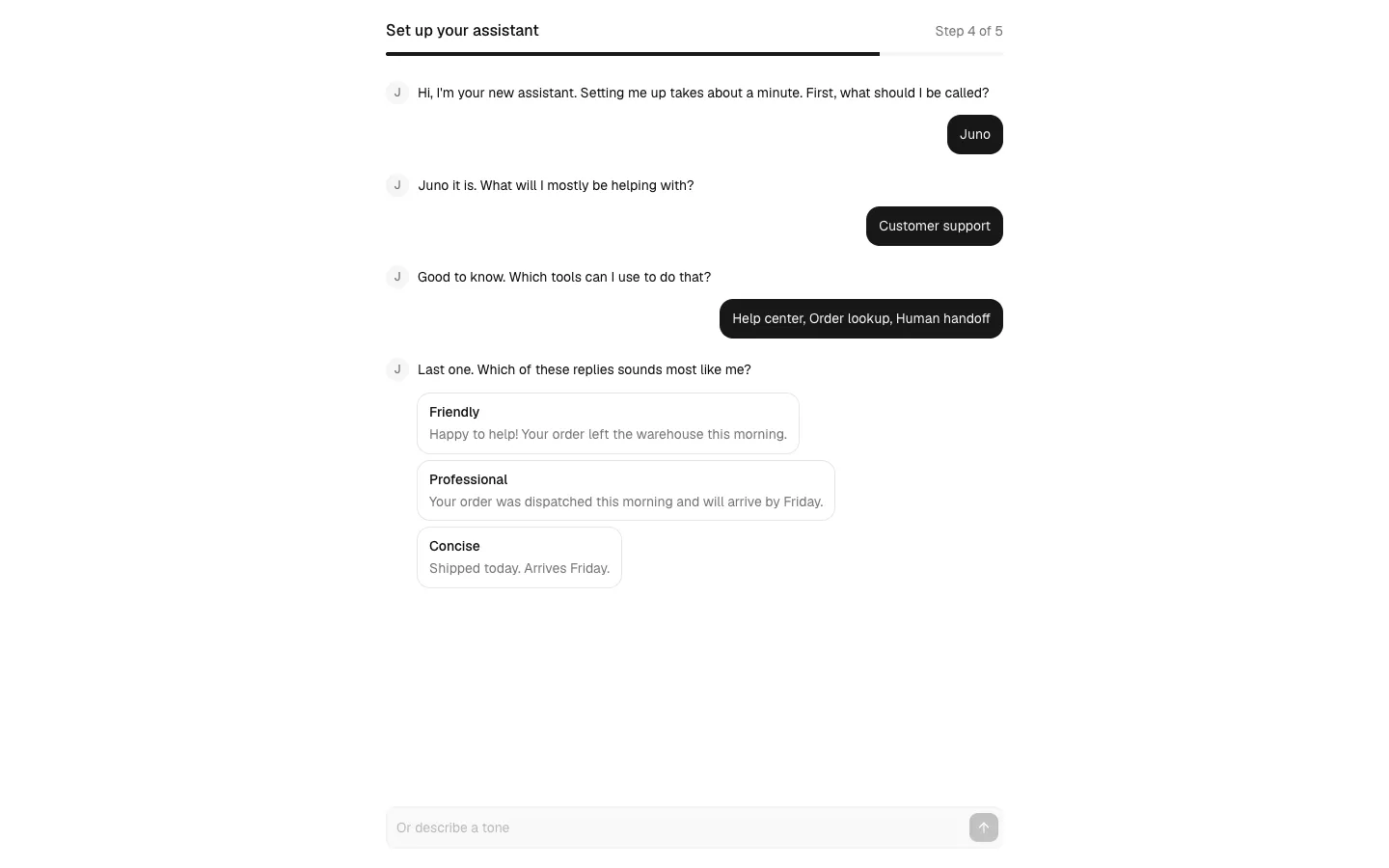
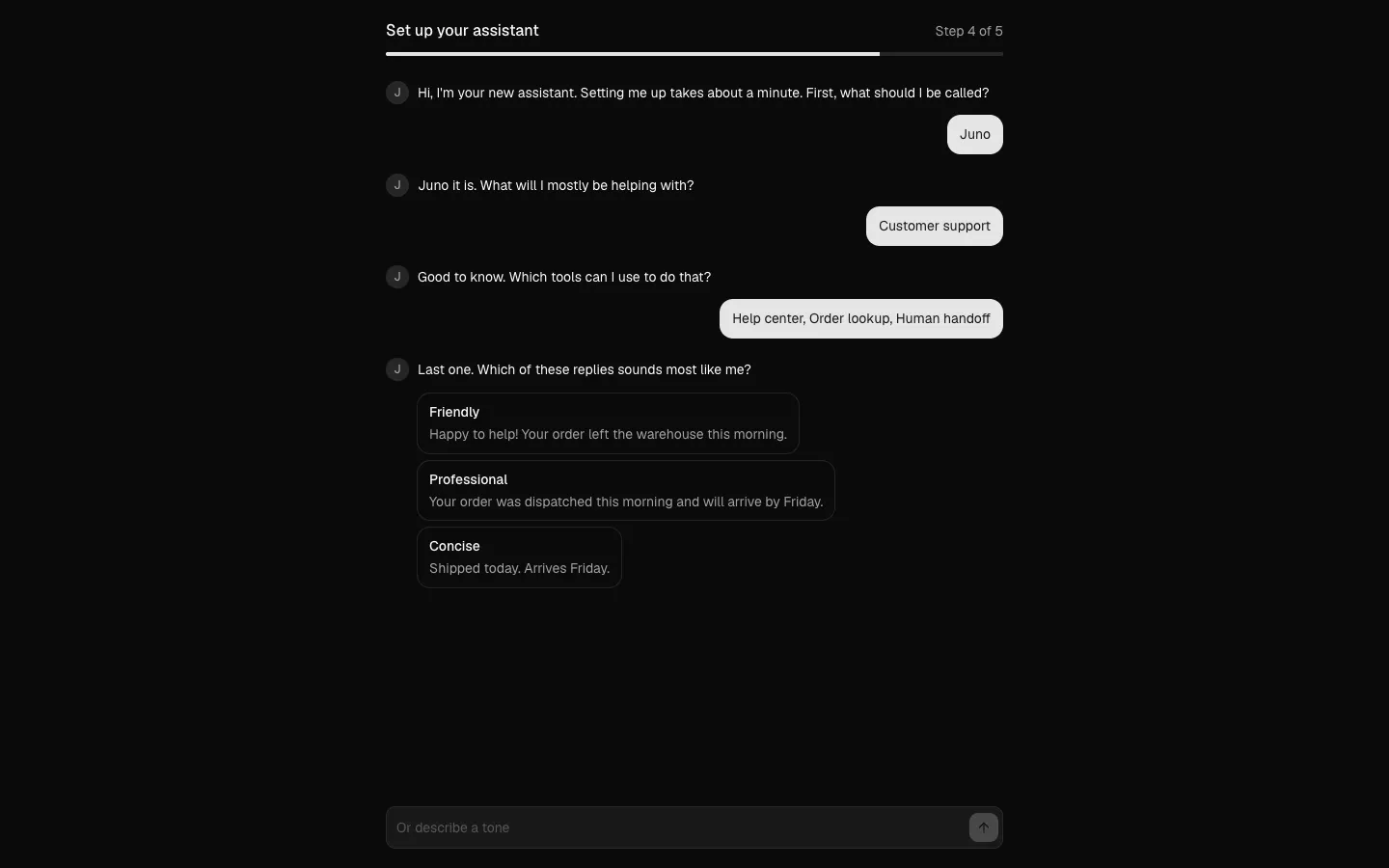
Assistant Onboarding 1
Chat-style setup for an AI assistant
Pro
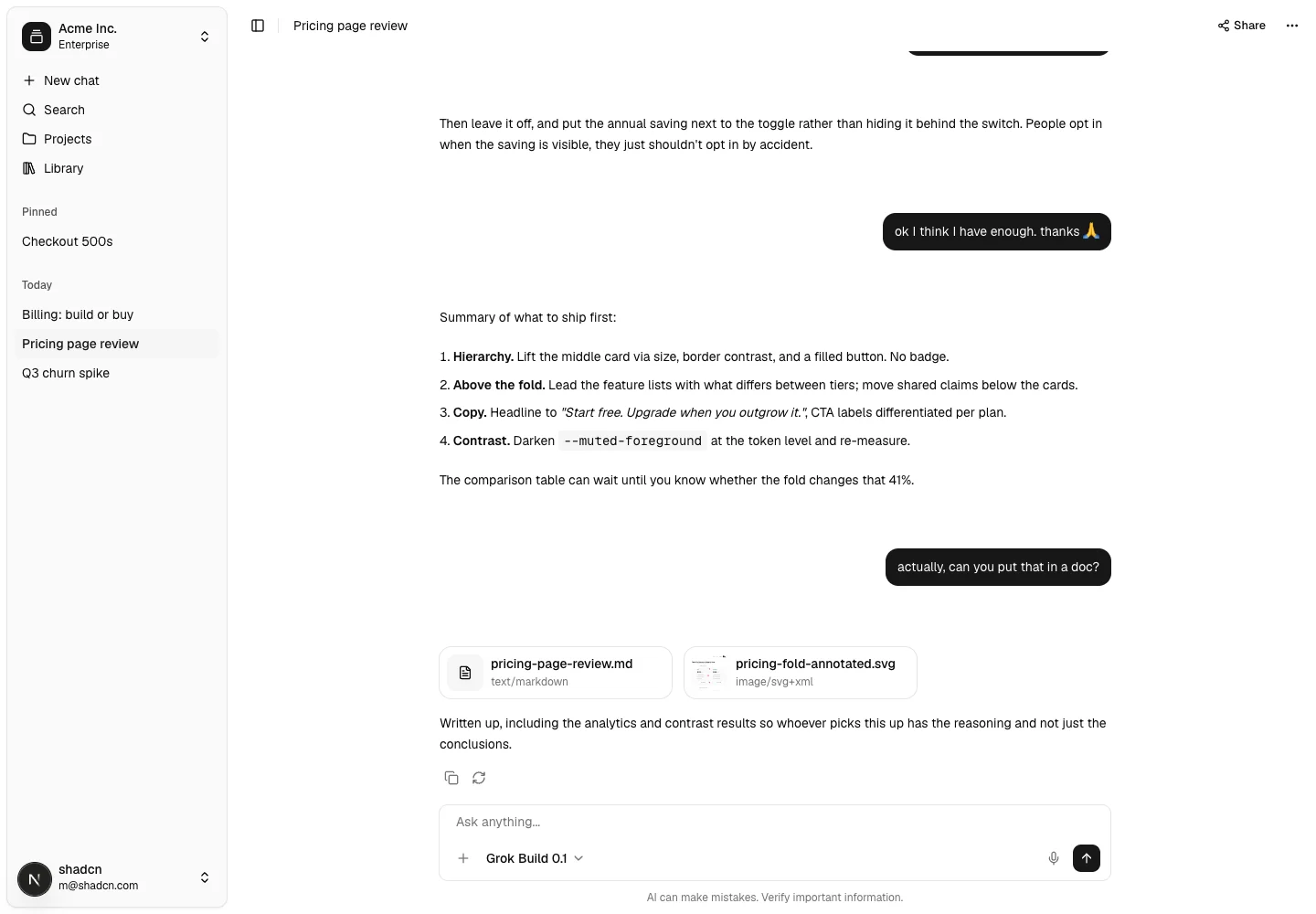
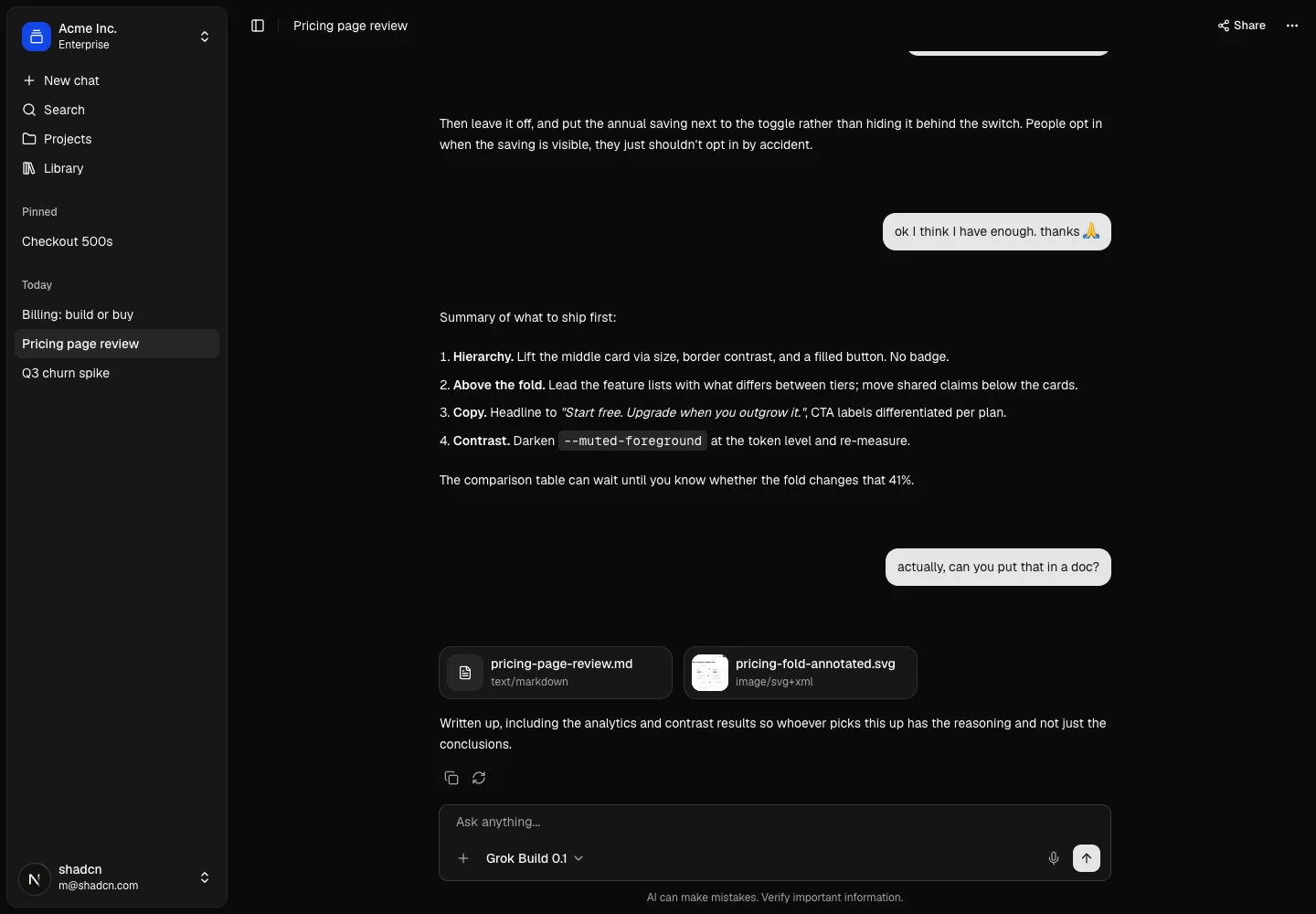
AI Chat 1
Complete chat application
Pro
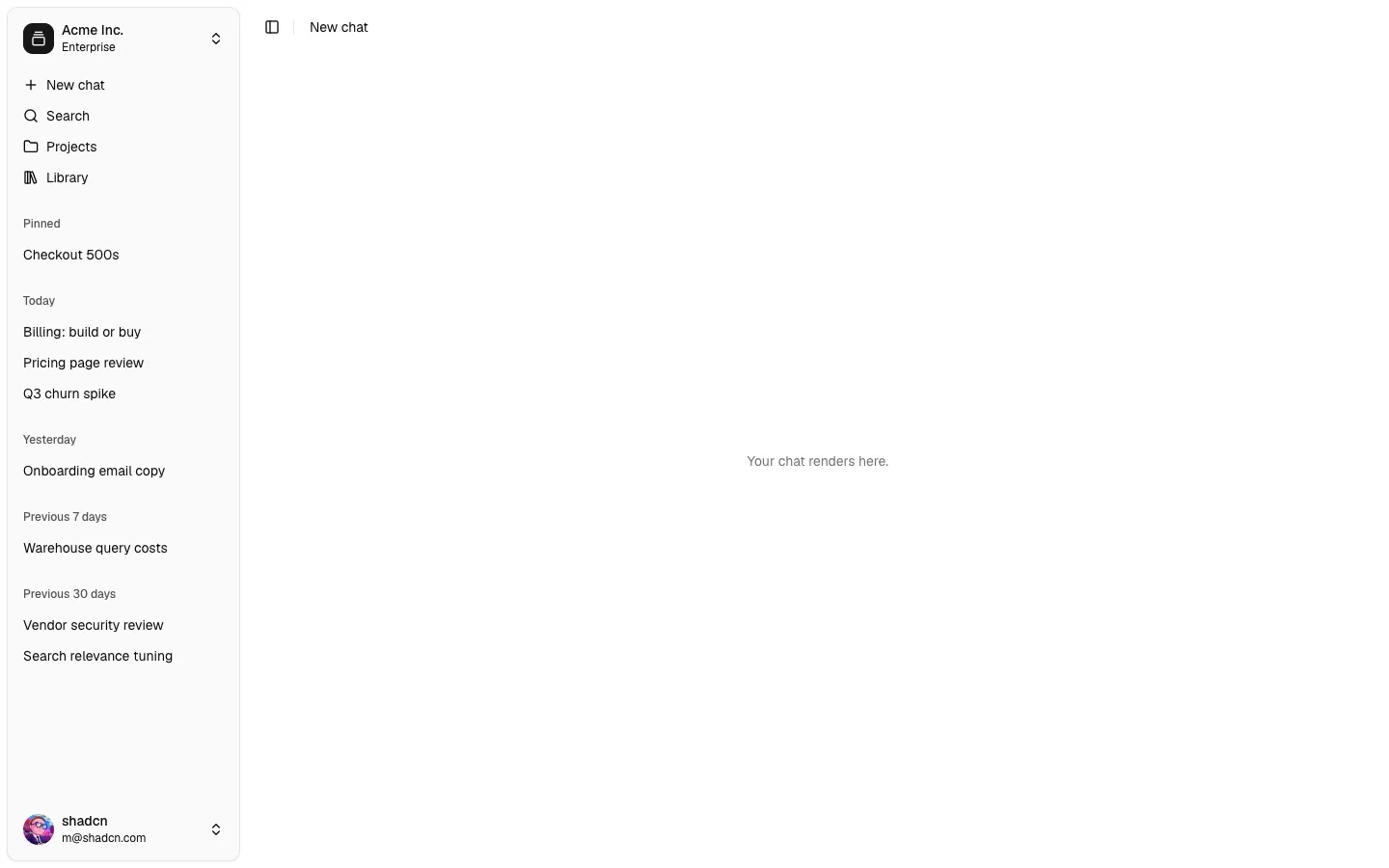
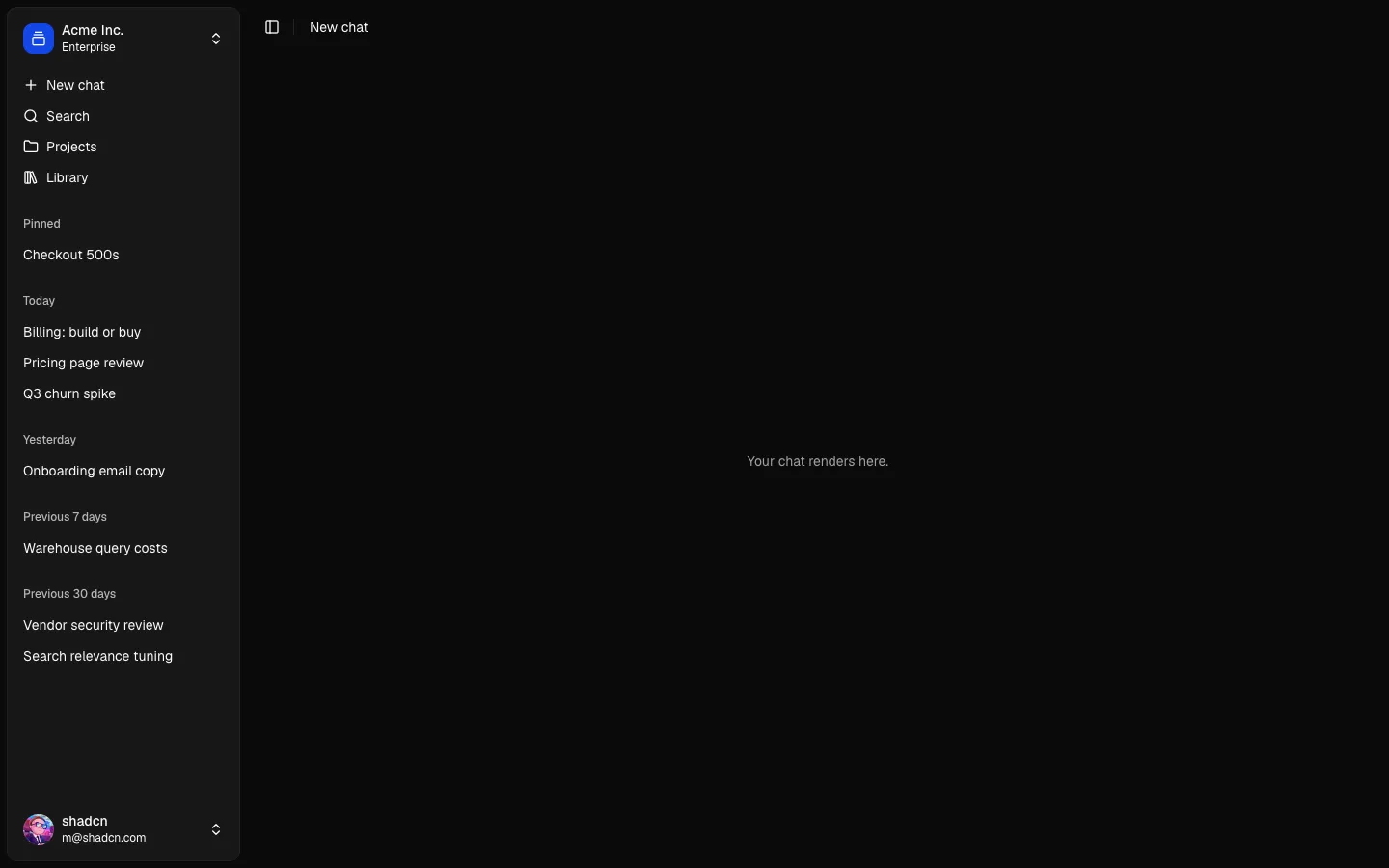
Chat Shell 1
Thread sidebar with pin, rename, share and delete
Pro
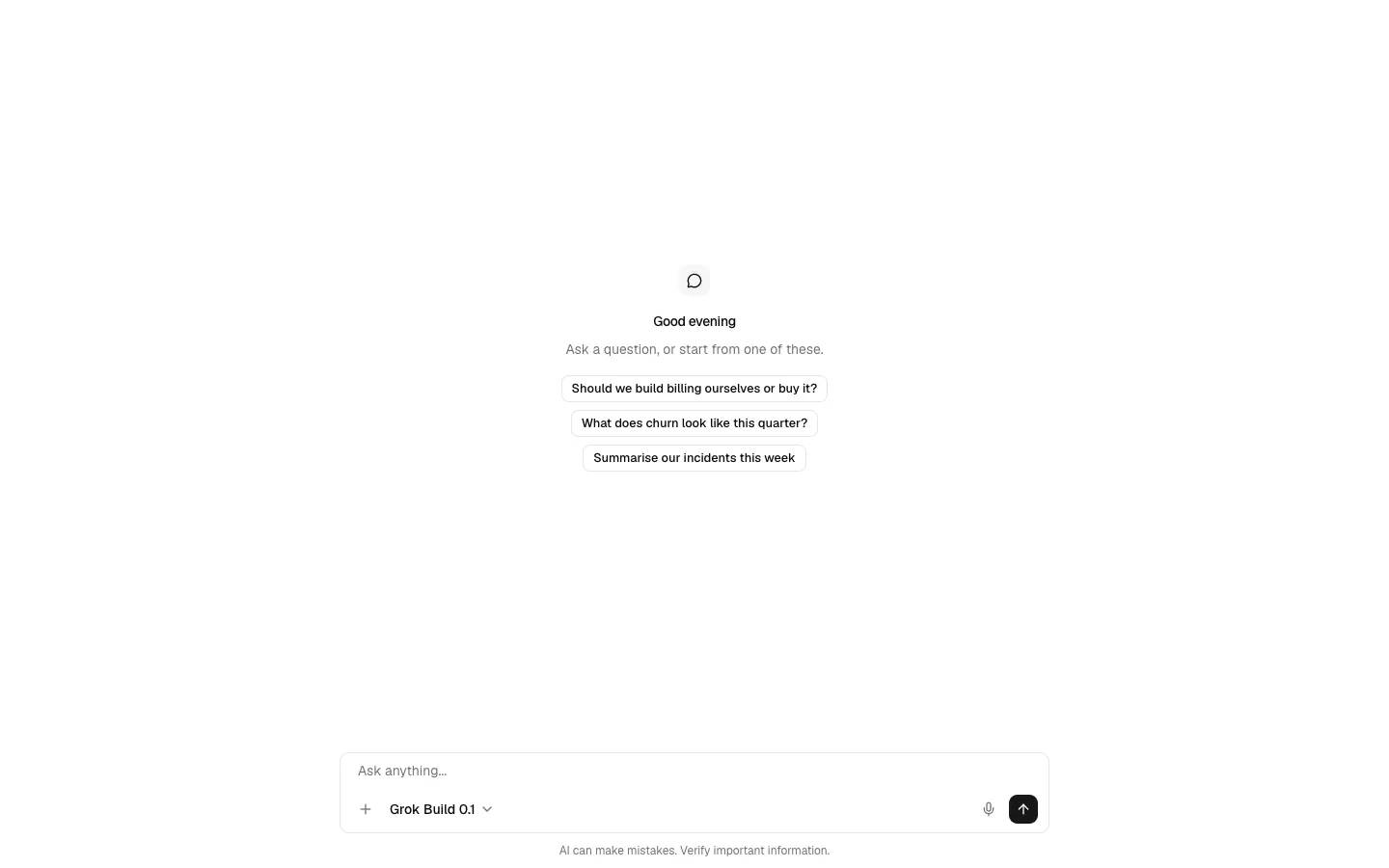
Chat 1
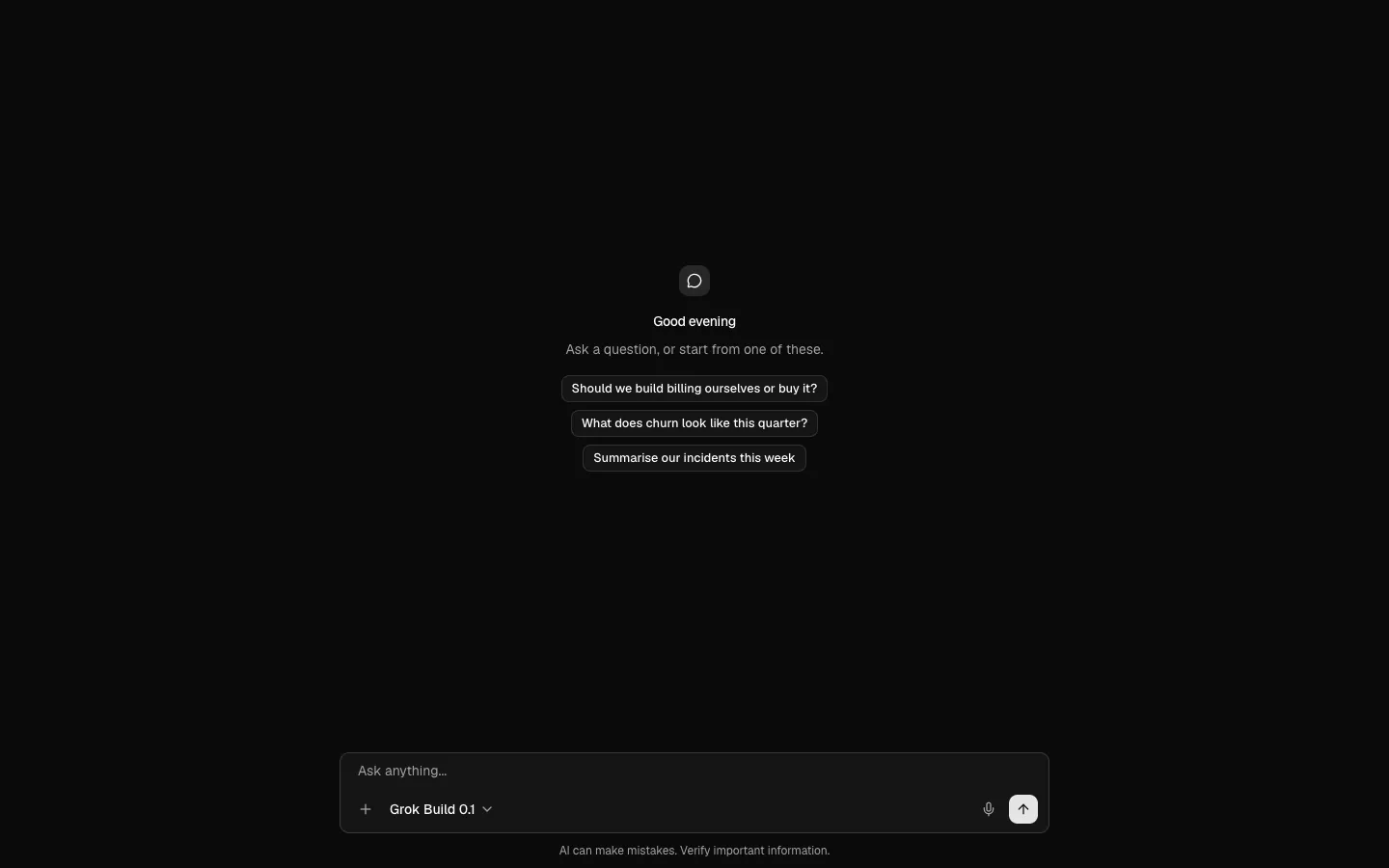
A conversation wired to the AI SDK
Pro
Composer 1
Prompt input with attachments, model and dictation


Pro
Share Dialog 1
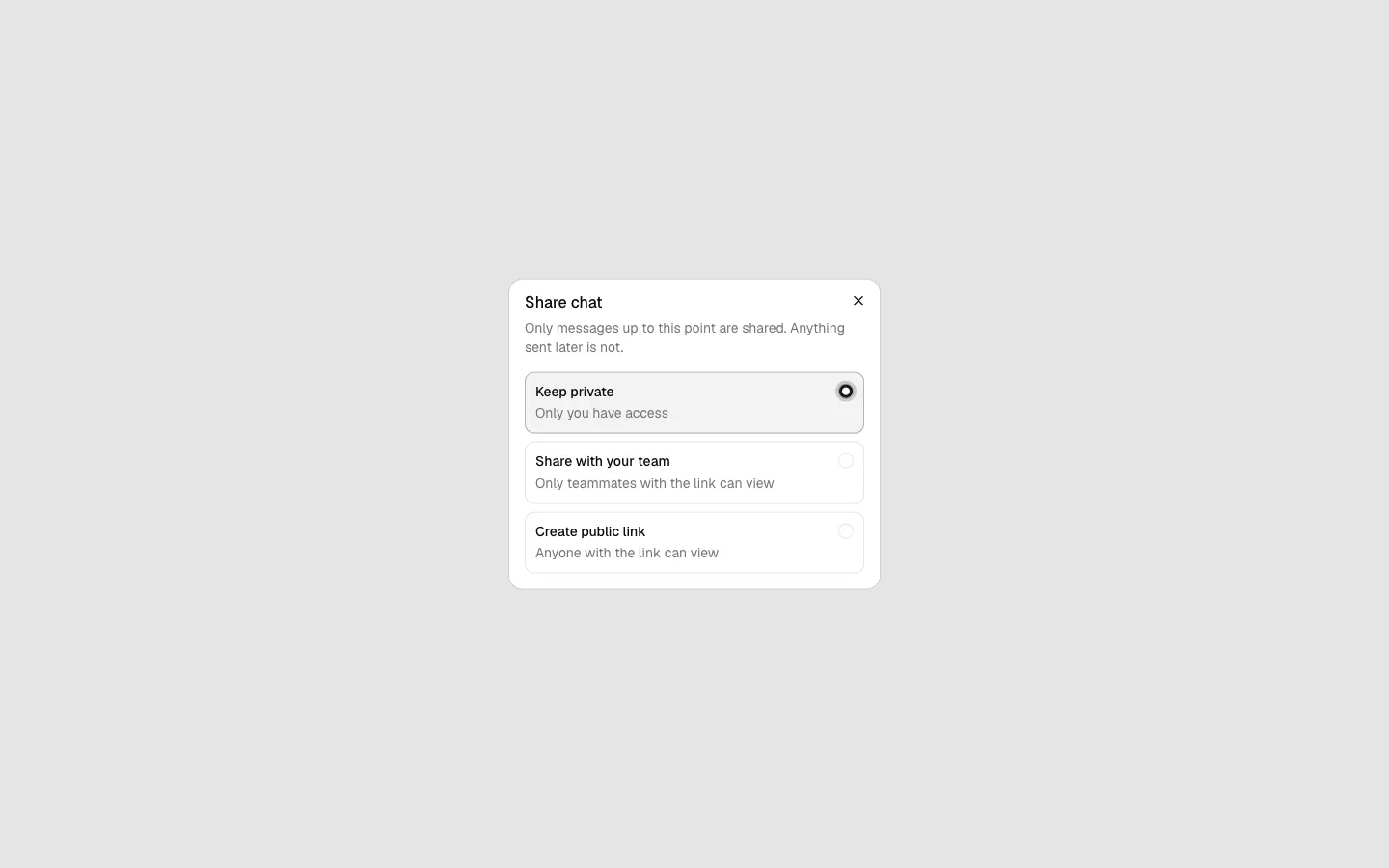
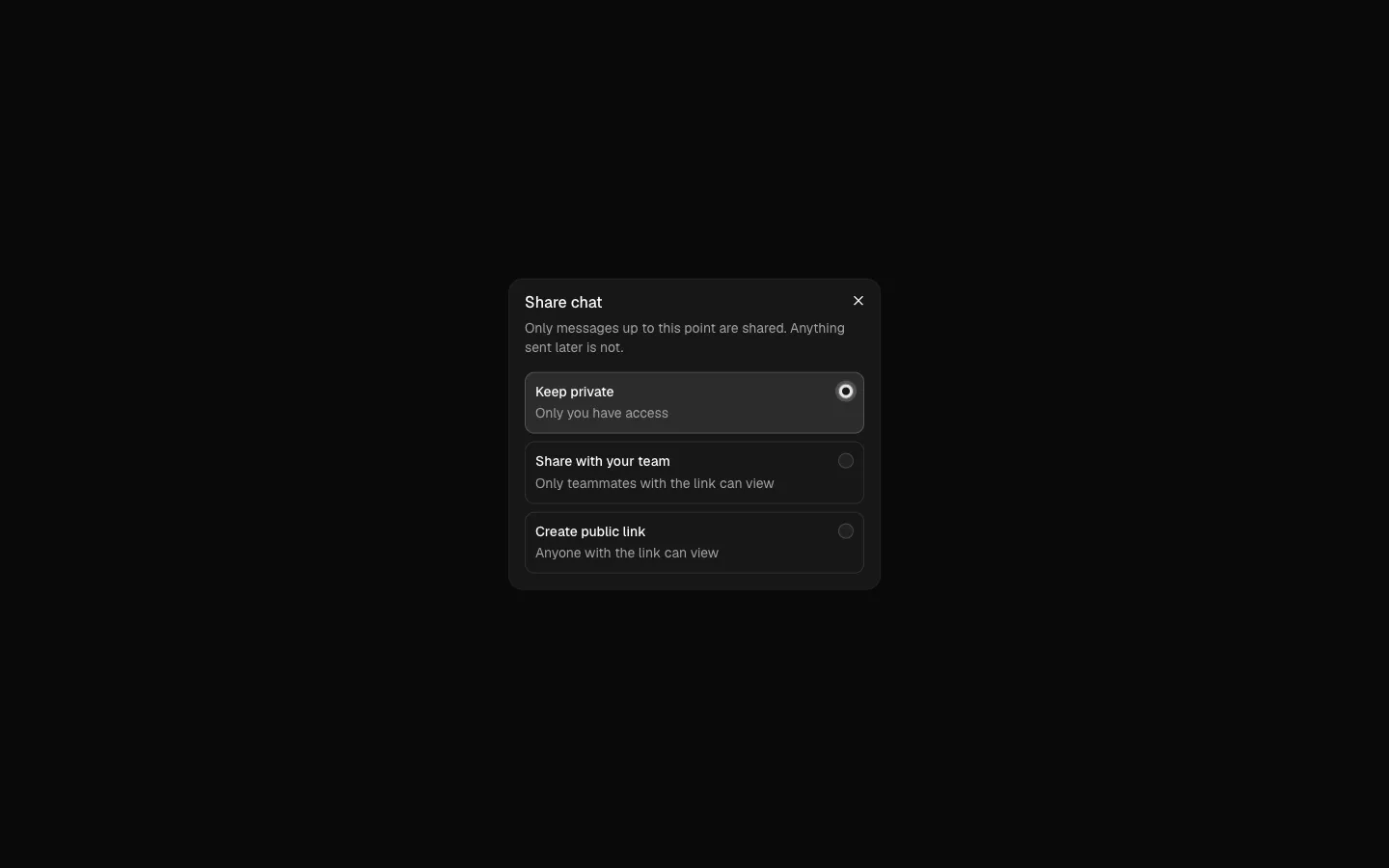
Scoped link for a conversation
Pro
Assistant Panel 1
Chat docked beside your app