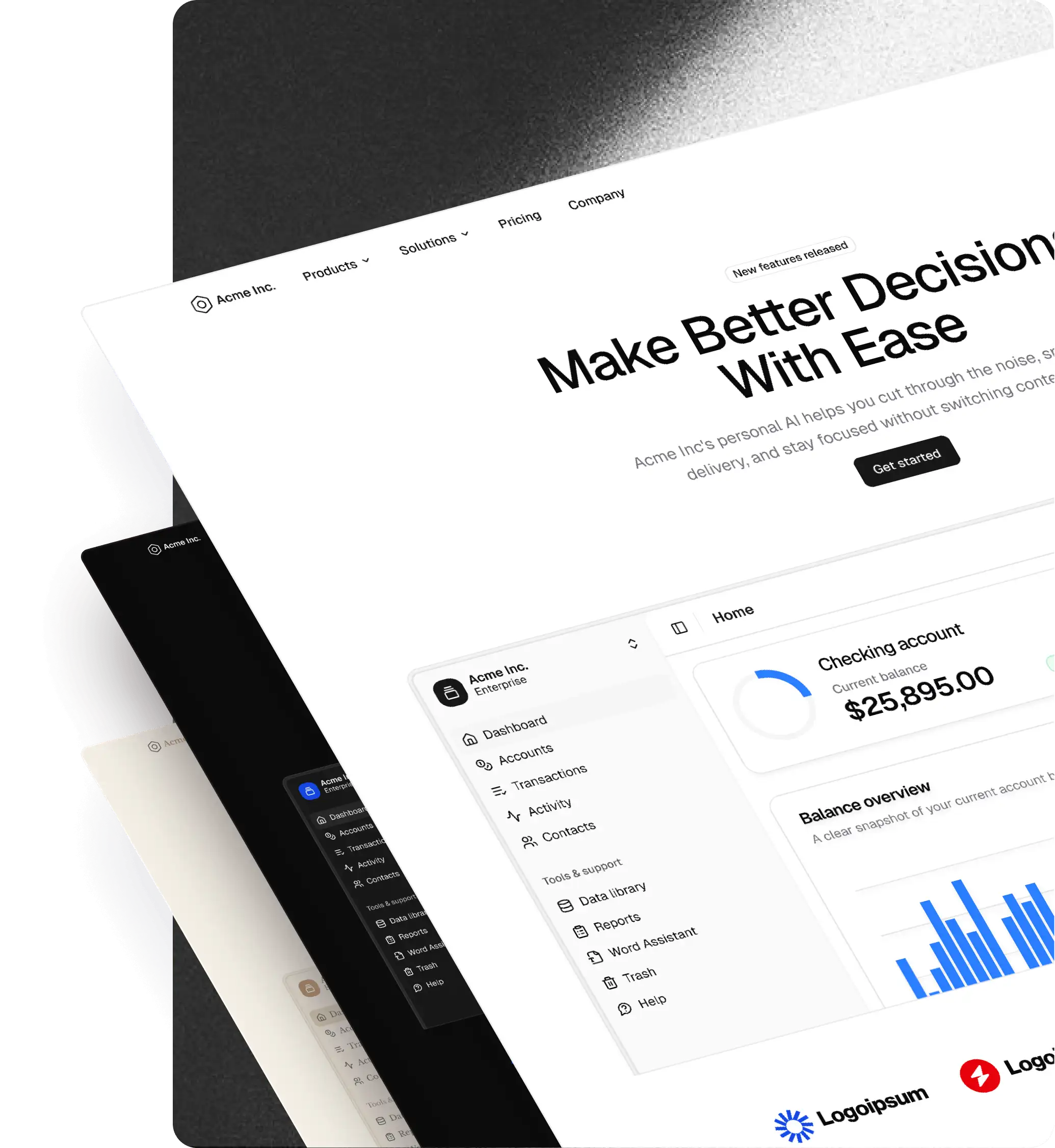
Create v2: build visually with shadcn/ui
Create v2 adds an editable canvas, custom blocks, responsive frames, and React code and AI-prompt exports to the existing preset customizer.
Create v2 expands the existing preset customizer into a visual builder for pages made with real shadcn/ui components and shadcncraft blocks. The theme and preset controls remain, with a new editable canvas for building around them.
Build and customize
- Start with a blank canvas, a marketing page, or a dashboard starter. Dashboard starters include Sales overview, Deals, and Campaigns with app navigation.
- Browse and search blocks and components in the Library, including a Free category.
- Customize Pro blocks on the canvas. Edit text, replace images, and adjust the appearance of individual elements.
- Compose custom blocks from shadcn components, text, images, and frames.
- Arrange content with stacks and grids, including alignment, wrapping, gaps, and padding. Control sizing, minimum and maximum dimensions, fills, borders, and radius from the right panel.
Preview and organize
- Add linked desktop, tablet, and mobile views and adjust responsive properties.
- Open Preview to interact with the page outside the editing controls.
- Organize designs into apps and pages. Duplicate or archive apps from the app menu.
- Apply colors, fonts, icons, radius, and shadcn styles across the canvas, or import an existing preset.
- Save a selected block or group with Save to My blocks, then reuse it from Library → Blocks → My blocks. This feature requires Pro.
Export
- Choose AI prompt for a design specification and project setup instructions, or Code to inspect, copy, and download source files.
- Export all pages, the current page, or a selected layer.
- Configure a new or existing project, framework, and package manager.
- Include uploaded images in the downloaded export.
The editor is free to use. Exporting designs containing Pro items requires a React license; designs made entirely with free items do not. Apps, saved blocks, and uploaded images are stored locally in your browser.