Build pages from JSON with every shadcncraft Pro block

Every shadcncraft Pro block now works with JSON Render. Install @shadcncraft/json-render-pro, and an agent, or your app's own AI feature, can build a page as JSON from all 558 Pro blocks. Your app renders the same blocks a registry install gives you.
Your agent writes the page, not the code
You already get these blocks from the registry, so why JSON? Because of who builds the page.
When you install a block from the registry, its source is copied into your project, and your agent works with all of it. Hero 5 alone adds over 800 lines of component code across six files. To put your copy in, the agent reads and edits JSX.
With JSON Render, the block code stays in a package. The agent only writes the content. The same Hero 5 page is 29 lines of JSON.
That changes a few things:
- Faster pages. The agent writes a few lines of content per block instead of component files, so there's far less to generate per page.
- Fewer tokens. The agent reads a short catalog entry instead of block source, and writes JSON instead of JSX. Less to read and write is less to pay for.
- Consistent every time. When agents write UI code, they improvise, so every page comes out a little different. With JSON, they can only use real blocks and props, so pages built on different days, by different agents, still look like one product.
- No block code in your repo. The blocks install as a versioned package. There's nothing to maintain or review in your codebase, and upgrades are one install away.
- One-line edits. Changing a heading changes one line of JSON. Nothing else on the page moves.
- Less to review. The checker catches the mechanical mistakes, so people only review design choices.
The registry is still the right choice for code you want to own and change: layout, markup, behaviour. JSON Render is for pages an agent or your app's AI builds. You can use both in one app.
What you can build
Because pages are data, a few things become easy that are hard with code:
- AI features in your product: your users describe a page, your model writes the JSON, and they get real shadcncraft blocks with their copy.
- Agent-built pages: a coding agent assembles screens from blocks you already trust, instead of writing new components.
- Pages as data: store pages in your database or CMS and render them at runtime, without a deploy.
What's in the package
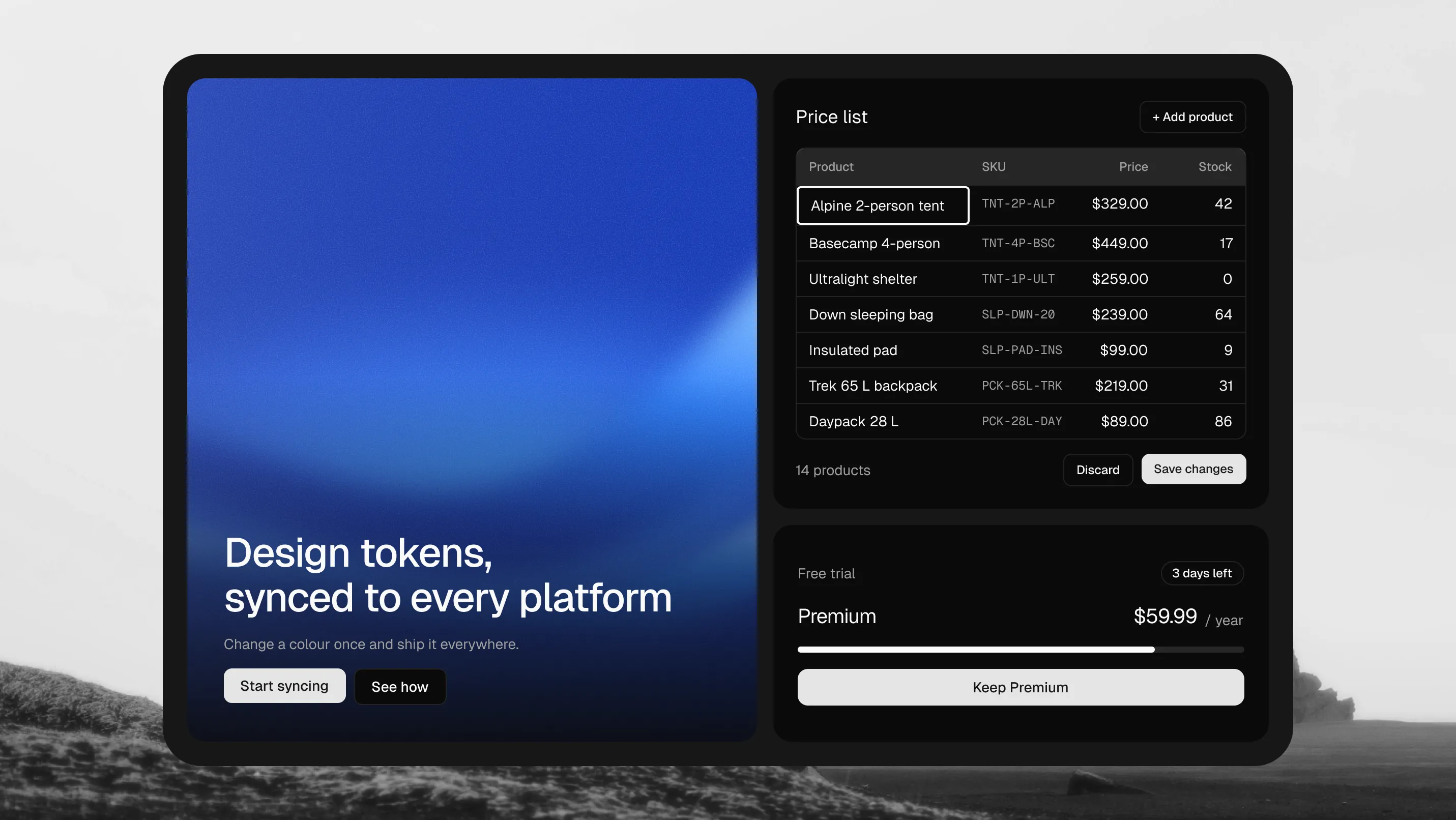
- All 558 Pro blocks, including this month's new auth, settings, onboarding, billing, forms, data grids and Gantt charts. Each block takes its real content as props, and its buttons and forms call actions in your app.
- A catalog that describes every block for agents: its props, how long its copy should be, what it's best for and which blocks it pairs with.
- A checker.
npx shadcncraft-json-render-pro check page.jsoncatches unknown blocks and props, copy that's too long, sample content that was never replaced, unbound buttons and a footer in the middle of the page, before anyone sees it. It's also available in code, so your app can check what a model wrote before rendering it. - An agent skill that teaches Claude Code, Codex and other agents how to choose blocks, compose a page and check it.
- Every style. Radix and Base UI across all eight shadcncraft styles. Each style is its own package, so you only download the one you use.
How it works
A page is a list of blocks with their content (shortened here):
{
  "root": "page",
  "elements": {
    "page": { "type": "Stack", "props": {}, "children": ["hero"] },
    "hero": {
      "type": "Hero5",
      "props": {
        "heading": "Field notes for product teams",
        "buttonLabel": "Join the list"
      },
      "children": [],
      "on": { "submit": { "action": "subscribe" } }
    }
  }
}
Your app renders it with JSON Render and handles the actions:
import "@shadcncraft/json-render-pro/base-nova/styles.css";

import { defineRegistry, JSONUIProvider, Renderer } from "@json-render/react";
import { catalog, components } from "@shadcncraft/json-render-pro/base-nova";

const { registry } = defineRegistry(catalog, { components });

<JSONUIProvider registry={registry} handlers={{ subscribe: async () => {} }}>
  <Renderer spec={spec} registry={registry} />
</JSONUIProvider>;
The blocks use your app's shadcn theme, and their styles are prefixed, so they don't clash with your own Tailwind classes.
Get started
The package installs from the shadcncraft npm registry with your license key. Add the registry to your .npmrc, set SHADCNCRAFT_LICENSE_KEY and install your style. The installation guide covers npm, pnpm and Yarn, and the getting started guide walks through your first page. For an overview, see shadcncraft for JSON Render.
JSON Render support is included with Pro React and Pro Figma + React. The Free blocks are available too, in @shadcncraft/json-render on public npm.